Press Esc, type :wq, and press Enter. Vim writes the file and closes the current editing window. Use :q! when you want to discard unsaved edits.
| What you want to do | Vim command | What happens to the file | What happens to Vim |
|---|---|---|---|
| Save and exit | :wq + Enter | Writes the file | Closes the current window |
| Save and keep editing | :w + Enter | Writes the file | Stays open |
| Exit, saving only if modified | :x + Enter | Writes if changed | Closes the current window |
| Use a keyboard shortcut to save and exit | ZZ | Writes if changed | Closes the current window |
| Quit an unmodified buffer | :q + Enter | No write | Closes. Shows E37 if changes are unsaved |
| Discard edits and exit | :q! + Enter or ZQ | Unsaved edits are lost | Closes the current window |
| Save modified buffers and quit all windows | :wqa + Enter | Writes modified buffers | Exits if writes succeed |
| Quit all windows without saving | :qa! + Enter | Unsaved changes are lost | Exits the session |
Commands that start with : go in from Normal mode and run when you press Enter. ZZ and ZQ are uppercase Normal-mode keystrokes, so they need no colon and no Enter.
How to save and exit Vim right now
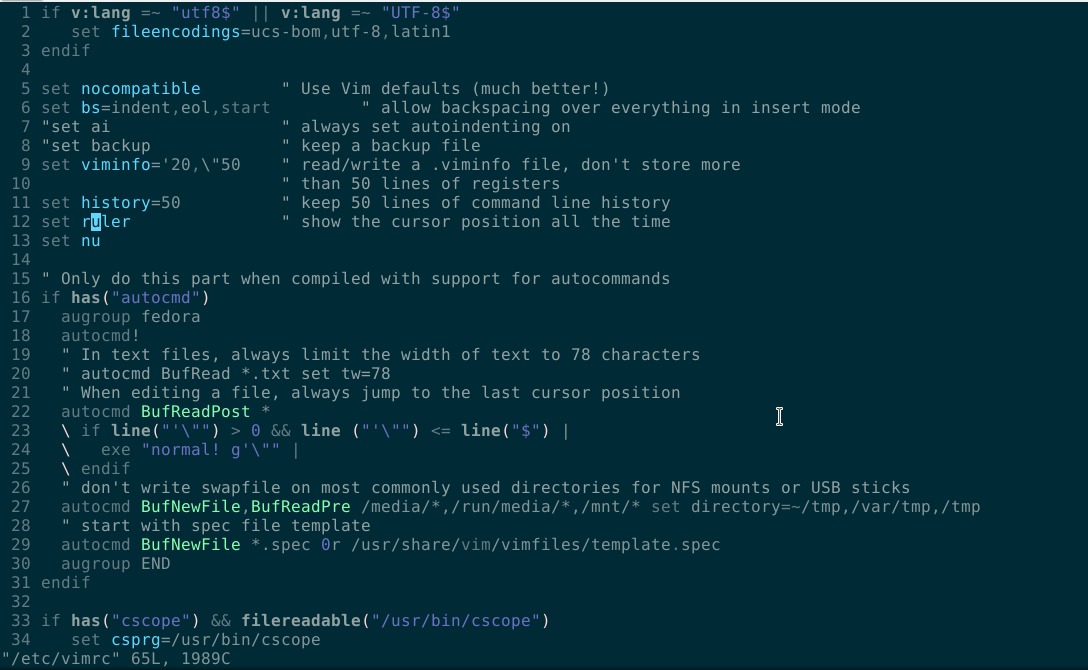
To keep your changes, follow three steps.
- Press
Esc. This leaves Insert mode, where keystrokes become text, and puts you in Normal mode. Pressing it again does no harm if you're already there. - Type
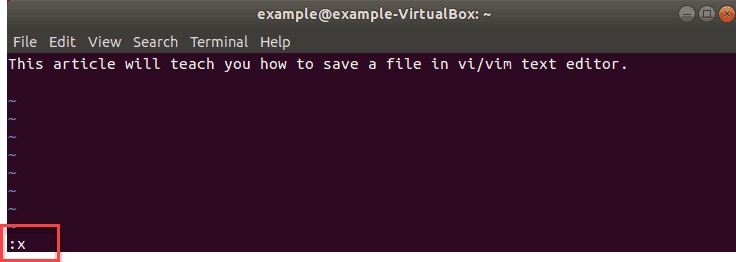
:wq. The colon opens Vim's command line at the bottom of the window.wqtells Vim to write the file and quit the window. - Press
Enter. The file is written and the window closes.
In a normal single-window session, you return to the shell prompt. If other windows are open, they stay open.
These steps work when the buffer has a filename and your account can write to its destination.
After you leave Vim, open the file and look for the text you changed. Programs that read the file later, such as one that loads a configuration file, see only what's on disk, not what sat in Vim's buffer.
When to use :w, :wq, :x, and ZZ
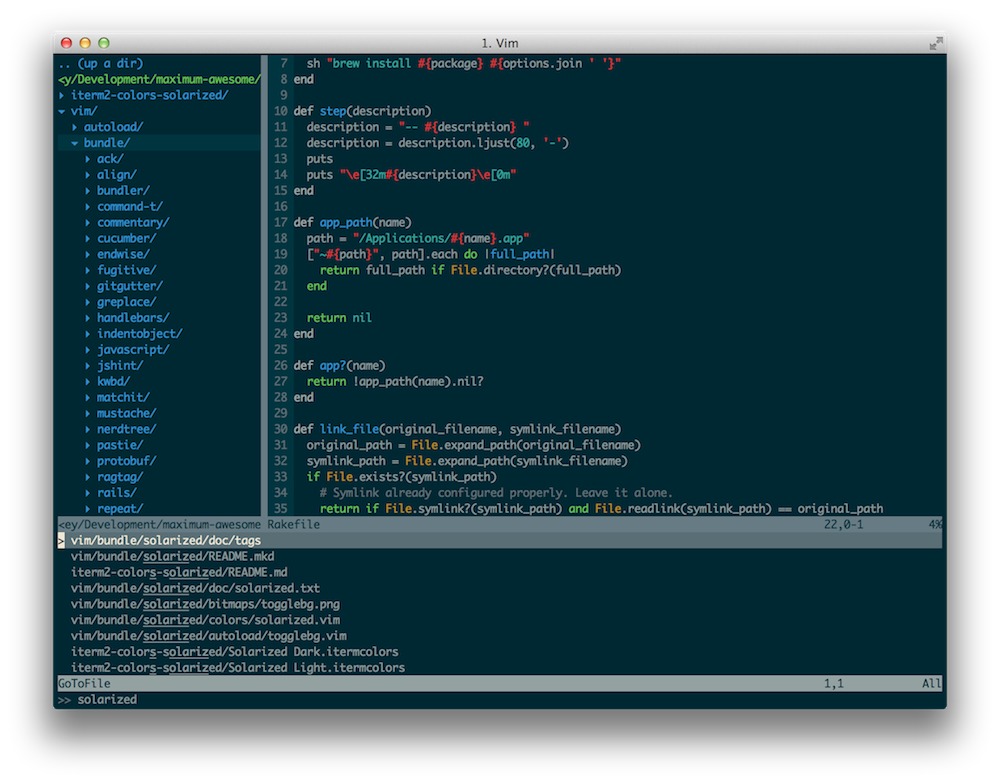
Use :w to save and keep editing. It writes the current buffer to its file and leaves the window open.
:wq always writes, even when nothing changed. :x and ZZ write only if something did.
On Vim 9.1 (Debian), :wq changed an unchanged file's modification timestamp. :x didn't.
The Vim reference manual documents these differences. It also lists :exit as an alternative that behaves like :x. The colon matters: :exit runs inside Vim, while exit at a shell prompt belongs to the shell.
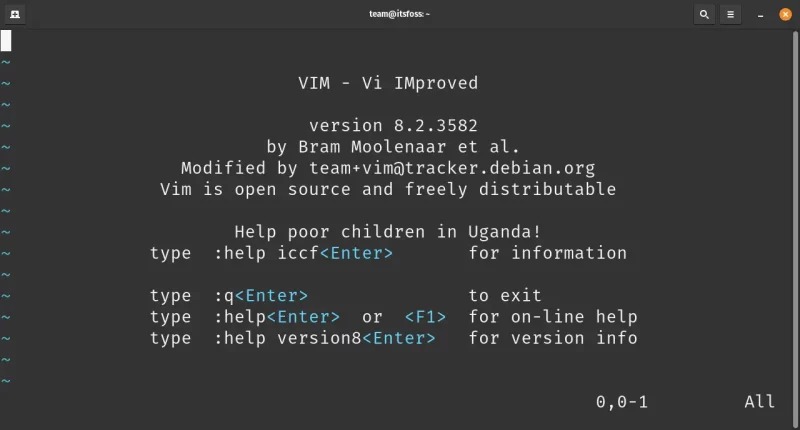
Write a second file without renaming the original
You can save the current buffer under a different filename:
:w notes-copy.txtThis writes the buffer to notes-copy.txt and keeps you in Vim. The original file isn't deleted or moved.
Quit Vim without saving or when E37 blocks :q
Say you opened a file to read it, changed a line by accident, and want the original left alone.
:q closes the window if nothing is unsaved. Otherwise Vim shows:
E37: No write since last changeThe warning protects changes that are held in the buffer and haven't been written to the file.
To discard them, :q! closes the current window and skips the unsaved-change check. It throws away everything unsaved in that buffer. ZQ does the same.
E37 also appears when you switch files with a command such as :e anotherfile. Vim protects the changes in the current buffer first.
What to do when Vim cannot write the file
| What Vim reports | What it indicates | What to do |
|---|---|---|
E212: Can't open file for writing | Vim can't open the destination for writing | Check the path and the directory's write permission. |
| Read-only warning | Vim or the filesystem blocks writing to the file | Check read-only status and file permissions. |
| No filename / unnamed buffer | The buffer has no filename to write to | Give the buffer a filename. |
The ! modifier changes how Vim handles some refusals, but it doesn't give your account permissions the filesystem denies.
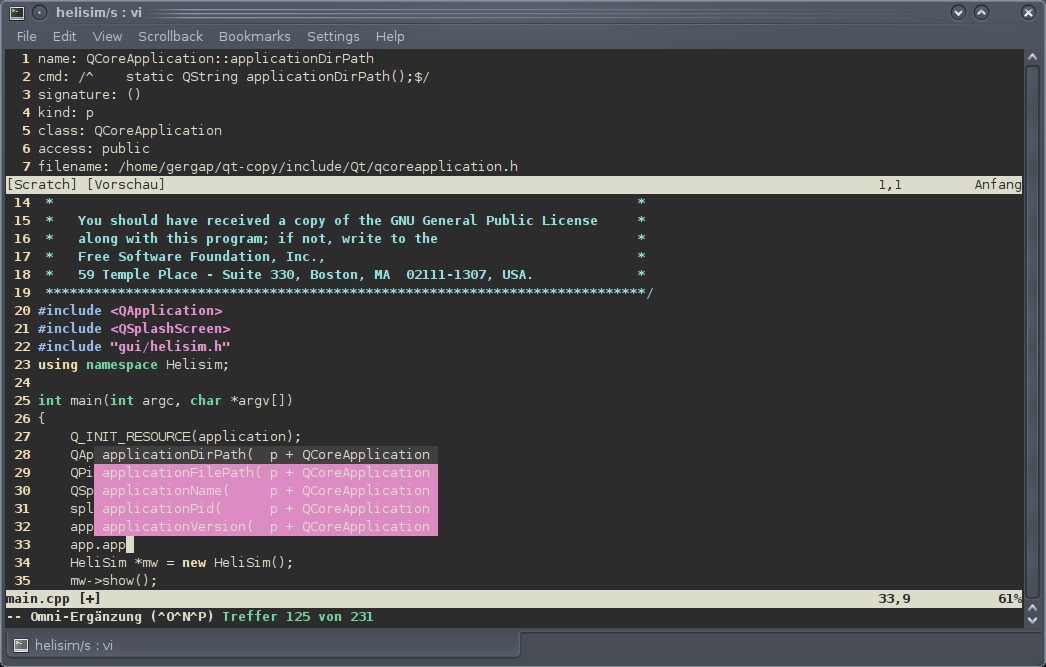
If a write fails, keep the buffer open while you sort it out. If you can't write to the original location, save the buffer under a new filename somewhere you can.
In a July 22, 2020 post on r/vim, a Windows user practicing with vimtutor under C:\Program Files (x86)\Vim\vim82\vimtutor couldn't get Vim to write a file. The user wrote, “… and won't write to the new file. What am I doing wrong?”
Close one Vim window or quit every open file
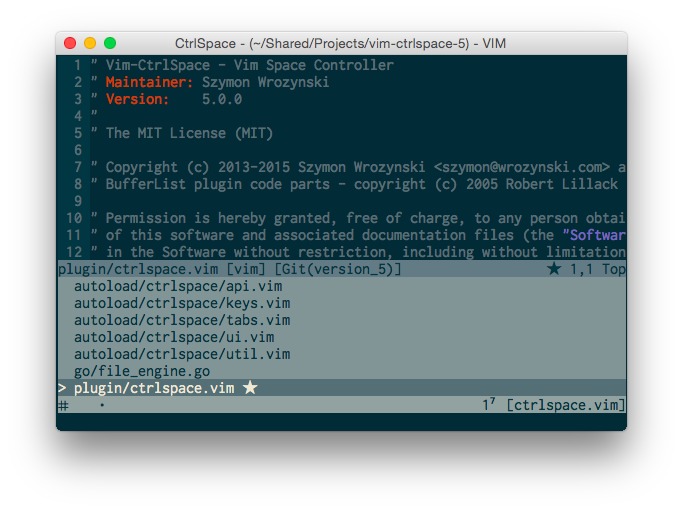
A Vim window is a view of a buffer, and one session can hold several windows. :qa quits all windows but refuses when a modified buffer would be lost. Options such as autowriteall change that. :wqa or :xa writes modified buffers before exiting, and an unnamed or unwritable buffer stops it. :qa! also drops changes in buffers you can't see, so use it only when you mean to abandon everything unsaved.
When Git opens Vim for a commit message
Git launches Vim to collect a commit message when a command needs one.
A TestMu AI Community post (July 9, 2025) asks: “What’s the correct way to save the message and exit Vim so the commit can go through?”
Write your message, then save with :wq. Vim hands control back to Git, which processes the message. Don't use :q! as a Git cancel command. In the usual commit flow, Git aborts the commit when the message is empty.
Git uses the editor set in core.editor, so it isn't always Vim. The Git configuration documentation covers how Git selects an editor.
After the editor closes, read Git's output. A clean editor exit doesn't mean Git recorded a commit.
