Start with what failed and its last known good result: a down site points to the service and its logs, a missed job to cron or the systemd timer, a slow server to CPU, memory, disk and inodes, and an unrestored backup to a test restore. Then follow the matching guide and verify the result. If data integrity is threatened or you suspect a compromise, switch to recovery or incident response.
A server can accept your SSH login while its website is down, its nightly database backup has stopped, or its latest archive won't restore the application. Each problem leaves different evidence.
Start with the outcome that failed
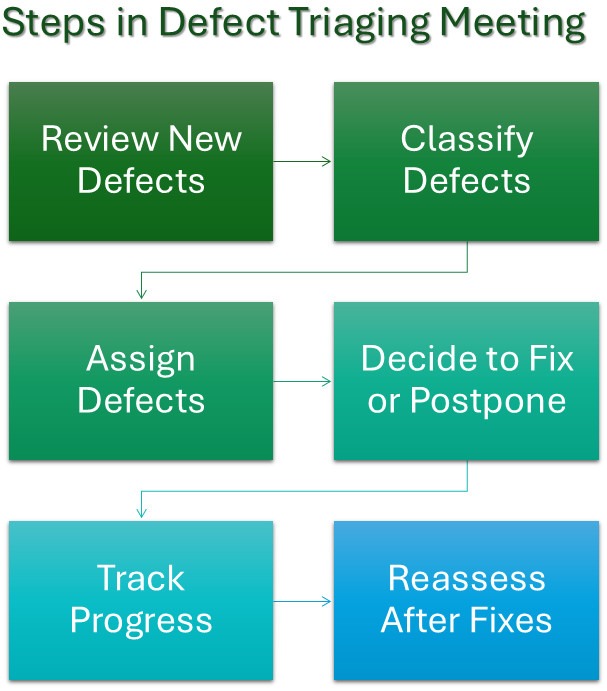
Describe the symptom you see, then check the evidence in the matching row.
| What you see | What to check first | What a good result looks like | Where to go next |
|---|---|---|---|
| Website or daemon stops responding | State of the responsible service, plus recent application or unit logs | The service answers at its normal endpoint | Service-state guide or log-inspection guide |
| Scheduled task leaves no result | Scheduler, last run, recorded completion | The task finished and produced its result | Cron troubleshooting. See timer behavior below if you use systemd |
| Server slows down or runs low on storage | CPU, memory, disk, or inode readings compared with a working baseline | The resource returns to normal and the workload behaves as expected | Monitoring guidance or disk-usage investigation |
| Backup reports success but recovery is untested | Backup scope, stored artifacts, latest restore record | Required data and application behavior come back in a controlled test | Backup and recovery guide |
| No immediate failure. Routine upkeep is due | Recent service checks, job outcomes, alerts, and recovery records | Each important check has a status and an owner | Use the operations review below. See server administration for other tasks |
Inspect service state and the logs that belong to it
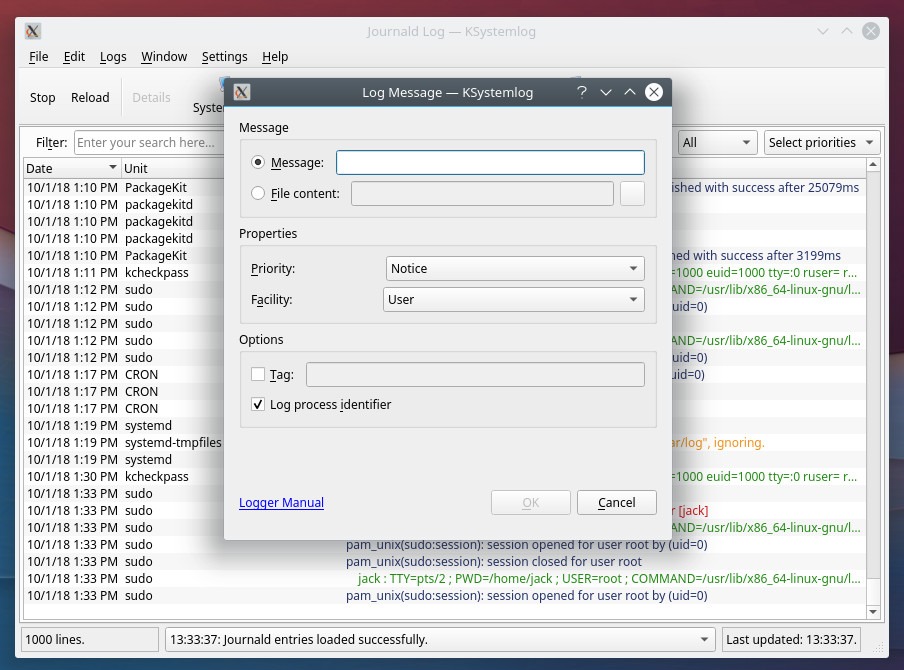
On a systemd host, systemctl --failed identifies failed units. Inspect the responsible unit's state using the systemctl documentation. Filter its recent records with journalctl by unit and time, or by boot or priority, as described in the journalctl manual. Journal history is volatile or persistent depending on configuration, and Linux systems without systemd use other service and logging tools. Compare the logged events with how the service actually responds, then follow the service-state or log-inspection guide for detailed diagnosis.
Check whether cron and timers completed their work
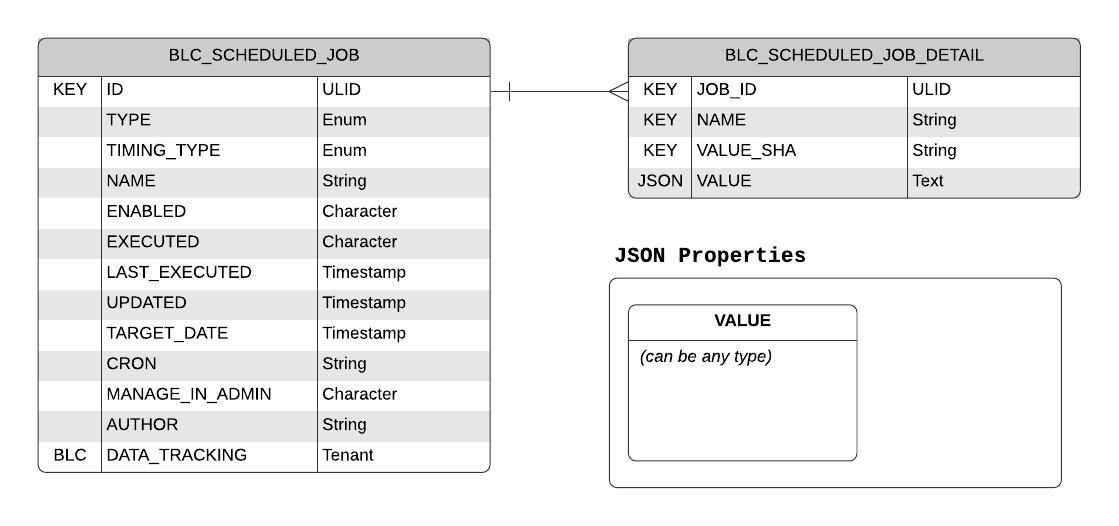
A schedule says when work should start. It doesn't show that the work finished, so the result needs its own evidence. Traditional cron uses five scheduling fields: minute, hour, day of month, month, and day of week. The command it launches runs in an environment that can differ from your interactive shell, which is why a script that works at the terminal can behave differently unattended. The execution user, available commands, environment variables, and paths all affect the result.
An operator discussing MongoDB and MySQL backup jobs on r/selfhosted on January 1, 2026, put it plainly: "if something fails, it often fails silently, and setting up proper alerting is a bit painful."
For an important job, track three separate pieces of evidence:
- Intended execution: when the scheduler was supposed to invoke the task.
- Confirmed completion: the latest recorded success, with an outcome or completion signal suited to the job.
- Expected output: the file, updated data, or other effect the task should produce.
Prometheus instrumentation guidance for batch work uses observations such as the last successful execution and job duration. They show how recently the job completed and how long it ran. The expected output shows what the task produced.
Cron and systemd timers have different scheduling behavior
Systemd calendar timers use OnCalendar= to specify scheduled activations. Persistent= can account for missed activations of calendar timers under the conditions in the systemd timer documentation. It doesn't guarantee that every missed run is replayed, or that the service it starts finishes successfully. Because cron and systemd timers differ, troubleshoot the scheduler you actually use.
For a missed job, the crontab troubleshooting guide covers scheduling and execution-environment details. If WordPress scheduling manages the task, use the separate WordPress cron guide.
Choose monitoring signals you can respond to
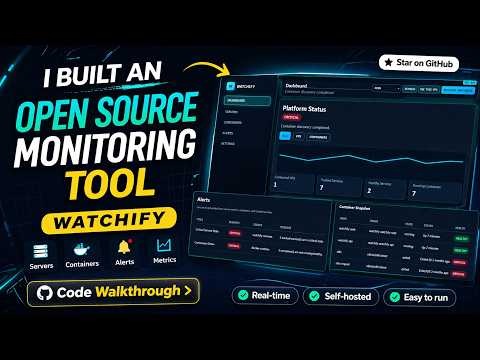
Useful monitoring connects an observed failure to someone who can act on it. A website availability check, a critical batch-job completion signal, and a storage-capacity measurement answer different questions. On a small VPS, a handful of checks can cover the public service, the important scheduled jobs, and the resources that can interrupt them. A larger collection of hosts, services, VMs, or containers can justify centralized measurements and a shared response process. Choose the scale based on what a missed failure costs, how much work the checks take to maintain, and who is available to respond.
An alert needs a recognizable next action
An administrator on r/sysadmin in October 2025, discussing monitoring for multiple clients, wrote that "every 'single pane of glass' ends up just being another dashboard."
Pick the one condition that matters most and decide how it will be handled. A useful alert definition names the condition that needs attention, such as a critical batch job missing its expected completion, and the measurement, record, or check that identifies it. It also names who decides what happens next, whether a person or a provider, and which investigation or recovery procedure they follow. For a missed backup job, the notification should point toward the job's outcome evidence. Another generic host-health notification adds little to that investigation.
Match instrumentation to the job
In the Prometheus model, the Pushgateway suits certain service-level batch jobs whose identity isn't tied to any particular machine. For jobs tied to a specific host, Prometheus points to the Node Exporter textfile collector. Prometheus also notes stale-series and lifecycle concerns with Pushgateway. The server monitoring guide covers the configuration decisions.
Test whether the backup can restore what matters
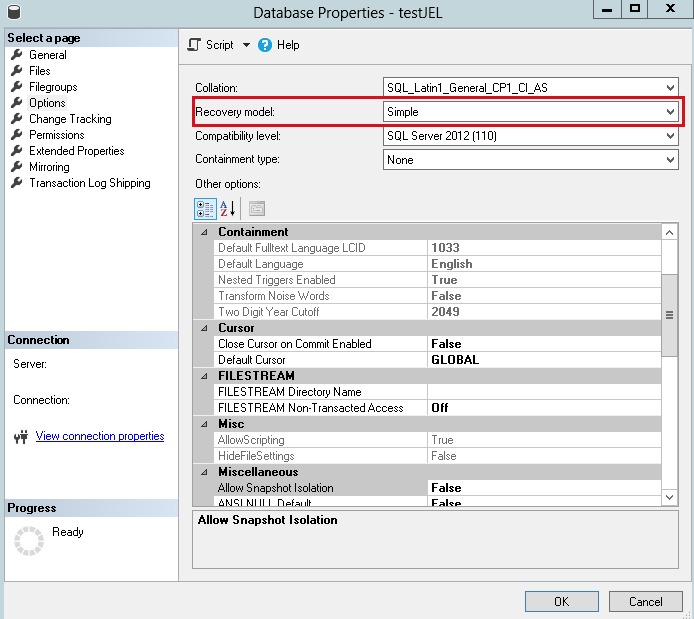
A successful backup job is a useful record, but confidence comes from showing that the required data and application can be restored.
An r/selfhosted participant with nightly backups asked in June 2025: "My backups say they work. But when's the last time you actually tried restoring one?"
| Evidence available | What it shows | What's still unproven |
|---|---|---|
| Backup schedule configured | A backup is intended to run | Whether it ran |
| Job reports success | The backup process reported completion | Whether all required material was saved and is usable |
| Backup artifacts exist | Specific saved files or database exports are present | Whether they can be restored into the required service |
| Controlled restoration succeeds | Required data and application behavior worked in a particular recovery test | Whether future recovery conditions and later system changes remain covered |
A backup of website files can preserve uploads and application code. If the application uses a database, its database state is part of what you need back. WordPress is one example: a working site needs files, uploads, and database contents recovered together, and configuration, permissions, and protected access information also affect whether the restored service runs correctly. The WordPress backup guide covers that scope.
Define what successful recovery means
Before you treat a backup as sufficient, list what the service needs back: the files, database contents, configuration, and access information. Decide which saved state meets your recovery point, and which data and application functions must work in the restored environment for the test to count as a pass.
Ubuntu's backup planning guidance covers backup scope, frequency, storage location, and recovery planning.
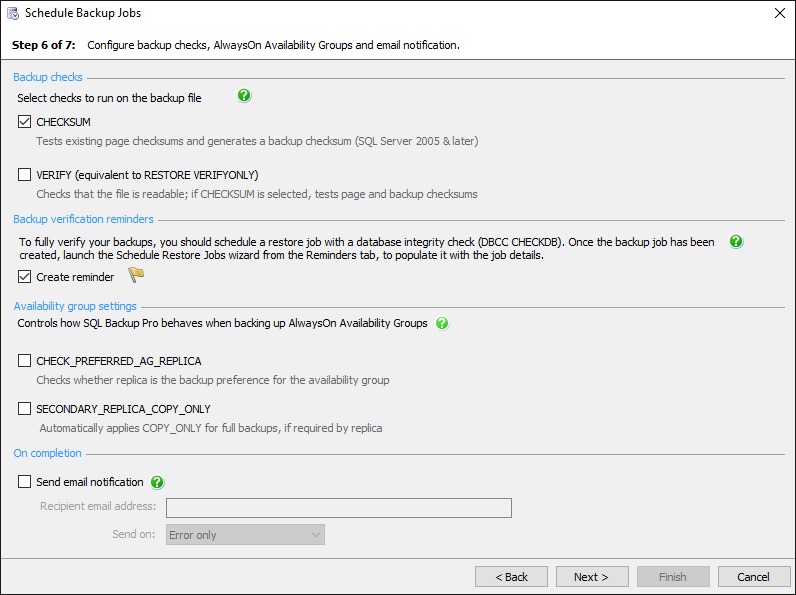
Run a controlled restore in a nonproduction or otherwise authorized environment. Inspect the recovered material and confirm the service works at the recovery point you chose. The result covers only the scope and environment you tested. The server backup and recovery guide has the implementation detail.
Build a maintenance routine you can sustain
A recurring review works when it records service outcomes and assigns someone to follow up on missing evidence.
A participant in r/homelab, discussing monitoring for several servers, VMs, and containers in March 2026, wrote: "Maybe the right solution is piecemeal, but I figured I would ask what folks here use." A simple review like the one below is enough for a small environment.
| Check item | Result | Evidence source | Responsible owner | Review again or escalate when |
|---|---|---|---|---|
| Public service | Pass / fail / unknown | Service state and observed response | Operator or provider | At the scheduled review, or when the response check fails |
| Important scheduled job | Pass / fail / unknown | Last completion and expected result | Job owner | No successful completion is recorded within the job's allowed delay |
| Storage and resources | Pass / fail / unknown | Capacity readings compared with a working baseline | Server operator | A major resource change |
| Log availability | Pass / fail / unknown | Records cover the investigation window you need | Log or host owner | Logging configuration or retention needs change |
| Monitoring and alerts | Pass / fail / unknown | Coverage record and response route | Named responder | An alert fails or a monitored service changes |
| Backup recovery | Pass / fail / unknown | Most recent controlled restore record and covered data | Recovery owner | At the recovery review, or after a major application change |
The workload, the consequences of failure, and the hosting arrangement set review frequency and response ownership.
Mark an item "unknown" when evidence is missing, so the named owner can close the gap instead of recording a pass you can't support.
If your hosting provider controls monitoring or backups, the review covers the provider's responsibilities, the evidence it gives you, and its recovery arrangements. Without host-level access, you have different actions available than a self-managed VPS administrator does.
