Back up system files, application data, and databases, each with a method that fits it, and keep one copy and the credentials to recover it where you can reach them without the VPS. Test a clean restore on an isolated server. A provider snapshot alone works only if you have verified that it covers every disk you need, captures a consistent state, stays reachable, and meets your recovery objectives.
What must a VPS backup contain?

A VPS backup must cover the data, configuration, and dependencies you need to rebuild the service. List those assets first, and note how you will prove each one can be restored.
In a typical web application, system configuration lives under /etc, application files under /var/www, and user data under /home. Layouts differ by host and application.
If your server uses any of these, each needs its own recovery step: the database, persistent Docker storage, attached disks, scheduled jobs, deployment configuration, and access to external services.
Replace the example locations with the details of your own service, and fill in the Recovery owner, Restore destination, and Maximum data age columns. Treat an empty owner or an unverified recovery source as an open item, not as a completed backup plan.
| Asset and location | Capture or recovery source | Recovery owner | Restore destination | Maximum data age | Coverage and proof |
|---|---|---|---|---|---|
System and service configuration: /etc |
Server image or versioned files | Compare required settings | |||
Application files and uploads: /var/www or app-specific paths |
Versioned files or covered image | Open a known upload | |||
| MySQL or PostgreSQL database | Database-aware recovery point | Import and inspect known data | |||
| Docker named volume or bind mount | Persistent-data capture | Inspect restored application state | |||
| Attached block-storage volume | Separately covered storage | Check image coverage | |||
| Deployment and access dependencies: manifests, jobs, DNS and secret retrieval | Configuration backup and recovery instructions | Confirm dependent services work |

DigitalOcean documents that Droplet backups exclude attached block-storage volumes. Hetzner likewise excludes attached volumes from its Cloud server backups and snapshots.
A WordPress recovery needs the application files, uploaded images, MySQL data, and configuration, all from compatible recovery points. For a Docker deployment, pair the container image and Compose file with the persistent data they use.
Choose backup methods for the failure you need to survive
A self-hosting operator asked in an r/selfhosted discussion: “Would using a snapshot option on the VPS be enough?”
A provider snapshot can be enough for a simple workload if it covers every disk you need, captures a consistent state, restores properly, and stays reachable when the VPS is gone. DigitalOcean describes Droplet backups as crash-consistent: they capture disk state, which can include an application with writes or transactions still in progress. AWS documents similar application-consistency considerations for EBS snapshots.
| Method | Use it for | Main limitation | Independent access | Recovery proof |
|---|---|---|---|---|
| Provider snapshot or VM image | Roll back or rebuild server state | Differs by provider: which disks it covers, how consistent the capture is, and how restore works | Needs your provider account. Download limits differ by provider | Restore the image and inspect covered disks |
| Versioned Restic or Borg repository | Historical files, uploads, and configuration | Covers only the paths you select. Needs repository access and decryption credentials | Yes, if you configure it independently | Recover selected files to a separate destination |
Plain rsync copy |
Transfer or mirror selected files | No automatic version history. Deletions can propagate | Needs access to the destination and its credentials | Compare and read recovered files |
| MySQL or PostgreSQL logical export | Recover database content through an import | Engine-specific limits on global objects, consistency, and import | Yes, if you can reach the exports and have a compatible environment | Import and inspect known records |
| Docker volume archive | Recover persistent non-database container files | Covers only the mounts you include. A live database may be inconsistent | Needs access to wherever you store the archive | Restore volume content and inspect the workload |
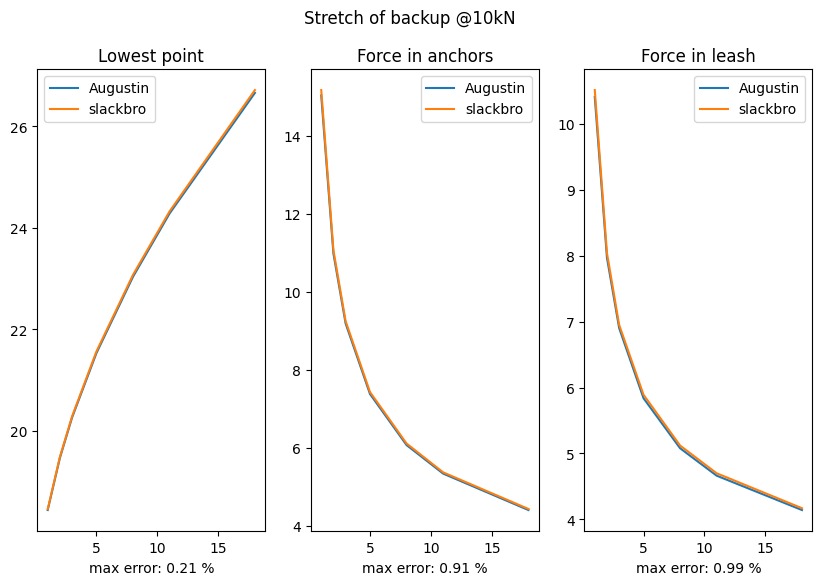
The 3-2-1 principle helps you organize multiple copies and keep them in separate storage.
Set the recovery point and downtime you can tolerate
Your recovery point objective (RPO) is the maximum acceptable amount of data loss, measured in time. Your recovery time objective (RTO) is the maximum acceptable downtime.
A mostly static site can tolerate an older recovery point than an application with frequent transactions.
Record both objectives for each protected service, and choose backup frequency and retained history to support them. During a rehearsal, compare the timestamp of the restored recovery point with the hypothetical incident time to assess data age against RPO. Time the full path back to a usable service to assess RTO.
Capture files, databases, and container state consistently
Capture files and databases in a state that works together after restoration. A filesystem copy protects application code, uploaded media, and configuration. A transactional database needs a database-aware recovery method.
MySQL 8.4 documents mysqldump --single-transaction for obtaining a consistent view of transactional InnoDB tables. It has limitations for non-transactional tables and concurrent schema changes.
PostgreSQL 18 documents pg_dump as a way to export one database consistently while other activity continues. On its own, the export does not include every cluster-wide role or global object.
PostgreSQL also cautions that outside simpler cases, pg_dump is unsuitable as the regular production backup method. More demanding recovery requirements can call for physical backups and WAL-based approaches.

Docker named volumes persist beyond the life of an individual container. Bind mounts connect container paths to paths on the VPS host. Neither appears in a backup unless your method covers its source.
A Docker Compose application that uses PostgreSQL and persistent uploads needs a matching database export, the upload volume, the Compose configuration, and the information required to retrieve its secrets. docker volume ls and docker inspect help you find the volume and mount locations.
Archiving raw files from a running database volume does not give you a transactionally consistent backup. A native logical export or a coordinated database backup meets that requirement.
Take the database export, application files, configuration, and access settings from the same point in time. Check that they are compatible before adding the set to the recurring backup schedule.
What if the database runs on a managed service?Use the managed provider's documented recovery capability, and include its credentials, recovery point, and compatibility requirements in your VPS plan. Rebuilding the application server still requires access to the database it uses.
Make the offsite copy and recovery credentials independent
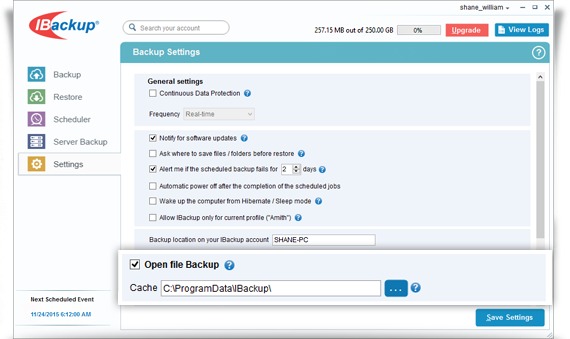
Store a copy where an authorized operator can reach it after the original VPS becomes unavailable. The repository location, storage credentials, encryption keys, and emergency instructions are separate dependencies.
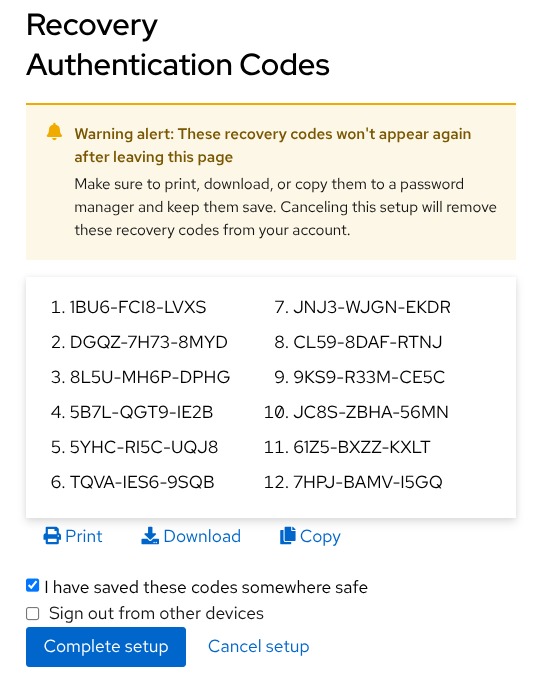
Restic encrypts its repositories. You need at least one valid repository password or key to decrypt the backup, and a repository can have several keys. If every usable key is lost, the encrypted contents cannot be recovered.
A backup can sit on remote storage while the credentials needed to use it exist only on the failed VPS. Keep recovery instructions in an authorized channel outside production, and do not put passwords or private keys in a shared inventory or public checklist.
A production credential with unrestricted permission to delete retained backups exposes those copies to the same account compromise. Separate credentials and restricted deletion rights reduce that exposure, if your storage service supports those controls.
Provider-held images can give you a recovery route, but the provider keeps its own access restrictions. DigitalOcean's support documentation describes limits on downloading its backup images as portable local files.
From a separate authorized environment, confirm that you can reach the repository endpoint and retrieve the decryption and storage credentials securely. Name the recovery owner who can complete that procedure when the original administrative session is gone.
Schedule, monitor, and retain backups without silent gaps
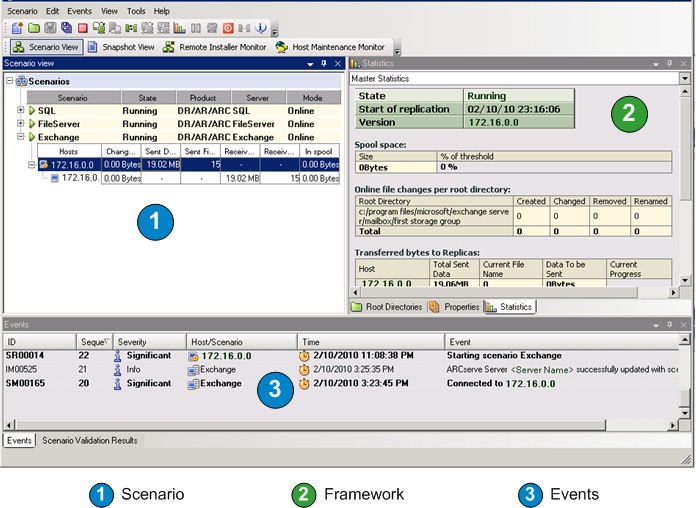
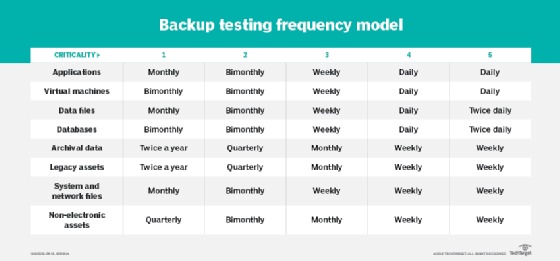
A scheduled job needs separate evidence of three things: that it ran, that it captured data, and which recovery points it kept. Cron or systemd can launch a backup while a required database export is missing.
In an r/selfhosted backup-testing discussion, a poster wrote: “So a bunch of those "Successful" backups were basically empty files with a nice healthy looking timestamp on them.”
One concrete failure mode occurs when a database command feeds Restic through a shell pipeline. If the exporter fails, an ordinary --stdin backup can still consume and store an empty stream. Restic documents --stdin-from-command as a way to run the source command and detect its failure. A different pipeline needs its own handling of upstream exit status and expected output.
The Restic backup documentation distinguishes three backup exit codes:
- Exit code
0: the Restic backup operation completed successfully. - Fatal error: Restic exits with code
1. - Exit code
3: Restic produced an incomplete snapshot because some files were unreadable.
Exit code 3 reports unreadable files. It does not report an upstream exporter that fails while another program continues. Monitor each component so you can tell which one failed.
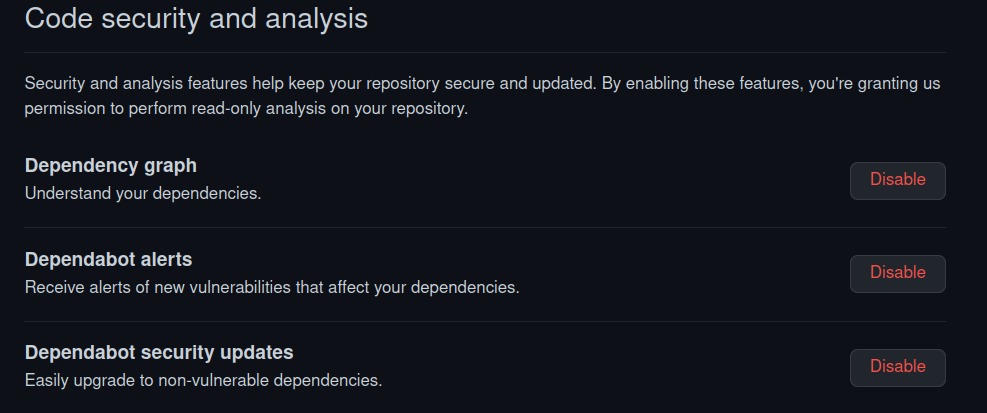
Restic check examines repository structure and metadata. Using check --read-data also reads stored backup content, which can consume substantial time and bandwidth. A passing check describes repository integrity. The restore test decides whether the application recovers.
Retention controls which historical points stay available. Restic forget manages snapshot retention, and prune removes unreferenced stored data. Review a proposed cleanup before deleting history that can contain the last known good recovery point.
Job-status record: Record the last attempted run, last complete recovery point, database exporter status, expected artifact and size, Restic exit status, notification path, repository-check outcome, and retention review.
Alerts can then separate missed runs, fatal failures, incomplete snapshots, empty expected exports, repository-access problems, and overdue recovery tests.
Restore to a clean VPS without overwriting production
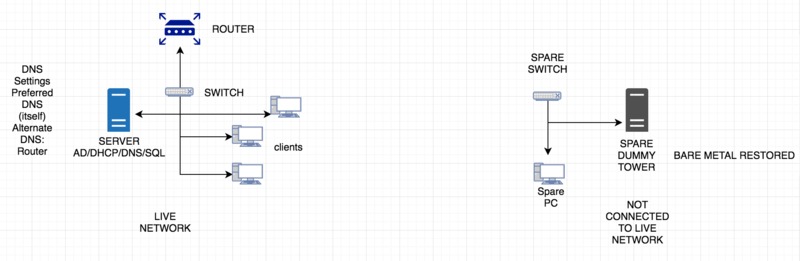
An isolated restore lets you inspect recovered files and rebuild services while production stays untouched. A temporary directory works for a file-level inspection. A separate VPS supports a fuller application test. For a repeatable recovery drill, choose the recovery point, define the incident being rehearsed, write down the RPO and RTO targets, and appoint someone to capture the timing and evidence.
Begin with an identified recovery point and a compatible destination.
- Prepare the destination. Create a separate directory or VPS with controlled access and enough resources for the planned recovery test. Record the drill start time, test environment and recovery-point identifier before making changes.
- Restore files and configuration. Retrieve the selected application content, uploads, and system settings into the isolated target. Note any missing asset, access delay or manual intervention.
- Import the related database. Recreate the required database environment and load the compatible logical export or another approved recovery point. Record the import result and the timestamp of the data actually recovered.
- Reconstruct dependencies. Restore required permissions and settings and obtain secrets through the documented secure access procedure. Note each external dependency that can delay a real incident recovery.
- Start the workload in isolation. Keep test services from receiving production traffic or modifying live external systems. Stop the drill clock when all mandatory checks pass, not merely when the VM boots or the homepage responds.
Restic can restore into a separate target directory, so you can examine recovered files before a full application rebuild.
Production data warning: An in-place restore can overwrite newer files or database changes. An interrupted restore can leave partially changed state. Before you roll back an image deliberately, account for any newer good data it would lose.
A fresh destination must still be compatible with the selected backup.
Prove recovery worked: test the app and record the result
A restore passes when the recovered service meets its functional and data checks. Repository access, recovered files, a successful database import, and a running application each prove only one part.
In a discussion of automated checks that boot restored VMs and test their services, an r/sysadmin commenter wrote: “But it doesn't mean a whole lot for data integrity.”
A restored VM can boot and return an HTTP 200 response while expected uploads or database records are missing. An application-level acceptance test should inspect known data and use a function that matters to the service.
Run these checks against the isolated recovery point:
- Files: Open a known uploaded file and compare its expected contents.
- Database: Import the backup and inspect a known record or relationship.
- Application: Check startup, login, an endpoint the service needs, and a function that uses the recovered data.
- Dependencies: Account for required DNS, mail, remote databases, or external services.
- Recovery objectives: Determine the age of the recovered data and measure the restoration time the test covers.
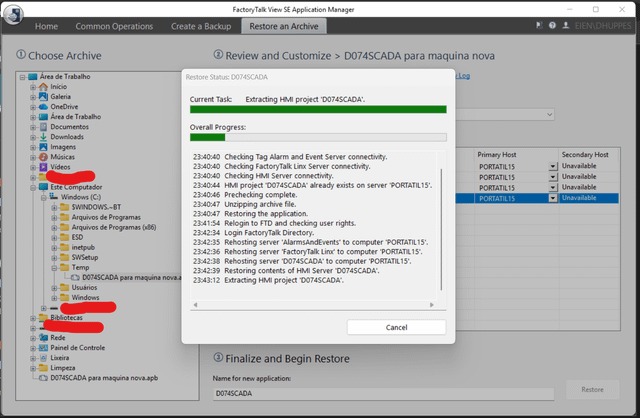
Recovery acceptance record
Leave each result blank until a real recovery test supplies the evidence. At minimum, record the drill start and acceptance times, the recovery-point timestamp, the elapsed restoration time, any omitted incident steps, the target RPO/RTO and an owner for failed checks. Do not enter Pass for a step you did not run.
| Field | Record | Acceptance condition |
|---|---|---|
| Workload and recovery owner | Enter service and operator | Owner is named |
| Test date, environment, and recovery point | Enter test date, destination, source ID, and recovery-point timestamp | Test date and recovery source are each recorded |
| Repository, image, and protected assets | Enter references without secrets | You can open the source and every protected asset |
| Known file or upload | Pass / Fail / Not tested | Expected contents are present |
| Database import and known record | Pass / Fail / Not tested | Import and data checks succeed |
| Application startup, login, and endpoint | Pass / Fail / Not tested | Required application functions work |
| External dependencies | Pass / Fail / Not tested | Every required integration is accounted for |
| Measured isolated restore-test duration | Enter elapsed time and units | Tested steps and elapsed time are recorded |
| Full incident RTO assessment | Enter measured or estimated total downtime and omitted steps | Compare total service interruption with RTO |
| Recovered data age | Enter timestamp and calculated age | Compare with workload RPO |
| Overall result and corrective owner | Pass / Fail / Not tested. Notes | All required criteria pass |
A rehearsal's measured restoration time can omit incident detection, emergency access, DNS changes, and the return of production traffic. Add those missing steps to the incident-time estimate, and label assumptions separately from clocked intervals before deciding whether the service meets its RTO. If the recovered data is older than the stated RPO permits, mark the drill unsuccessful even when the application starts.

Pass the test only when every mandatory check passes and the timing and data-age evidence meets your RTO and RPO. Save the measurements and any corrective work with the recovery-point identifier so the next drill can repeat the same acceptance checks.
Which recovery route matches the failure?
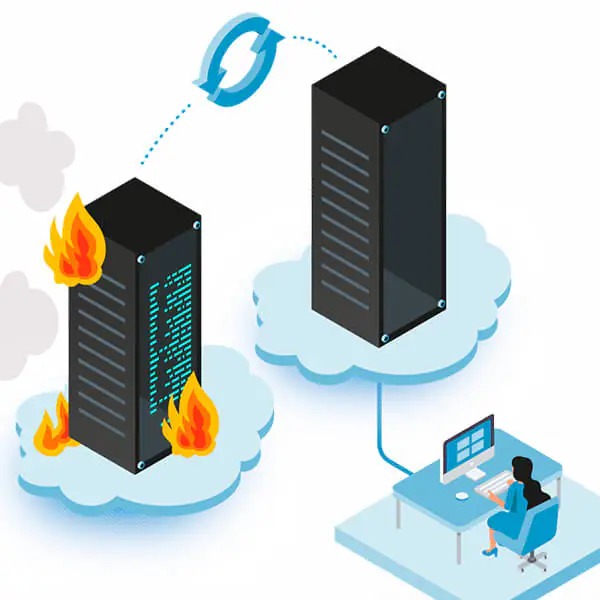
Choose a recovery route that fixes the failed component and preserves unaffected data.
| Failure | What to do | Watch for |
|---|---|---|
| Deleted file or upload | Recover a historical file version | Preserve unrelated current data |
| Bad deployment or configuration | Revert the change, or roll back to a provider image | Accept any loss of newer good changes |
| Corrupted database | Restore a compatible known-good database point | The backup can already contain the corruption |
| Failed VPS or disk | Use a complete image or rebuild on a fresh host | Rebuild the runtime, storage, and access dependencies |
| Provider account unavailable | Restore independently held data in an accessible environment | The original provider's recovery features can be out of reach |
| Compromise or ransomware | Recover a trusted clean point in a controlled environment | Avoid reintroducing compromised state |
If you discover corruption or compromise late, the most recent backup can contain the same problem. Select a known-good recovery point that is compatible with the data and services you need to preserve.
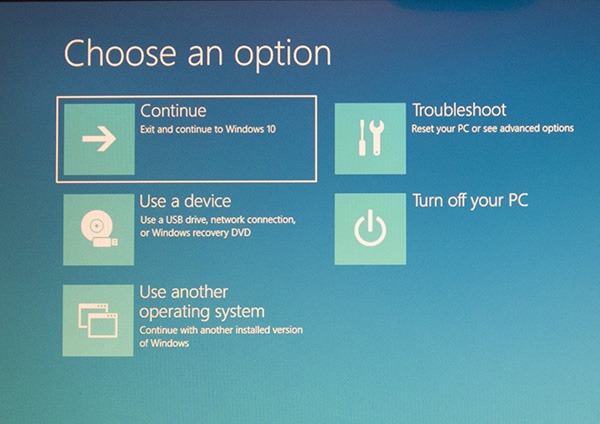
A compromised PostgreSQL source adds a specific concern: its dump can contain commands chosen by database superusers. Inspect the dump and the recovery environment before executing its contents. Restoring to a clean server does not make the source data trustworthy.
In some failed-server situations, you can also salvage files. Hetzner documents a Rescue environment that can mount server storage and transfer accessible files. It cannot replace a previously secured recovery point.
The operator named in the acceptance record is responsible for accepting the recovered service.
