Pick the guide that matches your job: learning Linux commands, configuring a server, or building, maintaining or troubleshooting WordPress. Unsure who will maintain a VPS? Compare managed and self-managed hosting first.
Start with the task you need to complete
| Task | What it covers | Where to go |
|---|---|---|
| Learn | Bash, files, permissions and SSH | Linux command-line guides |
| Deploy | Web servers, PHP, databases and infrastructure | Server administration guides |
| Maintain | WordPress setup, updates, backups and migration | WordPress setup and maintenance |
| Fix | Visible errors and site failures | WordPress troubleshooting |
If your site is failing and you don't know why, start with Fix. The directory follows the decision in front of you, not a Linux-to-WordPress course. If the next step involves Linux terminals, command-line tools, and server tasks, see how to find the relevant Linux tutorial.
Learn the Linux skills your task requires
If you're preparing to administer a VPS, work out which command-line or access skill you need first. If you manage WordPress through a managed hosting dashboard, you don't need to learn privileged server administration. Commands written for Linux can need changes on other Unix systems or shells. For Linux servers, service logs, and maintenance, see how to plan Linux web-server maintenance.
Decide who will manage the server
A long-time WordPress operator asked in r/Hosting: “My question is: What does self-managed mean?”
It means you run the server yourself. A managed WordPress service can take on some of that work, depending on the plan.
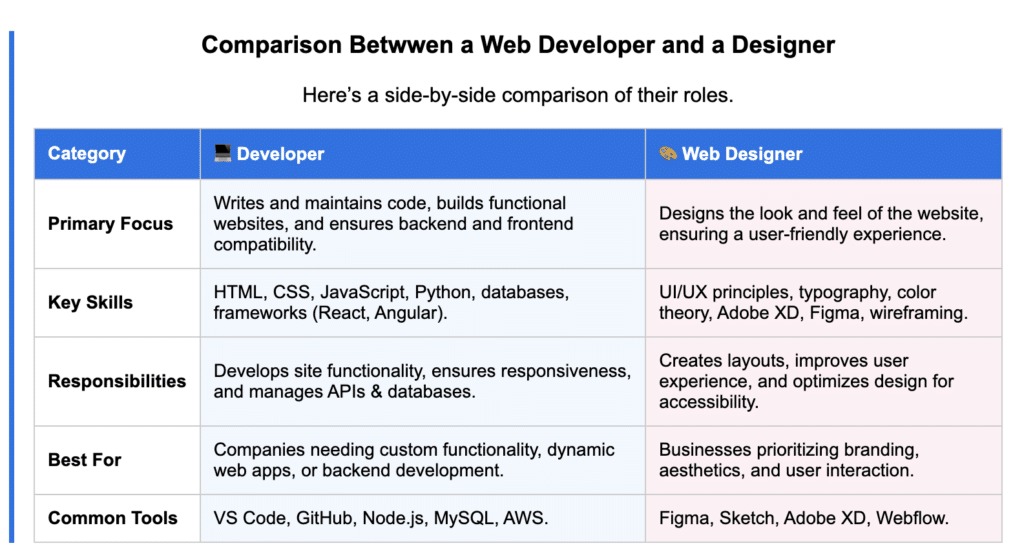
| Responsibility | Self-managed VPS | Managed WordPress hosting | Question to settle |
|---|---|---|---|
| System and security updates | You maintain the server | Provider, per plan | Who applies server patches? |
| Server configuration | You configure services | Provider handles or limits changes | Who has administrative control? |
| Backup and restoration | You arrange recovery | Whatever your plan includes | Who performs restoration? |
| Incident response | You investigate | Provider support, within plan limits | Who investigates an outage? |
Root-level control means maintenance work that continues after setup. A VPS suits you if you need to configure the environment and have time to maintain it. Managed hosting suits a WordPress owner who wants the provider to handle defined tasks. Weigh the subscription price, your own time and who restores the site after a failure.
Use the managed hosting versus VPS comparison to see how a given plan divides the work. The Learn WordPress hosting tutorial explains each arrangement.
Protect WordPress before making changes
Plan your recovery before moving a working WordPress site or making a major change in production.
A WordPress owner considering a move from shared hosting to a VPS wrote in r/selfhosted: “I can follow clear guides, but I don’t want to spend weeks learning Linux from scratch or break the site in the process.”
A complete WordPress backup covers the site files (WordPress code, themes, plugins and uploads) and the database (content and settings).
Before a migration or major update, confirm your backup covers both, as the official WordPress backup documentation describes. To recover a site, follow the backup and restoration guide.
WP-CLI handles specialized command-line administration. Managing your site from the dashboard doesn't require it.
Find your WordPress problem by what you see
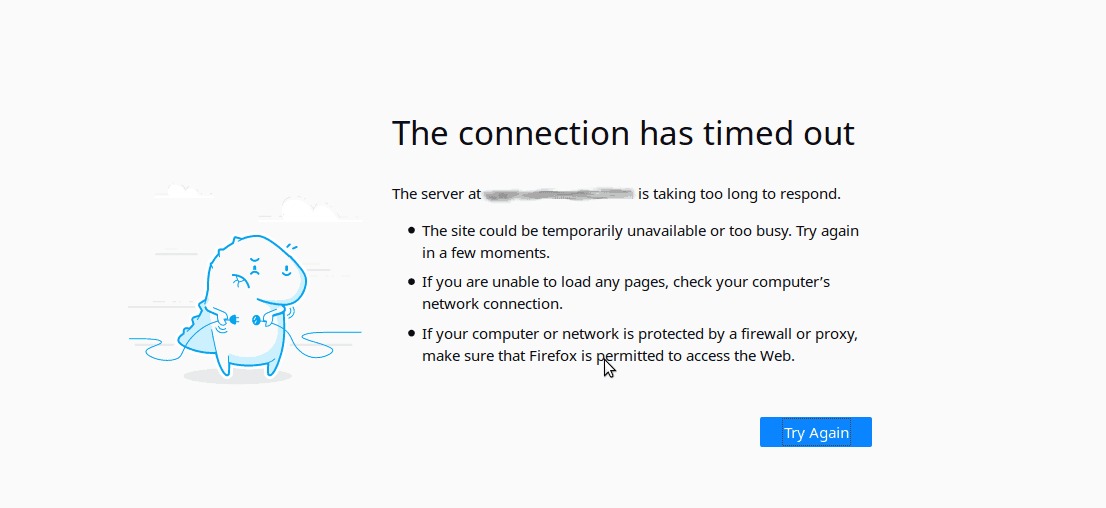
A WordPress failure can come from the application, the web server, PHP or the database. You don't need to know which. The message on screen tells you where to start.
| What you see | Where to investigate | Starting point |
|---|---|---|
| “There has been a critical error on this website” or a blank page | WordPress and PHP error details | WordPress troubleshooting (critical errors) |
| “Error establishing a database connection” | The connection between WordPress and its database | WordPress troubleshooting (database errors) |
| A dashboard warning while you can still reach the admin area | WordPress status details | WordPress troubleshooting (dashboard warnings) |
| HTTP 502 or 503 error | Web server, PHP or service availability | If you manage the server, use the Server administration guides. With managed hosting, contact your provider's support. |
Write down the message or behavior, then open the matching guide.
If you can still open the WordPress admin, go to Tools → Site Health. The Status view lists issues WordPress detects, and Info shows configuration details. The WordPress Site Health documentation explains both. If the outage blocks the dashboard, use the troubleshooting or server guides from the table.
Check that the guide matches your setup
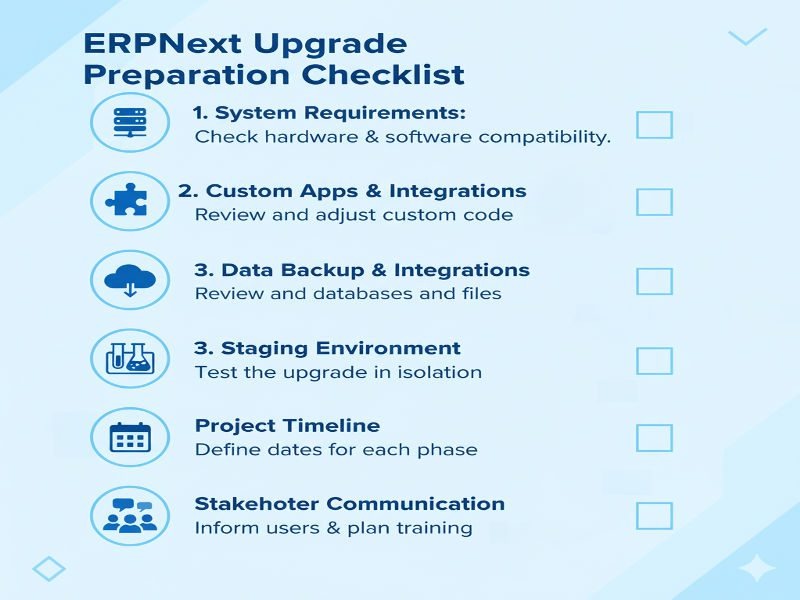
Compare a guide's prerequisites with your setup first.
- System: Check your operating system or distribution and release. Add the PHP, database or web-server version when the task needs it.
- Access: Do you have SSH, administrative server privileges or WordPress dashboard access, and does your host allow the change?
- Verification: Look for a check in the guide that shows the step worked.
An Ubuntu VPS walkthrough assumes SSH and privileged access. A WordPress editor with dashboard-only access needs steps within those permissions.
