Secure access on a new server before anything else. On a running one, plan updates and set up monitoring. When a website breaks, find the failing component first, and after data or machine loss, restore from backup and test that the application works.
Choose the next task by your server's state
Work out which of these four states your server is in before opening a setup tutorial or changing any configuration.
| Server state | First task | What success looks like | Next guide |
|---|---|---|---|
| New | Safe access and basic service prerequisites. | An authorized admin login works and you can check the access controls. | Server security |
| Running normally | Plan updates, resource checks, job reporting and monitoring. | Every important service has a known status and routine jobs give visible results. | Server operations |
| Degraded or unavailable | Find the affected network, web, runtime or data component. | The failing part is identified and the affected feature works after the fix. | Web-stack administration |
| Recovering | Restore the required service and persistent data. | The restored application works with the data from your selected recovery point. | Database and recovery procedures |
If the application is down, the routine update can wait.
Before any OS-level action, check what you administer: a VPS, a container host, an application or only a hosting account. On a self-managed VPS, updates, network exposure, services and backups are yours. If the provider owns the host, its supported process and service agreement set what you can do.
Secure access before touching the live configuration
A mistake in remote access settings can lock you out of the server you are trying to fix.
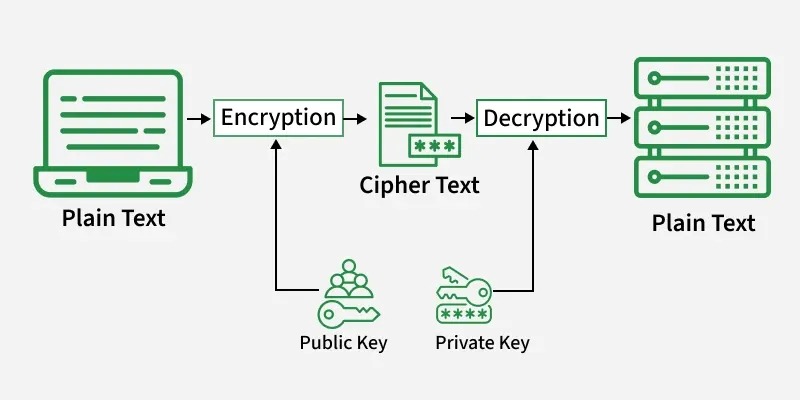
SSH authenticates remote connections, and public-key authentication is one supported method. User and group permissions decide access to resources, sudo governs privileged operations, and firewall rules control network exposure.
The Ubuntu Server security guidance treats SSH, least privilege, firewall configuration and security maintenance as related parts of administration.
A new self-managed VPS needs four things in place:
- Login: working credentials or keys.
- Privileges: admin rights for approved changes, without unnecessary authority for every account.
- Network exposure: rules that allow the intended services and admin connections.
- Recovery access: a second connection or a provider recovery mechanism.
Say SSH works. You tighten the firewall rules, close your terminal, and new SSH connections can no longer reach the machine. Your only way back in can be a provider console, if there is one.
Before changing SSH or firewall rules, make sure you have a second way into the server. Keep your current session open while you apply the change, then confirm that a fresh connection works.
Don't assume UFW, Ubuntu's firewall interface, exists on every Linux system. The SSH connection guide and the server security procedure cover the configuration details.
Know which part of your web stack does what
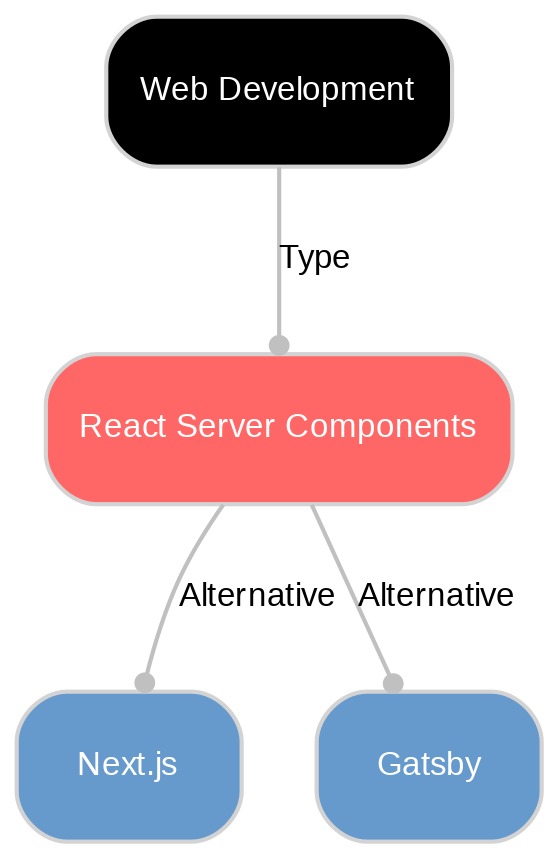
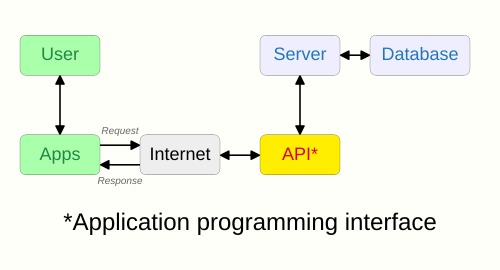
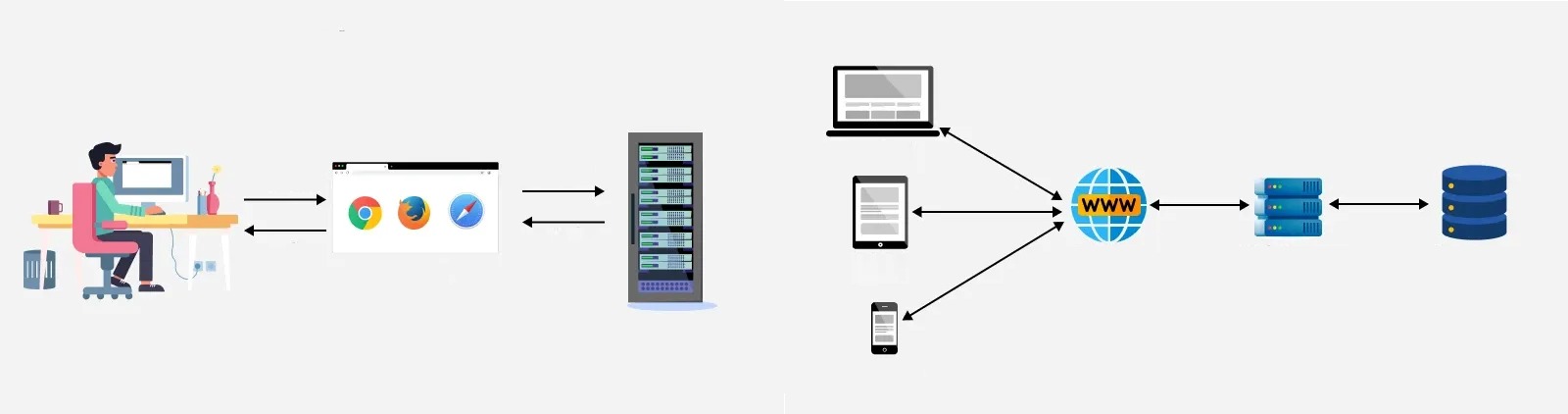
DNS tells the client where to find the hostname. The client then needs a network connection to that endpoint, and HTTPS adds TLS negotiation and certificate validation.
A web server such as Nginx or Apache handles the web traffic. It either serves static files or passes the request to another service through a reverse proxy configuration.
An application runtime does the application's work. On a PHP site, that can be PHP-FPM. If the application stores persistent records, it uses MySQL, MariaDB or another database.
Your deployment can differ. A static site has no PHP runtime or database. Containerized applications can put a reverse proxy in front of several services. A managed platform hides most host-level configuration from you.
Docker changes how services are packaged and run. You still need to know the application, its dependencies and who administers them.
Write down your public endpoint, web server or reverse proxy, application runtime, database if you have one, and who administers each. That list tells you whether a later task belongs in the web-stack, container or database documentation.
If you run WordPress on a Linux VPS, see WordPress VPS hosting.
Keep a healthy server patched and changes reversible
Updates touch OS packages, service configurations, web-server software, application runtimes and supporting components. Your workload and whatever relies on the changed part decide the impact.
The NIST Guide to Enterprise Patch Management Planning, SP 800-40 Rev. 4 describes patch management as preventive maintenance: identifying, prioritizing, acquiring, installing and verifying updates.
For a planned change, decide three things:
- Affected components: the package, service or configuration, and the application functions that depend on it.
- Maintenance conditions: whether the workload can tolerate a restart or interruption.
- Recovery plan: how you return to a working state if the change breaks the service.
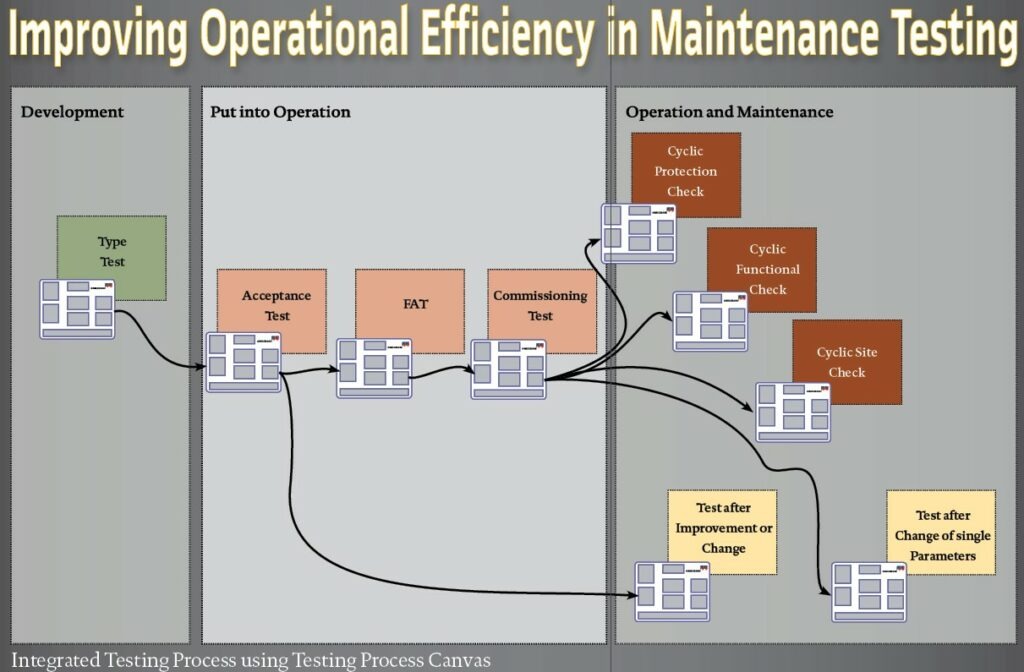
Use an update procedure that matches your OS release and the service. Commands, package availability, dependencies and reboot requirements differ between distributions.
Ubuntu 26.04 LTS was released on April 23, 2026.
Automation helps when you manage the same operation on several hosts. Ansible check mode previews changes for supported operations, though a preview cannot show how every task behaves in a live run.
After maintenance, check the affected services and application functions against the behavior you expect. A working website, healthy dependent services and no new failures tell you more than a finished installation does.
Watch resources and logs for early signs of trouble
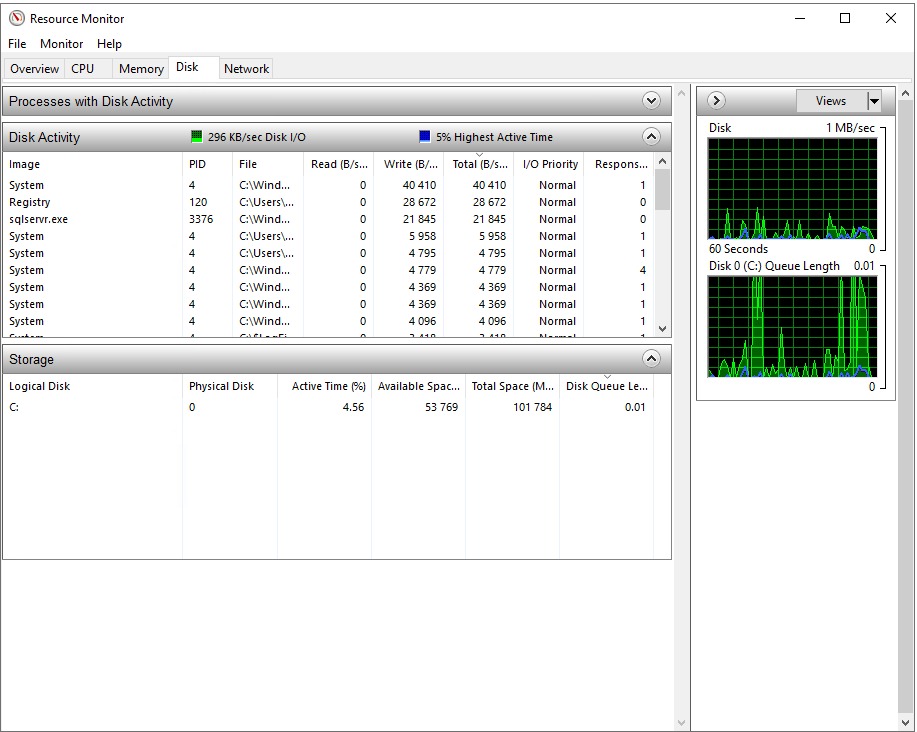
A website can keep running while a capacity problem builds. Resource measurements and service logs let you spot the change before the application goes down.
Watch disk use, unexpected storage growth, memory pressure and service errors, and tie each measurement to the component that produces it.
In a June 2026 discussion on r/selfhosted, a new self-hoster running a Git server on an Ubuntu VPS described this incident: “This morning my provider sent me an automated mail that my Ubuntu VPS had reached 80% disk usage. Turned out my git server was generating massive logs due to a configuration error.”
The 80% figure was that provider's alert level.
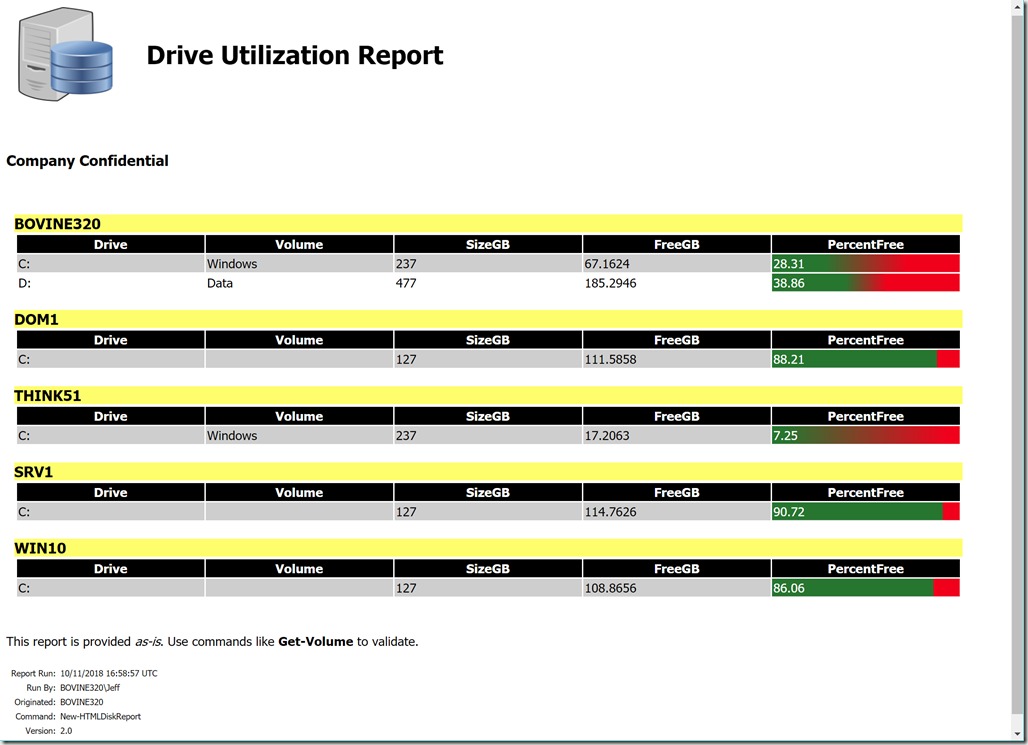
Check regularly how much disk space remains and whether usage grows unexpectedly. When growth is large, find the directory, file or service responsible and check its logs.
On systemd systems, journalctl shows service journal entries. Container platforms and managed hosting provide other log interfaces. The server operations guide covers log and capacity procedures in more depth.
If symptoms point to resource pressure, memory and process information help.
Choose monitoring you can actually operate
A small website needs a few dependable checks. A larger service with several components needs wider coverage and clear escalation responsibilities.
Each category watches a different condition:
| Monitoring category | Observed condition |
|---|---|
| External endpoint | Whether a public website or service responds. |
| Host resources | Disk, memory and other system-resource measurements. |
| Service and error evidence | Process status and relevant application or service errors. |
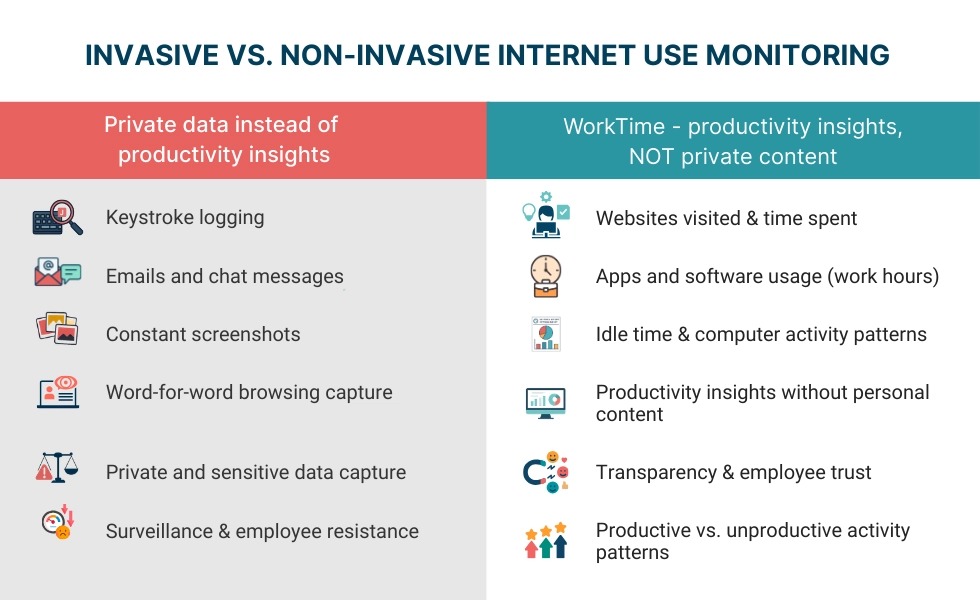
Monitoring takes upkeep. Someone has to configure the alert rules, receive the notifications and know how to respond.
If you run a few small applications alone, a large monitoring stack can cost more effort than its extra features are worth.
Choose categories by the service's importance, the cost of a missed failure, your budget and the time you have. For each alert, decide which event it should detect and what the person who receives it can do about it.
A signal that helps with investigation can stay a metric or log entry, without a notification every time it changes.
Make cron jobs and backups report success or failure
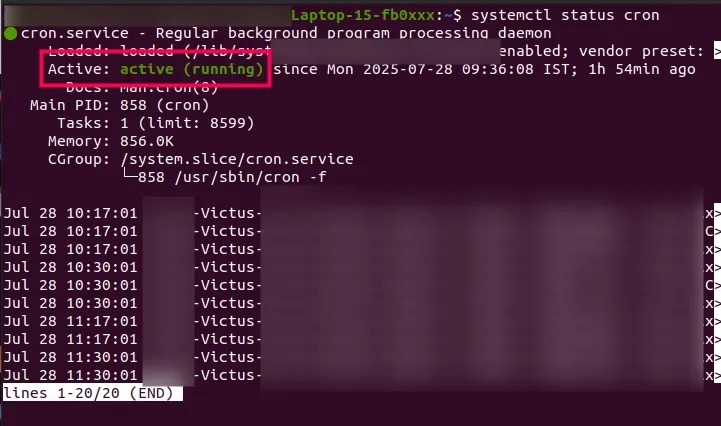
Cron runs commands on a schedule. Each job has a start time, an exit status and an expected output. For a database export, that output is a backup file you can check for existence and basic properties.
On r/selfhosted, a user backing up MySQL and MongoDB wrote: “Right now I'm relying on crontab, but it's not very convenient, if something fails, it often fails silently, and setting up proper alerting is a bit painful.”
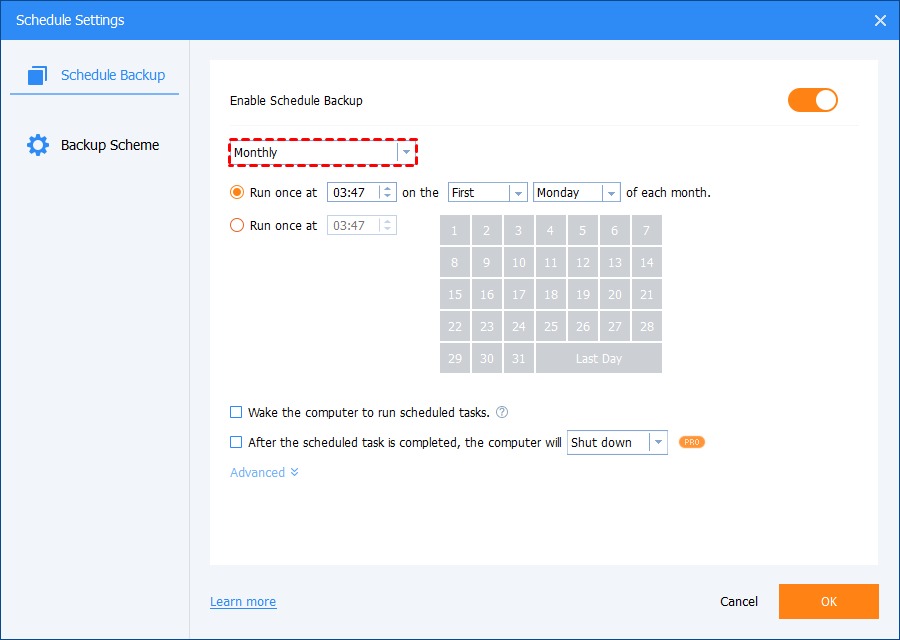
For a critical job, confirm three things:
- Execution: when the job last ran and whether the scheduler recorded the attempt.
- Outcome: whether the command returned success or failure, and where to read the error.
- Output: whether the expected file or export exists in its intended location.
Make sure your monitor survives the failure it must report
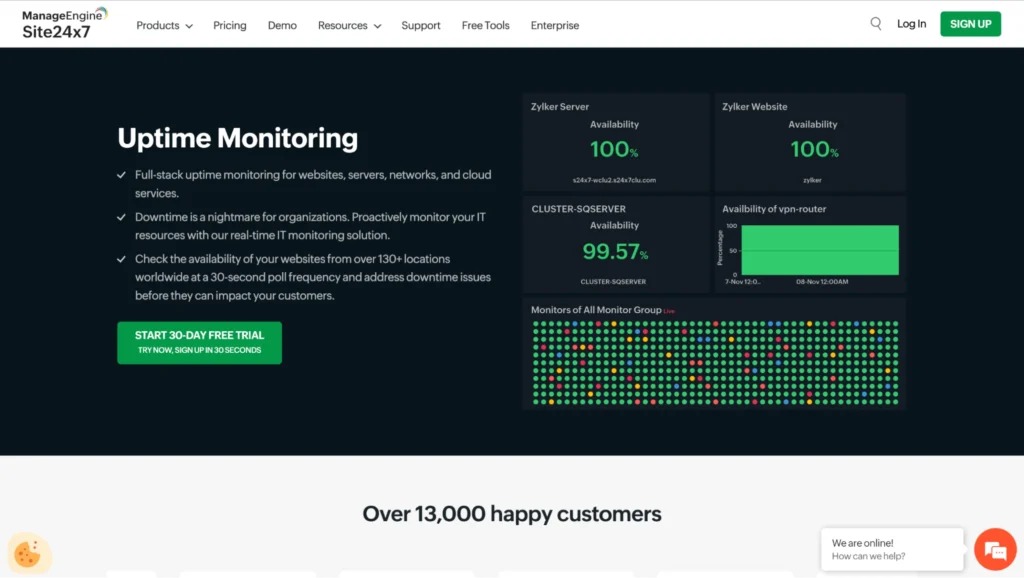
On r/selfhosted, a user running Uptime Kuma in a VM described the problem: “The problem is when my server goes down, or the vm itself goes down for some reason, kuma is also down so I won't get any notifications.”
A monitor running on the host it watches goes down in the same outage. Run the reachability check and the alert delivery on a different host or VM than the one you monitor, then test a host-down notification safely.
When a website fails, isolate the failing layer
A broken website gives you a symptom first. Find the component behind it and collect evidence before changing configuration, restart services or attempt recovery.
Start from what you see:
| Observed symptom | First component or condition to examine | Evidence |
|---|---|---|
| Hostname cannot be resolved | DNS records and the name-resolution path | DNS response and configured destination |
| Connection fails or times out | Host availability, network path, listening service, port and network rules | Connection behavior and host or service status |
| Browser reports a TLS or certificate problem | TLS endpoint, certificate validation and handshake configuration | Certificate information and relevant TLS error details |
| HTTP 502 Bad Gateway | Gateway or proxy receiving an invalid upstream response | Proxy error details and upstream-service evidence |
| HTTP 503 Service Unavailable | Unavailable service, such as maintenance or overload | Service condition, application errors and capacity evidence |
| HTTP 504 Gateway Timeout | Gateway or proxy waiting too long for an upstream response | Proxy timeouts and upstream response behavior |
| Page loads, but a data-backed feature fails | Application execution and database dependencies | Application errors, database connection evidence and the affected operation |
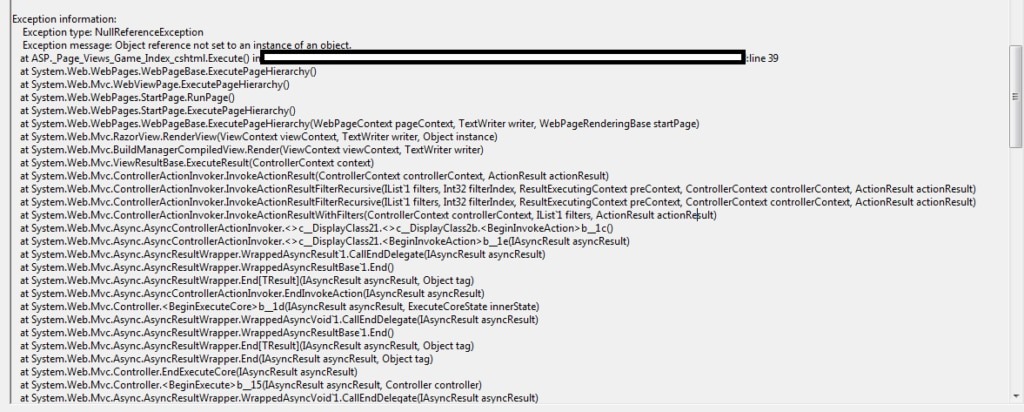
The cause shows up in evidence from the affected component. Record the affected URL or function, the actual response, the approximate time and whether the whole website or only one operation fails.
Web-server logs can show a proxy or request error. Service status tells you whether the process is running. Application errors and database evidence matter most when only a data-dependent feature fails.
A homepage can keep serving while an operation that retrieves database records fails.
After a targeted fix, check that the failing function works again. If restarting a service brings the site back, keep the incident evidence so you can find out why it went down.
If the investigation shows that persistent data or application state must be restored, switch to the recovery procedure for that asset.
Pick the web-stack, database or container guide that matches the failing component. WordPress failures have their own guide: WordPress HTTP error troubleshooting.
Back up the system you need to recover
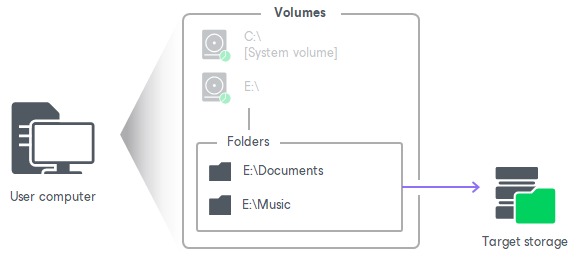
A recovery plan needs everything you cannot recreate by starting another process or deploying a fresh container.
On a database-backed website, that data sits in several places. The database holds the site's content, while uploaded media, application files and configuration live in filesystem storage or managed services.
Back up according to what your workload needs to recover:
- Persistent database state: the records the application needs at your chosen recovery point.
- Application and uploaded files: anything unique to the running website that you cannot recreate from deployment sources.
- Configuration and credentials: the settings and securely stored access details needed to rebuild a working service.
- Independent copies: backups that stay reachable when the protected host or primary service is down.
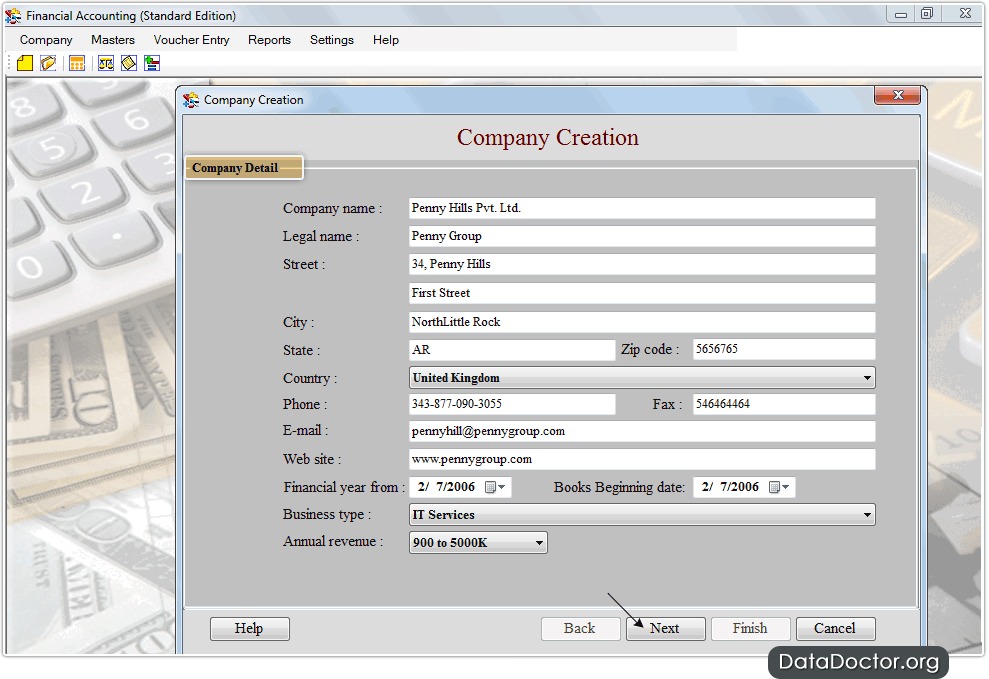
Docker keeps named volumes separate from a container's writable layer, so volume data persists after the container is removed, as the Docker volumes documentation explains. A volume that survives container removal is not an independently recoverable backup copy, and application-consistent database recovery can require additional backup procedures.
A rebuildable development service has modest recovery needs. Protection for a production content-management system with frequently changing content has to match its data and the cost of losing it.
List the data, files, configuration and administrative access you would need to recover, and compare that list with your backup sets and their storage locations. Every irreplaceable asset needs an identifiable recovery source.
Prove you can restore the service before an incident
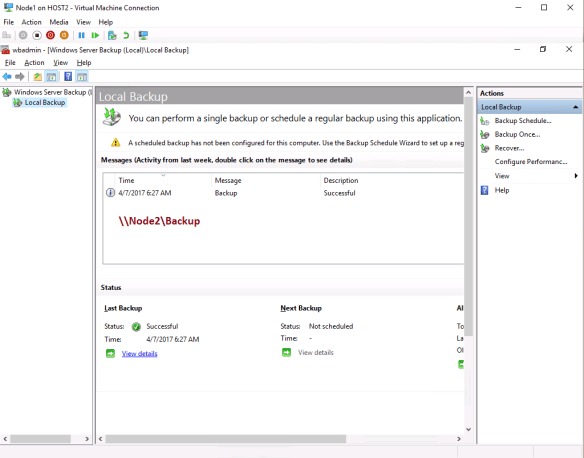
Recovering deleted application files, restoring a failed database and rebuilding an unavailable VPS need different assets and procedures. Pick a realistic scenario and restore into a controlled environment, so the restore cannot overwrite the production service. A successful test proves recoverability only for the backup set, recovery point and conditions you tested.
CIS Controls v8 covers data recovery, including recovery testing, under Control 11. The CIS Controls Navigator describes these safeguards.
Decide the expected recovery point and the application functions that must work when the test ends.
Check three things in the restored service:
- Service function: required pages, operations or application features work.
- Data integrity: expected records, uploaded files and other persistent data are present and usable at the chosen recovery point.
- Administrative access: authorized operators can manage the restored service through the intended access methods.
A successful database import can still leave the application incomplete if required files or configuration are missing. Restoring only the files leaves a database-backed website without its records.
Write down the recovery steps and the result of each check.
