On a self-managed Linux web server, start with SSH access you can recover and a list of the services the internet can reach, then check updates, HTTPS, monitoring, application permissions, and backups. If your provider manages the host, use its controls. If you suspect a compromise, switch to incident response.
Decide which security job your server needs
The server's condition and who controls it set your first move.
| Server condition | First decision | Who handles it | Route |
|---|---|---|---|
| New, internet-facing VPS | Set up safe administration and decide which services should be public | VPS administrator, with provider recovery support | SSH and network checks |
| Production server running normally | Review current protections and schedule changes around uptime | Host operator or managed-service provider | Planned security review |
| Suspected intrusion | Decide whether you need containment and recovery from a trusted state | Administrator, incident responder, or provider | Incident response |
Your hosting provider controls the physical infrastructure and, on managed plans, the operating system. On a self-managed VPS you control the Linux installation, firewall, system services, Docker services, and web applications. On managed WordPress hosting, you can control only a WordPress administrator account, site content, and application settings.
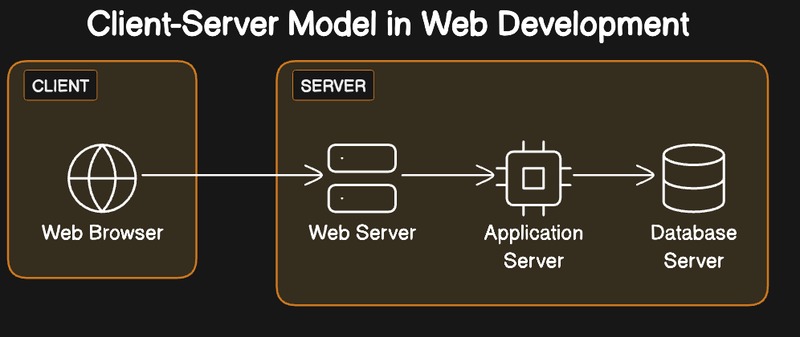
Write down who administers each layer: operating system, cloud network controls, container host, application, database, and recovery service. Ownership tells you which checks are yours to run.
“I am still not sure I am doing everything right,” wrote a new self-hoster on r/selfhosted in August 2026. They ran roughly two dozen personal applications on a Raspberry Pi through a VPS gateway.
For other administration tasks, see the Linux server administration guide.
Preserve SSH access before changing privileges or authentication
Before you tighten SSH authentication, make sure you can get back in.
SSH authentication decides whether a connection can log in. Linux accounts and groups govern access to resources, and sudo controls which privileged operations are allowed. Each one needs its own configuration and its own test.
- Confirm recovery access. Check that your provider offers a working console or another independent way in. Do this before disabling password authentication, restrict SSH access, or change firewall rules that can interrupt administration.
- Review and test the configuration. Look at the effective OpenSSH settings, including configuration snippets and conditional rules. Ubuntu's OpenSSH server documentation describes using
sshd -tto test the configuration before applying changes. - Apply the change. Use the supported service procedure and keep the original session open.
- Prove a fresh login works. Open a new SSH connection and confirm the account still has the privileges it needs for administration.
On Ubuntu, effective OpenSSH settings can come from files under /etc/ssh/sshd_config.d/. A setting in an included snippet or a conditional Match block can change how the service behaves, so checking a single file can miss it.
A passing sshd -t checks syntax only. It doesn't confirm that the network path, authentication policy, or account permissions will allow a new login.
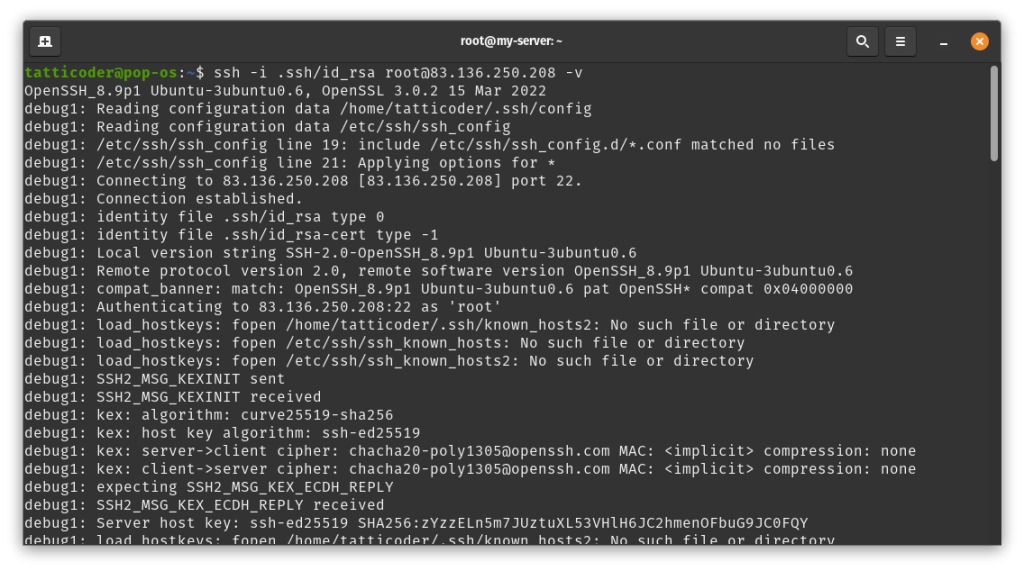
The SSH hardening guide has the detailed edits. Account permissions are in the sudo access guide.
Check what the internet can reach, including Docker ports
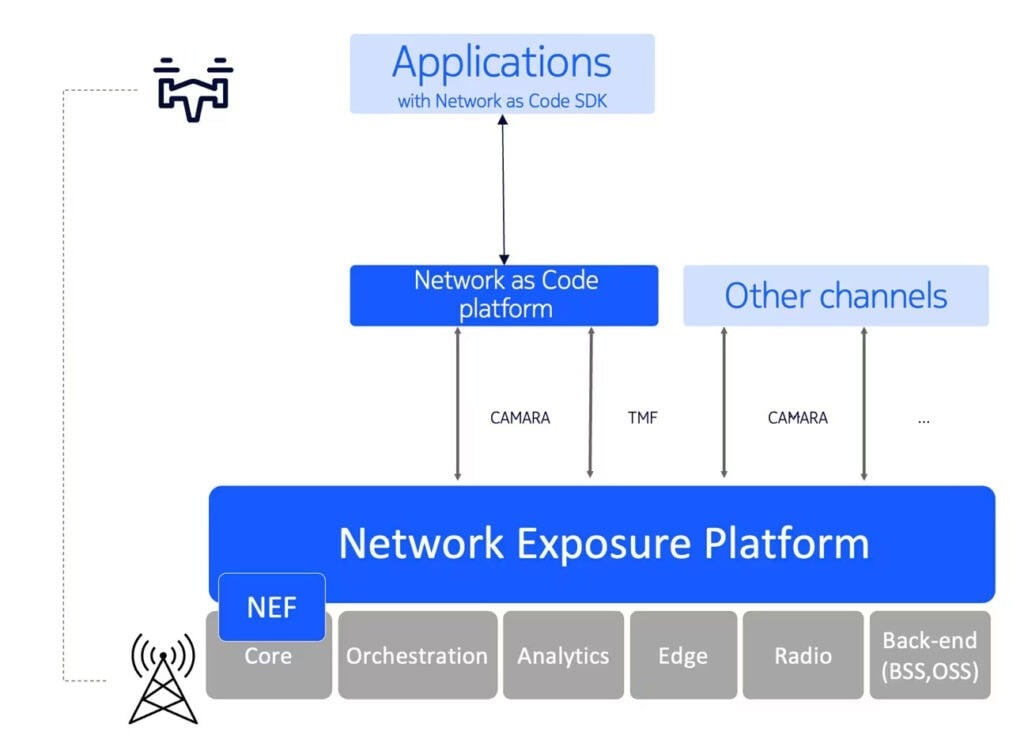
Say your website runs on MySQL or MariaDB. The public HTTPS endpoint needs internet access. The database only needs connections from the application or a private network. Publishing that database through a container changes the network paths that can reach it.
A firewall setting is only useful when it matches the access you intend. Four components decide the result:
- Listening service: A process can bind to a local interface, a private address, or an externally accessible interface.
- Host firewall: UFW and similar tools filter traffic according to your rules.
- Provider firewall: Cloud network policies can block traffic before it reaches the host.
- Container networking: Published Docker ports can create forwarding paths that don't behave like ordinary host-service traffic.
Docker deserves particular attention. It manages packet filtering and forwarding for published ports, and depending on its network configuration and firewall backend, those ports can bypass restrictions you expected UFW INPUT rules to enforce.
A VPS operator described this on r/selfhosted in May 2026: “Docker silently bypassing my firewall and exposing my database to the internet.”
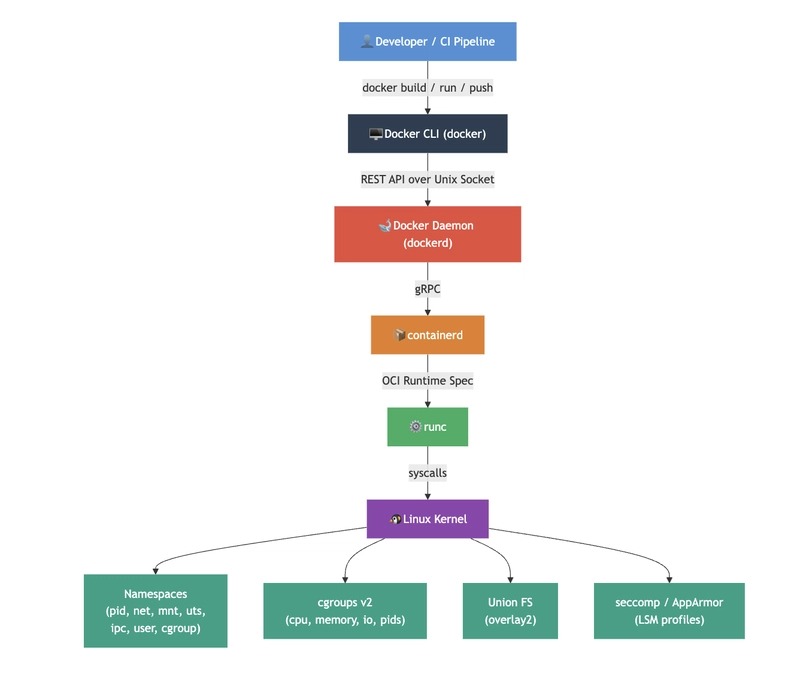
- Define intended access. Decide which services should be public, private, or reachable only by administrators.
- Inventory exposure. Compare host listening sockets, interface bindings, container-published ports, and provider firewall settings.
- Test from outside. Run an authorized reachability check from an external network and compare the result with your list.
- Investigate mismatches. Trace unexpected access to the provider, host, or container networking layer.
Rule details are in the UFW firewall guide. For publishing and networking containers, see the Docker administration section.
Keep security fixes current without surprising production services
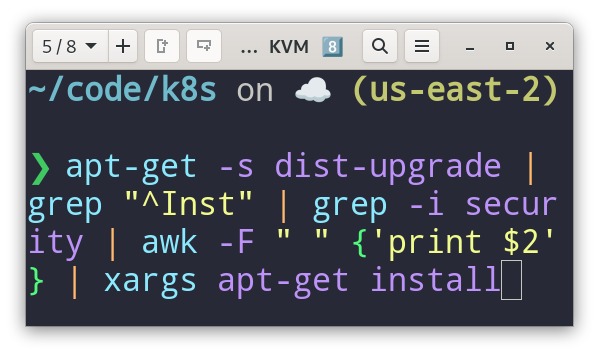
Security updates need a known source, a working install mechanism, and a check that your services stay healthy afterward.
- Identify the release. Note the OS release and the pending changes.
- Check the update source. On Ubuntu,
unattended-upgradesfollows configured package origins, so inspect which origins it can use and what its update history shows. - Plan the maintenance. Schedule authorized maintenance around any required service restart or reboot.
- Confirm services respond. Check that the affected web service and application still work. If the provider manages host updates, use its documented maintenance status instead.
Test HTTPS, the certificate chain, and renewal
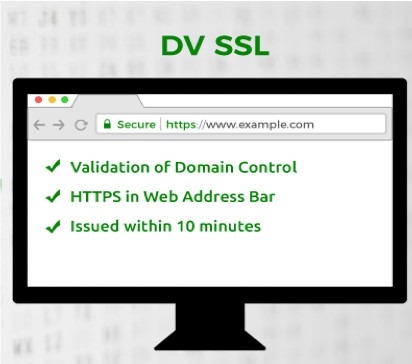
HTTPS protects the connection between the endpoints. On a public web server, check two things: the intended hostname presents a trusted certificate, and the certificate renews before it expires.
How the certificate authority validates control of your name is a separate choice:
- HTTP-01: Let's Encrypt validates through an HTTP request over port 80. This method fits deployments with a public HTTP challenge path.
- DNS-01: Validation uses DNS records and supports wildcard certificates. It works without a public HTTP challenge path if you can manage DNS validation and protect the credentials it needs.
The Let's Encrypt challenge documentation describes the requirements. Opening port 80 for HTTP-01 is no reason to publish a private database or any other application service.
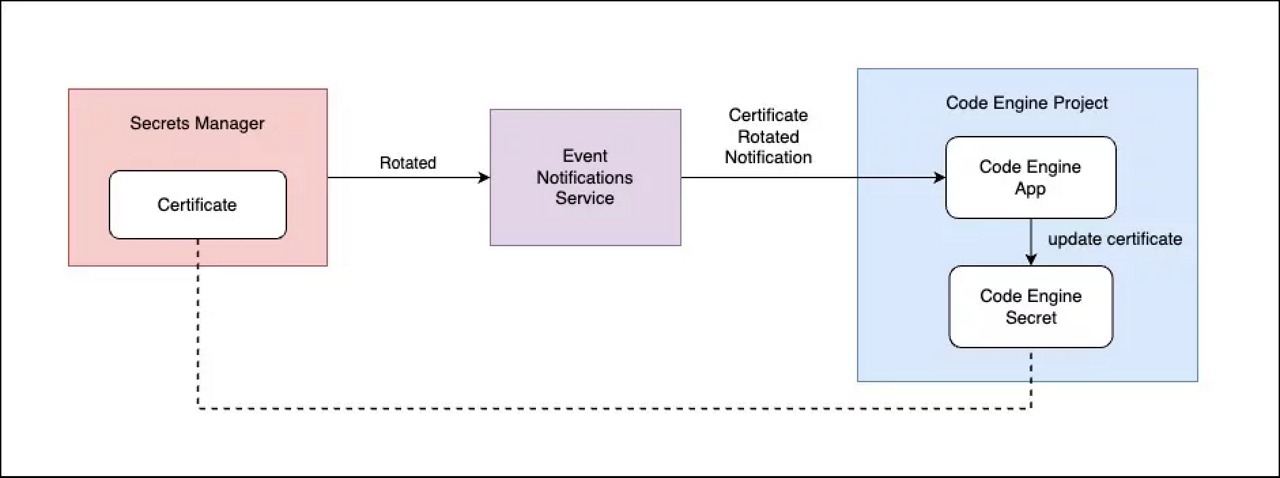
Issuing a certificate and keeping it renewed are separate tasks. Certbot supports renewal automation and a --dry-run test of the renewal procedure, depending on how your challenges and renewal are configured.
If your deployment relies on deployment hooks, Certbot's --run-deploy-hooks option runs them during a successful --dry-run, using the active certificate. Review what the hooks do before enabling the option on a production service.
For the hostname you administer, check certificate coverage, the trust chain, the validity period, and the configured renewal method. The TLS certificate management guide has the detailed configuration.
Separate host protection from containers and web applications
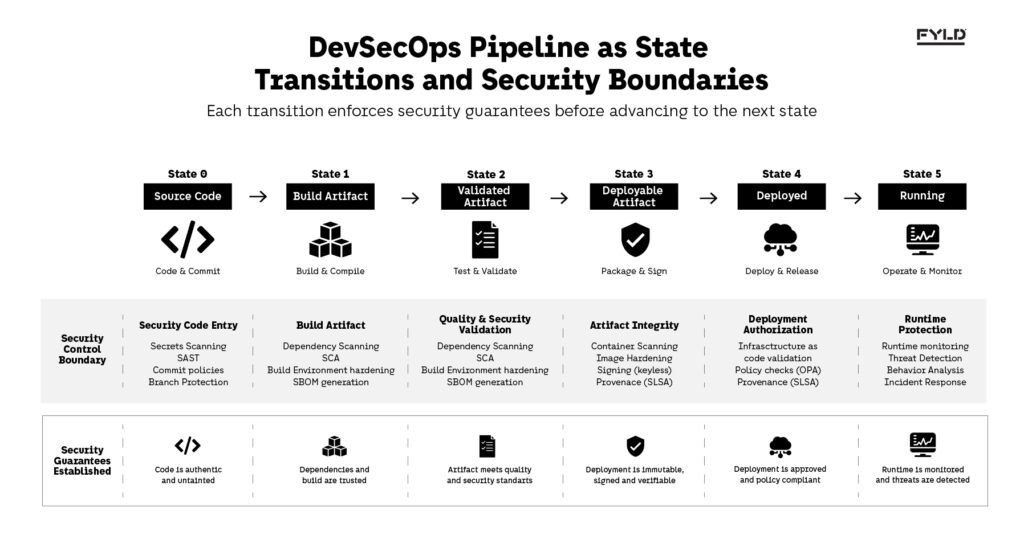
Take a VPS that hosts several WordPress installations. Ask whether those sites share process identities or credentials unnecessarily. The specific PHP-FPM pool and ownership settings are in the WordPress isolation guide.
Host hardening doesn't replace controls inside an application. A Linux account, a PHP-FPM worker, a Docker service, and a WordPress administrator run with different permissions. Give the web server process only the access its workload needs.

Ubuntu's AppArmor confines applications through profiles. An enforcing profile applies restrictions, while complain mode allows activity that would otherwise be denied and logs it for review. A profile's presence doesn't prove a process runs confined in enforcing mode.
Docker adds another privilege boundary. Access to the Docker daemon or its socket can give extensive control over the host and containers, so review who is authorized and whether the remote API is exposed. The OWASP Top 10:2025 covers web-application risks that go beyond operating-system configuration.
WordPress authentication, application updates, and plugin security are in the WordPress hardening guide.
Recognize suspicious behavior and switch to an incident workflow

In April 2026, a participant on r/selfhosted described a VPS used as a reverse proxy for home services, and what an alert led to: “I got an alert recently that CPU usage was spiking, so I logged in to see a newly-created user running masscan.”
A CPU spike alone has several possible causes, including legitimate workload, service malfunction, and unauthorized processes. Evidence comes from three places:
- System and authentication records: Logins, account changes, and administrative events.
- Application and service logs: Errors, unusual requests, and process behavior.
- Monitoring: Resource changes and alerts that line up with the event timeframe.
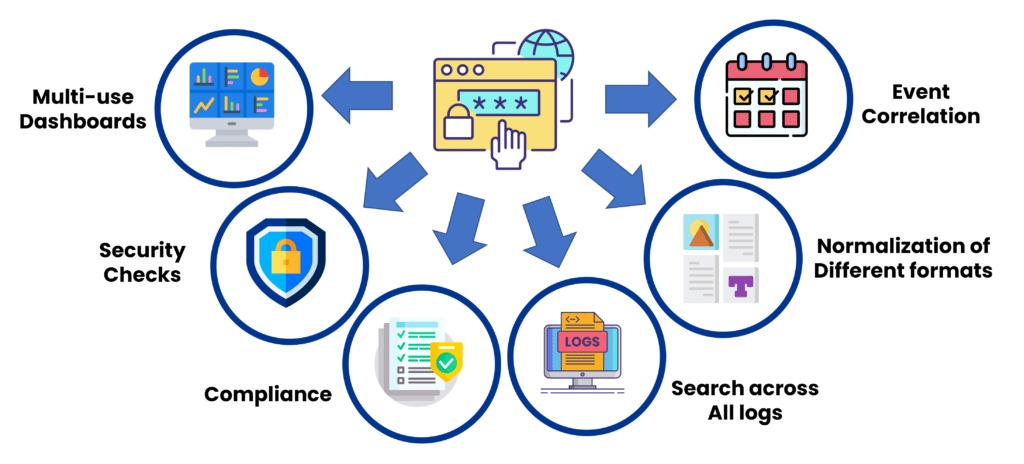
Review the evidence around the event, along with known maintenance and workload changes. An unexpected account combined with unexplained process behavior deserves more attention than a spike during a known workload.
If you suspect a compromise: When the evidence points to unauthorized activity, follow your organization's or provider's incident procedure. That means preserving evidence, containing the host, handling credentials, and recovering from a trustworthy system state. Routine hardening settings don't make an already compromised host clean.
Full forensic investigation and containment sit outside this overview. The server logs guide covers how to review records.
Keep an off-host recovery path and prove backups can restore
A completed backup job shows that a task ran. Only a test restore shows whether the backup can bring the service back.
The application sets what you need. A WordPress site needs its files and uploads plus the database that holds content and configuration, so an archive of website files alone leaves recovery incomplete. Recovery can also need protected credentials, access information, and server settings.
If the original machine or disk fails, an off-host backup stays accessible, which a copy kept on the same server doesn't.
Test recovery in an authorized nonproduction environment or through your provider's supported restoration process. Confirm that the restored application starts, expected data is present, and necessary administrative access works at the chosen recovery point. Backup preparation and restoration steps are in the server backup and recovery guide.
Verify the baseline and decide how much additional hardening is justified

Record what you observed and what still needs work. Mark each control pass, fail, or unknown against a specific expected condition. Every row below is unknown until you test it.
| Security area | Passes when | Who checks it |
|---|---|---|
| Administrative access | A new authorized SSH login succeeds and an independent recovery route exists | Host administrator or provider |
| Public network exposure | Reachability from an external network matches your intended public and private service list, including container ports | Network or VPS administrator |
| Operating-system updates | Update sources are checked, applicable security fixes are installed or covered by a documented risk exception, and affected services work after maintenance | OS operator or provider |
| HTTPS | Hostname coverage, trust chain, and validity period check out, and renewal has been tested in the way that fits the installed method | Web-service or certificate administrator |
| Application boundaries | Workload privileges match the intended restrictions. Where confinement is part of your baseline, the relevant processes run in enforcing mode | Host and application operators |
| Monitoring and incident handling | Relevant security events are recorded and someone owns incident escalation | Operations or security owner |
| Recovery | An independently stored backup has supported a controlled restore of the required data and application operation | Backup or service owner |
The service, its exposure, the effort you can spend, and the cost of failure set how much further hardening is justified. Extra controls carry their own price. A homelab owner asking about overlapping security controls on r/selfhosted in April 2026 put it this way: “This feels somewhat excessive for a simple hobby project.” Each added control brings configuration, maintenance, and troubleshooting work.
For environments that need a formal configuration baseline, CIS publishes Ubuntu 24.04 LTS and 26.04 LTS benchmarks, and Canonical describes Level 1 and Level 2 CIS profiles. Check them against your Ubuntu release and workload, because applying them doesn't automatically give you certification, compliance, or compatibility with your applications.
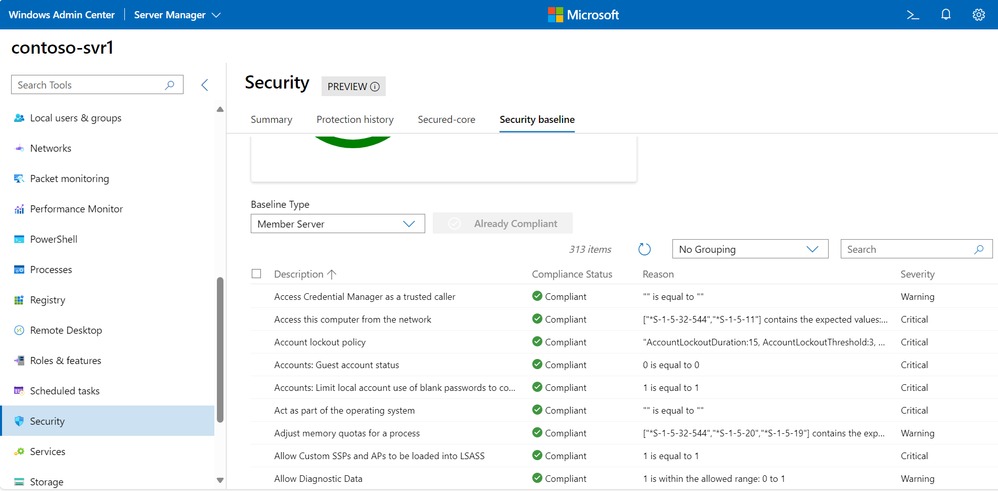
Repeat the checks after any material change: an operating-system release upgrade, a new container deployment, a firewall policy change, altered SSH access, different certificate-renewal arrangements, a provider policy change, or recovery from an incident.
