For routine work on a self-managed MySQL or MariaDB server, identify the server and account first, choose the smallest operation that fits the task, and verify the result. If the task touches recovery or overwrites data, use the backup or restore procedure and prove the recovery path on an isolated target before touching production.
MySQL and MariaDB share most of the SQL you use for everyday administration. Trouble starts when a familiar command runs under the wrong account, takes a different connection route, or changes data you wanted to keep.
Choose the right administration task
Start with the job. Reading a table structure, changing permissions and restoring a backup need different privileges and carry different risks.
| Your task | First consideration | Where to go | What confirms progress |
|---|---|---|---|
| Inspect databases or tables | Which objects does your account see? | Inspect databases and tables | SHOW DATABASES; lists the objects you expect |
| Manage user access | Which account needs which database? | Manage database access | SHOW GRANTS lists the grants you intended |
| Back up data | What must you be able to recover? | Choose a backup method | A backup file exists and restores on a test server |
| Restore data | Where should the recovered objects go? | Plan a safe restore | The expected tables and rows exist on the test server |
| Diagnose an error | Is the service reachable, and what failed? | Classify the failure | You can name the failing layer |
| Monitor operations | How will you notice a failed job? | Monitor recurring checks | Exit status, logs and dated restore-test records |
Sort an unfamiliar task by what it can change:
- Read-only inspection: List visible databases, examine table definitions, or inspect account assignments.
- Configuration change: Create users or modify privileges. Either one can change who can reach an application database.
- Recovery operation: Import or restore database content. The statements in the backup and the destination decide which existing objects are affected.
If a WordPress site's database user can't write, start with SHOW GRANTS for that account. If you're rolling a site back to an earlier state, choose the destination before importing anything.
Identify the server version, connection, and account
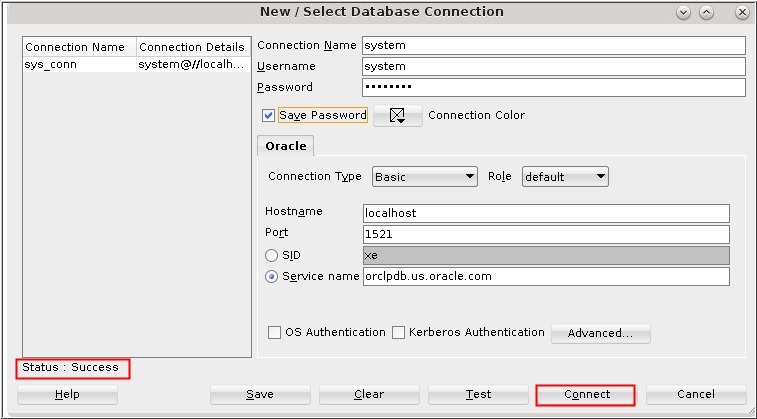
Before you change anything, confirm which server accepted your connection and which account it recognizes. The client program you installed can connect to a different machine or a different server release.
Inside a SQL session, run:
SELECT VERSION();
SELECT USER(), CURRENT_USER();
VERSION() returns the version of the server you reached. USER() returns the user and host you connected as. CURRENT_USER() returns the account MySQL uses for privilege checks.
The two values differ when the server matches your login to a different account entry. That explains why a familiar login can have unexpected permissions.
Local socket and TCP connections
A local client connects through a Unix socket or through TCP. Connecting to localhost selects the Unix socket, and 127.0.0.1 selects TCP.
MariaDB's unix_socket authentication plugin works for local accounts, including root@localhost. On an installation set up that way, sudo mariadb logs you in through your operating-system identity, even when a password-based root login fails.
On a remote server, trust what VERSION() returns, not the local client's version.
Inspect databases and tables without changing data
In a SQL session, these read-only commands show you the current state:
SHOW DATABASES;                    -- list visible databases
SHOW DATABASES LIKE 'site_test';   -- check one database name
USE site_test;                     -- select that database
SHOW TABLES;                       -- list its tables
DESCRIBE posts;                    -- columns of the posts table
SHOW CREATE TABLE posts\G          -- full table definition
Your privileges decide which databases you see, so a missing name doesn't mean the database doesn't exist. Never run DROP DATABASE while inspecting.
Create a database account and grant only the access it needs
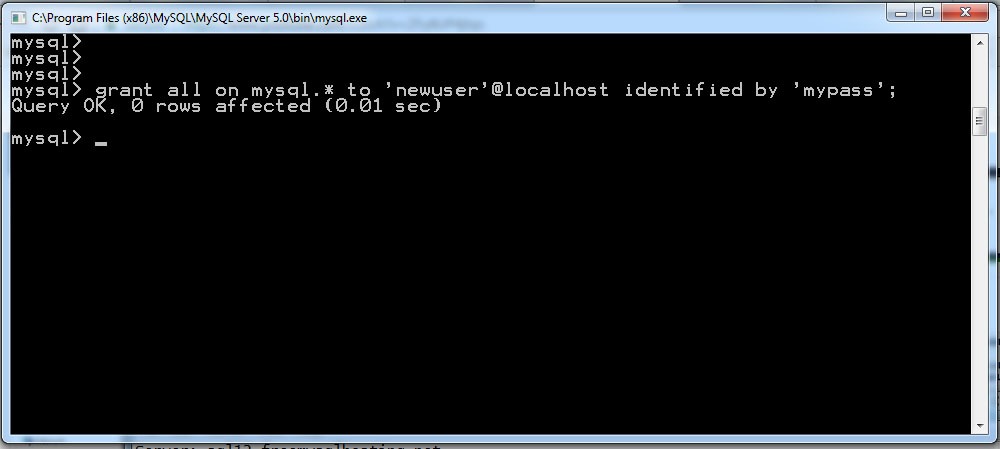
A MySQL account is a username plus a host. The host decides which connections can match the account.
'site_app'@'localhost' is a local application account. An account with the host pattern '%' matches any host. Server configuration and network rules still decide whether a connection gets through.
To give an application account access to a database named site_test, run this as an administrator:
CREATE USER 'site_app'@'localhost'
IDENTIFIED BY 'REPLACE_WITH_UNIQUE_SECRET';

GRANT SELECT, INSERT, UPDATE, DELETE
ON site_test.*
TO 'site_app'@'localhost';
Replace the password placeholder with a unique secret, and grant only the privileges your application uses.
site_test.* limits the privileges to that one database. A grant on *.* covers every database. Pair global privileges with a '%' host and you expose more data and administrative capability than the task needs.
Inspect the assigned privileges
After the change, check the account's grants:
SHOW GRANTS FOR 'site_app'@'localhost';For your own account:
SHOW GRANTS;In MySQL 8.4, viewing another account's grants takes the right privileges. Any account can run SHOW GRANTS; for itself.
The output shows assigned privileges only. Administrative commands also follow role and delegation rules, and read or update rights don't let a user pass them to another account.
When FLUSH PRIVILEGES is necessary
In MySQL 8.4, GRANT and REVOKE take effect without FLUSH PRIVILEGES. Only direct edits to the grant tables need a reload. Don't edit those tables as a routine method, and see the MySQL 8.4 FLUSH documentation for the exact conditions.
Choose a backup method that matches the recovery job

Pick the backup by what you must recover, where the recovery will run, and whether the database changes during the backup. MySQL and MariaDB both provide logical dump tools. MariaDB also has physical backup methods that work on database files.
| Consideration | Logical SQL export | Physical backup |
|---|---|---|
| Representation | SQL statements that describe database objects and data | Database files and directories |
| Useful scope | Selected tables, databases, or other logical objects | Full recovery, or partial backups with some tools |
| Portability | Easier to move when SQL and client versions match | More tied to server version, storage format, and environment |
| Data volume and recovery | Can produce larger exports and need more restore processing | Can be more efficient for large recoveries |
| Consistency | Depends on storage engines, dump options, and concurrent activity | Requires a physical backup or snapshot procedure |
| Recovery method | Import the SQL file into the target server | Run the physical restore process |
A logical dump leaves out server configuration and log files, as MariaDB's backup documentation describes. For a full-server recovery, back those up separately.
Consistency while the database is changing
mysqldump --single-transaction gives MySQL a consistent snapshot of InnoDB tables, within the limits below.
That guarantee doesn't cover nontransactional engines such as MyISAM or MEMORY. Concurrent data-definition changes can interfere with a dump even when the option is on.
--quick retrieves rows incrementally. In MySQL 8.4, mysqldump enables it through the default --opt unless you override the defaults. It affects how rows are read, not consistency.
A poster on r/selfhosted put the problem this way on August 4, 2026, in a thread about Docker volume archives and NAS backups: “I've been noticing some tar corruptions, and I'm reading a lot about how you shouldn't backup running DBs but dump them.”
A database-aware backup handles consistency, and a generic archive of live files doesn't.
MariaDB dump compatibility
Starting with MariaDB 11.0, the historical mysqldump symlink changed, and it is removed from the MariaDB Docker Official Image. mariadb-dump can also write a sandbox-mode instruction that some older MariaDB clients and MySQL import clients can't read. When moving a MariaDB logical dump to another environment, check the client version on both ends. The MariaDB mariadb-dump documentation covers the details.
Restore into a safe target and verify what you recovered
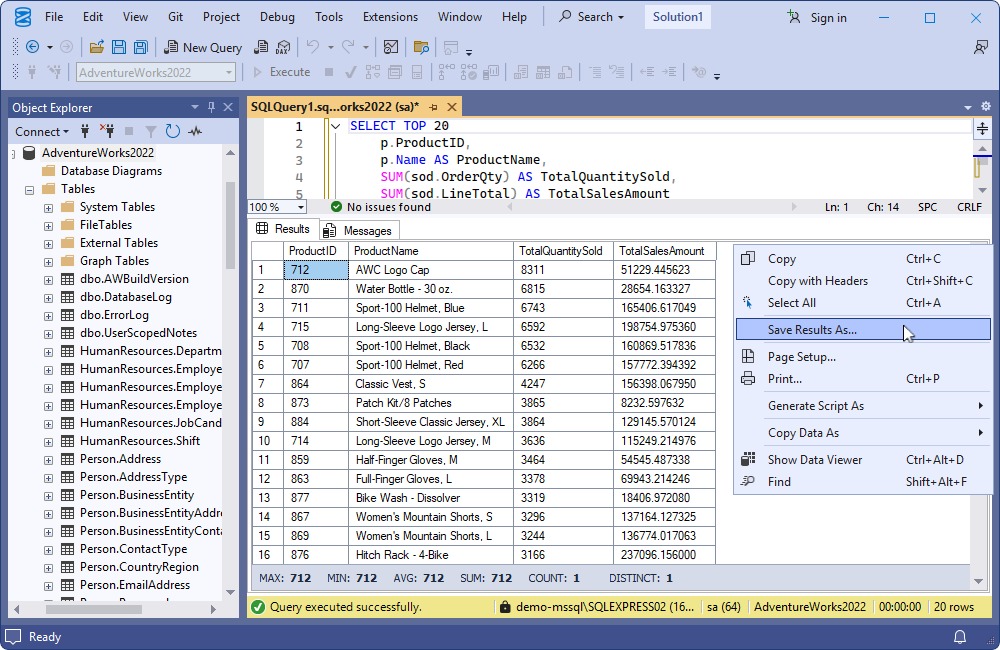
Import only when you know the backup's source, the exact destination, and the state you expect afterward. A database name alone is ambiguous when production and test systems use similar names.
Understand what the dump can change
A mysqldump file can contain statements that change existing objects when you import it. The --opt group is enabled by default and includes --add-drop-table, which can produce DROP TABLE statements. --databases adds database creation and selection statements, and --add-drop-database can add DROP DATABASE.
The options used to create the dump decide the exact statements. If they target a database that already holds data, the import can remove or replace existing objects.
A database name on the import command doesn't rewrite the database-selection statements inside the SQL file. If you want to restore under another name, reconcile it with the file's contents before importing.
An r/mysql poster asked on February 2, 2025 how to restore a database under another name on the same Windows server: “How can I restore 1 db name "test" in "test_uat" from all database file in same windows MySQL server?”
If the dump selects test with a USE statement, every unqualified statement after it applies to test, and the objects already on the receiving server decide what gets affected.
A controlled recovery check
Test a restore in a separate, compatible environment.
A raw MariaDB Backup physical full backup must be prepared for consistency before restore.
- Pick the backup file: Decide which backup you intend to recover and which databases or objects it contains.
- Name the target: Write down the recovery server and database, and how they differ from production.
- Read the dump for
DROPandUSEstatements: For a logical dump, find the database-selection, object-creation and drop statements that touch the destination. - Restore in isolation: Run the restore with the procedure that matches your backup method.
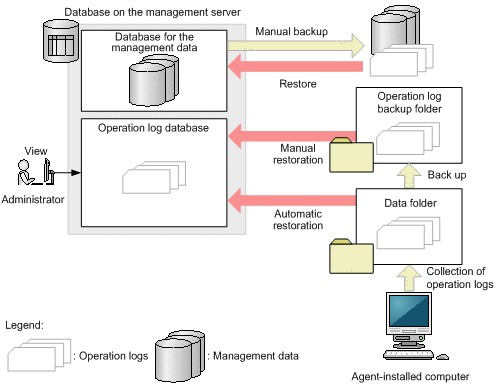
- Check the result: Confirm the expected tables exist. Compare row counts on two or three key tables with the source, and check the date of the newest record. On a WordPress clone, that means the posts table and the latest post.
A nonempty SQL file or a successful import exit status says little about whether all your data came back.
Diagnose access-denied, socket, and server-state errors
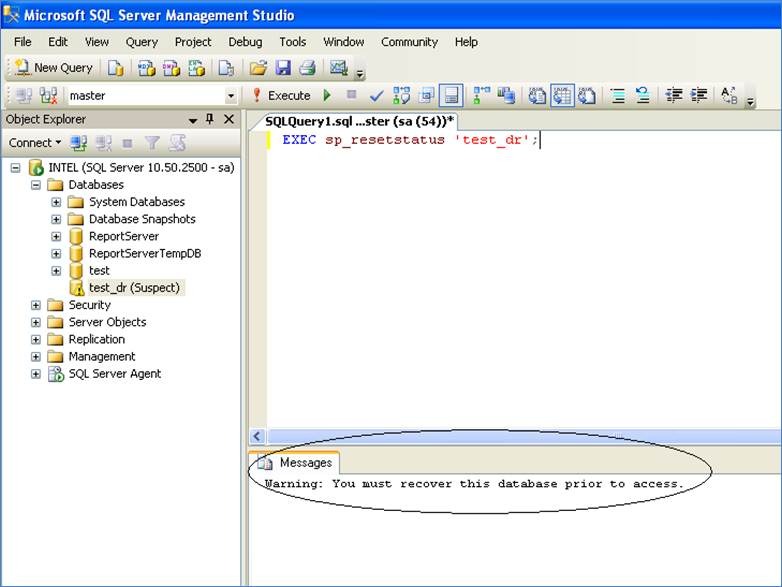
Sort a failure into the right layer first.
| Symptom | What it suggests | What to check |
|---|---|---|
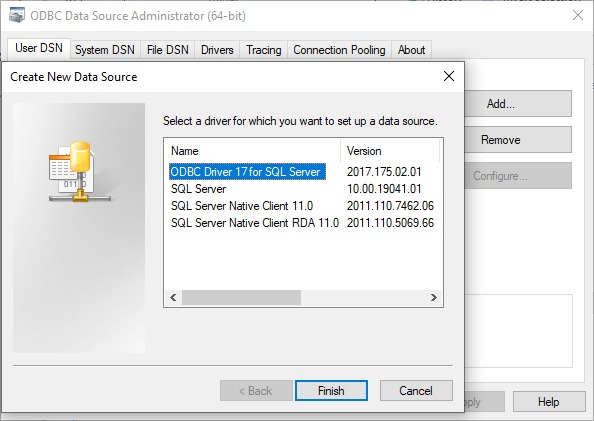
| Server cannot be contacted | Service, socket, address, port, or network problem | Run mysqladmin ping, then check the socket or TCP route (see Identify the server) |
| Connection reports access denied | Authentication or account-matching failure | Compare USER() and CURRENT_USER(), and check the account's host |
| Login succeeds but a statement is denied | Missing privilege for that statement | Run SHOW GRANTS; and compare it with what the statement needs |
| An administrative grant is rejected | Missing grant authority on the connected account | Run SHOW GRANTS; and read the access section. On managed services, see the RDS note below |
| An expected database is not visible | Visibility or database-selection issue | Run SHOW DATABASES; (see the inspection section) |
What mysqladmin ping establishes
In MySQL 8.4, mysqladmin ping can exit with status 0 while printing Access denied: the server is up and refused your credentials. Status 1 means the server isn't running.
On a running server, MySQL also offers mysqladmin status, mysqladmin processlist and the SQL statement SHOW PROCESSLIST.
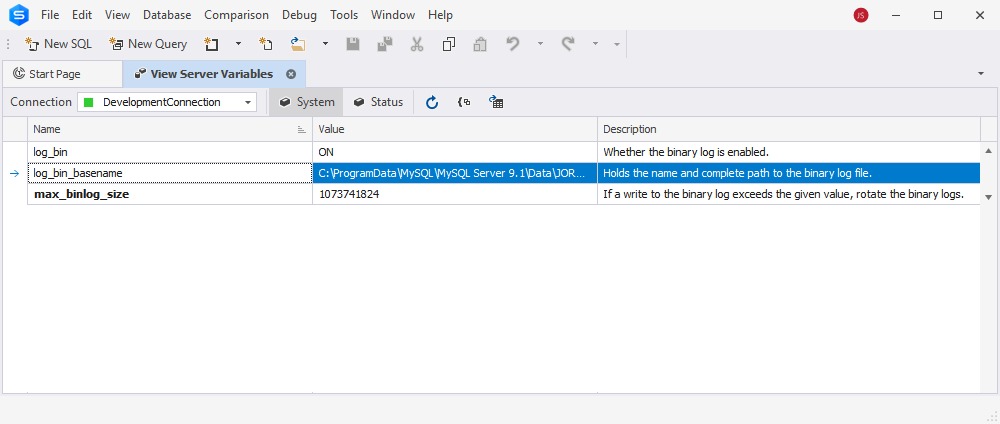
Managed database privilege restrictions
A grant problem on AWS RDS prompted this question on r/mysql on February 14, 2023: “meaning I don't have permission to grant myself permissions, right?”
Amazon RDS defines administrative privileges inside its managed environment, and they differ by engine and version. The master account is limited by the service. It doesn't have the unrestricted control of an operating-system administrator on a self-managed server.
Make checks and backup monitoring repeatable
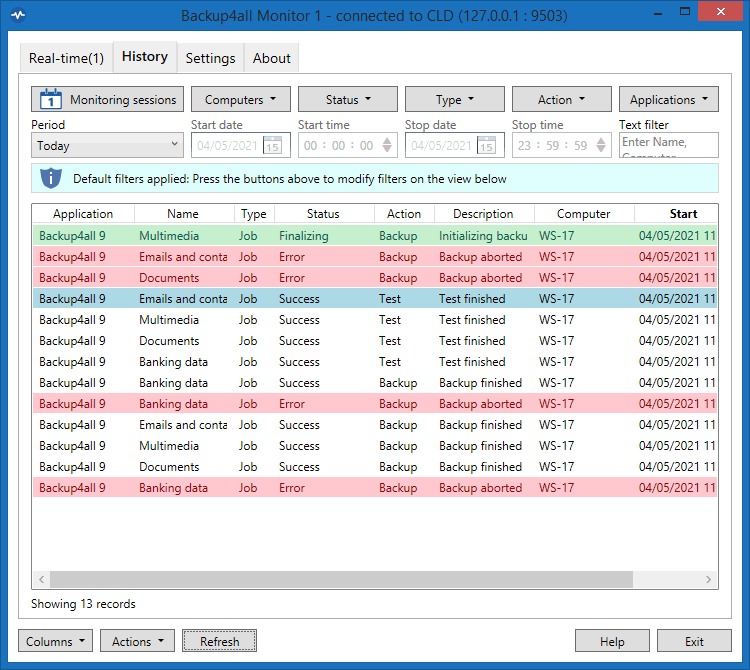
A backup job needs a result you can see.
A self-hoster running unmanaged VPSs and several database engines asked on r/selfhosted on October 4, 2025: “How do you test your backups to make sure they actually work?”
The answer is a dated recovery-test record. Keep these four fields for each backup job:
- Last successful backup: The completion time and the file produced.
- Failed job: A nonzero exit status or another explicit failure result.
- Diagnostic evidence: Error output or logs that show what failed.
- Recovery-test record: The date, destination and outcome of your most recent restore check.