Use a dedicated 'user'@'host' account for your MySQL application, with only the database or table privileges its workload needs. Then open a fresh connection and test one operation that should work and one that shouldn't. The examples below use Oracle MySQL 8.4 as their reference.
Choose the right MySQL account and privilege scope
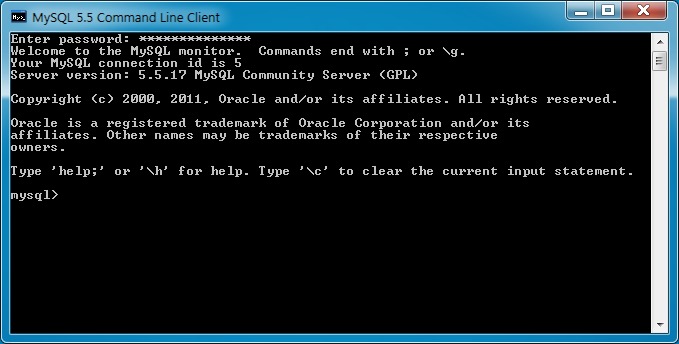
A MySQL account is a username plus a host. The host controls where connections can come from, and the privileges control what a logged-in session can do. Two accounts with the same username but different hosts are separate accounts, each with its own password and rights.
'app_user'@'localhost'names a local account.'app_user'@'%'uses a broad host wildcard under MySQL's account-matching rules.
Set the host to wherever the application connects from. A wide host wildcard doesn't open network access or secure a remote connection.
| Workload | Candidate privileges | Scope and decision |
|---|---|---|
| Read-only reporting | SELECT | Required tables or database only |
| Application CRUD | SELECT, INSERT, UPDATE, DELETE | Application database. Covers data operations |
| Installation or schema migration | Schema-changing privileges on top of CRUD | Check the installer's requirements. CRUD alone isn't enough. |
| Delegated administration | Administrative privileges, plus WITH GRANT OPTION if needed | Only where the operator must grant rights to others |
ON example_app.* scopes a grant to one database, ON example_app.some_table scopes it to one table, and ON *.* makes it global. Even GRANT ALL has different consequences at the database and global levels.
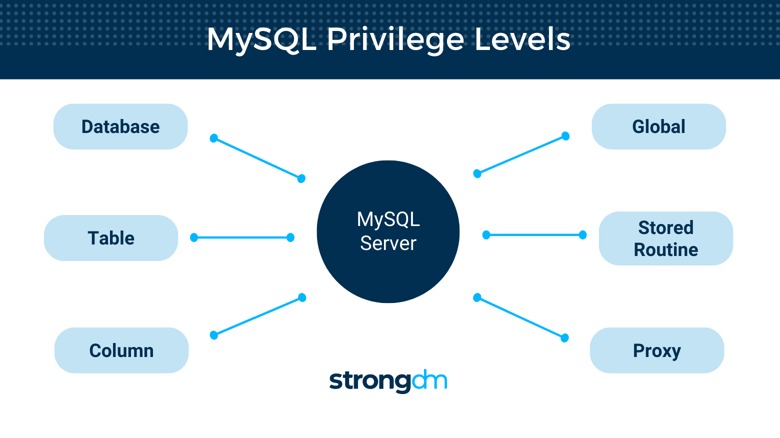
WITH GRANT OPTION lets an account pass its privileges on to others, and ordinary application reads and writes don't need it.
Create a MySQL user and grant its database privileges
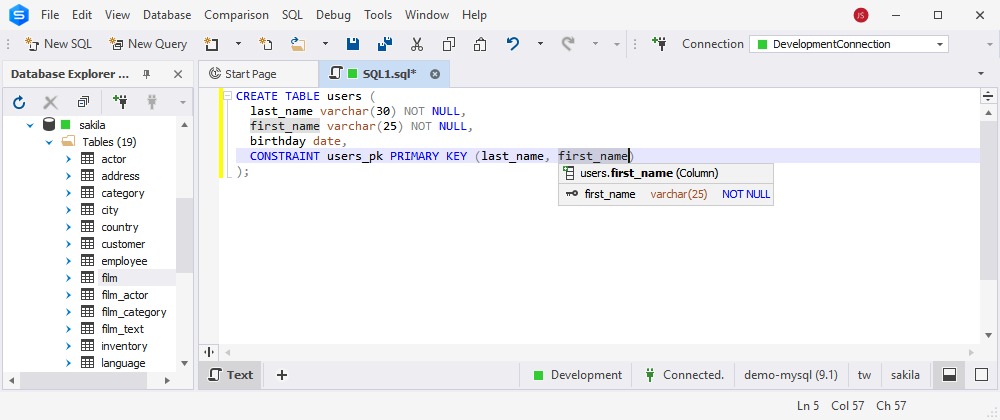
In Oracle MySQL 8.4, CREATE USER makes an account with no data privileges. A separate GRANT statement gives it the permissions it needs.
The examples assume a database named example_app, and the administrative statements need an admin account to run.
CREATE USER 'app_user'@'localhost'
IDENTIFIED BY '<unique-secret-entered-securely>';

GRANT SELECT, INSERT, UPDATE, DELETE
ON example_app.*
TO 'app_user'@'localhost';
Replace the placeholder with a unique password. SQL that contains a password can leak it through session recordings, logs, and copied commands, so enter the real one through a secure channel.
The GRANT names the same account you just created, localhost included. This privilege set fits an application that reads and writes data, but it isn't a universal WordPress installation recipe.
An existing reporting account needs only a read-only grant:
GRANT SELECT
ON example_app.*
TO 'report_user'@'localhost';
Verify grants and test allowed and denied access
After you grant access, inspect the grants and try the operations as the account itself. Logging in only proves the password works.
Inspect the grants
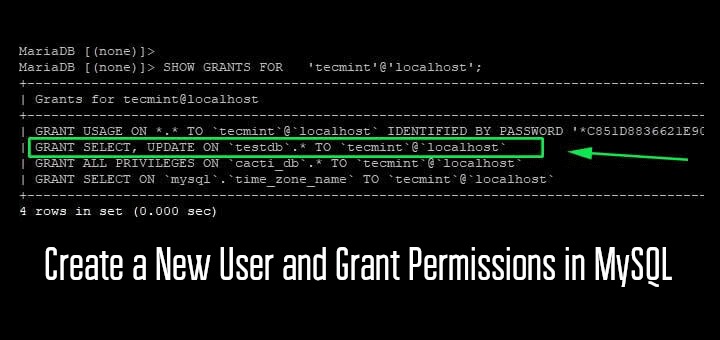
In Oracle MySQL 8.4, you need SELECT on the mysql system schema to inspect another account's grants. To see your own, run SHOW GRANTS; with no extra privilege. For another account, name it with its host:
SHOW GRANTS FOR 'app_user'@'localhost';Accounts can also get privileges through roles. If the example role 'granted_role'@'%' has been granted to 'app_user'@'localhost', use SHOW GRANTS FOR 'app_user'@'localhost' USING 'granted_role'@'%'; to include its privileges in the result. Only the roles active in a session count, so a plain grant listing can miss part of what the session can do.
Connect as the account
For the local account, have the command-line client prompt for the password:
mysql -u app_user -pFor an application on another machine, connect the way that application does. A different host or transport can match a different MySQL account.
Test one permitted and one forbidden read
Suppose an admin has created a non-sensitive read_fixture table in each of two existing databases. With the grant above, the account should read the table in example_app and get denied in unrelated_db:
SELECT * FROM example_app.read_fixture LIMIT 1;
SELECT * FROM unrelated_db.read_fixture LIMIT 1;- Allowed read: The first query succeeds when the fixture exists and the account has
SELECT. - Denied read: The second returns an authorization error when the account has no direct, global, or role-derived privilege on that table.
A missing table or a different SQL error doesn't prove your access boundary works.
Change a MySQL user's password without breaking an application
ALTER USER changes the password of an existing account. For an application account, it also affects every service that uses those credentials to open new connections.
ALTER USER 'app_user'@'localhost'
IDENTIFIED BY '<new-unique-secret-entered-securely>';
In WordPress, the database settings must match the account's credentials. If you change the database password and leave the app's stored password alone, new connections fail.
Do the rotation in this order:
- Identify dependencies. Find every application and service that uses the account.
- Keep a recovery path. Hold on to admin access and a restorable, protected copy of the application config.
- Change the credential. Run
ALTER USERfrom your admin channel. - Update consumers. Apply the new password through the application's supported configuration or deployment method.
- Confirm the connection. Open a new application connection with the updated credential.
Some setups need a maintenance window. The database and the app config change separately, so connections can fail between the two steps.
Revoke unnecessary permissions without deleting the user
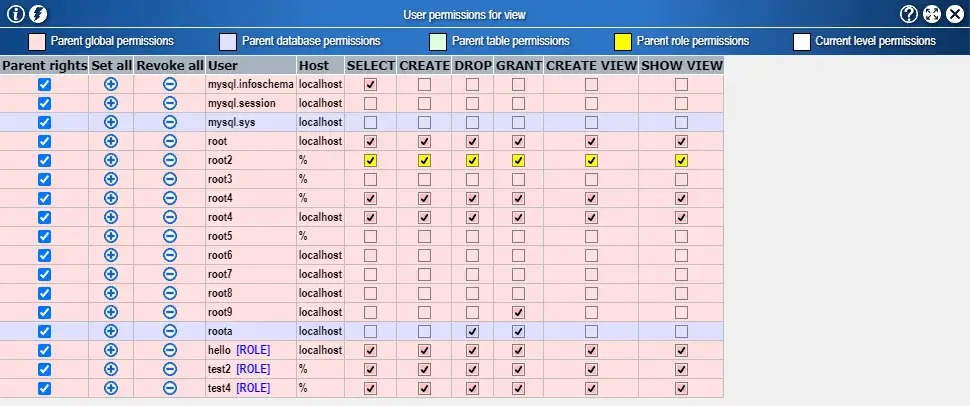
REVOKE removes a privilege from an existing account and leaves the account and its other grants in place.
Suppose app_user used to insert records into example_app but no longer does. An admin can remove that permission:
REVOKE INSERT
ON example_app.*
FROM 'app_user'@'localhost';
Record the current grants and confirm the application no longer inserts records before you revoke.
Match the privilege, the database scope, and the account (name and host) to the grant you want gone. If another grant or an enabled role gives equivalent access, deal with that source separately.
Diagnose “Access denied” and missing-privilege errors
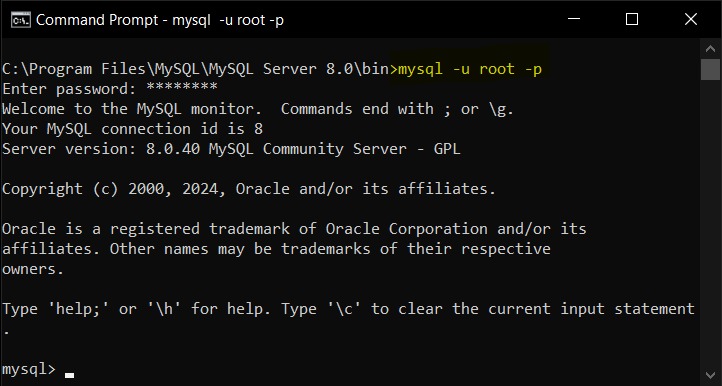
An access problem can stop a connection before login finishes, reject a query after login, or block an admin who is changing grants. Which stage failed tells you what to check.
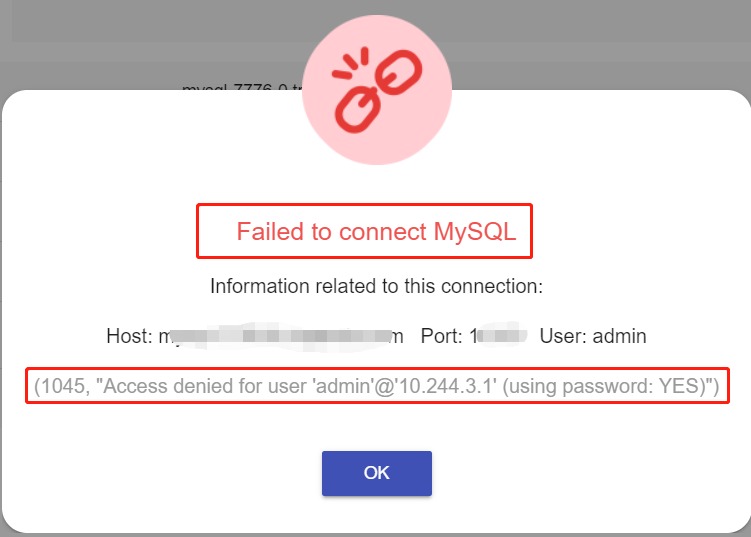
An r/mysql poster with a PHP/MySQL connection between a local XAMPP setup and a remote website wrote: “The sever, username, password, and database name are all correct, yet I still get this error when trying to upload.” Correct credentials don't rule out a host or authentication mismatch, which the first row below covers.
| What failed | What it suggests | Next diagnostic |
|---|---|---|
| Login rejected, including error 1045 | Authentication or account matching failed | Check credentials, source host, and authentication method |
| Login succeeds but query is denied | The account lacks the privilege that operation needs | Run the grant and fixture checks from the previous section |
CREATE USER or GRANT denied | The acting admin lacks grant authority | Use an account that has it, or your provider's tools |
| Password changed and application connection fails | The application's stored credential is out of sync | Follow the rotation steps above |
A broader global grant is an unsafe shortcut while you don't yet know which identity and rights the failing application query should have.
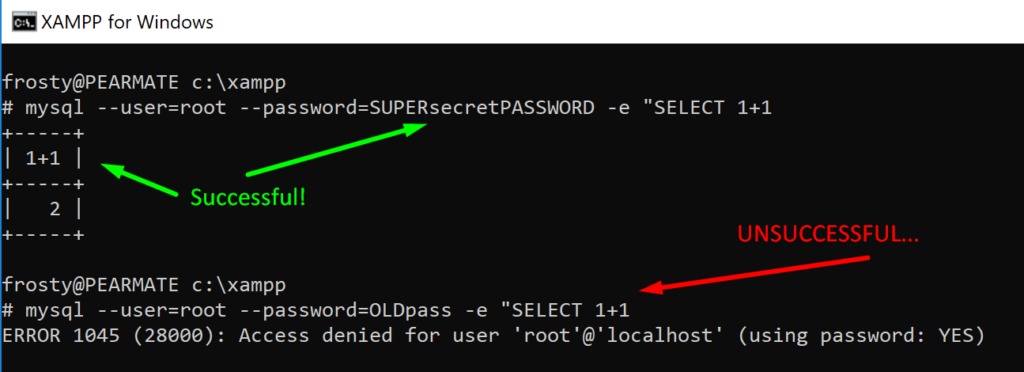
Error 1045, paired with SQLSTATE 28000, means access denied.
Identify the account that authenticated
When login succeeds, run:
SELECT USER(), CURRENT_USER();USER() shows the identity the client supplied. CURRENT_USER() shows the account MySQL uses for privilege checks. If they differ, the account receiving grants isn't the one you expected.
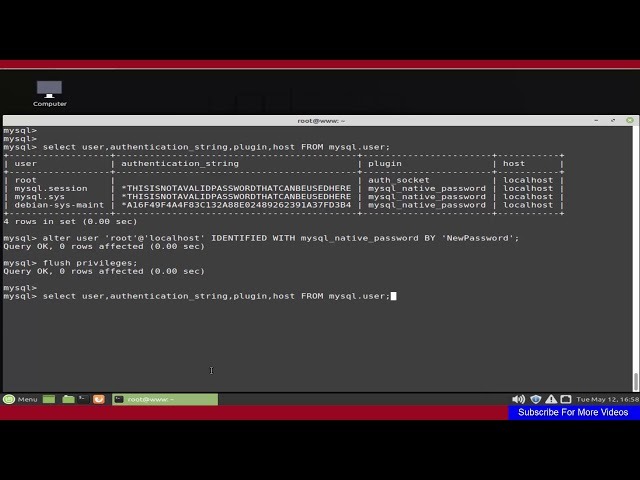
You can only run this query inside a session, and a rejected login has none. In that case, check the attempted credentials and the connection origin from an admin account.
What changes on shared hosting and managed MySQL?
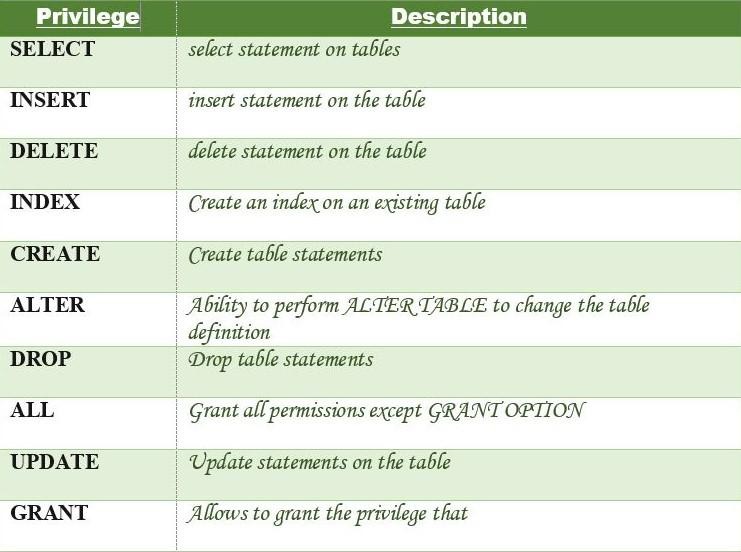
Managed databases and shared hosting can restrict account administration. Access to a database doesn't guarantee you can create users or delegate privileges.
An r/mysql user with a HostGator shared database and PHP code hosted elsewhere ran into that limit and asked: “Is there some way to enable this or am I limited in what I can do being on a shared host?”
DigitalOcean Managed MySQL is one example: it restricts creating additional admin users. Its documentation says to change supported privileges through a MySQL client connected as doadmin or another authorized account, and the control panel isn't a documented route for editing privileges.
A remote application's connection also requires network reachability and transport security. Opening database access to the public internet isn't a safe fix for an unexplained connection error.
When direct SQL administration is restricted, use the provider's documented route.
MySQL 8.4, MySQL 9, and MariaDB authentication differences
Account and authentication instructions have to match your database engine and version.
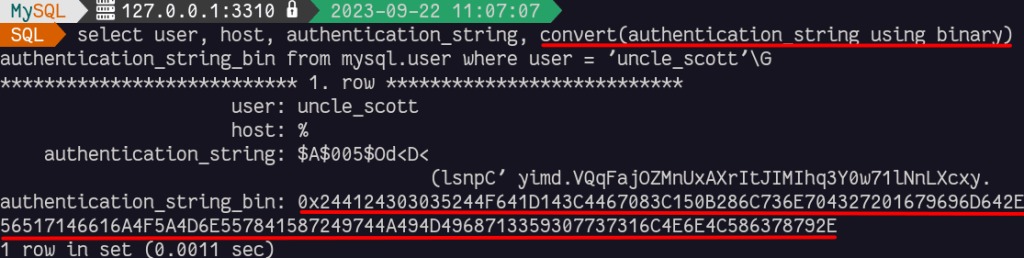
Oracle documents mysql_native_password as disabled by default in MySQL 8.4 and removed in MySQL 9.0. An older recipe that uses that plugin fails on versions where it's unavailable.
MariaDB has its own account-management rules. Its GRANT can create an account implicitly under documented conditions, while the MySQL 8.4 examples here create the account explicitly first.
To check your database version, run:
SELECT VERSION();Then follow the documentation for that engine and release when you configure authentication or write version-specific account syntax.
A February 10, 2024 post on r/mysql, from an Ubuntu 22.04 user on MySQL 8.0.36, asked: “I installed mysql-server, didn't run any other configuration command so what would have been root password if any?” Recovering the root password is a separate task from assigning privileges to an application account.
Do you need FLUSH PRIVILEGES after granting access?
No. CREATE USER, GRANT, REVOKE, and ALTER USER take effect without FLUSH PRIVILEGES. You only need it after editing the grant tables directly, a distinction the MySQL FLUSH documentation draws. Existing connections pick up changes at different times. Table and column privileges apply on the next request, database-level changes on the next USE, and dynamic global privileges immediately. Static global privileges and password changes apply to subsequent connections.
