Use mysqldump for a manageable MySQL database when a transactional snapshot gives you the consistency you need. Validate every dump by restoring it into a separate test database. If a SQL dump can't meet your consistency or recovery-time needs, choose a physical, parallel, or managed backup instead.
The basic workflow
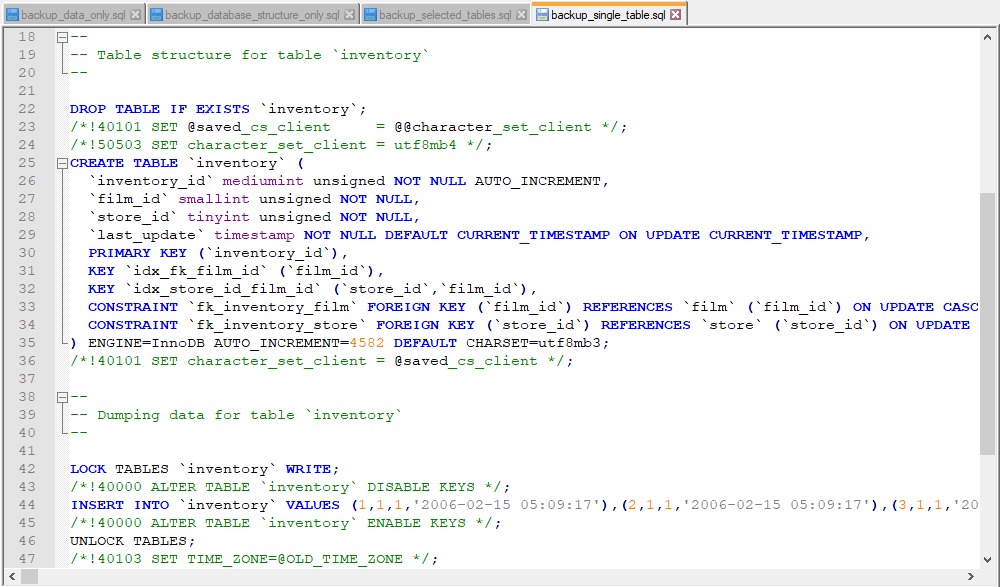
A basic MySQL backup has three steps: export the source database to a SQL file, load that file into an empty database on a test server, and check the result. A dump is not a recovery proof until it imports into an isolated database and you can inspect the expected tables there.
The examples use a Linux shell, MySQL 8.4 command behavior, and example database names. Run the export on the source server. Run the import from a machine that can reach a separate test MySQL instance.
example_app: The source database.example_app.sql: The SQL backup file.example_app_restore: A new, empty database on the test instance.TEST_HOST: The test server's hostname or address. Replace it with the real one.backup_userandrestore_user: Accounts with the permissions each operation needs.
Export the source database:
mysqldump -u backup_user -p example_app > example_app.sqlThe -p option prompts for a password. Shell redirection writes the generated SQL to example_app.sql.
Once the empty destination database exists on the test instance, import the file:
mysql --host=TEST_HOST -u restore_user -p \
  example_app_restore < example_app.sql
The mysql client runs the saved SQL on the server named by --host. The SQL file must be reachable from the machine running this command.
This example dumps one database without --databases, so the file has no CREATE DATABASE or USE statements and the destination database must already exist.
Keep the target separate: TEST_HOST must point to the test instance. Without an explicit host or another known connection configuration, the MySQL client connects to localhost. Don't assume a different database name isolates you from the production server.
When mysqldump fits the recovery goal
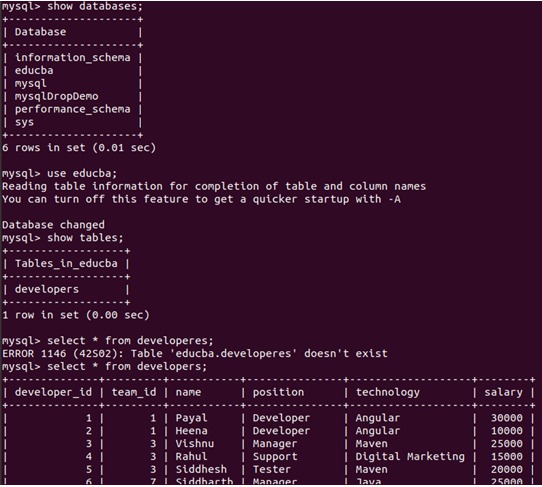
mysqldump suits a manageable logical export, such as copying an application database into a development environment, because the SQL output is portable and readable. Physical backups preserve the underlying database files and can be the better choice when a large database must come back within a short downtime window. MySQL Shell supports parallel dumping, loading, and compression.
Pick by three things: how much data you can afford to lose, how long you can stay down, and how consistent the data must be.
Check your database before the dump
On the Linux machine where the client tools run, check the installed versions:
mysql --version
mysqldump --version
The storage-engine information in information_schema.tables separates InnoDB from nontransactional engines such as MyISAM and MEMORY.
Also find out whether the application relies on views, triggers, stored procedures, functions, or scheduled events.
Write down five things:
- Source identity: Server, database name, and server and client versions.
- Engine mix: InnoDB tables, plus any nontransactional tables that change the consistency strategy.
- Object list: Views, triggers, routines, and events the application needs.
- Access: The export permissions the backup account actually has.
- Destination: The separate test instance and the name reserved for the restored database.
For MySQL 8.4, table exports require SELECT, views require SHOW VIEW, triggers require TRIGGER, and events require EVENT. Routine dumping and some options need more access.
One combination matters: --single-transaction with gtid_mode=ON and --set-gtid-purged=ON or AUTO. MySQL documents a requirement for the RELOAD or FLUSH_TABLES privilege under those conditions. Check your own options instead of copying a generic list of grants.
Choose the dump scope
Scope decides what goes into the file and how the file picks databases at import.
| Required scope | Example command | Import consequence |
|---|---|---|
| One database | mysqldump -u backup_user -p example_app > example_app.sql | Restores into any existing database you name |
| Selected tables | mysqldump -u backup_user -p example_app table1 table2 > selected_tables.sql | Restores only the named tables |
| Multiple databases | mysqldump -u backup_user -p --databases app_a app_b > selected_databases.sql | Includes CREATE DATABASE and USE statements |
| All databases | mysqldump -u backup_user -p --all-databases > all_databases.sql | Same, for every database |
--all-databases exports the whole instance, but not every internal schema. MySQL excludes INFORMATION_SCHEMA, and performance_schema and sys are not dumped by default.
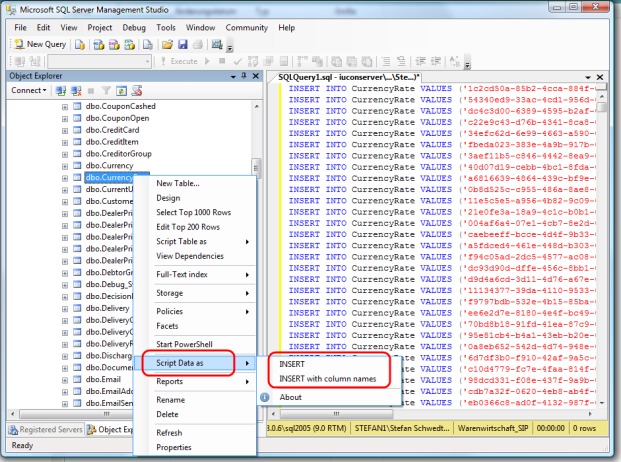
Two more options cover narrower jobs:
--no-data: Exports object definitions without the table rows.--no-create-info: Exports table data without the usual table-creation statements.
For a normal application recovery, use a scope that includes both structure and data.
Use --single-transaction correctly for live InnoDB data
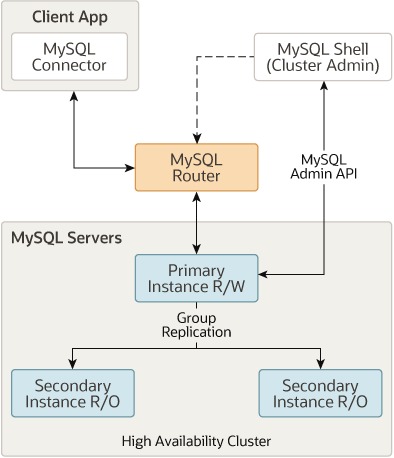
For a live InnoDB database, --single-transaction lets mysqldump read a consistent snapshot while normal application writes continue.
In MySQL 8.4, the option starts a transaction under repeatable-read isolation. InnoDB then supplies a view of the data committed as of the transaction's start.
For example_app, assuming InnoDB tables and no concurrent schema changes affecting them, use:
mysqldump -u backup_user -p \
  --single-transaction --quick \
  example_app > example_app.sql
--quick retrieves rows incrementally, which helps with large tables. The default --opt option group already enables it.
The snapshot guarantee covers transactional engines such as InnoDB. MyISAM and MEMORY tables don't get it. Concurrent ALTER TABLE, CREATE TABLE, DROP TABLE, RENAME TABLE, or TRUNCATE TABLE operations on affected tables can also compromise the dump. --single-transaction and --lock-tables are mutually exclusive.
A Docker operator on r/selfhosted described a related concern: “I've been noticing some tar corruptions, and I'm reading a lot about how you shouldn't backup running DBs but dump them.”
A logical export and a filesystem archive of active database files use different consistency mechanisms. On a mixed-engine deployment, your engine list and schema-change activity decide whether the transactional export is enough.
The MySQL mysqldump reference documents the engine and concurrent-DDL restrictions.
Back up stored objects
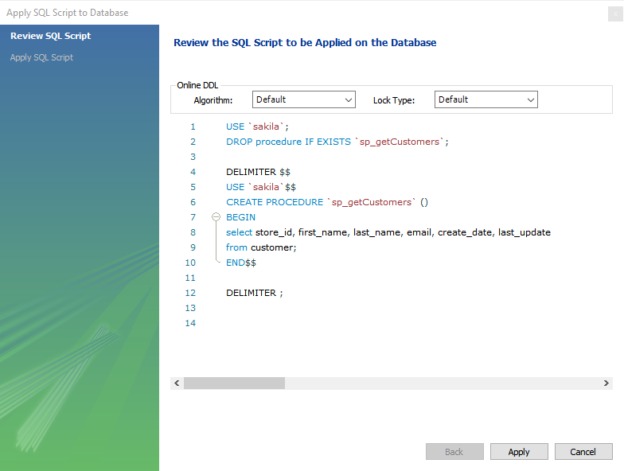
MySQL can keep application behavior in views, triggers, routines, and scheduled events, and each has its own export rules.
In MySQL 8.4, triggers are included by default when the exporting account has the required permissions.
| Object | What the dump needs |
|---|---|
| Tables and rows | Chosen by the database and table scope |
| Views | SHOW VIEW access. Definitions must be compatible with the target |
| Triggers | Included by default. Needs TRIGGER |
| Procedures and functions | --routines |
| Scheduled events | --events plus EVENT access |
The explicit routine and event options matter even with --all-databases in MySQL 8.4, because those definitions live in the data dictionary.
For an InnoDB application that needs its stored programs and events, run:
mysqldump -u backup_user -p \
  --single-transaction --quick \
  --routines --events --triggers \
  example_app > example_app.sql
In MySQL 8.4, --routines requires the global SELECT privilege. Table-level SELECT alone doesn't satisfy it.
Views, routines, and events can carry definitions or DEFINER values that need compatible permissions on the destination.
MySQL configuration, server logs, application files, and database-account provisioning sit outside the dump and need separate treatment. A full WordPress recovery, for example, needs the site's files as well as its database.
Compress and automate dumps without hiding failures
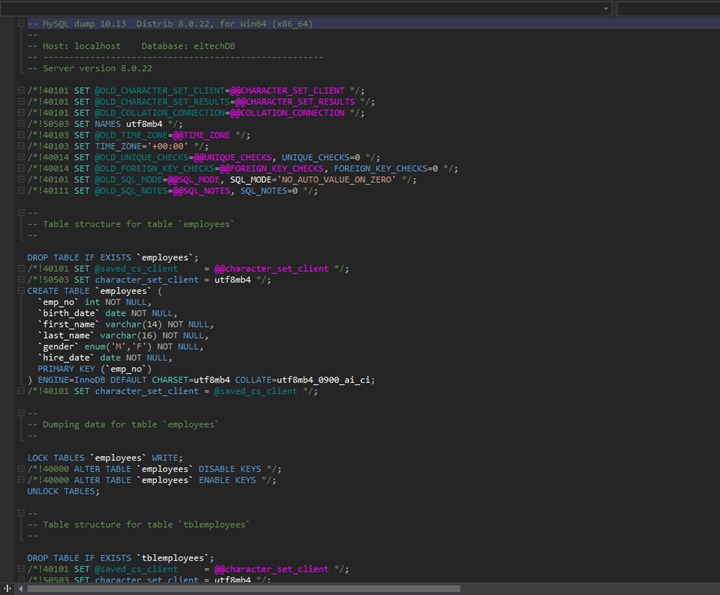
Compression cuts the space a SQL dump needs for storage and transfer. A compressed file can still exist when mysqldump failed.
mysqldump example_app | gzip > example_app.sql.gzBy default, a Bash pipeline returns the exit status of its last command. If mysqldump fails and gzip finishes successfully, a script that checks the default status misses the export failure.
For a controlled Bash job, turn on pipeline failure detection:
#!/usr/bin/env bash
set -euo pipefail

mysqldump --single-transaction --quick \
  example_app | gzip > example_app.sql.gz

gzip -t example_app.sql.gz
The script assumes a protected MySQL client authentication configuration, and its transactional options assume InnoDB tables and no concurrent DDL. It is not a complete unattended backup service.
pipefail passes on a nonzero status from any failing pipeline component, and with set -e that stops the script. gzip -t then checks the integrity of the compressed stream. You evaluate the recovered database after import.
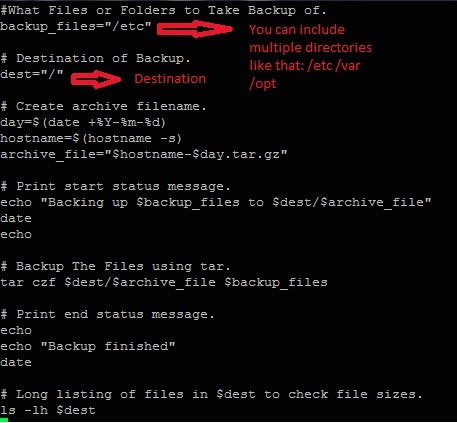
A file on disk doesn't prove the export worked. Check the exit status and error output before counting it as a backup.
In Bash, > truncates an existing file before the export runs. Give each new attempt a distinct filename or a temporary path, and keep the last validated backup until its replacement passes the checks. A name like example_app-YYYYMMDD.sql.gz works, with the job filling in the date.
Keep passwords out of command arguments. Use interactive -p or a protected client configuration. The MySQL connection options documentation covers authentication handling.
pipefail works in Bash and shells with comparable behavior.
Restore a SQL dump without overwriting the wrong database
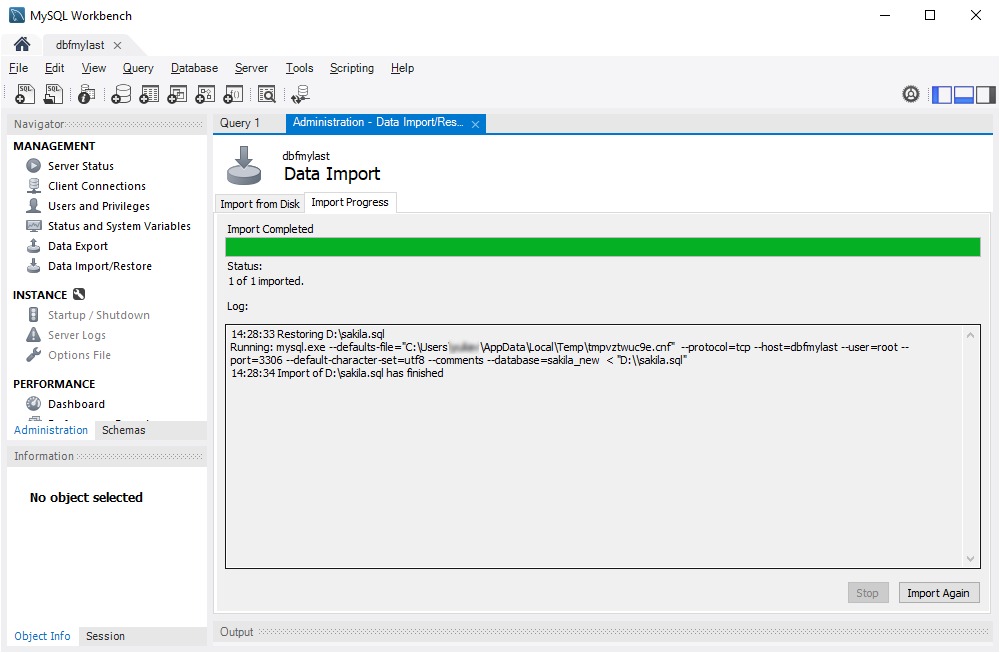
Before you restore, decide which server gets the file and check which databases the file selects.
For the plain single-database example, create a new, empty example_app_restore database on the separate test MySQL instance. The account needs permission to create it:
mysql --host=TEST_HOST -u restore_user -p \
  -e "CREATE DATABASE example_app_restore;"
Then import the uncompressed file with the mysql --host=TEST_HOST command from the basic workflow.
For a compressed file, use a Bash pipeline that propagates failures:
set -o pipefail
gzip -dc example_app.sql.gz | \
  mysql --host=TEST_HOST -u restore_user -p example_app_restore
Check the pipeline's exit status and the import's error output. The receiving database should start empty.
A dump made with --databases or --all-databases brings its own CREATE DATABASE, USE, and object-replacement statements.
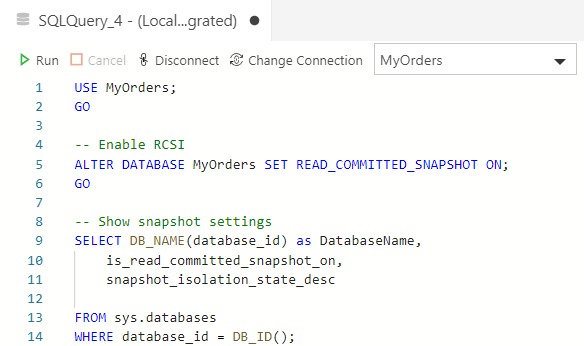
On r/mysql, a poster asked: “How can I restore 1 db name "test" in "test_uat" from all database file in same windows MySQL server?”
The name you choose at restore time doesn't change the names inside the SQL. MySQL's --one-database client option follows the default database selected by USE. It doesn't inspect every statement to find all the schemas that statement modifies.
The MySQL client command options reference explains why an explicitly qualified cross-schema statement can still run under a matching USE context.
Before importing, search the dump for CREATE DATABASE, USE, DROP TABLE, DROP DATABASE, and qualified references to other schemas. If you want only one database from that dump under a new name, restore everything on an isolated instance, then export that one database again.
Test the restored database
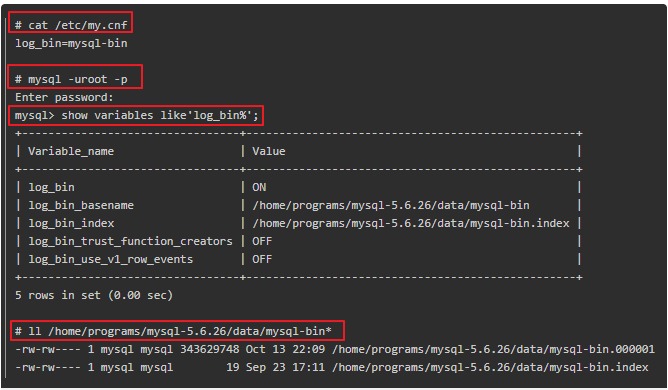
A backup is useful only if its SQL imports and the restored database has the structure, data, and behavior you need.
One operator on r/selfhosted asked: “How do you test your backups to make sure they actually work?”
Run the check against the isolated destination and compare it with the object list you wrote before the dump.
| Restore check | What to look at |
|---|---|
| SQL import | Client exit status and import errors |
| Database objects | Expected tables, views, triggers, routines, and events |
| Representative data | Known non-sensitive records or application queries |
| Application behavior | An important operation in staging, if an application uses the database |
| Restore duration | Elapsed time, if you measure it |
Start with an object check against example_app_restore on the test instance:
mysql --host=TEST_HOST -u restore_user -p \
  -e "SHOW TABLES FROM example_app_restore;"
For a real table from your source list, a representative row-count query looks like this:
mysql --host=TEST_HOST -u restore_user -p \
  -e "SELECT COUNT(*) FROM example_app_restore.example_table;"
example_table is a placeholder. Replace it with a real table name and compare the result with the value you expect.
A table list and a row count can't confirm complete application recovery. Also check any required stored programs, and run a relevant operation in a disposable staging application if one uses the database.
Record the test date, source and destination versions, the exact backup file, any failures or exceptions, and the restore time if you measured it. A passing test shows the checked backup can be recovered in that environment.
Fix mysqldump and MySQL restore failures by symptom
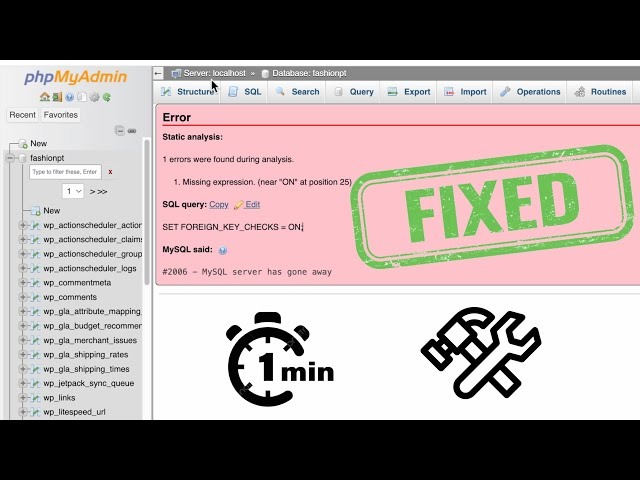
First decide which stage failed: authentication, connection, export, compression, or SQL import.
| Symptom | Likely stage | What to do |
|---|---|---|
| Access denied during export | Authentication or object privilege | Check which privilege the failing object needs and grant it |
PROCESS privilege error | Tablespace-related export | If you don't need tablespace SQL, use --no-tablespaces |
| Cannot connect | Client connection | Check host or socket, service state, and credentials, then fix the one that fails |
| Missing or incomplete file | Export or compression | Check exit status, errors, and output storage, fix the failing stage, and create a new file |
| Existing table or unknown database | SQL import | Compare the dump statements with the destination state, then import into a clean test target |
DEFINER or SQL compatibility error | SQL import | Read the failing statement and compare the target's privileges and product versions against it |
MySQL 8.4 supports --no-tablespaces to omit tablespace DDL. That removes the PROCESS privilege requirement when you don't need the metadata, but it changes what the dump contains.
A user on r/mysql asked: “Can I again start backup/restoration in mysql from that point where it was failed.”
An interrupted export can leave a partial file, and a failed import can already have changed the destination. Appending to the dump or rerunning the SQL over an altered database gives you no safe resume point.
Find the failed operation, fix its cause, then create a fresh backup or restart the import into a clean test target. Broad administrator grants, forced imports, and automatic database deletion make poor fixes.
Account for MariaDB differences and MySQL GTID state
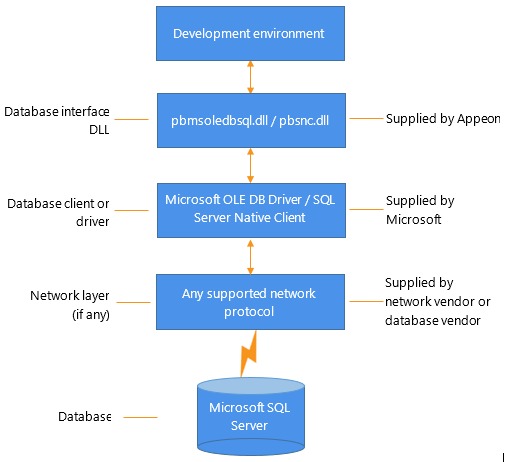
A dump that crosses between MariaDB and MySQL client or server families needs version-aware handling. MariaDB documents mariadb-dump as its dump utility.
In the MariaDB 11 official Docker image, the mysqldump compatibility name is absent. The MariaDB dump format can also contain a sandbox-mode command that older MariaDB clients or the MySQL mysql client can't interpret.
GTIDs are a separate issue for replication-sensitive MySQL exports and imports. With GTIDs enabled, the default --set-gtid-purged=AUTO can add GTID-related and session binary-logging statements to the dump.
For a partial dump, the GTID information can reflect transactions beyond the exported databases. Choose OFF or COMMENTED to match the target's replication and recovery requirements.
Before a replication-sensitive import, check both product versions and the destination's GTID setup. The MariaDB dump utility reference documents the client-family and sandbox-mode distinctions.
Keep the backup usable
Dump files can contain confidential production data. Restrict access to them and protect every stored and offsite copy.
Retest after major schema or object changes, server or client upgrades, substantial growth, or a tighter recovery objective.
Point-in-time recovery needs a base backup plus the binary-log events that replay later changes. A SQL file created earlier can't reconstruct later transactions by itself.
