To list the tables in MySQL, run SHOW TABLES; in the database you want, or use SHOW TABLES FROM db_name; to name it explicitly. If the list is empty or wrong, check the active database and your account first, then permissions, the import, and recovery. Don't change data until you know the cause.
Show tables in the current database or a named database
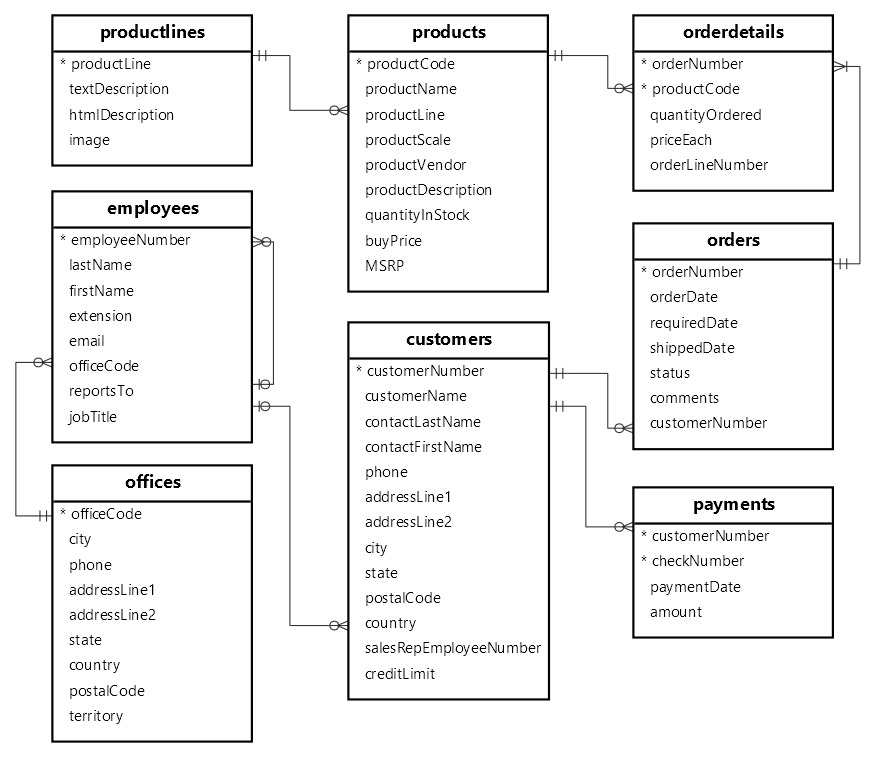
The quickest way to list tables is to run SHOW TABLES; in the interactive MySQL client:
SHOW TABLES;It returns the names of the base tables and views your account can see in the selected database.
To name a database explicitly, use:
SHOW TABLES FROM app_db;Replace app_db with the schema you want to inspect. MySQL also accepts IN in place of FROM.
For example, a database with three accessible objects returns:
+------------------+
| Tables_in_app_db |
+------------------+
| customers        |
| orders           |
| recent_orders    |
+------------------+
To make later statements in the same session use that database by default, select it with:
USE app_db;SHOW TABLES FROM leaves the default database unchanged. With no default database selected, plain SHOW TABLES; raises error 1046.
The full syntax is in the MySQL 8.4 SHOW TABLES reference.
Check which database and account MySQL is using
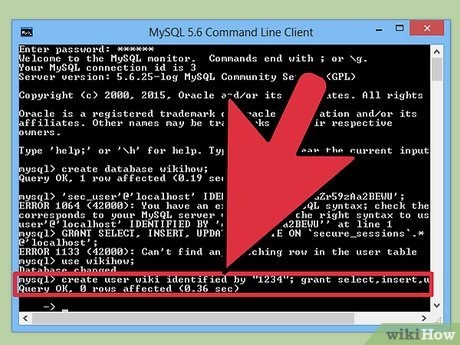
A query can succeed and still run against the wrong database or under an unexpected account. Check the connection that gave you the confusing result:
SELECT DATABASE(), CURRENT_USER();DATABASE() returns the selected default schema, or NULL if none is selected. CURRENT_USER() shows the account MySQL used for authentication and privilege checks. It can differ from USER(), which shows the connecting user and host.
For example:
+------------+----------------+
| DATABASE() | CURRENT_USER() |
+------------+----------------+
| app_db     | appuser@%      |
+------------+----------------+
When two environments have similarly named databases, the server matters as much as the schema. These read-only variables give the configured hostname and the TCP/IP listening port:
SELECT @@hostname, @@port;Compare those values with the connection you meant to use. They help tell servers apart, but behind a proxy, hostname and port can fail to identify a single server.
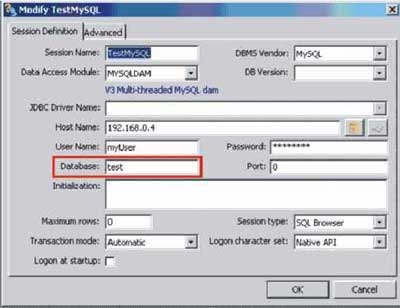
In a November 20, 2020 discussion on r/mysql, a developer working with MySQL Workbench, AWS RDS, and a Java Swing application asked: “Do I have to do something from the workbench so that it selects my database to use it?”
Workbench and the Java application keep separate session state, so selecting a schema in Workbench doesn't set the application's default database. Diagnose the connection where the error occurs.
Distinguish base tables, views, and table definitions
SHOW FULL TABLES adds a type column so you can tell an ordinary stored table from a view.
SHOW FULL TABLES FROM app_db;The output looks like this:
+------------------+------------+
| Tables_in_app_db | Table_type |
+------------------+------------+
| customers        | BASE TABLE |
| orders           | BASE TABLE |
| recent_orders    | VIEW       |
+------------------+------------+
BASE TABLE is an ordinary stored table. VIEW is a view, which presents the result of a defined query. In system metadata, MySQL also reports SYSTEM VIEW.
Temporary tables belong to a session and are omitted from both ordinary MySQL SHOW TABLES results and INFORMATION_SCHEMA.TABLES.
To see the definition of one object, use:
SHOW CREATE TABLE app_db.orders;The result is the object's creation statement. It does not return the stored data rows.
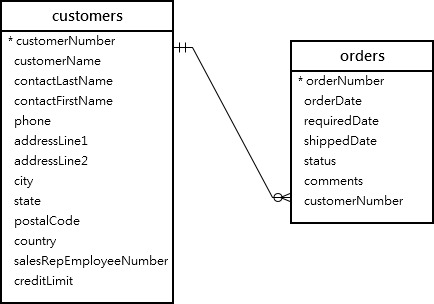
In the MySQLTutorial classicmodels example, the first listing has eight base tables. After a contacts view is created, it lists nine objects.
If a graphical client lists an object but fails when you open its records, treat the listing and the record retrieval as separate operations.
Filter table names and inspect columns
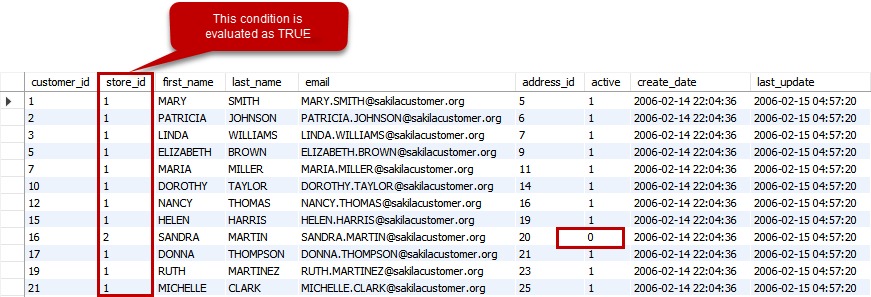
Use LIKE when you know part of a table name and want a smaller result.
For names beginning with log, run:
SHOW TABLES FROM app_db LIKE 'log%';In a MySQL LIKE pattern, % matches any sequence of characters, including an empty sequence, and _ matches one character.
The underscore rule matters for WordPress-style prefixes: the pattern 'wp_%' treats the underscore as a wildcard. To match a literal underscore, escape it for your SQL string and client.
The WHERE clause handles more involved filtering of SHOW results, but the output-column names follow the schema being listed. For a plain prefix search, LIKE is simpler.
Once you know which object you want, DESCRIBE lists its columns:
DESCRIBE app_db.orders;It shows column attributes such as data type and nullability. SHOW CREATE TABLE, shown earlier, gives the complete definition.
Choose SHOW, INFORMATION_SCHEMA, or a terminal command

SHOW TABLES is built for a quick list.
| Method | What it returns | Best fit |
|---|---|---|
SHOW TABLES | Accessible object names | Quick list |
SHOW FULL TABLES | Names and object types | Distinguishing tables from views |
INFORMATION_SCHEMA.TABLES | Queryable metadata columns | SQL filters and reports |
mysql -e / mysqlshow | Terminal command output | Noninteractive use |
To get names and types as SQL results, filter on the schema and select the table name and type:
SELECT TABLE_NAME, TABLE_TYPE
FROM INFORMATION_SCHEMA.TABLES
WHERE TABLE_SCHEMA = 'app_db';
Adding AND TABLE_TYPE = 'BASE TABLE' narrows the result to ordinary base tables.
INFORMATION_SCHEMA.TABLES also has columns such as ENGINE and TABLE_ROWS. For InnoDB, TABLE_ROWS is an estimate, and MySQL's reference manual says it can differ from the actual count by as much as 40 to 50 percent.
MySQL caches metadata statistics for 86,400 seconds, or 24 hours, by default. For an exact row count, use SELECT COUNT(*), which does more work.
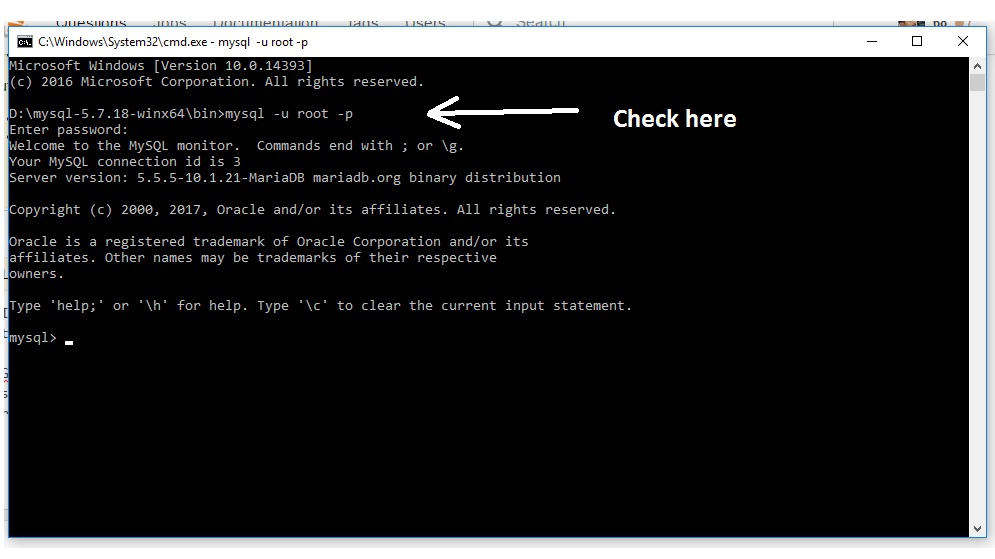
In an operating-system terminal, the mysql client runs a statement and exits:
mysql -u appuser -p -e 'SHOW TABLES FROM app_db;'-p asks for a password, and -e supplies the statement. The quotation marks belong to the shell command.
For a utility made for listing from the terminal, use:
mysqlshow -u appuser -p app_dbOn March 25, 2020, a developer using PyMySQL wrote on r/mysql: “It’s show tables and show columns but it is showing an output just those counts though instead of the actual tables or columns.”
In that PyMySQL example, cursor.execute() returned the count, and cursor.fetchall() retrieved the rows.
Diagnose an empty or incomplete table list
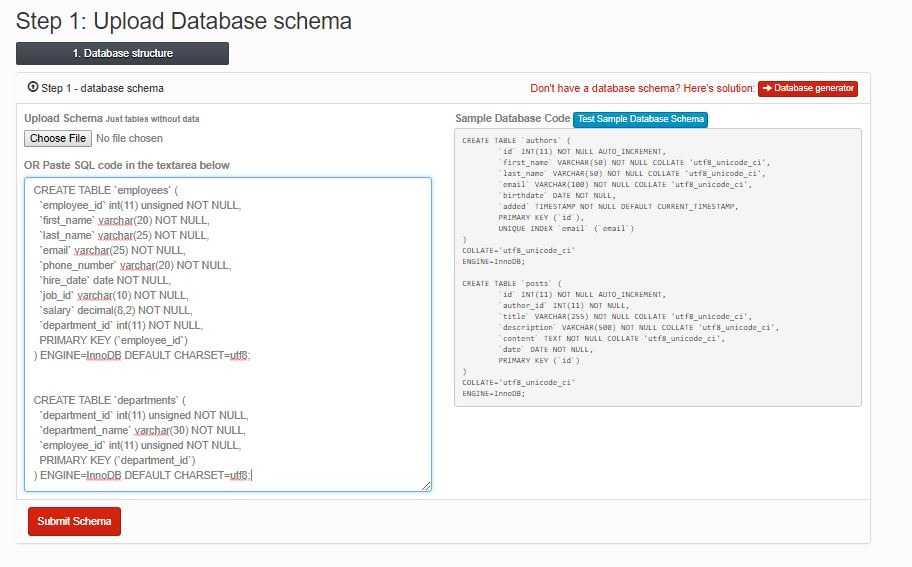
An empty list means your account sees no tables or views in that schema. Find out why before assuming the data is gone.
| What you see | What to look for | Next step |
|---|---|---|
| Empty list in an unexpected database | The selected schema isn't the one you meant | Run SELECT DATABASE(), CURRENT_USER();, then USE the right schema |
| Empty list in the intended schema | The schema is empty, or your account can't see its objects | Run SHOW GRANTS; and SELECT CURRENT_ROLE();, then compare with a list from an account that has access |
| Only some expected names appear | Names, types, or privileges differ from what you expect | Run SHOW FULL TABLES; and compare the missing names exactly with a list from an account that has access |
| Objects appear under another schema | The import destination differs from the schema you meant | Search a copy of the dump for CREATE DATABASE and USE |
| Missing objects after a physical-file transfer, with a tablespace error | Storage or data-dictionary problem | Follow a recovery procedure that protects your copies |
MySQL filters object names by privilege. Review your account's grants with:
SHOW GRANTS;Role activation affects what you can access. Check which roles are active in this session:
SELECT CURRENT_ROLE();The result is NONE when no roles are active. An assigned role can stay inactive, so read the result together with the grants above.
If you have an account with the right access or a schema list you can rely on, compare the expected table names with what that account sees. When that list has the tables and the affected account can't list them, look into the account's visibility. If that list is empty too, the schema is empty.
Don't grant broad privileges just to make the list longer, since the restriction can be by design.
Physical database-file transfers need different care. The schema name can show up while its tables are inaccessible because of a storage or recovery problem.
Common MySQL errors and what to check
An error code identifies a narrower failure than an empty result set.
| Error | Meaning | Next check |
|---|---|---|
1046 (3D000) | No database selected | Select a default schema with USE, or name the database in the statement |
1049 (42000) | Unknown database | Check the schema spelling and the server you connected to |
1044 | Access denied to the database | Run SHOW GRANTS; and look for privileges on that schema |
1142 | Specified table operation denied | Check whether your account has permission for the operation you tried |
1146 | Referenced table does not exist in the specified context | Check the qualified name, spelling, and identifier case |
1813 | ER_TABLESPACE_EXISTS: a tablespace with the specified name exists | Treat it as an import or tablespace-recovery problem |
Error 1813 belongs to a different category. Its message is Tablespace '%s' exists. It says nothing about why an ordinary table list is empty.
Inspect imports that put tables in an unexpected schema
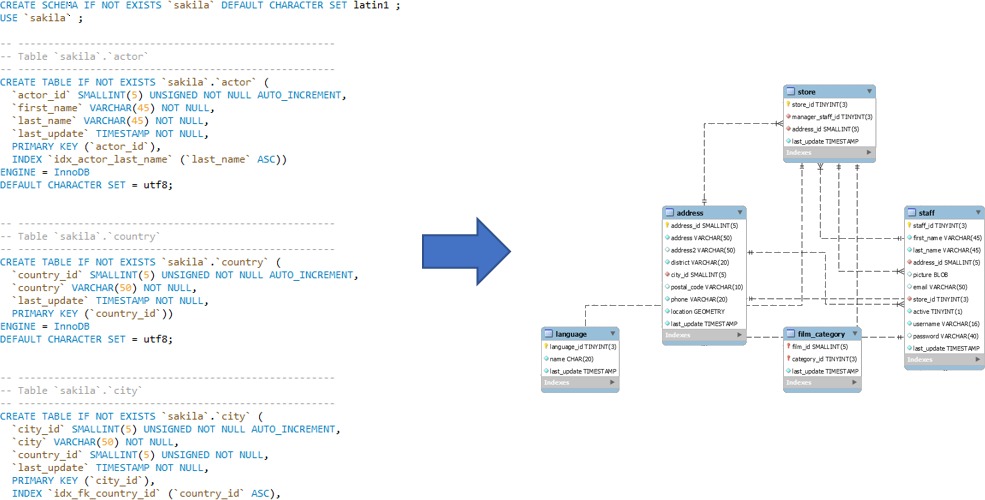
A SQL dump can contain statements that select or create a database. Those statements affect where the imported tables appear, whatever destination you expected.
On December 12, 2024, a WordPress migration poster wrote in an r/SQL discussion: “There are tables in oldsite but not db_new.”
The dump was named oldsite.sql. A later reply suggested that CREATE DATABASE or USE statements inside it explained the result. That stayed an unconfirmed suggestion.
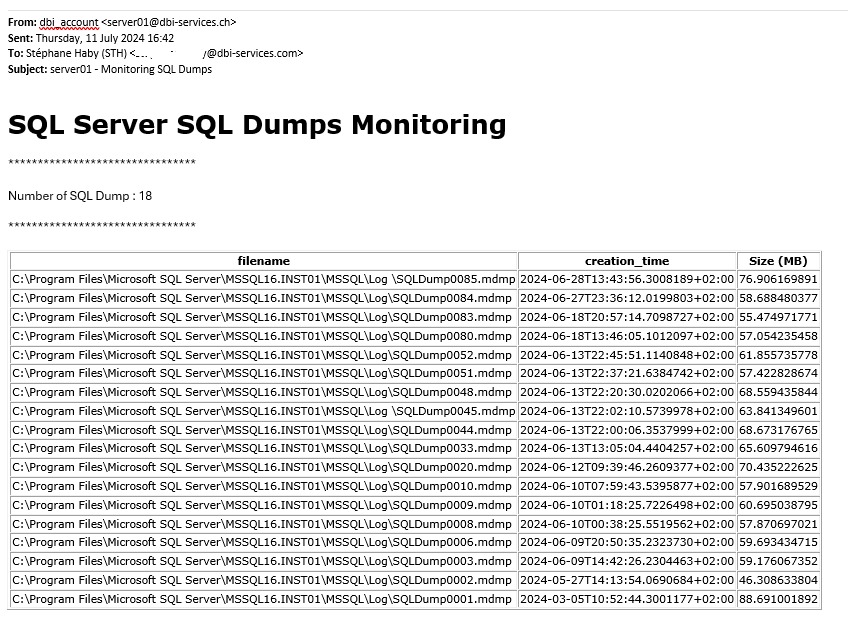
Search a copy of the dump for those statements and compare the database names in them with your intended import target.
If the dump points to a different schema, continue with your migration or backup-and-restore procedure. Don't rerun the import until you know what the first run changed.
Check identifier case and MariaDB differences
The operating system, the filesystem, and the lower_case_table_names setting set how MySQL matches database and table names. The documented defaults are 0 on Unix, 1 on Windows, and 2 on macOS, but the actual server setting decides.
Compare the stored name with the spelling in the failing statement. Check the setting without changing it, because lower_case_table_names is set when the server is initialized.
MariaDB adds the SEQUENCE type to SHOW FULL TABLES output. According to the MariaDB documentation, ordinary listings exclude temporary tables before 11.2 and include them in 11.2 and later.
Don't drop tables to investigate
DROP TABLE on an ordinary non-temporary table removes the definition and the data, and it causes an implicit commit.
