Use Bash case when one value needs to choose among several literal strings or shell patterns. Use a test, regex, or option parser when the job is not pattern matching. Start with ;; and verify the intended, unknown, and empty inputs before relying on the script.
Bash uses case to pick commands by comparing a value with a series of patterns. The grammar is short. The trouble starts when a wildcard accepts more than you expected, a quoted pattern turns literal, or a value contains characters you can't see.
Bash case syntax: a working example
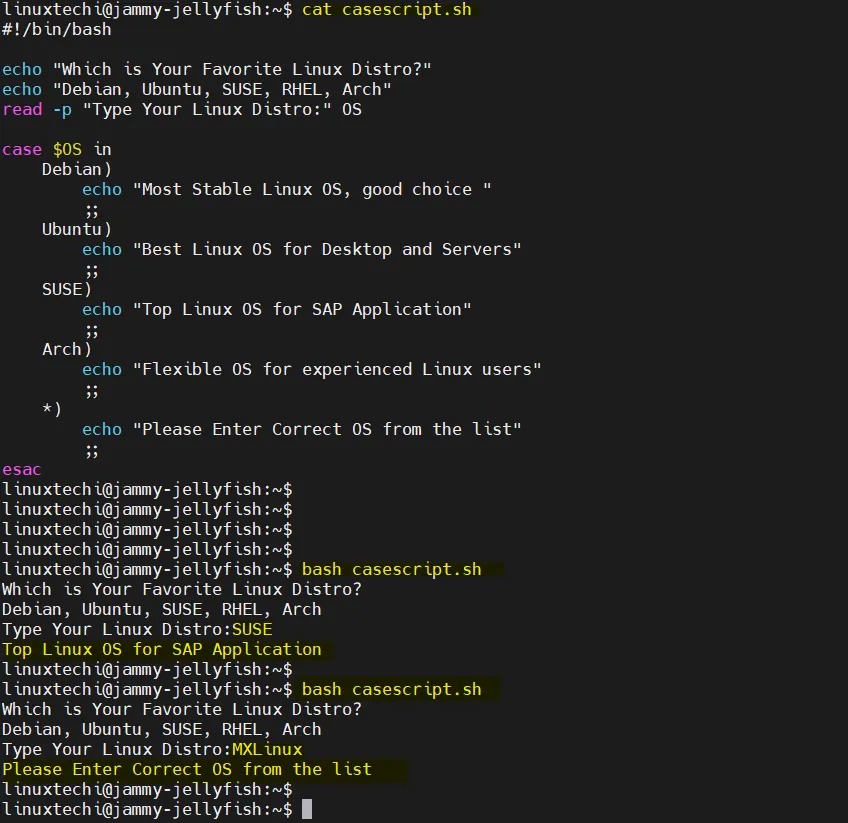
A case statement starts with the value to examine, followed by in. Each clause has a pattern ending in ), some commands, and a terminator such as ;; to end the branch. The closing keyword is esac.
This script accepts start, stop, or restart as its first argument:
#!/usr/bin/env bash

case "${1:-}" in
  start)
    printf 'starting\n'
    ;;
  stop)
    printf 'stopping\n'
    ;;
  restart)
    printf 'restarting\n'
    ;;
  *)
    printf 'usage: %s {start|stop|restart}\n' "$0" >&2
    exit 2
    ;;
esac
Save the code as script.sh and run:
bash script.sh startExpected output:
startingThe subject "${1:-}" supplies the first positional argument, or an empty value if none was passed. Bash checks patterns in order, selects start), prints starting, and stops at ;;. The *) clause catches everything else.
For bash script.sh unknown, the catch-all writes a usage message to standard error and exits with status 2. That status comes from the script's exit 2 command.
The full grammar is in the GNU Bash Conditional Constructs reference.
Match several values, choose the default, and control branch order
Separate alternatives with | when different inputs should do the same thing. A clause like yes|y) accepts either spelling.
case "$answer" in
  yes|y)
    printf 'accepted\n'
    ;;
  no|n)
    printf 'declined\n'
    ;;
  '')
    printf 'no answer\n'
    ;;
  *)
    printf 'unrecognized\n'
    ;;
esac
'') catches an empty answer. The catch-all *) matches an empty string too, so it belongs after the specific patterns. Put it first, and with ;; every later branch becomes unreachable.
A numbered-menu thread on r/bash included this question: “What if the user does not input anything. How do I read that”. With read, an empty response reaches the case statement. Bash's select construct handles a blank line differently: it redisplays the menu before the case body runs.
If no pattern matches and there is no default clause, case returns status 0. To reject an unknown answer, add a clause that catches it and fails.
How Bash case patterns match: wildcards, brackets, and filenames
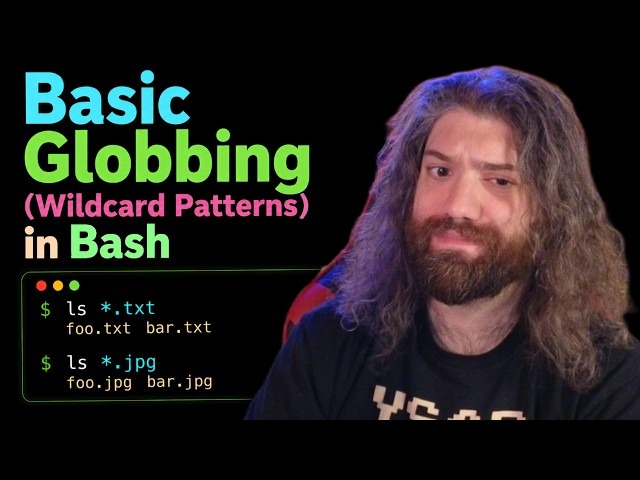
case uses shell glob patterns, and each pattern must match the whole expanded subject. The basic operators are * (any string, including an empty one), ? (one character), and brackets such as [abc] or [0-9] (one character from a set or range).
| Input | Pattern | Result |
|---|---|---|
report.txt | *.txt | Match |
readme.md | *.txt | No match |
a | ? | Match: one character |
abc123 | abc* | Match |
photo.jpg | *.jpg|*.jpeg|*.png | Match through the first alternative |
5ab | [0-9]* | Match |
[0-9]* matches 5ab because the bracket expression takes the first digit and * accepts everything after it:
value=5ab

case "$value" in
  [0-9]*) printf 'prefix_only\n' ;;
  *)      printf 'other\n' ;;
esac
Expected output:
prefix_onlyIf you need a string made only of digits, test it with [[ $value =~ ^[0-9]+$ ]]. The + means empty input fails.
Bracket ranges follow locale rules, which matters if your script relies on a particular character order.
Operators and matching rules are specified in GNU Bash Pattern Matching.
Quoting patterns and handling case-insensitive matches
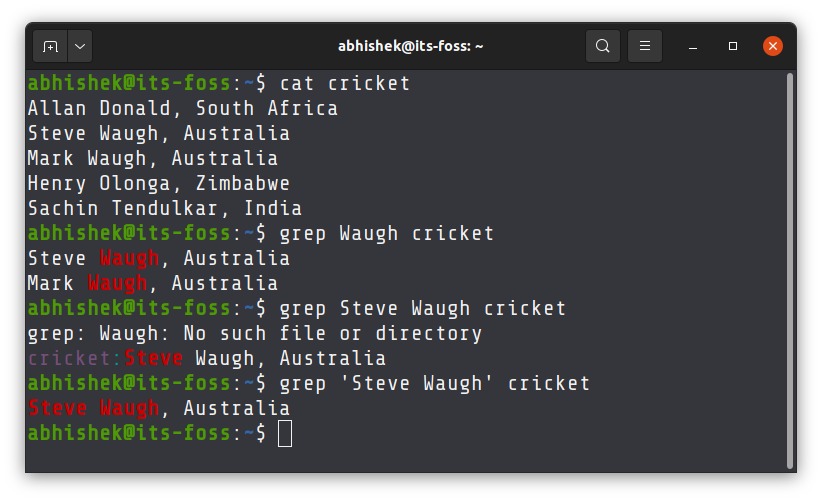
Quotes change what a case pattern matches. An unquoted *.txt is a glob for strings ending in .txt. The quoted "*.txt" matches the literal characters *.txt, asterisk included.
It matters most when the pattern comes from a variable:
pattern='*.txt'
file='report.txt'

case "$file" in
  "$pattern")
    printf 'literal\n'
    ;;
  *.txt)
    printf 'glob\n'
    ;;
esac
Expected output:
globThe first clause compares report.txt with the literal text *.txt and fails. The second clause uses a wildcard and matches. Quote a pattern that comes from a variable when it should match literally.
ShellCheck's SC2254 rule shows the problem with a filename containing [1813]: left unquoted in a pattern expansion, brackets are read as matching syntax.
The subject follows different expansion rules. In case $value in, Bash does not split words or expand pathnames in the expanded subject, so a value such as two words stays one value.
For case-insensitive matching, list the spellings: yes|YES|Yes). Bash also has nocasematch, enabled with shopt -s nocasematch. It stays on for later matches too, so restore the previous setting when you're done.
;; vs ;& vs ;;&: when does matching continue?
A clause terminator decides whether matching stops, the next commands run, or later patterns get tested.
| Terminator | Next action | Use |
|---|---|---|
;; | Finish the case after this clause | Plain first-match selection |
;& | Run the next clause's commands without testing that pattern | Command continuation |
;;& | Resume testing subsequent patterns | Allow later matching clauses to run |
Scripts run by an unspecified /bin/sh or an older shell need their operator syntax checked separately, so don't assume ;& and ;;& are portable.
With ;;, Bash finishes the selected branch. You don't need a C-style break.
End a clause with ;& to continue into the next clause's commands:
case admin in
  admin)
    printf 'first\n'
    ;&
  guest)
    printf 'next\n'
    ;;
esac
Output:
first
next
Bash skips the guest) test, and its commands run because the previous clause ended with ;&.
With ;;&, Bash keeps testing the patterns that follow, so overlapping matches can run more than one command list:
role=admin

case "$role" in
  admin)
    printf 'admin\n'
    ;;&
  admin|editor)
    printf 'editor\n'
    ;;&
  *)
    printf 'default\n'
    ;;
esac
Output:
admin
editor
default
The first two patterns match admin. Testing continues to *, which matches too. With ;;&, a trailing catch-all can run after earlier matches.
Use case for one command-line argument, not an entire option parser
case "$1" in looks at one positional argument only. That works for a program that takes exactly one command, such as start, stop, or restart. Test a command with no arguments, an option followed by a value, and a filename that begins with a hyphen.
A command line with two flags is a different job:
script.sh --archive --infoA single comparison with $1 sees only --archive. To process --info too, the script has to loop over the arguments. Bash's getopts handles short options. Long options call for a separate parser.
When case is better than if, a regex, or select
case fits when you compare one value with several literal strings or glob patterns.
| Task | Construct | Why it fits |
|---|---|---|
| Choose commands or match filename patterns | case | One subject, multiple shell patterns |
| Evaluate separate Boolean conditions | if / elif | Independent conditional tests |
| Compare numeric magnitudes | (( ... )) | Arithmetic comparison |
| Evaluate a regular expression | [[ $value =~ regex ]] | Regex matching |
| Present a numbered interactive menu | select | Menu display and choice collection |
| Parse repeated short options | getopts in a loop | Option processing across arguments |
Fix case syntax errors before changing the patterns
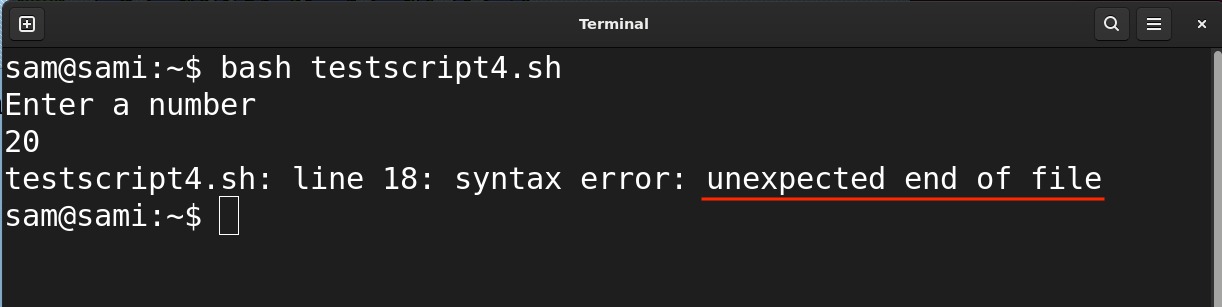
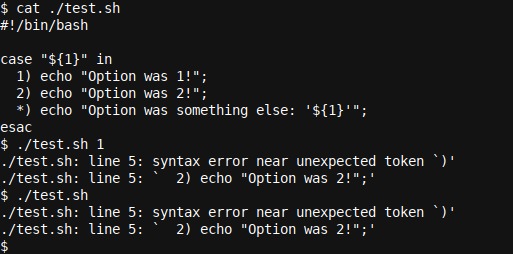
An error near a closing ) can start with an unfinished clause earlier in the script. Bash reports the point where it can no longer parse the input, which can be the next pattern line.
One r/bash poster building a game in Bash reported, “i have used esac function to close the case but its not working”. Bash raised an unexpected-token error near ) in that script.
esac closes the case construct. It does not run as a function. In a multi-clause statement, a missing terminator can leave the next pattern in the wrong position.
This code is malformed because the first clause has no terminating operator:
case "$choice" in
  1)
    printf 'one\n'
  2)
    printf 'two\n'
    ;;
esac
The fix ends the first clause before the second begins:
case "$choice" in
  1)
    printf 'one\n'
    ;;
  2)
    printf 'two\n'
    ;;
esac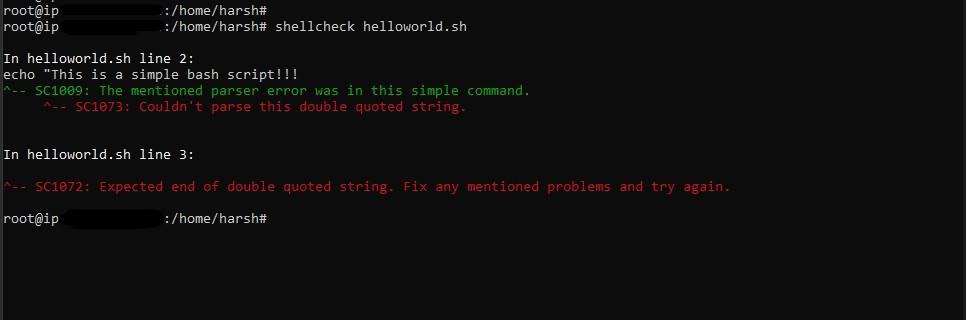
Check the pattern's closing ), the command list, the clause terminator, and the final esac. If the unexpected token shows up on a later line, look at the preceding clause too.
Once the grammar is fixed, run:
bash -n script.shThat checks Bash parsing without running the script's commands. A clean result means the syntax is valid, but you still need to test the branch it picks and the output.
Find out why a case pattern does not match
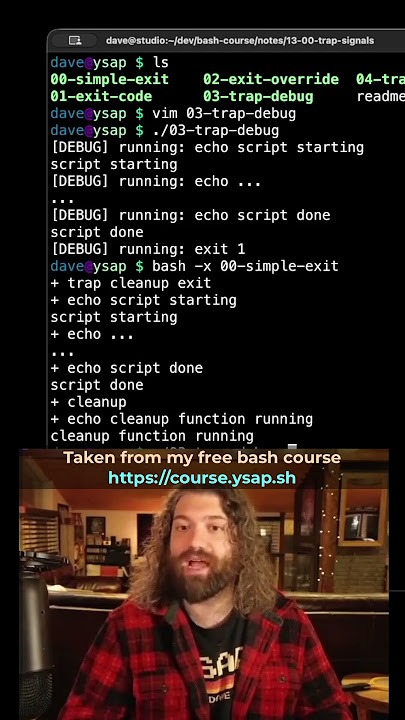
When the clause you expected doesn't run, inspect the string that reached case. Extra bytes can make a value that looks correct fail an exact match.
In an r/bash discussion about AWS EC2 state output, the poster wrote, “Can't really see why this should be the case after I have removed all of the extraneous characters.” The value looked like 16, yet a literal 16) branch failed while *16) matched. A later reply reported a hidden byte.
A leading * admits any prefix before 16.
Bash's printf can show a shell-escaped version of the variable's actual value:
printf '%q\n' "$inst_code"If you need the bytes and xxd is installed, inspect the same value with:
printf '%s' "$inst_code" | xxd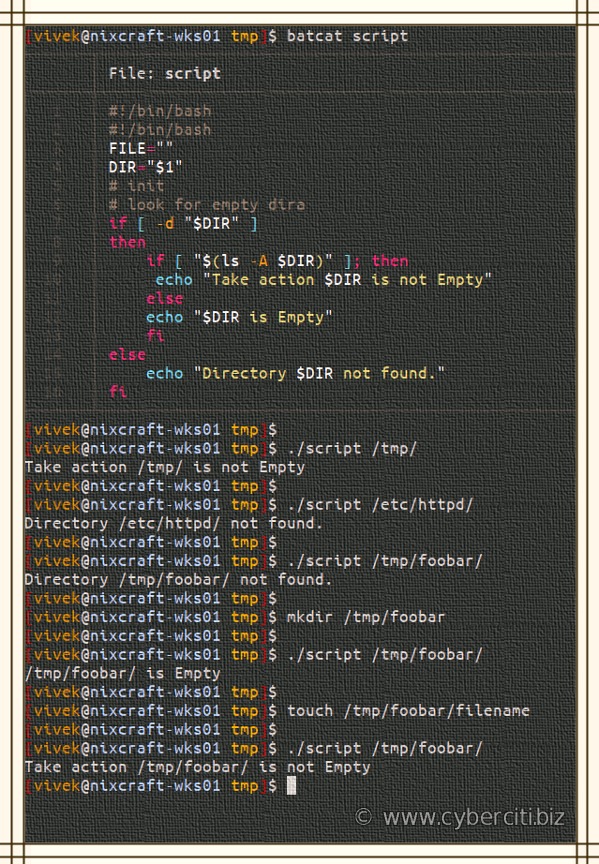
Compare the output with the literal value the clause should match. An external command, parser, or transformation can add extra content. Once you know which character is the problem, strip that one.
If the subject is correct, look for an earlier clause that matched first, and check the case-sensitivity and literal-pattern rules.
Verify your case statement with a small test matrix
Run the script with representative inputs and compare its output and exit status with what you intended.
| Invocation or fixture | Expected match | Expected result |
|---|---|---|
bash script.sh start | start) | starting. Status 0 |
bash script.sh restart | restart) | restarting. Status 0 |
bash script.sh unknown | *) | Usage on stderr. Status 2 |
bash script.sh | *) after empty subject | Usage on stderr. Status 2 |
bash script.sh STOP | *) with default case sensitivity | Usage on stderr. Status 2 |
5ab in the numeric-prefix fixture | [0-9]*) | prefix_only |
admin in the overlapping-pattern fixture | Three matching clauses with ;;& | admin, editor, default |
For an unknown argument, check both the usage message and the exit status:
bash script.sh unknown
printf 'exit status: %s\n' "$?"
The output has the usage message, then:
exit status: 2
When your script relies on wildcard boundaries or continued pattern testing, include a value that exposes that behavior.
The pattern and continuation behaviors above were reproduced on GNU Bash 5.2.37 on Linux.