In Vim's Normal mode, press u to undo an accidental change and Ctrl+R to redo it if you went too far. If another edit created a branch or you reopened the file, recovery needs undo history that Vim still holds. Inspect the restored text before saving.
The basic keys
Press Esc if you're typing in Insert mode. Then use these Normal-mode keys:
| What you want | Keys | Result |
|---|---|---|
| Undo a change | u | Reverses the most recent change |
| Redo an undone change | Ctrl+R | Restores a change you just undid |
For Ctrl+R, hold Ctrl and press R. You don't type the plus sign.
Try it in a scratch file containing a single line:
alphaAppend beta, then leave Insert mode. The text reads:
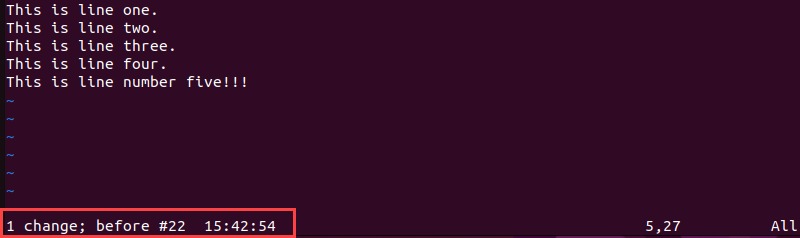
alpha betaPress u. The buffer returns to alpha. Press Ctrl+R, and it reads alpha beta again.
Tested in Vim 9.1 with the user configuration disabled.
Undo several changes at once
Type 3u in Normal mode to undo three changes. Vim counts undo blocks, and one block can hold several characters or lines.
If you enter Insert mode and type hello world in one stretch, Vim records the insertion as one undo block, so a single u removes the entire phrase. Cursor movement while inserting, mappings, and deliberate breakpoints change the grouping.
To test it, make three separate edits, leaving Insert mode between them, then type 3u.
For finer control, press Ctrl+G followed by u while inserting. This Insert-mode undo breakpoint starts a new undo block, so separate stretches of typing undo separately. The Vim undo reference documents it.
How u, U, and dot differ
uundoes a recorded change.Ureverses the changes on the last changed line, and that reversal is itself an undoable change. Say you start with linesalphaandbetaand edit the first toalpha changed. Move the cursor to the untouched second line, andUacts onalpha, the last changed line.- The dot command (
.) repeats the last repeatable editing operation. It is not redo.
Recover an older edit from Vim's undo tree
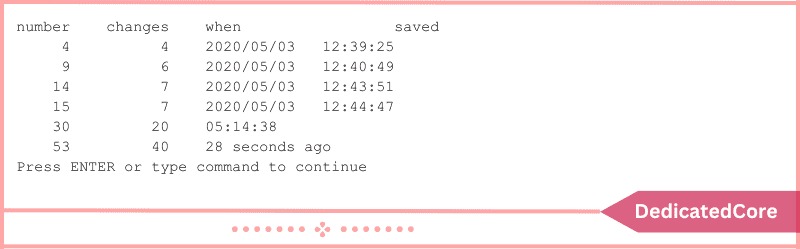
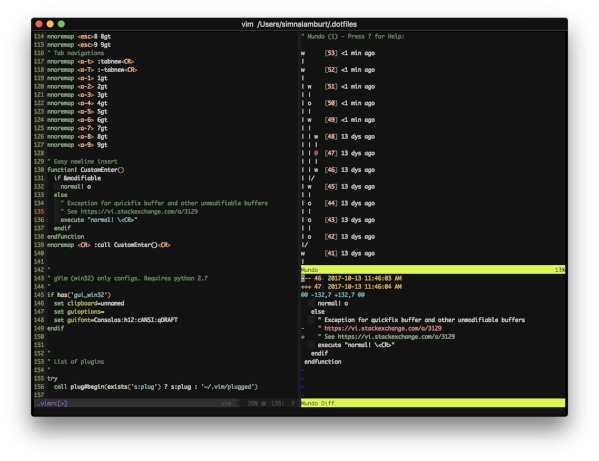
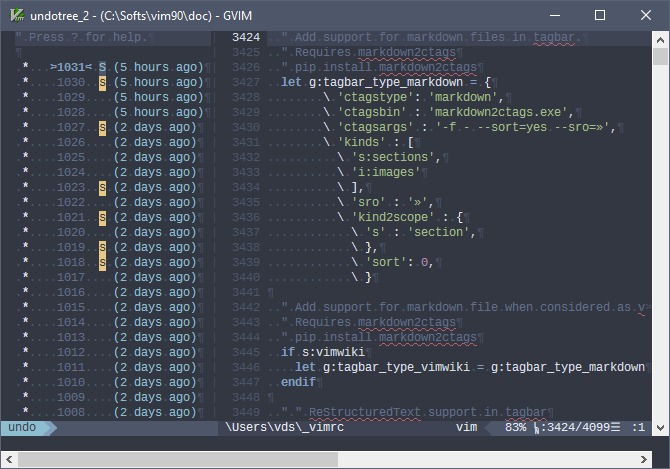
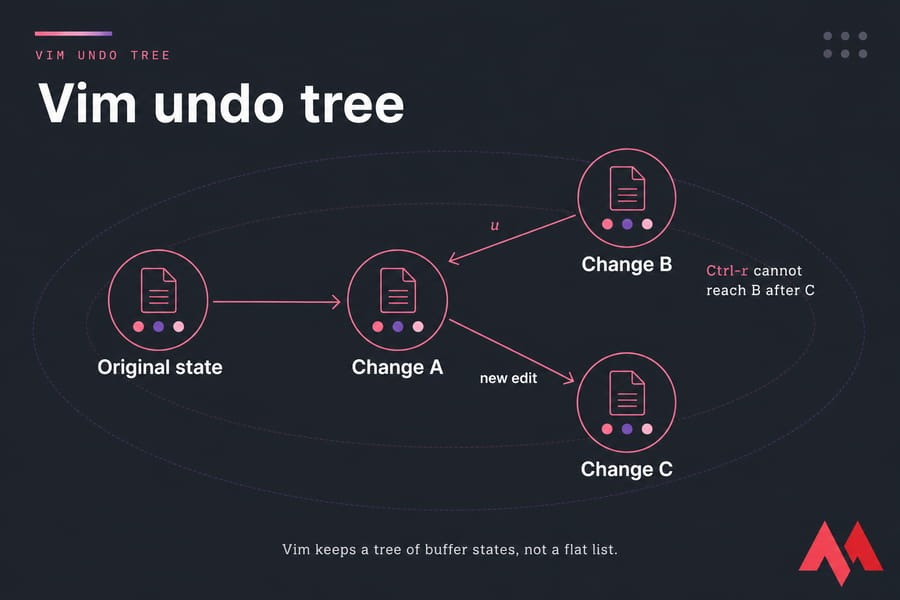
Undo an edit, then make a different one, and Vim creates another branch in its undo tree. The earlier text stays in the tree even though ordinary redo no longer follows that path.
Take this sequence, starting with alpha:
| Step | Buffer text | What happened |
|---|---|---|
| Start | alpha | Initial text |
| First edit | alpha beta | Added beta |
| Undo | alpha | Pressed u |
| Different edit | alpha gamma | Added gamma |
| Older branch | alpha beta | Pressed g- |
| Newer branch | alpha gamma | Pressed g+ |
In Normal mode, g- moves toward older text states and g+ toward newer ones, including states on alternate branches.
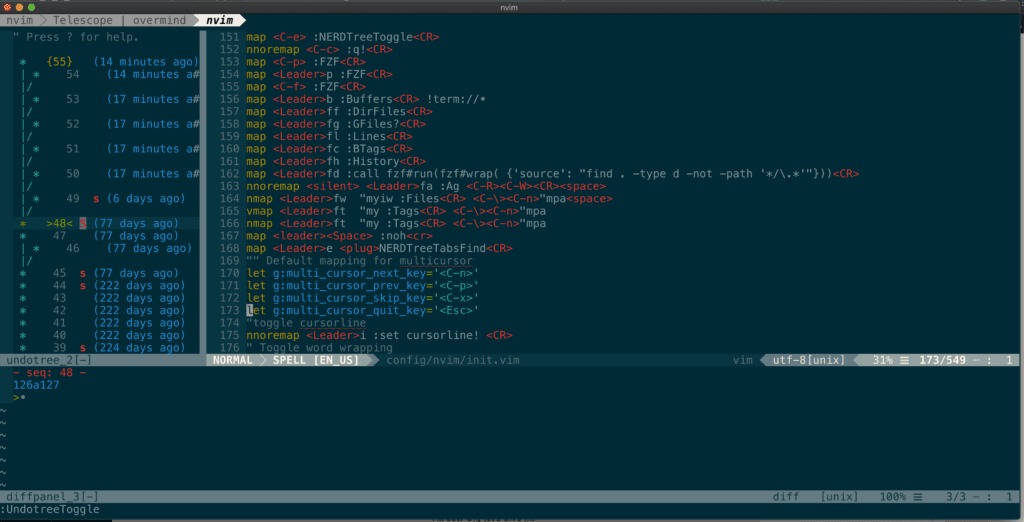
One contributor to an r/vim undo-tree discussion (February 17, 2026) put it this way: “vim has a really nice undo state tree that can be navigated, though it can be a bit hard to track.”
Can you undo after saving or reopening a Vim file?
| File state | Undo access |
|---|---|
| Edited and still open | Reachable while the change remains in session history |
Saved with :w, still open | Writing does not erase undo |
| Unloaded or closed, then reopened | Earlier session history is gone unless persistent undo data exists |
A poster in an r/neovim undo-history thread (June 16, 2024) described it: “Whenever i save a file and exit , then reopen the file and try to undo it says Already on the latest change...”
Persistent undo
With undofile enabled, Vim stores undo history for future editing sessions. The undodir setting specifies where it goes, and undolevels affects how much history Vim keeps. Before relying on an undo command after reopening a file, check whether persistent undo was configured. In-memory undo history is not the same as a backup.
You can return to the same file and reach its earlier edits.
Check the settings in your Vim session:
:set undofile?
:set undodir?
:set undolevels?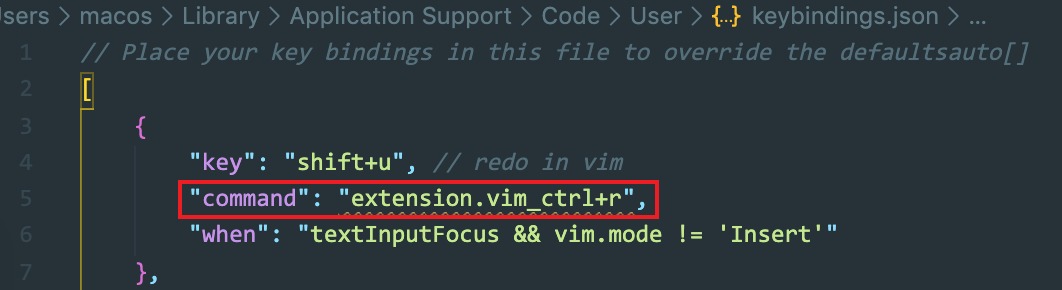
To enable the feature for later edits in that session, use:
:set undofileVim writes undo information when it writes the file. The stored history has to match the file when you edit it again. Enabling the setting after Vim has discarded earlier history does not bring those changes back.
To test cross-session recovery, use a scratch file: enable the option, make an edit, write the file, exit Vim, then reopen it and try to reach the earlier change.
When undo seems broken
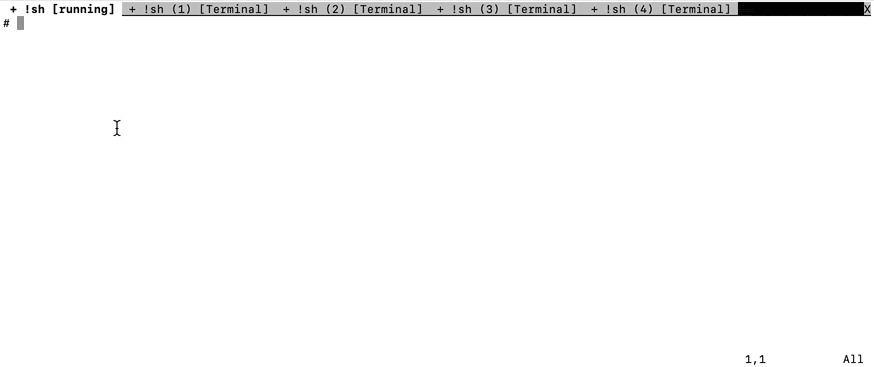
In Vim's Normal or Visual mode, Ctrl+Z suspends the foreground Vim job in a Unix terminal with shell job control. Vim seems to vanish, though it neither quit nor undid your text.
In an r/vim Ctrl+Z thread on January 3, 2022, a beginner got stuck: “hey guys how do i get back to typing normally I am new to vim and I accidentally pressed control z to undo something but now I am stuck in this page” The poster later named Windows Terminal, PowerShell, and Neovim as the setup and said fg did not work there.
If a Unix shell with job control suspended your Vim session, run this at the shell prompt:
fg
The shell brings the suspended job back to the foreground. fg is a shell command, so don't enter it as an Ex command inside Vim.
A key does the wrong thing or the cursor jumps: Confirm Vim is in Normal mode, then check whether a custom mapping, formatter, or plugin changes the key's behavior.
Navigating history and its limits
| Command | What it does | Condition to remember |
|---|---|---|
:undolist | Lists leaves of the undo tree | Shows branch leaves, not a full step-by-step chronology |
:undo {N} | Moves to a numbered undo state | The requested state must exist |
:earlier 10m / :later 10m | Navigates by recorded time | The state you reach depends on history and timing |
:earlier 1f | Moves backward by a write boundary | The destination is not always the latest write |
The value {N} in :undo {N} is an undo-history sequence number. :earlier 1f reaches an earlier write if nothing has changed since the latest write.
Undo-tree navigation moves the buffer to an earlier state. It does not automatically reverse one arbitrary old edit or a visually selected portion while keeping every unrelated later change. If the state you want is not in the history, native Vim undo cannot retrieve it.
