If you're new to Linux, choose a practice environment and complete one terminal task whose result you can verify. If you already have a specific problem, go straight to its guide. Check the result before moving to another skill.
Most first Linux lessons throw a long list of command names at you.
Follow the beginner learning path if you're building foundations. Use the task directory if you have a specific goal.
Start here: learn Linux or solve a specific problem
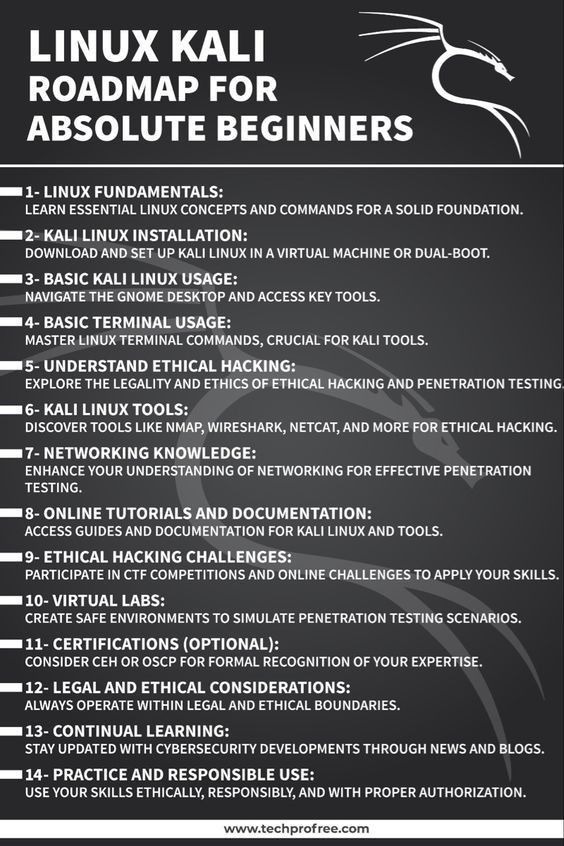
If a job is urgent, go straight to its guide, even as a beginner.
| Your situation | Where to start | What progress looks like |
|---|---|---|
| You've never used a Linux terminal | Choose a practice environment | You can name your working directory and list something you created. |
| You need to finish a named task | Find its tutorial category | You find the guide for your action and your system. |
| You're learning Linux for server work | Build fundamentals, then branch into administration | You know what a command changes before managing services. |
Diagnosing an SSH problem? Start in networking. Never navigated a directory? Take the beginner route first.
Choose a Linux practice environment
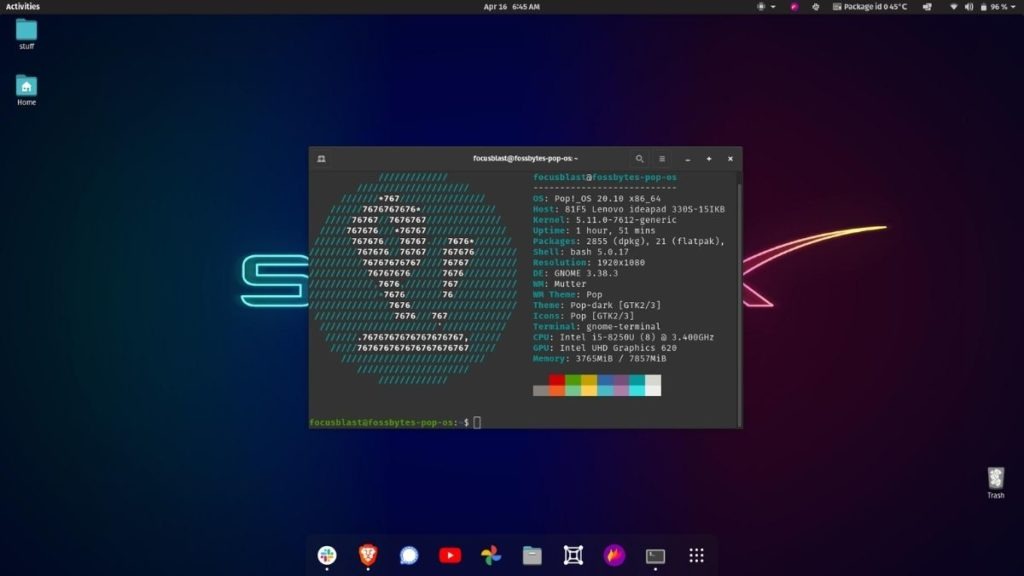
You can learn Linux without changing your everyday computer setup. Match the environment to the task and to the cost of a mistake.
| Environment | Useful when | What to consider |
|---|---|---|
| Existing Linux desktop | You already use Ubuntu, Linux Mint, or another distribution | Your practice shares files and permissions with the computer you use. |
| Windows with WSL 2 | You want Linux terminal tools while continuing to use Windows | WSL 2 uses a Linux kernel inside a Microsoft-managed lightweight VM. |
| Separate Linux virtual machine | You want to install, boot, and configure a distinct guest system | Resource needs depend on your host and the guest system. |
| Remote Linux server | You need to learn SSH or maintain a remote machine | Access rights and service changes reach beyond your practice session. Keep experiments off production services and valuable data. |
A Windows user asked on r/linuxquestions: “I wanna try and learn linux but i don’t wanna change windows now so which one is better for me u think for learning Linux??”
For command-line work on Windows, WSL 2 works well. A separate VM gives you a guest installation that you configure as its own system. WSL 1 uses a different architecture from WSL 2.
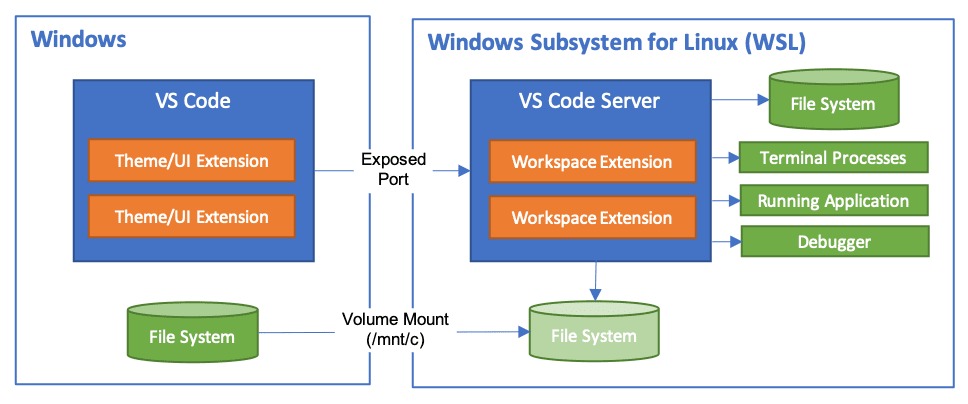
An existing Linux desktop already has a terminal for introductory exercises.
Microsoft's WSL installation guide covers the Windows setup steps. Your hardware and your task decide whether a separate VM is worth it.
Linux, Unix, Bash, and the terminal
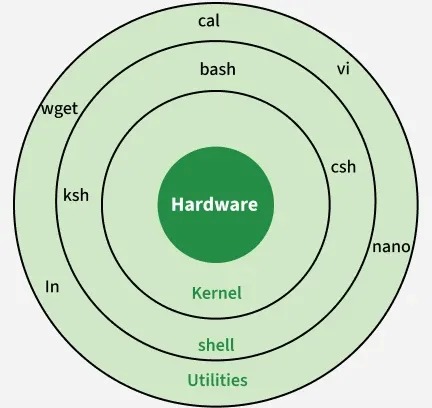
Linux is the kernel behind Linux distributions. Ubuntu, Debian, Fedora, and Linux Mint combine that kernel with the other software an operating system needs.
Unix is the earlier operating-system tradition that influenced Linux. Linux itself was developed separately as a Unix-like kernel.
A terminal application is where you type commands. A shell interprets them. Bash is one shell and also a scripting language.
POSIX.1-2024 defines a portable shell command language. Bash adds features and extensions beyond that baseline. Tools and command options differ between Linux distributions and other Unix-like systems.
Try one terminal task and check the result
Make a practice directory, create a subdirectory inside it, then remove both. You'll see how a path, a command, and its output fit together.
On Ubuntu Desktop, open Terminal from the application launcher. On Windows with WSL already installed, open the Linux distribution from the Start menu. Use a personal, writable test environment for this exercise.
Enter the commands one at a time. If any command fails, stop before entering the next one. If the first mkdir reports that linux-practice-pg002 exists, choose a fresh directory name and change every later reference to match. Don't use sudo or recursive deletion to force the example to run.
mkdir "$HOME/linux-practice-pg002"
cd "$HOME/linux-practice-pg002"
pwd
mkdir example
ls
rmdir example
cd "$HOME"
rmdir "$HOME/linux-practice-pg002"
The first mkdir creates a directory under your home directory. $HOME supplies that location without assuming your username or home path. The cd command changes the working directory, and pwd prints it.
Before entering mkdir example, confirm that pwd ends with /linux-practice-pg002.
The second mkdir creates a subdirectory named example. It's a relative name, so it points inside your working directory, and ls lists it. The full home path and shell prompt vary by computer.
The remaining commands remove example, return to your home directory, and remove the practice directory. rmdir removes only empty directories.
Canonical's Ubuntu command-line tutorial uses /tmp/tutorial as its practice location and works through similar directory operations with visible output. The Ubuntu command-line guide goes further.
Learn Linux fundamentals in an order that serves real work
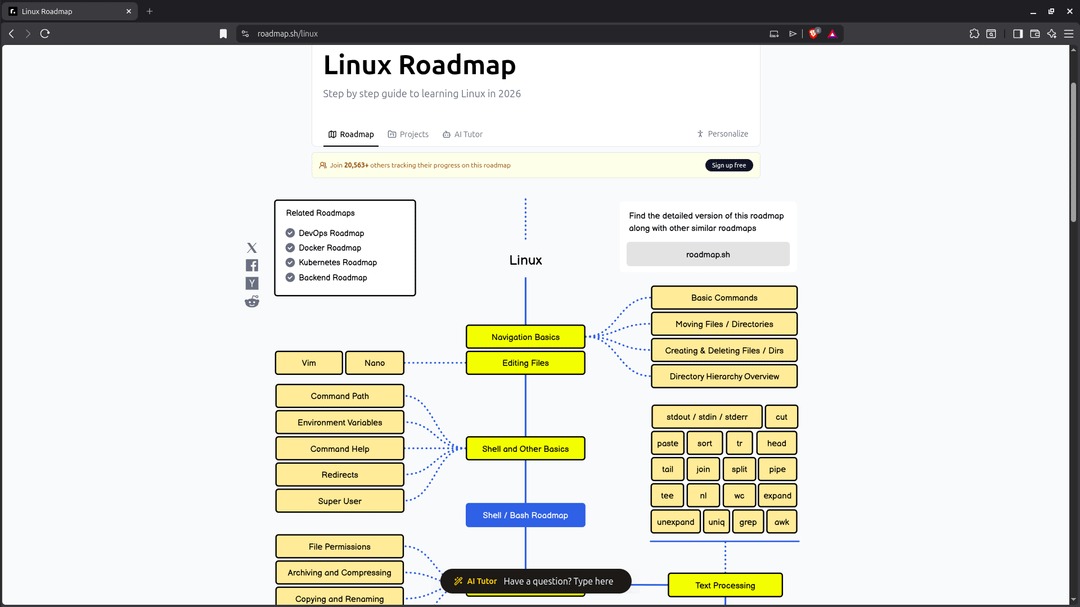
Learn file operations first. Permissions and networking build on them. Treat each row as a checkpoint: repeat the preceding practice task without copying the command, inspect its result, and only then move to the next topic.
| Stage | Skill | Checkpoint | Guide area |
|---|---|---|---|
| 1 | Navigation and paths | You can say where you are and move between known locations. | Linux commands |
| 2 | Files, text, and editors | You can find, read, create, or edit a file in a test location. | Commands and terminal editors |
| 3 | Users and permissions | You can explain why a user can or can't perform a file operation. | Users and permissions |
| 4 | Packages and networking | You can find the right software-management or connection procedure for your system. | Packages and networking |
| 5 | Automation and operations | You can tell when a task needs a script or a server-specific procedure. | Bash and server administration |
On a desktop, spend more time on paths and text files before networking. If you're heading for server work, continue into permissions and services.
For a continuous course, DigitalOcean's Getting Started with Linux series covers terminal use, files, permissions, and related foundations in order. Use it alongside shorter task references.
Find the tutorial for your task
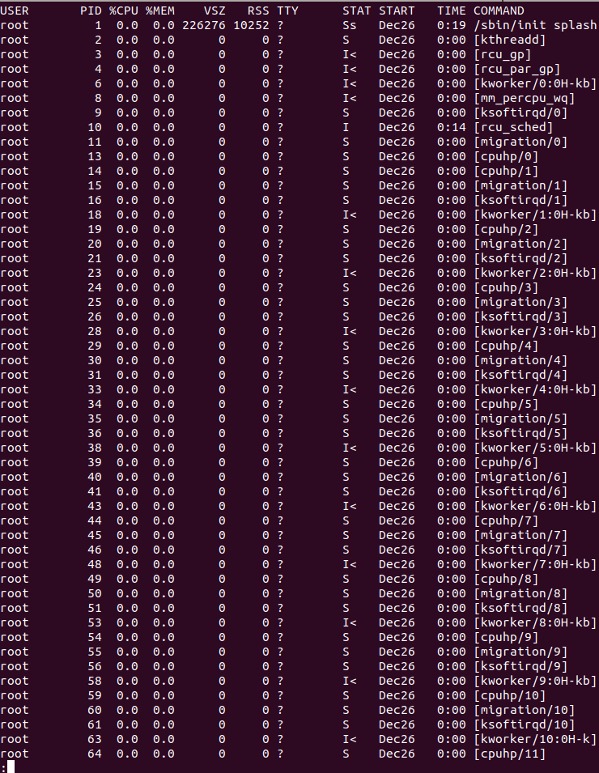
When you already know the job, use its action and subject to find the right tutorial area.
| What you're trying to do | Relevant guide area |
|---|---|
| Find, list, copy, move, or remove files. Search text | Linux commands |
| Edit a file in the terminal | Terminal editors |
| Understand users, ownership, groups, or file access | Users and permissions |
| Install, remove, or update software packages | Package management |
| Connect with SSH or diagnose a connection | Linux networking |
| Write a script for repeated shell tasks | Bash scripting |
| Compare different Linux distributions | Linux distributions |
| Manage web services, logs, or a Linux server | Server administration |
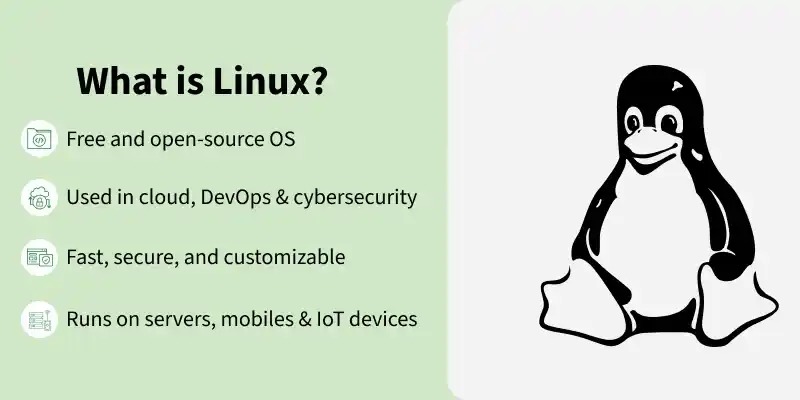
A good guide for a named problem states its prerequisites, the operation involved, and how to recognize success.
Understand commands before running them
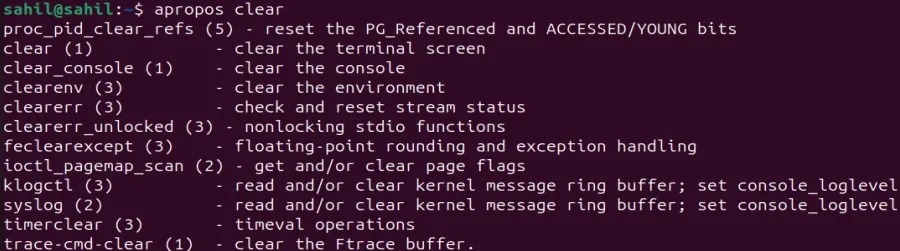
Reading a command means knowing its target, its options, and its effect.
A reader on r/linuxquestions wrote in January 2026: “I’m trying to learn Linux properly, but I don’t want to just memorize commands without understanding what they actually do.”
- Name the task and the expected result. Decide what should change or appear before picking a command, then compare the output with that expectation.
- Find the target. Identify the file, directory, process, or service the command acts on.
- Read its options. Check the installed command's help or manual for any option you don't recognize.
- Check privileges. Know whether the command asks for elevated access and why.
Use documentation that matches the installed tool. A copied tutorial command can rely on a GNU option, a Bash feature, or a distribution-specific package manager. Ubuntu and Fedora, for instance, use different package-management commands and options.
In Canonical's Ubuntu tutorial, quoting a path changes how spaces in directory names are treated, and with them the directories a command tries to create.
When to move into Bash scripting and server administration
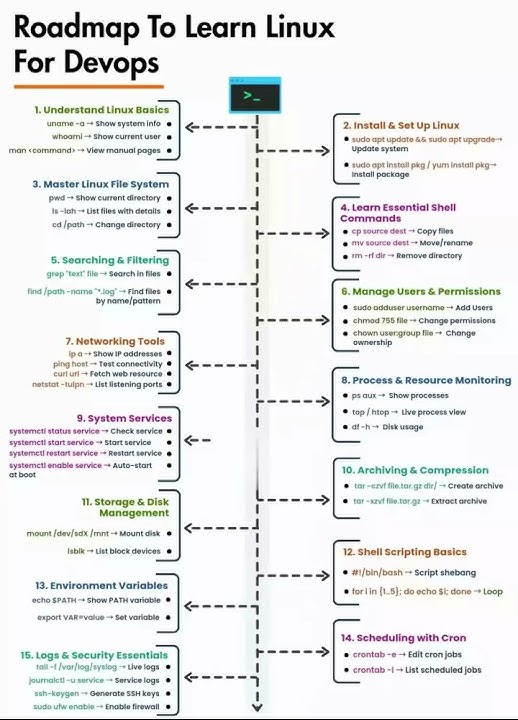
Bash scripting is useful when you need to repeat or connect shell operations. Server administration covers the systems those operations affect: accounts, services, networking, logs, storage, and backups.
If you repeat the same text-file tasks, learn Bash scripts, conditions, and loops. If you maintain a Linux host, learn how services run, how logs record problems, and how configuration changes affect the machine.
A disposable personal VM suits a practice project: configure a simple service, inspect its status, then restore a working setup after a test change.
If your goal is self-hosted WordPress, server management leads into hosting and maintenance guides. If you only look up commands now and then, you can stay on the narrower task-based route.
Choose your next Linux step
Once the directory exercise works, pick the next stage in the fundamentals table or open the task directory.
