If your WordPress site needs no root access or custom server software, start by comparing suitable shared and managed WordPress plans. Choose a managed or self-managed VPS when your workload or the control you need justifies it. The deciding question is who will maintain the server and handle an outage, so check the provider's responsibilities, resource limits and recovery process before committing.
Who fixes it when the server goes down?
Running WordPress and running its server are different jobs. On an unmanaged VPS, you handle operating-system patches, monitoring, troubleshooting and recovery, even when a control panel makes daily website work easy. A site owner considering a VPS voiced the worry in an r/Hosting discussion about managed hosting costs: “I'm worried my site will crash and I won't know why.” Before comparing plans, name the person or service that will respond when your site stops working.
Server type and service level are separate choices

Every plan has two parts: the resources your site receives and the work someone agrees to do for you. A managed VPS is still a VPS. A shared plan can include WordPress-specific support, and a dedicated server can be managed by its provider or run by your own team.
| Hosting model | What you are buying | Question that decides its fit |
|---|---|---|
| Shared hosting | Resources on a server used by multiple customers, with limited server-level control | Can its limits and included tools handle your site? |
| VPS | A virtual server with its own allocated environment and greater configuration control | Do you need that access, and who will administer it? |
| Dedicated server | An entire physical server allocated to one customer | Does your workload justify the capacity and operational commitment? |
| Cloud-based hosting | Resources delivered through a provider's cloud infrastructure. Architecture differs by product | What scaling, availability and resource behavior does the specific plan include? |
| Managed WordPress hosting | WordPress-oriented services that can run on shared, virtual or other infrastructure | Which application and server tasks does the service include? |

Cloud plans can have fixed resource limits, and a managed plan can cover server maintenance while leaving plugin troubleshooting to you.
What your site asks of the server
A brochure site, a membership site and a busy WooCommerce store place very different demands on hosting. Cached public pages cost little to serve. Logged-in sessions, checkout requests, searches and scheduled tasks trigger repeated PHP and database work.
Before looking at higher tiers, write down:
- Sites: how many installations you run and whether they are blogs, business sites, stores or membership applications.
- Dynamic features: carts, logged-in users, booking systems, imports, scheduled jobs and external integrations.
- Current limits: look for CPU throttling, memory pressure, PHP worker limits, storage use, inode limits and slow requests wherever your host exposes those figures.
- Control: any custom services, server packages, background processes or configuration changes that need more than a typical hosting panel.
- Coming changes: launches, extra sites or new application features that would change the workload.
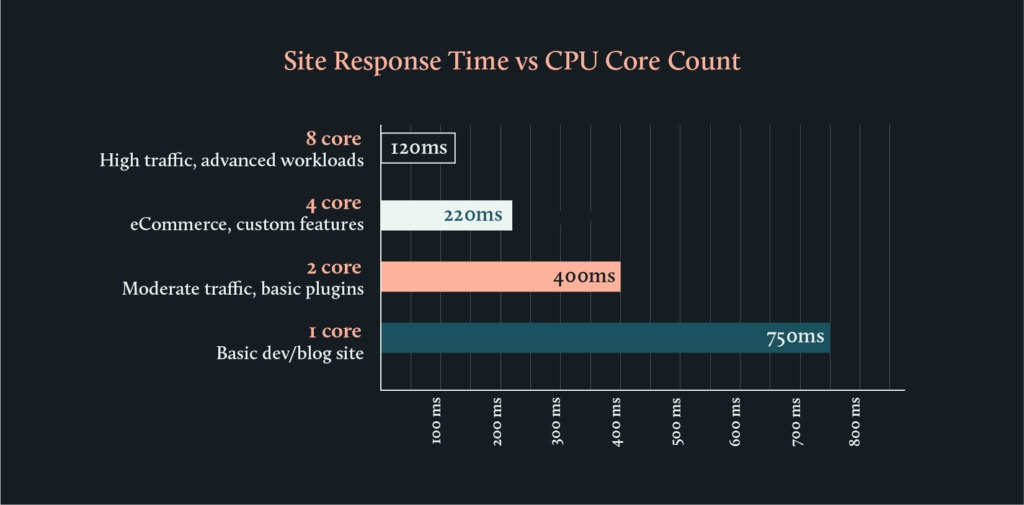
An inode limit caps the number of filesystem objects a plan can hold. A site with many cached files, uploads or backups can reach it while plenty of disk space remains. If CPU or PHP workers keep reaching their limits, examine the affected requests and the plan's recorded limits before switching hosting models.
A small informational site with ordinary publishing needs can run on a suitable shared plan. A store with frequent uncached transactions needs a closer look at application behavior and concurrency. No visitor count automatically requires a VPS.
PHP, database and HTTPS: the versions to check
A plan should support the environment WordPress.org currently recommends, so ask which versions the one you intend to buy includes, database engine and HTTPS support among them.
| Component | WordPress.org recommendation | What to check on the plan |
|---|---|---|
| PHP | Version 8.3 or greater | Available PHP versions and how updates are handled |
| Database | MySQL 8.0 or greater, or MariaDB 10.11 or greater | Database family and actual version |
| HTTPS | HTTPS support | Certificate provisioning and renewal arrangements |
| Web server | Apache or Nginx recommended | Supported web server and WordPress configuration |
The WordPress.org Requirements documentation recommends this environment for new installations. It also describes legacy compatibility with PHP 7.4 or later and MySQL 5.5.5 or later. These versions have reached end of life. They can expose a site to security risks.
What “managed” should cover in writing
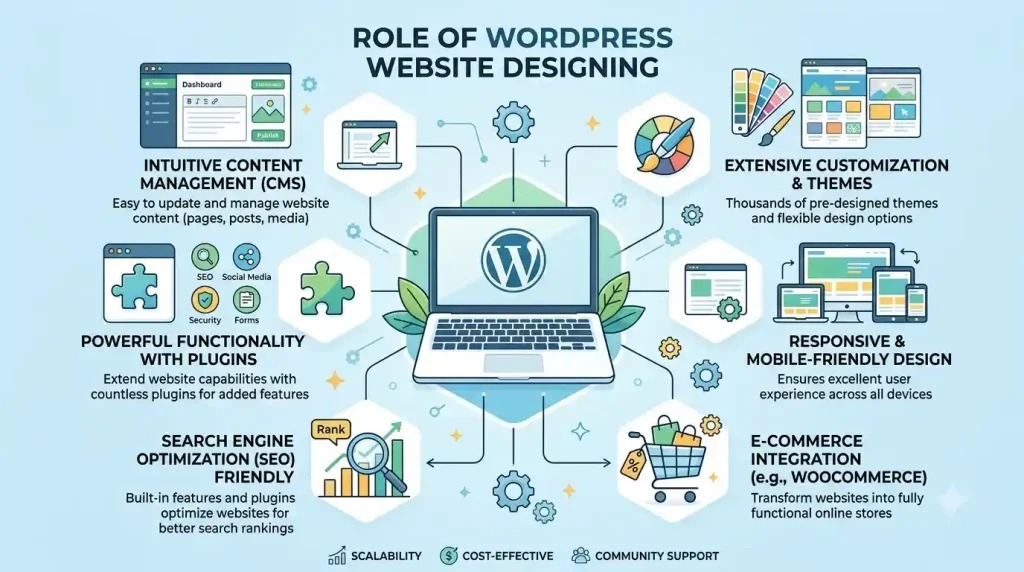
Managed hosting is worth paying for when it removes operational work you can't reliably do yourself. Providers choose their own mix of infrastructure upkeep, WordPress updates, monitoring, recovery and troubleshooting.
The WordPress.org hosting documentation describes WordPress-specific features such as backups, updates and developer tools as services that hosting companies can provide. Your contract should name the tasks covered, the escalation path, and any exclusions for plugins, custom code and third-party integrations.
| Task | Self-managed VPS | Managed plan: written answer needed |
|---|---|---|
| Operating-system security patches, PHP and server runtime updates | Customer or hired administrator | Who patches, on what schedule, and who tests and performs version changes? |
| WordPress core, plugin and theme updates | Customer unless separately delegated | Are updates automatic, tested or assisted, and which application components are covered? |
| Uptime and resource monitoring | Customer or monitoring service | Who receives alerts and takes action? |
| Incident diagnosis | Customer or administrator | Does support investigate PHP, database and WordPress errors? |
| Malware investigation | Customer or security contractor | What detection and cleanup help does the provider include? |
| Backup creation and restore | Customer unless separately arranged | What does it back up, and how often? Who performs a restore, and what help is available? |
| Staging environment | Customer sets it up | Does the plan provide staging, and with what restrictions? |
| After-hours escalation | Customer or contracted administrator | Who can respond, and which incidents are covered? |
Find out whether support diagnoses WordPress application errors as well as infrastructure failures. Confirm who does the recovery work.

What happens to your other sites when one fails
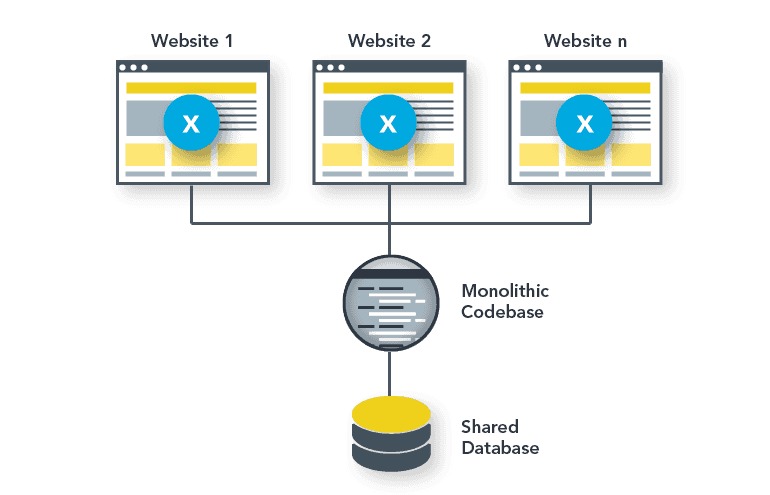
Putting several WordPress installations on one server simplifies billing and centralizes administration. It also ties them to the same operating system, control panel, administrator account and server availability. A freelancer discussing 30 small-business WordPress sites on r/Hosting admitted, “I'm also scared of becoming the sysadmin for 30 businesses.”
Before consolidating, map the dependencies:
- Server: Which websites go offline if one machine or virtual server fails?
- Accounts: Which sites share the same operating-system user or hosting-panel login?
- Databases: Are database users and credentials separate for each site?
- File permissions: Can a compromised site account modify another site's files?
- Recovery: Can you restore one site without replacing another site's data?
- External services: Which sites use the same DNS, email or backup provider?
Separate site users and database credentials reduce cross-site exposure, but every site on one VPS still shares the operating system and the risk of a server outage. What differs is how many client sites one incident can take offline.
Total cost, and when downsizing makes sense
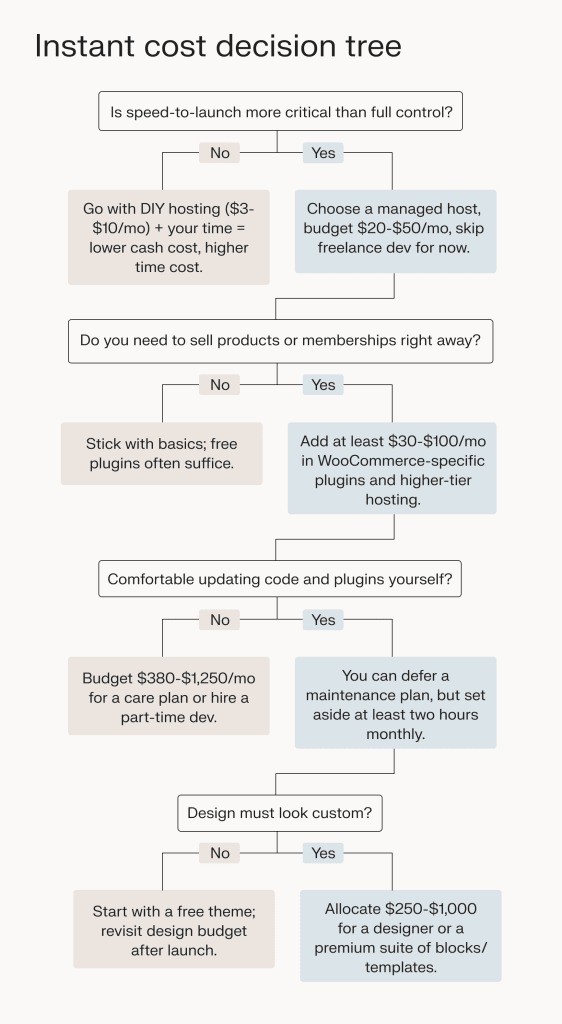
A low server price can hide an expensive setup. Count introductory discounts, renewal rates, support charges and administrator time in the same comparison.
| Cost component | What to enter for each candidate |
|---|---|
| Hosting | Full initial billing commitment, including its term and total charge. First renewal rate and renewal term separately |
| Management | Managed-service fees or contracted administrator costs |
| Control panel | Licensing fees, if the plan requires a paid panel |
| Backup and recovery | Backup storage, retention upgrades and restore assistance charges |
| Migration | One-time transfer fees and any planned technical labor |
| Administration time | Estimated hours for updates, monitoring and incident response, valued at your own rate |
Compare both hosting figures, especially when an introductory term lasts longer than 12 months. A higher monthly fee can reduce the unpaid administration your business absorbs.
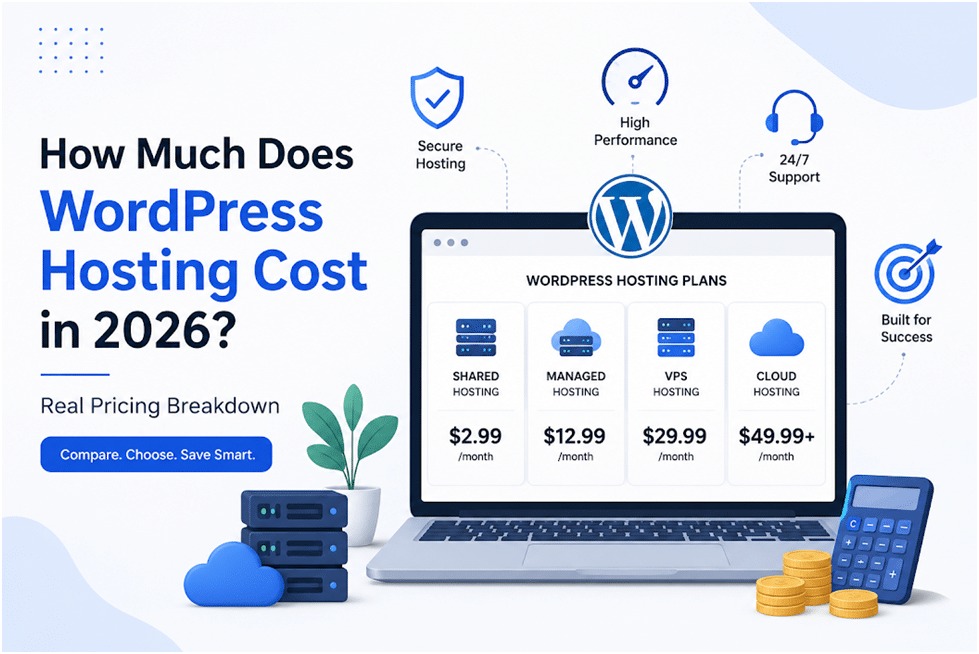
Add downsizing to the calculation. Someone considering a move from an oversized VPS wrote on r/Hosting, “I am looking to dramatically reduce my hosting costs by migrating 5 existing WordPress sites”. Before downsizing, check that the smaller plan handles the existing workload and doesn't remove server access you need.
Backups, restores and leaving the provider
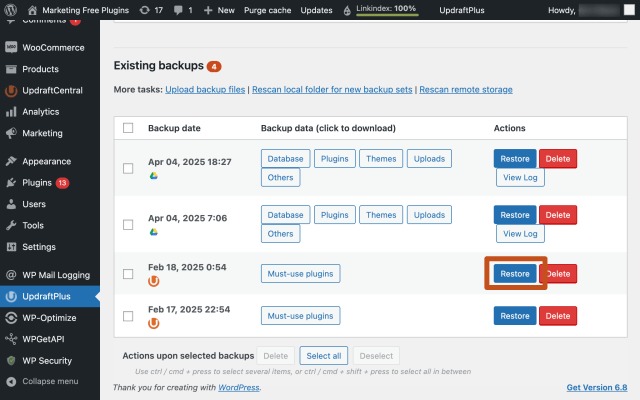
Buying hosting also commits you to a recovery process.
Confirm that backups include WordPress files and the database, along with any separately stored uploads or application data. Record when backups run, how many versions the provider keeps and when it deletes older copies. Find out who can start a restore, and whether that takes a support ticket or a paid service. Then test it. Restore a copy into a safe test environment and check that the site and its important functions work.
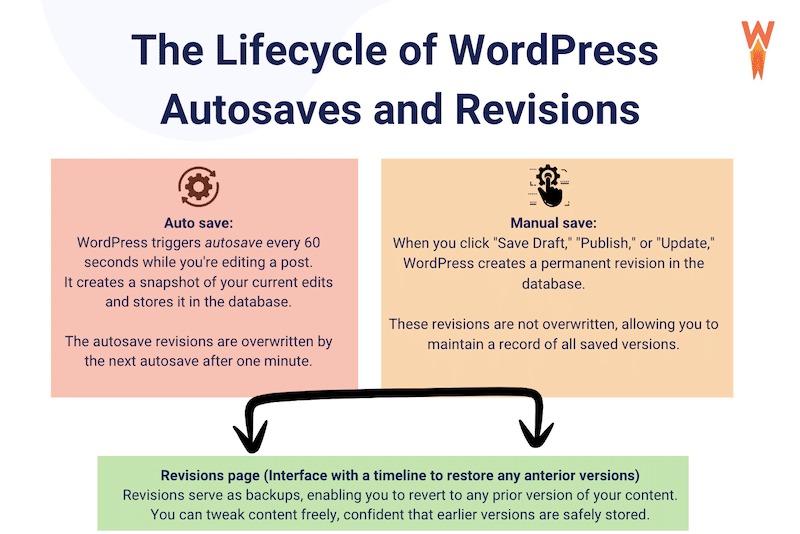
Keep a usable files-and-database export that you can access outside the hosting account. A provider snapshot helps you recover an environment on that provider's platform. An export you hold yourself gives you a separate option if the account becomes unavailable or you decide to move.
On a site with frequent orders, bookings or member changes, watch how much data you can lose between backups. On a mostly static site, retention and a clean restore matter more than an elaborate schedule.
Before a migration, confirm how the existing site stays available, who handles the transfer and what triggers a rollback.
Which setup fits your situation
- One standard WordPress site: Shared or managed WordPress hosting is the place to start. Reconsider if your application needs custom server access or reaches documented limits.
- Several small business sites without a Linux administrator: Compare managed multi-site options, looking at the provider's support scope, account separation and resource caps.
- Custom services or root-level configuration: Look at a VPS or another configurable environment. Choose managed operation if you need the provider to administer the server.
- Many unrelated client sites: Choose a setup whose shared-failure exposure you can accept and whose administration your team has time for.
- An oversized VPS: Price a smaller managed or shared plan.
- A dynamic store or membership site: Weigh how each plan handles your workload, what its real limits are and whether support covers incidents affecting transactions.
Before you pay, get the provider's stated software versions, resource limits, management responsibilities, recovery procedure, total cost and migration terms. If the provider can't answer a question that matters to your site, don't buy yet.
