For a conventional WordPress site with no dependable server admin, choose managed WordPress hosting, and pick a self-managed VPS when you need system-level control and can own maintenance and recovery. If you need custom access and outside operational help, consider a managed VPS. Before committing, verify the support boundaries, site compatibility, the restore process, and the total annual cost, because a plan name alone is not a service-level agreement.
A small VPS invoice is appealing until a PHP service stops, an update breaks the site, or someone has to recover an order database. The real question is who will do that work, and whether they have the access and a reliable way to restore the site.
Managed WordPress hosting vs VPS: what are you buying?
A virtual private server (VPS) is virtualized infrastructure. Management describes which operating tasks the host takes on, so you can buy a self-managed VPS, a managed VPS, or a WordPress-focused managed service.
Managed WordPress hosting bundles WordPress-specific updates, caching, backups, staging tools, and application support. A self-managed VPS gives you administrative control of the server, along with responsibility for its operating system and software. A managed VPS adds contracted help. Some plans cover basic system support only, others broader server administration, so the plan defines what is covered.
DigitalOcean describes its Droplets as completely unmanaged. Hostinger distinguishes its managed web and cloud services from its self-managed VPS offering.
Self-hosted WordPress refers to how you deploy the open-source WordPress software, and that includes managed hosting.
Which hosting model fits you? Start with three questions
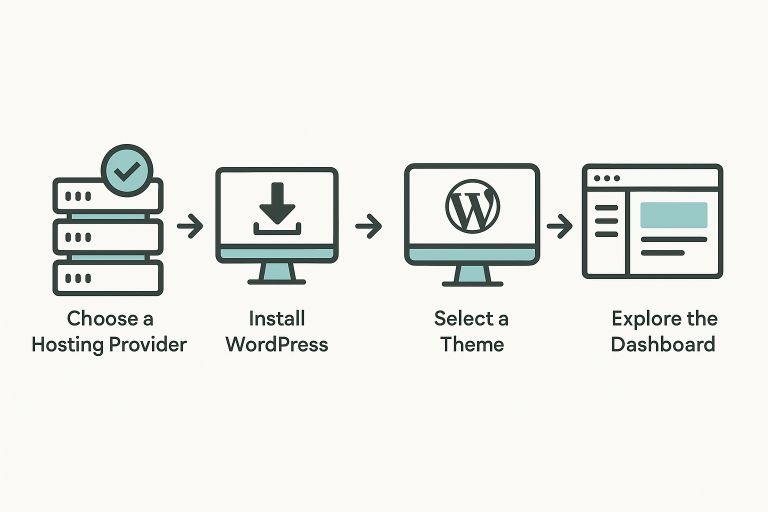
Start with a requirement, then an admin.
- Does the site need a system-level feature, such as a separate background process, an unusual PHP extension, or direct web-server configuration?
- Is a capable employee, contractor, or contracted provider available to maintain the server and respond when it fails?
- Can a managed WordPress plan support the features and workload the site needs?
| Situation | Best fit | What would change it |
|---|---|---|
| Conventional WordPress site, no reliable Linux admin | Managed WordPress | A requirement that no available managed plan supports |
| Custom system requirement, capable admin available | Self-managed VPS | A managed plan can meet the requirement and take on useful work |
| Custom system requirements, no internal operations team | Managed VPS | The contract leaves essential system or incident duties unassigned |
| Small, ordinary website with modest technical needs | Hosted WordPress plan | Documented capacity or compatibility needs go beyond what the plan offers |
A California business owner weighing hosting for four or five WordPress sites wrote on r/webhosting: “Are you comfortable managing a server yourself? No. I strongly prefer a managed solution.” (r/webhosting thread).
Who handles updates, security and outages?
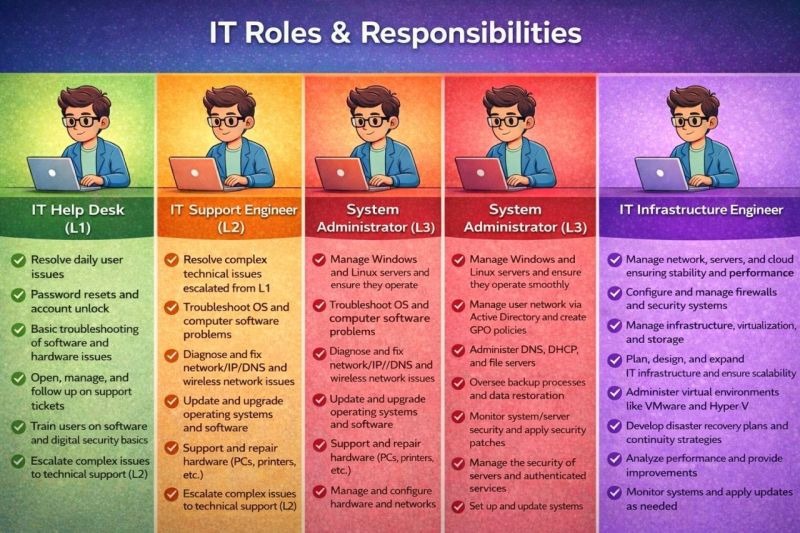
Managed hosting is worth paying for when the host takes over specific jobs. To see exactly what you are buying, separate four layers: the physical or cloud infrastructure, the server's operating system, WordPress itself, and the site's business functions.
| Task | Managed WordPress | Self-managed VPS |
|---|---|---|
| Underlying physical or cloud infrastructure | Host operates it | Infrastructure provider operates it |
| Server operating system, web server, PHP, database services | Host (scope depends on plan) | You or an admin you hire |
| WordPress core | Updates or help included on many plans | You or an admin you hire |
| Plugins, themes, and custom code | You, with host support (scope depends on plan) | You or an admin you hire |
| Accounts, content, and business integrations | Mostly your job | Your job |
| Alerts, incident investigation, malware response | Depends on the plan's services and exclusions | You or an admin you hire, for the server software |
| Restore escalation | Depends on the plan you buy | You arrange and run recovery |
Even when the host runs the server, you can still be responsible for credentials, a custom plugin, a payment integration, or an incident decision. A support channel, a response-time commitment, and a promise to fix a specific failure are three different things. For example, 24/7 ticket intake does not itself establish a 24/7 resolution commitment.
One admin responsible for three WordPress and WooCommerce installations wrote in r/webhosting: “Even though LW says they are fully managed, I still find myself having to take server initiative for server updates, reboots, etc...” (r/webhosting thread).
WP Engine documents HTTP smoke tests before and after WordPress core updates made through its User Portal. Its support documentation explains that plugin or theme functional incompatibilities can escape those checks.
Ask each host to confirm in writing who does each task in the table above. For each critical duty, ask who detects an outage, who acknowledges it, who investigates PHP or database failures, who restores files and data, and who approves a rollback. Obtain the plan's stated support hours, incident severity levels, initial-response targets and escalation process. Assign a named admin wherever the host's scope ends.
When root access and software restrictions decide the choice
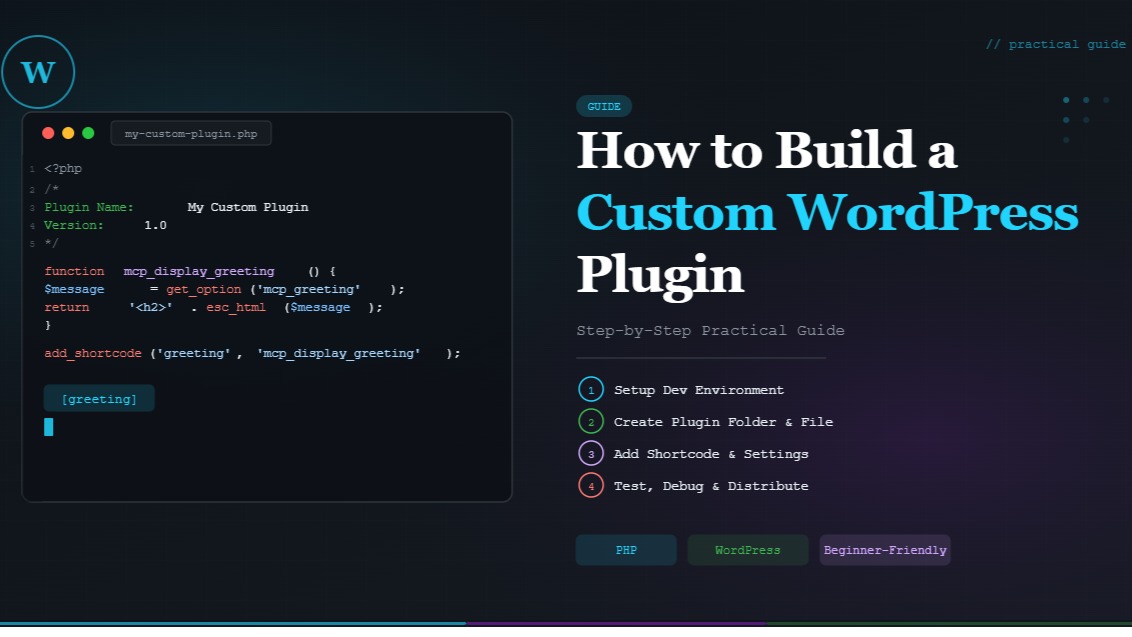
Root access matters when a required feature needs control below WordPress itself. Ordinary admin work, such as changing themes, configuring supported plugins, or managing content, needs no server administration. Installing a system package, running a background daemon, or changing Nginx and PHP-FPM settings is server administration.
A managed host can offer its own supported way to get the result you want. The test is whether the requirement works within the platform's published limits. A custom worker process with no approved equivalent, for example, can justify a VPS with the right operating support.
WP Engine publishes a disallowed-plugins policy. Kinsta also documents restrictions affecting certain caching, backup, and related-post plugins. Other hosts can allow those tools.
WordPress.org's documented recommended host environment includes PHP 8.3 or later, MariaDB 10.11 or later or MySQL 8.0 or later, and HTTPS. It recommends Apache or Nginx.
Check each candidate against the site's essential plugins and extensions, server processes, software versions, shell access, and configuration requirements. Ask whether support will troubleshoot failures involving custom plugins and third-party integrations or only verify that the platform itself works. Mark each requirement as supported, supported through a workaround, or unavailable. A plan that cannot meet a mandatory requirement is eliminated.
What does each option cost over a year?
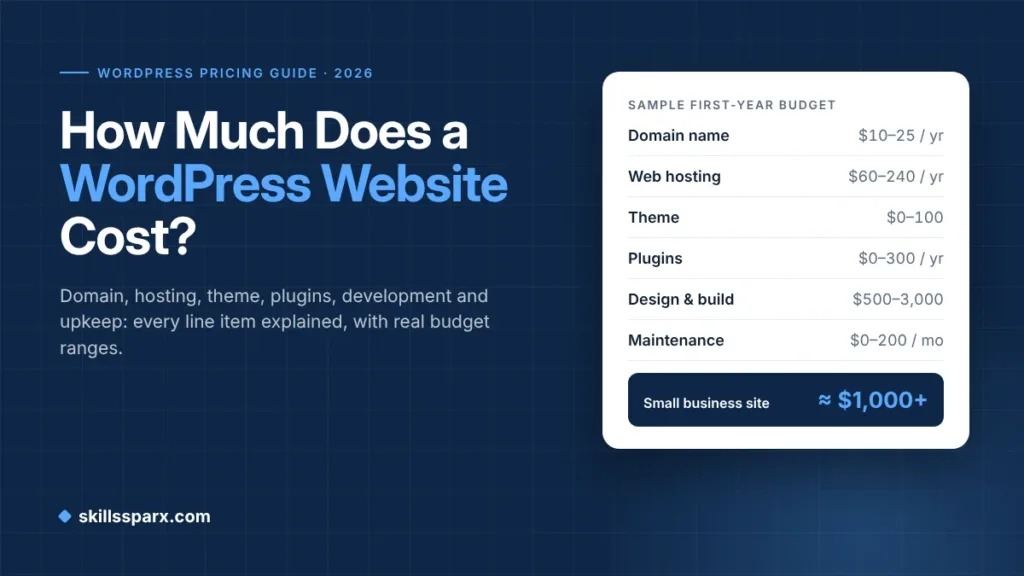
Compare what it costs to run the same site to an acceptable standard for twelve months. First match the number of websites, workload, region, storage, recovery needs, and service level. Then compare a managed subscription with VPS server fees.
A shared-hosting user considering a VPS wrote in r/Hosting: “I'm worried my site will crash and I won't know why.” The r/Hosting discussion shows the real cost question behind outside administration: who can find and fix an outage.
A 12-month operating-cost worksheet
| Annual cost component | Managed WordPress (USD) | Self-managed VPS (USD) |
|---|---|---|
| Hosting subscription or server fees (monthly charge × 12) | ||
| Separate storage, snapshots, offsite backup | ||
| Required monitoring, security tools, CDN, licenses | ||
| Administration and routine maintenance labor | ||
| Incident response and recovery budget | ||
| Migration and one-time setup during this period | ||
| Other fees or overages | ||
| Comparable first-year total |
Multiply admin hours by your own hourly cost or value. Include the time needed to investigate and escalate issues that the host explicitly excludes, and any paid after-hours assistance your site requires. Count a bundled service once, inside the plan price.
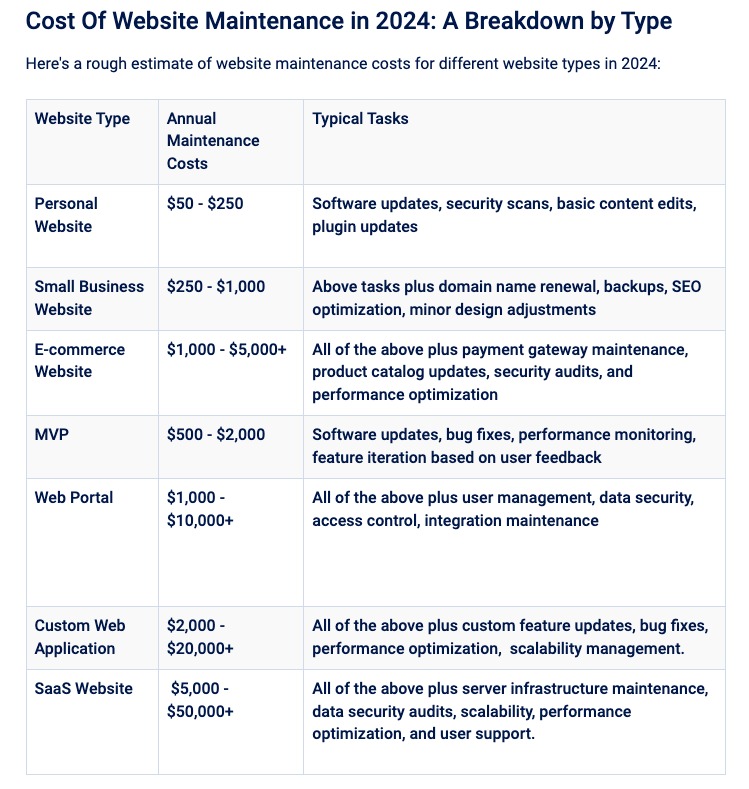
An existing Linux operations team can spread administration work across several sites. Managed plans carry their own extras, renewal changes, and resource-related charges. Fill in the cells with actual quotes and your own labor assumptions, and leave unknown amounts blank.
Backups are not enough: can you restore WordPress?
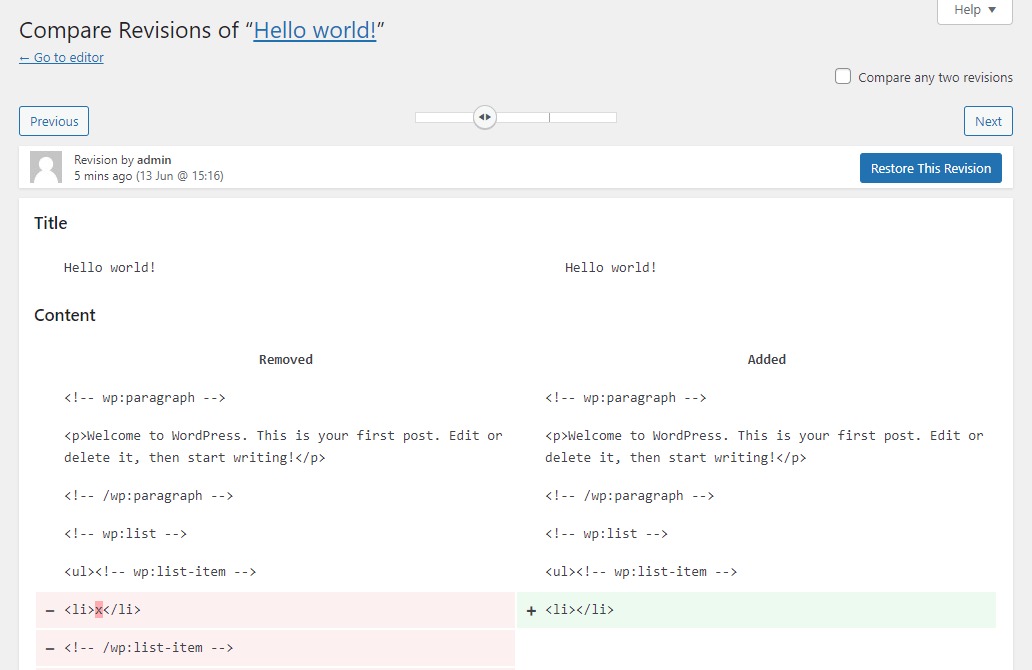
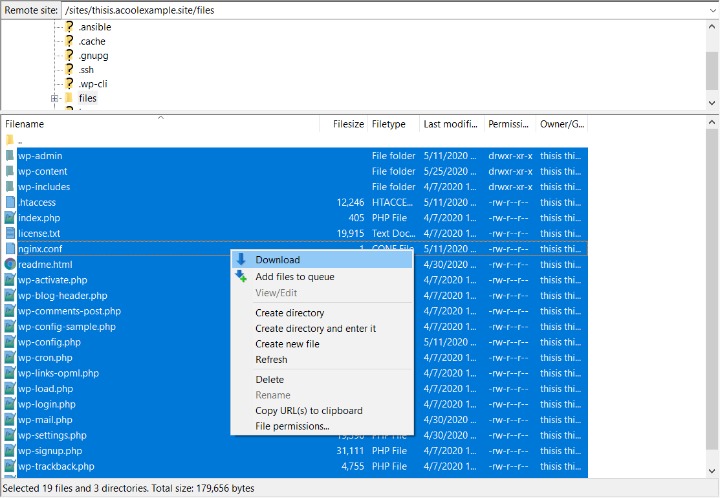
A usable WordPress recovery plan needs the site files, uploads, relevant configuration, and the database. WordPress's backup documentation treats site files and database as separate parts of the backup. Restore a database but leave the uploaded media behind, or recover files without their matching content records, and you end up with an incomplete site.
Backup frequency is how often data is captured. Retention is how long copies stay available. Also check where copies are stored, whether you can export one, and who restores the site. A reliable backup has a stated schedule and captures the files and database together.
Kinsta documents daily automated WordPress backups with retention periods that differ by plan, alongside distinct disaster-recovery mechanisms.
Decide how much recent data your business can afford to lose. That is your recovery point objective (RPO). Then decide how long the site can stay down, which is your recovery time objective (RTO). A publishing site and a WooCommerce store taking new orders can tolerate different amounts.
For each plan, confirm that the complete set of files and database can be recovered. Note the backup schedule and retention, add separate or offsite protection if you need it, and write down who starts a restore. Ask whether a restore is self-service, ticket-based or a separately billed operation, and what happens if the requested recovery point is outside retention. Then test a restore on staging or another nonproduction environment. Content, media, database relationships, and essential site functions should all come back before you rely on the backup.
Which hosting model performs better for your site?
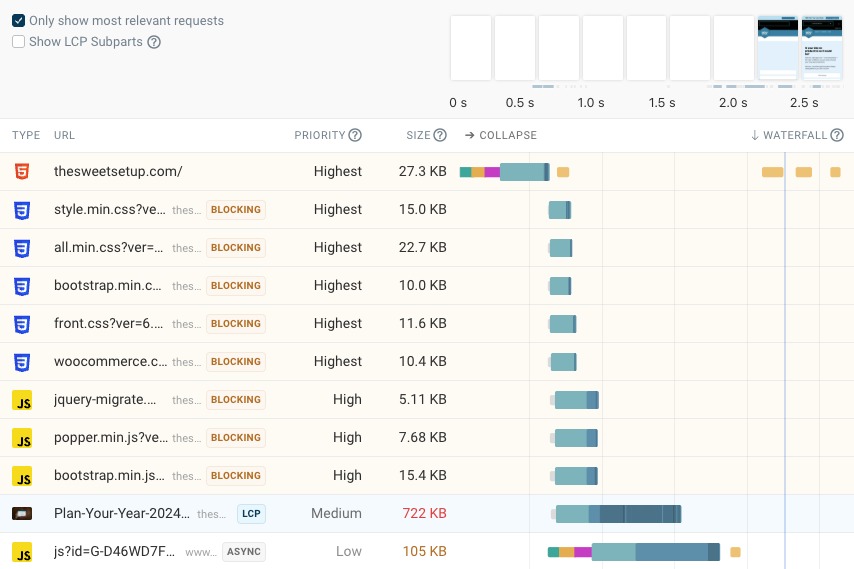
The hosting model alone cannot tell you which WordPress installation will respond faster. Resources, PHP execution, database work, plugin behavior, caching, and the number and kind of concurrent requests all drive performance. A cached public homepage behaves differently from an authenticated dashboard or a WooCommerce checkout.
Compare representative public and dynamic pages under similar traffic patterns, cache conditions, and measurement methods. Record response times, failures, and resource pressure against each plan's documented limits.
How the answer changes for business sites, developers, agencies, and stores
A site owner with no Linux admin faces a different maintenance decision than a developer who needs a custom service. An agency has to weigh what several clients will share on one server.
| Website situation | Start with | Deciding constraint | What could reverse it |
|---|---|---|---|
| Conventional business website | Managed WordPress | Routine site, limited admin capacity | An essential integration the plan does not support |
| Developer's custom installation | Self-managed VPS | Required system-level access and a capable admin | A managed plan meets the requirement |
| Agency hosting several clients | Managed plan or a properly run VPS | Isolation, staffing, shared failure risk | Uneven workloads or jobs nobody owns |
| WooCommerce or membership site | A managed plan or VPS sized for the workload | Dynamic transactions, database behavior, integrations | Resource caps or weak recovery arrangements |
| Growing site without custom system needs | A scalable managed plan | Workload the plan supports at its resource levels | A verified plan limit |
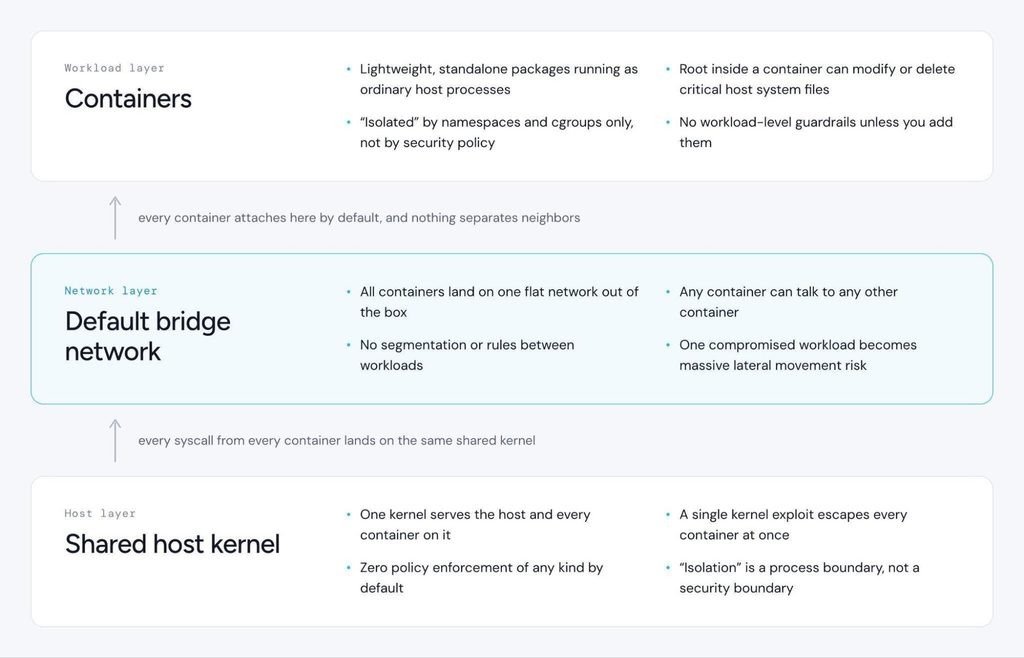
For a multi-client agency, consolidation can share operating resources and simplify some tooling. It also puts every client site behind one shared point of failure. The actual workload and how the server is run decide whether isolation and capacity are adequate.
A managed plan can handle WooCommerce and membership workloads well when its resource limits and supported software match them.
Before choosing, get the support terms and exit plan in writing
Make the final decision against written host evidence: a plan document or support confirmation that applies to the plan you are buying. Walk through a concrete incident, such as a broken site immediately after a plugin update, and identify who receives the alert, opens the case, investigates, makes the restore decision and verifies recovery. Mark any unanswered step as unassigned. Use a short checklist with five fields: requirement, source, met or unmet, accountable owner, and unresolved exception.
For an existing site, the checklist also needs a migration agreement and a workable exit route. Kinsta documents migration assistance under its process and eligibility terms. A WooCommerce or membership site with continuously changing orders or account data can need a coordinated switch-over and a short freeze on changes.
Kinsta documents downloadable site backups that contain the WordPress files and a SQL database copy. They exclude MyKinsta settings and certain custom server configuration, such as redirects and Nginx rules. Exporting the WordPress content therefore leaves platform settings for you to reproduce at the destination.
Name who will preserve the database and files, keep the domain and DNS working, run the switch-over, and restore the original installation if the move fails. Keep the provider's written responsibility and support terms with the migration plan.
