Choose WordPress.com if you want hosting included and its plans cover what your site needs. Managed WordPress hosting suits you if you want to pick your own provider and leave much of the server work to its staff. Self-managed hosting fits when you need deeper control and can maintain the server yourself.
WordPress.com and WordPress.org both lead to websites built with WordPress.
WordPress.com vs. WordPress.org: the difference in one minute

WordPress.org is the WordPress project and its free, open-source content management software (official explanation). You download it and run it with the hosting provider of your choice.
WordPress.com is a commercial hosting service run by Automattic. It runs WordPress for you and bundles the software with hosting, account management, and features that differ by plan.
The names confuse people. A reader moving a simple website from Squarespace wrote in r/Wordpress: “I’m switching my website from squarespace to WordPress & just learned that there’s a difference in WordPress.com & wordpress.org.”
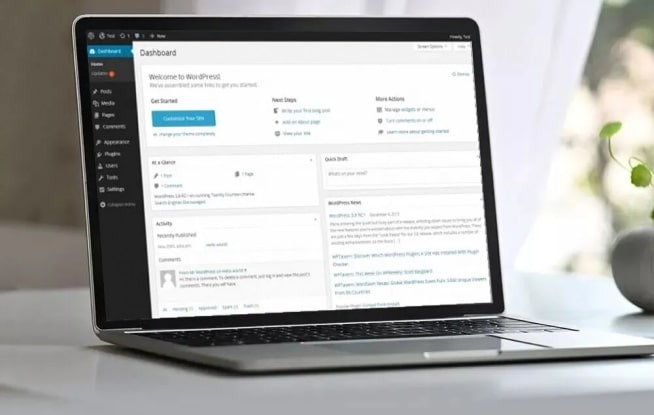
A WordPress.org download does not include a hosting account. Your hosting provider supplies the server where WordPress runs.
Is WordPress free? What you pay for
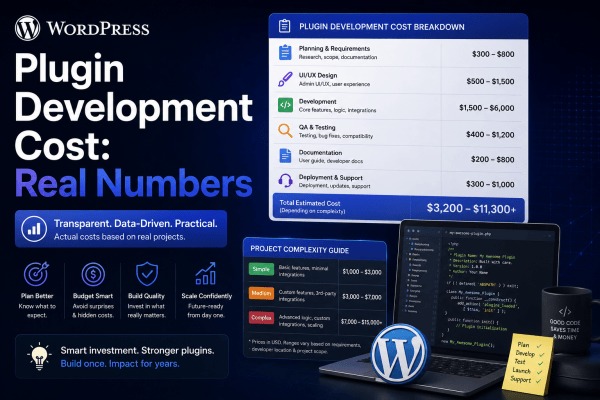
The WordPress software from WordPress.org is free, but running a site means paying for hosting and domain registration, plus paid plugins, themes, and professional help if you need them. WordPress.com offers a Free plan alongside Personal, Premium, Business, Commerce, and Enterprise plans, with hosting included in the service.
Who handles hosting, updates, security and support?
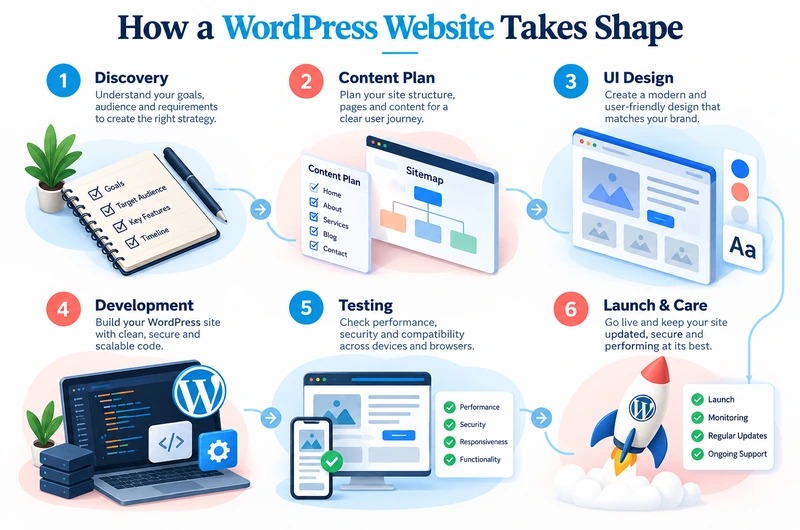
There are three ways to run a WordPress site: WordPress.com, a managed host, or a self-managed host. Many comparisons skip the managed host, a specialist provider that runs independent hosting for you.
| Responsibility | WordPress.com | Managed host | Self-managed host |
|---|---|---|---|
| Hosting | Included in the service | Bought from a separate provider | Bought or set up separately |
| Infrastructure upkeep | WordPress.com handles many underlying tasks | Set by your contract | You or your developer do more of the work |
| Updates and backups | Platform-managed features. Scope depends on your plan | Can include automated updates, backups, and restore help | You arrange and maintain them for your server |
| Security response | Platform responsibilities plus your decisions as site owner | Provider responsibilities plus your decisions as site owner | You handle more configuration, monitoring, and recovery |
| Support | WordPress.com support, according to your plan | Hosting support, according to your contract | Your host, vendors, the community, or hired technical help |
A managed host installs WordPress automatically and helps with infrastructure, and you still choose the hosting company. It runs the same WordPress software.

Managed hosting reduces your server work. You still decide on content, design, accounts, and plugins.
A host can advertise daily backups, for example, yet cover restore help or malware cleanup under separate conditions. Before choosing, read the written coverage for updates, backups, restores, security incidents, and support.
If you run a self-managed host such as an unmanaged VPS, you need a plan for operating-system updates, server configuration, monitoring, backup recovery, and troubleshooting.
Plugins, themes and developer control: what is allowed?
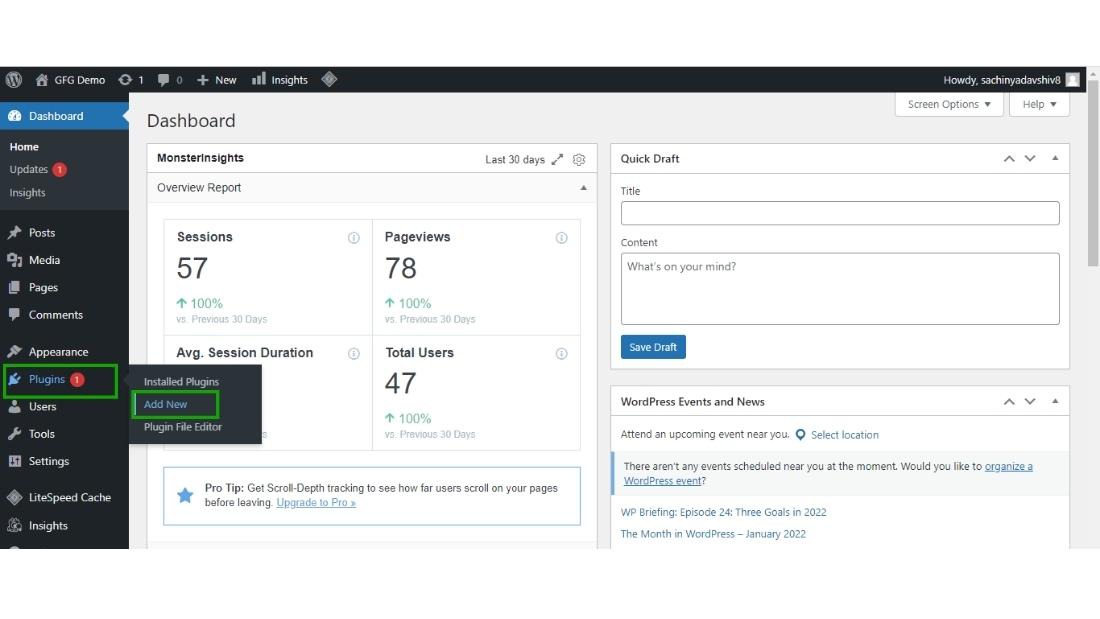
WordPress.com lets you install plugins on its paid Personal, Premium, Business, and Commerce plans. A Free-plan site must upgrade first (WordPress.com plugin installation support, October 2026). Compare the current plan limits and available extensions on WordPress.com against what a self-hosted WordPress install requires.
| Capability | Documented WordPress.com availability |
|---|---|
| Install plugins | Personal, Premium, Business, and Commerce; Free requires an upgrade |
| Upload third-party themes and edit CSS | Included in the documented Personal feature set |
| SFTP, SSH, and database access | Listed under Business features |
| Staging, automated backups, and one-click restore | Listed under Business features |
| WP-CLI, multisite, and GitHub Deployments | Described among higher-tier capabilities. Exact allocation depends on the feature |
Plugin installation, plugin compatibility, and developer access are three separate questions. A paid plan can allow plugin installation and still restrict particular plugins or server behavior. Your own host gives you more choice over the server setup, within its rules and your account's access.
Take the contact form. WordPress.com has a built-in contact form, so a site that needs a simple form has no reason to add another plugin for it.
If your site relies on a booking plugin, payment integration, custom deployment process, or specific PHP configuration, write down the exact software and access you need. Compare that list with the plan's documented permissions and the plugin developer's compatibility guidance.
Compare first-year and renewal costs
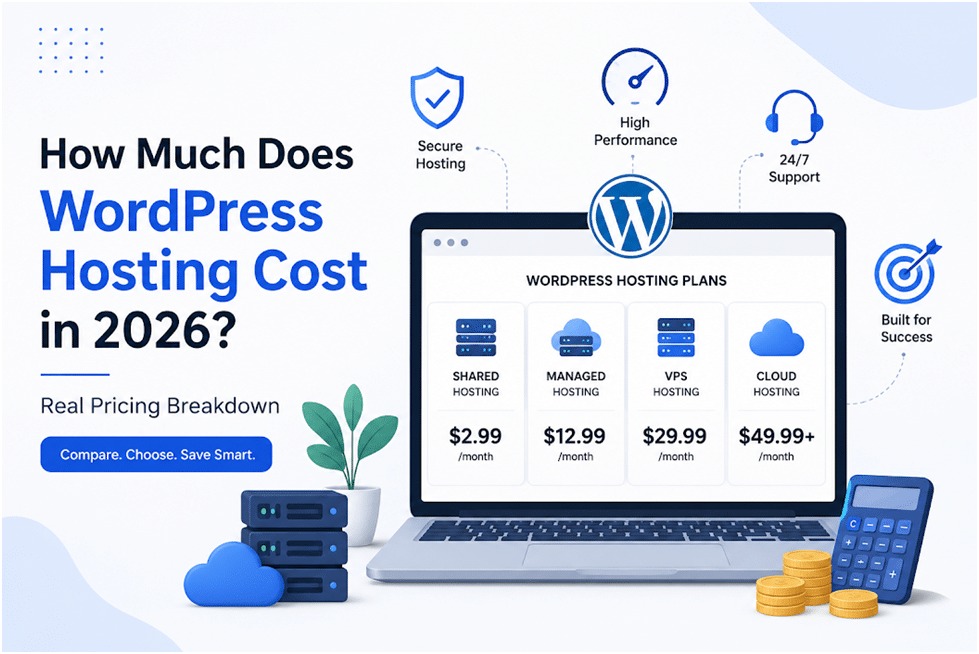
WordPress.com bundles hosting into its service. Independently hosted WordPress comes with a separate hosting bill and can add other services. Compare two plans that can both do the job you need.
Put these side by side for each plan:
- First 12 months and billing commitment
- Renewal year
- Domain, SSL, and CDN
- Storage and traffic allowances
- Backups and restoration
- Required plugins and themes
- Support, staging, and developer access
- Paid maintenance or technical help
Record the first billing period and the renewal period in the same currency and contract length. Then calculate a first-year total and a renewal-year total for each plan, including the paid services you would otherwise buy separately.

Which option fits your website? Four cases
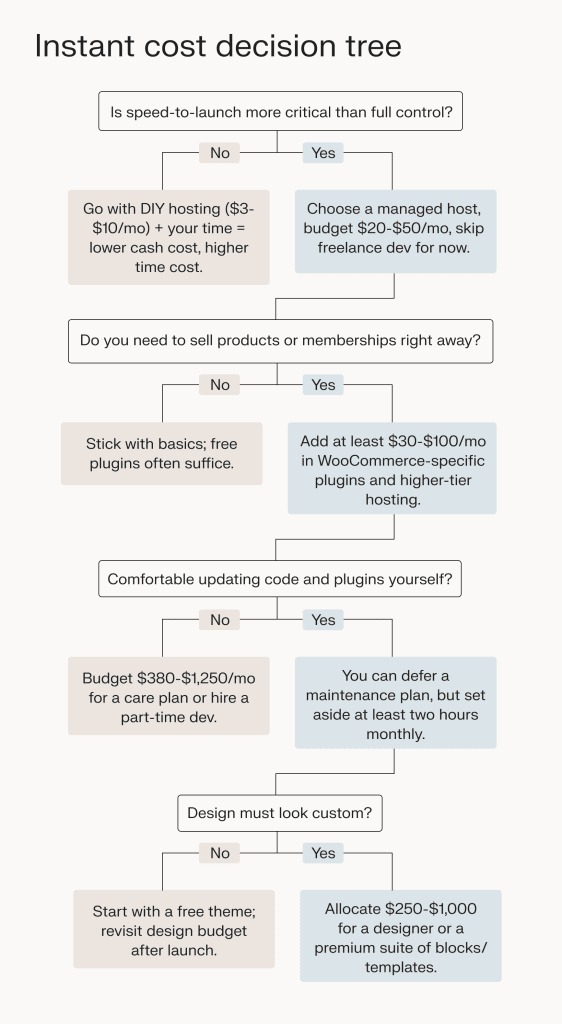
Your site's requirements settle the choice better than labels like beginner or professional.
- A personal blog or portfolio. If you mainly need pages, posts, images, and a straightforward design, both WordPress.com and a managed host work. WordPress.com puts one provider in charge of hosting. A managed host lets you choose the hosting company.
- A small-business website. Start with what the site must do: appointments, payments, ecommerce, customer forms, or one particular plugin. WordPress.com paid plans allow plugin installation, so a business site does not automatically need its own host. If the plugin or payment integration you need cannot run on a plan, drop that plan and compare a managed host that supports it.
- A developer working with custom code. List the deployment and server access you need. If a managed WordPress plan provides the SSH, database, staging, and development tools you require, you skip server administration. Choose a self-managed host when you need server or PHP controls beyond what managed plans offer and can maintain the system yourself.
- An existing WordPress.com site considering a move. Name the feature or limitation behind the move. An upgrade to a suitable plan can fix it, and then you keep your current hosting. If it is still missing, move to your own host and plan the migration separately.
How to get started with either route
For WordPress.com, create an account, choose a plan that covers your requirements, and build the site on the hosting that comes with it.
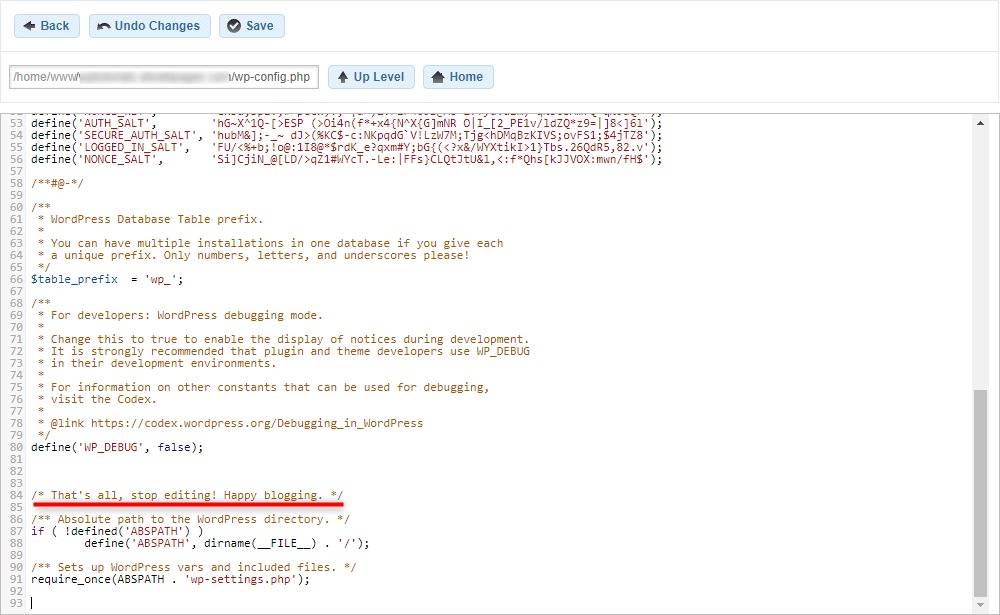
For your own host, start with the provider. Pick a hosting plan, connect or register a domain, and run the provider's WordPress installer. If you manage the server yourself, you can get the software through WordPress.org's hosting guidance and the wider WordPress project.
A beginner on r/Wordpress asked: “Do I sign up with WordPress or SiteGround first?” If SiteGround is your host, start with its WordPress setup process. You do not need a separate WordPress.com hosting plan or a WordPress.org subscription to run WordPress there.
Can you move later? What changes when you switch
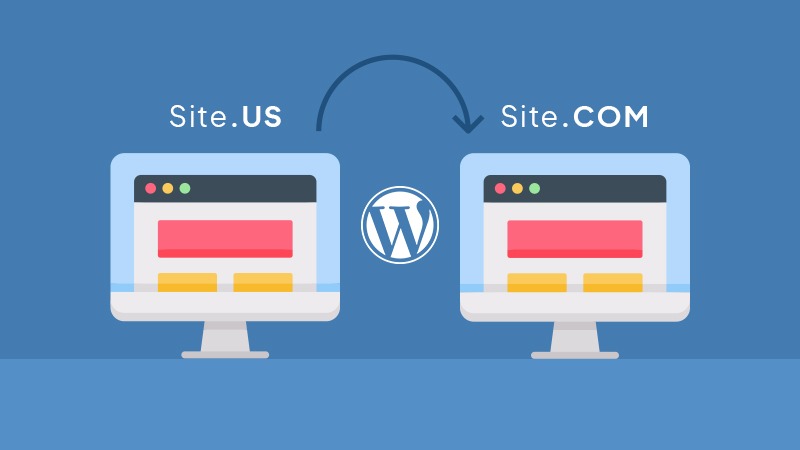
Moving between WordPress.com and your own host is possible. WordPress.com's comparison documentation also covers migration between the two.
A content export moves posts and pages. A complete move also covers media, themes, plugins, database information, configuration, and domain settings.
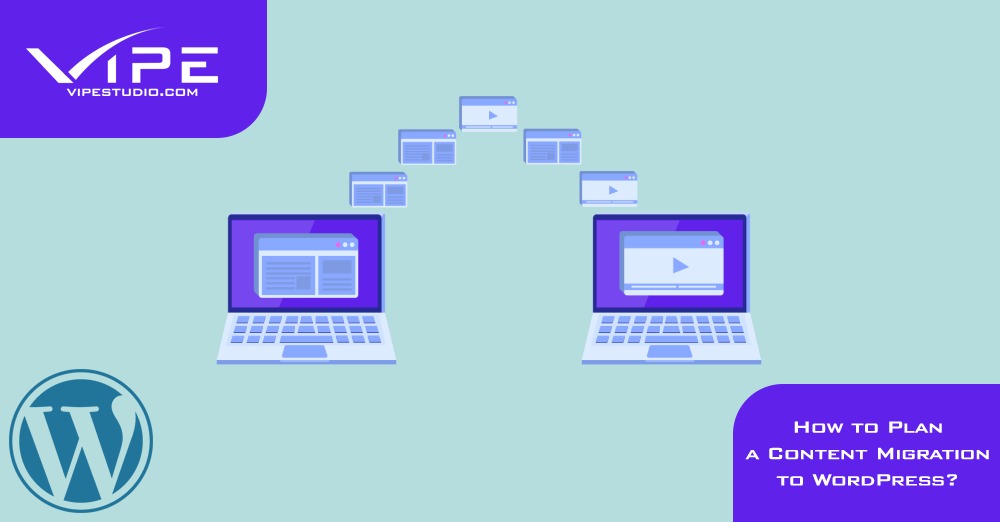
Before you move, inventory your content, media, themes, plugins, domain and DNS settings, and backup and restoration methods. Confirm that the destination can run the features your site needs.
