Use /etc/passwd for local accounts, getent passwd for accounts NSS can enumerate, and who for current sessions. If a directory user is missing, run getent passwd USER and id USER for that name. If access is your real question, check login permissions separately, because no single command shows who can log in.
Which Linux user list do you need?
Linux has several answers to "Who are the users on this system?" If an account is absent from /etc/passwd, check whether it comes from an NSS source before concluding that the username does not exist on the system.
| What you need | Command | What it returns | What it does not prove | Details below |
|---|---|---|---|---|
| Local usernames | cut -d: -f1 /etc/passwd | Names stored in the local passwd file | Network directory membership | Local accounts |
| Local account details | cat /etc/passwd | Seven-field local records | Successful authentication | Local accounts |
| Enumerable NSS accounts | getent passwd | Records exposed by NSS enumeration | Every directory account | NSS lookup |
| One username | getent passwd USER | The record for that name | Permission to connect over SSH | Lookup by name |
| Regular or system categories | lslogins -u / lslogins -s | Configured account classifications | Whether a person owns the account | Account types |
| Current login sessions | who | Recorded sessions | Every configured account | Sessions |
List local Linux accounts with /etc/passwd
The file /etc/passwd holds local account entries. It does not list accounts supplied through LDAP, Active Directory, FreeIPA, or another external source.
To print the usernames, run:
cut -d: -f1 /etc/passwdTo see complete records, including numeric IDs and home directories, run:
cat /etc/passwdEach entry has seven colon-separated fields:
username:x:UID:GID:comment:home-directory:login-shell| Field | Name | Meaning |
|---|---|---|
| 1 | Username | Local account name |
| 2 | Password field | Often x, indicating separate shadow password storage |
| 3 | UID | Numeric user ID. UID 0 conventionally identifies root |
| 4 | GID | Primary group ID |
| 5 | GECOS | Comment or descriptive information |
| 6 | Home directory | Assigned directory path |
| 7 | Login shell | Program assigned as the account's shell |
The Linux passwd(5) manual defines this record format.

A home directory can exist for a username that is absent from the local passwd file, since directory accounts are maintained elsewhere.
In July 2023, an r/linux4noobs poster wrote: “So I am trying to find a user in the /etc/passwd file, but it appears to be missing.”
List accounts available through NSS with getent
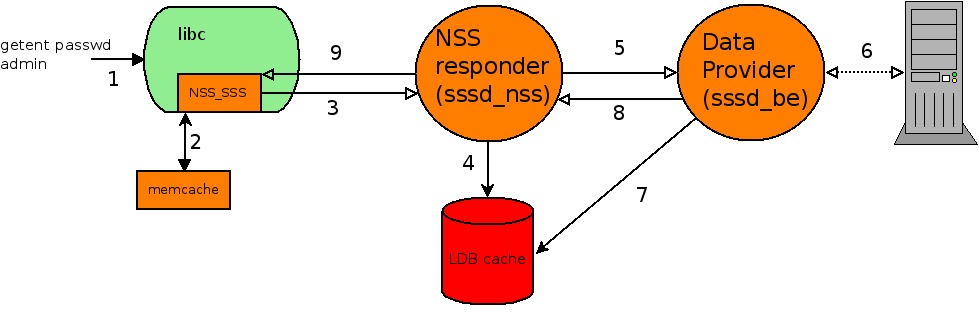
getent passwd lists the entries from the NSS passwd database that its sources can enumerate.
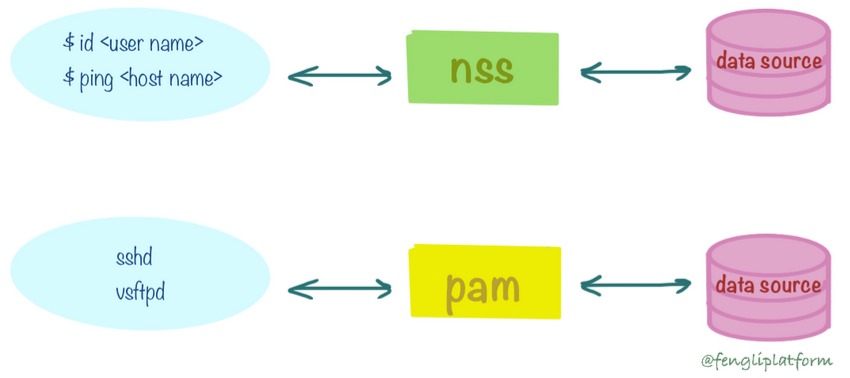
getent passwdName Service Switch (NSS) decides which sources Linux asks for account data. The passwd database can use local files, directory services, or other providers. On some hosts, /etc/nsswitch.conf lists sources such as files and sss.
To print only the usernames, extract the first field:
getent passwd | cut -d: -f1
A provider can resolve a username when you ask for it directly and still decline to enumerate its whole directory. The Linux getent(1) manual documents that enumeration is not always supported.
Find regular users and distinguish system accounts
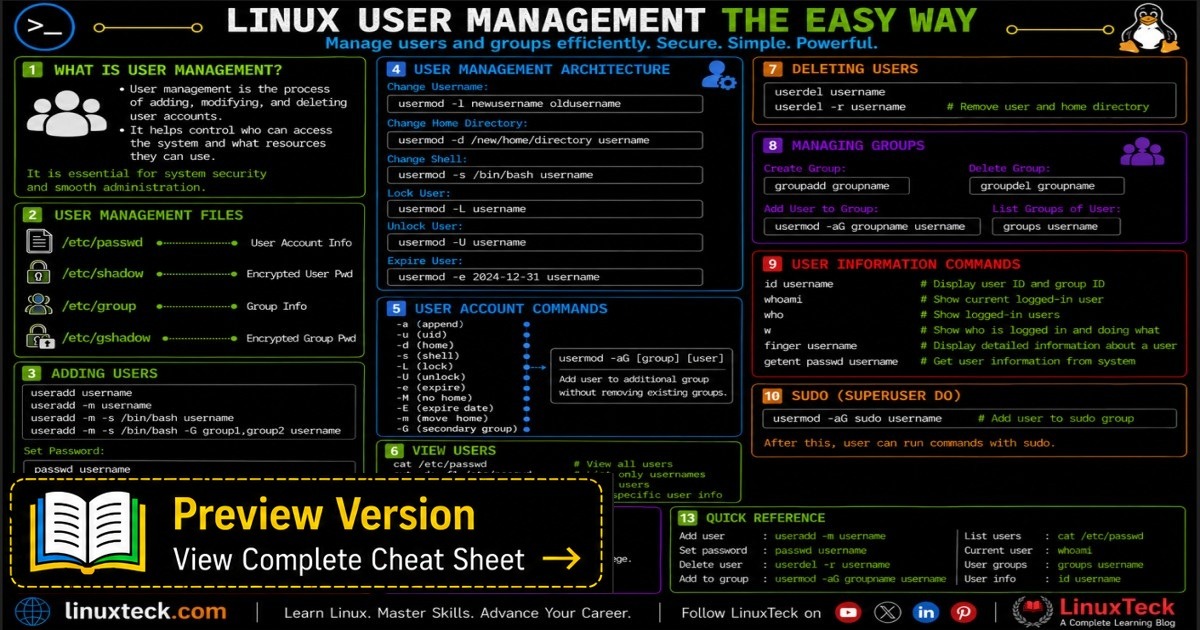
Linux uses accounts for services and administrative functions as well as ordinary logins. The util-linux lslogins utility sorts them into conventional categories.
lslogins -u
lslogins -s
-u selects regular users, and -s selects system accounts. Both rely on UID conventions and configured ranges, not on who actually uses the account.
To read the local range settings, run:
grep -E '^(UID_MIN|UID_MAX|SYS_UID_MIN|SYS_UID_MAX)[[:space:]]' /etc/login.defsUID_MIN and UID_MAX define the range for creating regular accounts. SYS_UID_MIN and SYS_UID_MAX define the system-account range for the tools that use it.
In an isolated Debian 13 container on October 25, 2026, lslogins -u listed root and an account with UID 1000. That container's /etc/login.defs contained UID_MIN=1000 and UID_MAX=60000.
Don't reset or unlock a service account just because it shows up in the list.
Check one username
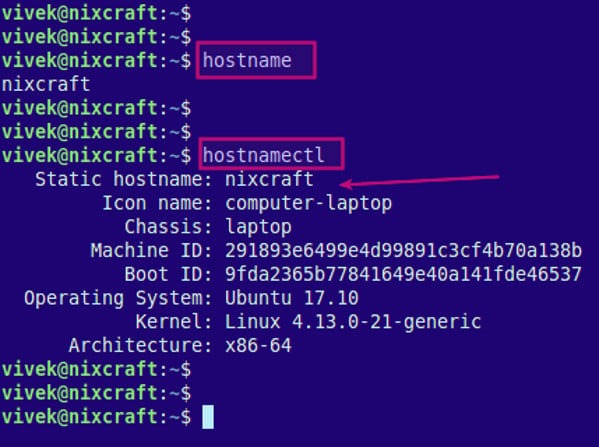
If you know the username, query it directly.
getent passwd USER
id USER
Replace USER with the username. getent passwd USER asks NSS for its passwd record. id USER reports the UID and groups for that user.
Read the exit status
The getent manual documents exit status 2 for a requested key that was not found and status 3 for unsupported database enumeration. Right after the lookup, run echo $? to print its exit status:
getent passwd USER
echo $?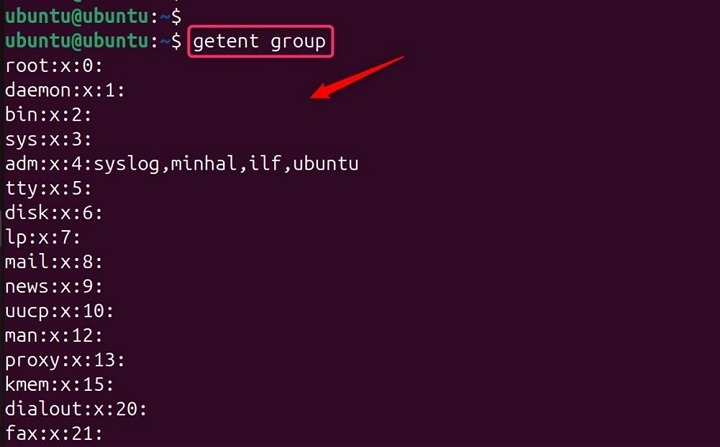
In a Debian 13 container check, getent passwd root returned status 0, and a deliberately nonexistent username returned 2.
When the name resolves but login fails
Finding a user, checking credentials and allowing the login are three separate steps. SSH settings, authentication methods, PAM and access policy decide whether a user who resolves can connect.
In October 2024, an r/redhat poster working with SSSD wrote: “The problem is when I try to login via ssh or sftp.”
Locking a password with passwd blocks password authentication only. Other methods, including SSH public-key authentication, can stay available.
Why a domain user can be missing from getent passwd
On a system that uses SSSD, a directory user can resolve by name and still be missing from plain getent passwd. SSSD's enumerate setting defaults to FALSE, so full enumeration is off unless someone turns it on.
First, check which sources NSS uses for passwd:
grep '^passwd:' /etc/nsswitch.confA line with files and sss means the host consults those sources. It shows configuration only and does not test directory connectivity.
In January 2026, an r/linux4noobs poster working with Samba and LDAP wrote: “One of my first reflex was to check the users on the system with getent passwd but no user appeared at all, not even tomato even though i can log in with it.” Run a lookup by name to separate “not listed” from “not found”.
Read both results together
| Observed result | What it means | Next investigation |
|---|---|---|
Absent from plain getent passwd, found by name | Enumeration is disabled or incomplete while lookup by name works | Review the provider's enumeration behavior |
Absent from plain getent passwd and from the lookup by name | The host did not resolve that user in either check | Investigate NSS and the provider's user resolution |
| Name resolves but SSH or SFTP fails | The lookup worked. Login policy is a separate issue | Check authentication and authorization controls |
The SSSD configuration manual lists a cost for full enumeration: more directory queries, more caching load, and more processing overhead. Don't change a production service just to get a longer user list.
If a directory user still does not resolve, follow the provider's troubleshooting procedure or contact the administrator of that directory. Bring the output of getent passwd USER and your NSS source line with you.
Show users who are logged in right now
An empty result is normal on a host with configured accounts.
who                  # recorded login sessions
w                    # sessions with added context
loginctl list-users  # systemd-logind view, on hosts that support it