For a trustworthy .deb file that matches your Ubuntu release and CPU architecture, install it with sudo apt install ./filename.deb. Review the changes APT proposes, verify the result, and check how the application gets updates. If the file or its dependencies are incompatible, get the correct vendor build instead of forcing the installation.
Before installing: check the DEB file, source, and compatibility
A DEB file is an archive with program files and installation metadata. Ubuntu installs downloaded ones, but the .deb extension tells you nothing about whether the publisher is trustworthy. When a local .deb install fails, distinguish a dependency resolution problem from a damaged package file.
Download the file from the software maker's official page or another channel you can verify. Installation runs maintainer scripts with elevated privileges, as Debian Policy's maintainer-script specification describes. Check an unfamiliar download before giving it administrative access.
Inspect a local package before installing it. Open a terminal in the folder with the download and run:
dpkg-deb -f ./filename.deb Package Version ArchitectureReplace filename.deb with your actual filename. The command reads three fields from the archive's control metadata.
| Field | What it identifies | Used for |
|---|---|---|
Package | Internal package name | Status checks and removal |
Version | Packaged software version | Release inside the archive |
Architecture | Intended package architecture | Must match your system |
Compare that metadata with your system's architecture and Ubuntu release:
dpkg --print-architecture
cat /etc/os-release
An amd64 package targets x86-64 hardware. An arm64 package targets 64-bit ARM. A package with Architecture: all is architecture-independent, but its dependencies and runtime requirements must still work on your system.
The Ubuntu release matters too. A package built for another release can need library versions your repositories don't offer.
A filename like example-app_1.2.3_amd64.deb (a made-up name) can mention the target architecture. The archive's metadata is the better reference.
If the publisher gives a checksum, calculate the file's SHA-256 digest:
sha256sum ./filename.debCompare it with the value published through a trustworthy channel. A match confirms the file is the one the publisher referenced. It does not prove the publisher or the software is safe.
Stop before installation: If you can't verify the publisher, or the archive targets the wrong Ubuntu release or architecture, get a suitable package before continuing.
Install a downloaded .deb with APT
APT installs a local DEB from the terminal and pulls dependencies from your configured sources. The Ubuntu software-management tutorial documents this workflow.
If the file is in your Downloads folder, open a terminal and run:
cd ~/Downloads
sudo apt install ./filename.deb
Substitute your filename. If the file is somewhere else, use its absolute path or run the command from its folder.
The ./ prefix marks a file in the current directory. Without a path, APT treats the argument as a package name and searches your repositories.
If a source doesn't have one, the installation stops.
Read the proposed transaction before confirming. APT can download dependencies, add packages, upgrade installed ones or remove packages. Stop if you see unexpected removals or an unusually broad set of changes.
Install a DEB through App Center or GDebi
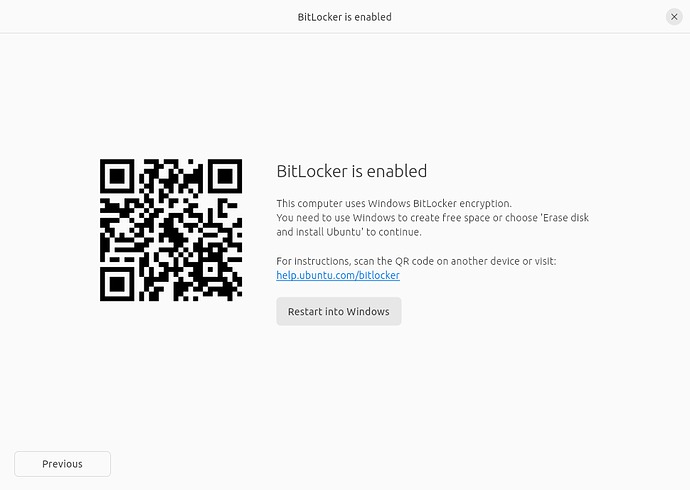
Ubuntu Desktop installs downloaded DEB files through a graphical installer. The interface differs by release and desktop environment. A headless Ubuntu Server has no desktop workflow.
Canonical's Ubuntu 26.04 Desktop documentation describes App Center support for third-party DEB installation.
Find the file in your file manager and open it with the graphical package installer. Read the installation prompt. If Ubuntu asks which app should open the file, pick the package installer.
Which installation method fits?
| Method | Dependencies | Good for |
|---|---|---|
| APT local file (terminal) | Resolved from your configured APT sources | Installing with the full transaction visible |
| App Center (GUI) | Handled by the desktop installer | Ubuntu Desktop with local DEB support |
| GDebi (GUI or CLI) | Dependency-aware installer | Systems where GDebi is installed |
dpkg -i (terminal) | Missing dependencies are not downloaded | Cases where requirements are already installed |
GDebi is an alternative, but not every Ubuntu system has it installed or associates it with DEB files.
Ubuntu App Center issue #2190, opened September 17, 2026, reported a grayed-out Installed button when a newer local DEB upgraded an existing installation. The upstream issue was closed as completed on October 23, 2026.
What changes if you use dpkg -i?
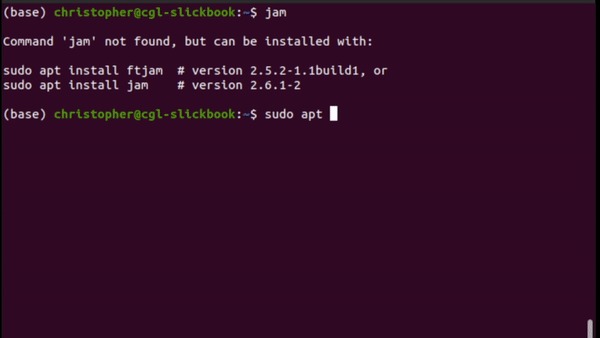
The lower-level option is sudo dpkg -i ./filename.deb. It installs the local archive directly when the necessary dependencies are already present. Unlike APT, it doesn't fetch missing dependencies, so a failed run can leave the package unpacked but unconfigured.
Fix common DEB installation errors without forcing the package
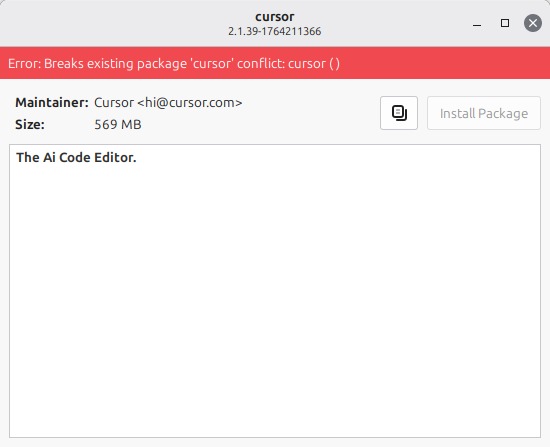
| Symptom | Cause | What to do |
|---|---|---|
Unable to locate package when using a downloaded file | Missing ./, wrong folder or wrong filename | Check the file location and use ./filename.deb |
| Wrong architecture warning | Package targets a different architecture | Get the matching vendor build |
dependency problems prevent configuration | Required versions unavailable on this release | Find a build with satisfiable dependencies |
| Package left unconfigured | Dependency resolution didn't finish | Run the repair command below |
| App Center remains on Installing | Package incompatibility or installer failure | Install with APT to read the exact error |
| Newer local DEB has an inactive install control | Upgrade handling of an existing installation | Treat it as an upgrade, not a failed fresh install |
A stalled installer can be the visible symptom of an architecture mismatch.
In a May 18, 2026 r/Ubuntu discussion, a Raspberry Pi 500 user trying to install Discord and Steam packages wrote, “It just says installing, and doesn't actually install anything.”
Enabling Multi-Arch or forcing architecture checks won't make an amd64 program run natively on an ARM processor.
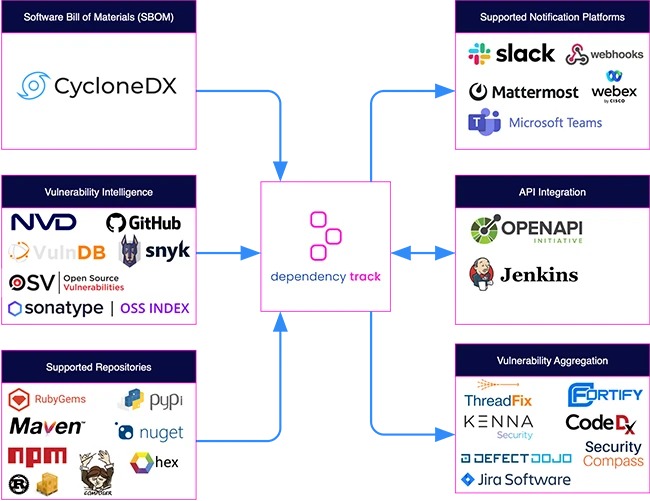
Repairing an incomplete package transaction
If an earlier installation left unresolved dependencies, run APT's repair command:
sudo apt --fix-broken installAPT can install compatible missing dependencies, remove the unconfigured package or propose other system changes. Removing the incompatible package counts as a valid repair, even though the software you wanted stays uninstalled.
Can I install a downloaded DEB without internet access?Yes, if its dependencies are already installed or available locally in compatible versions. Otherwise APT can't fetch what a standalone DEB needs while you're offline.
Verify the DEB package installed and the program works
Check two things: the package database lists the package as installed, and the program does its job.
Start with the package database:
dpkg -s package-nameA configured package shows this status field:
Status: install ok installedThis status means the package manager records the package as installed and configured. It says nothing about whether the program works or is safe.
| Check | Expected result | What to do |
|---|---|---|
| Package identity | You query the intended package name | Use the Package value from the metadata |
| Installed state | Package is configured and installed | Read the dpkg -s status field |
| Working application | The intended function works | Launch the desktop program or run the service's documented health check |
If the database shows an incomplete installation, go back to the dependency fixes above.
Update or remove software installed from a DEB
Installing a downloaded DEB doesn't set up a source of updates by itself. Some vendors configure an APT repository that provides later versions. Others distribute replacement DEB files for manual download.
To see the installed version, the APT candidate and the package sources, use the internal package name:
apt policy package-nameRead the Installed and Candidate lines and the version table. A version listed only under /var/lib/dpkg/status is just the installed package record. A repository entry in the version table means a configured APT source offers the package.
To uninstall the software, use its internal package name:
sudo apt remove package-nameapt remove can leave behind app data, some configuration files, third-party sources and changes made by the vendor's install scripts.