To find what's listening on a Linux port, start with sudo ss -tulpn, then filter by the exact port to see the bind address and process. To find out whether another machine can connect, test from that client and check the firewall, routing or container boundary before changing the service.
Check listening ports with ss
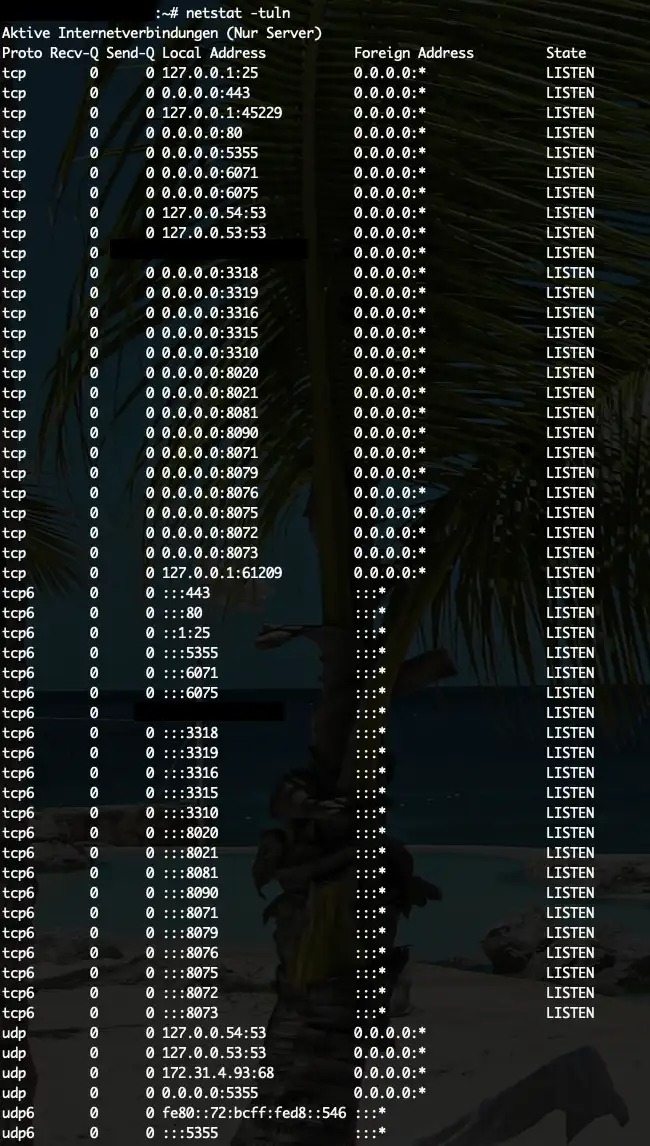
The ss command lists local TCP listeners and bound UDP endpoints, plus the process that owns each one. Run it on the Linux host you want to inspect:
sudo ss -tulpnss reads the sockets in the network namespace of the process that runs it.
| Flag | What it selects or displays |
|---|---|
-t | TCP sockets |
-u | UDP sockets |
-l | Listening TCP sockets and bound UDP sockets |
-p | The process that owns the socket |
-n | Numeric addresses and ports |
Use sudo to see processes that other accounts own.
The rows and addresses in this article are illustrative. PID and FD are placeholders for machine-specific numbers. Here is a sample TCP row:
Netid State  Recv-Q Send-Q Local Address:Port Peer Address:Port Process
 tcp  LISTEN RECV_Q SEND_Q 127.0.0.1:3306     0.0.0.0:*         users:(("mysqld",pid=PID,fd=FD))
The local endpoint is 127.0.0.1:3306. The users field gives the owning program, its process ID (pid) and its file descriptor (fd). Recv-Q and Send-Q are the socket queues. Peer Address:Port is the remote end.
The Linux ss(8) manual documents these flags and the source-port expressions used below. They apply to Linux with iproute2. Other Unix systems and macOS use different syntax.
Find the process listening on a specific port
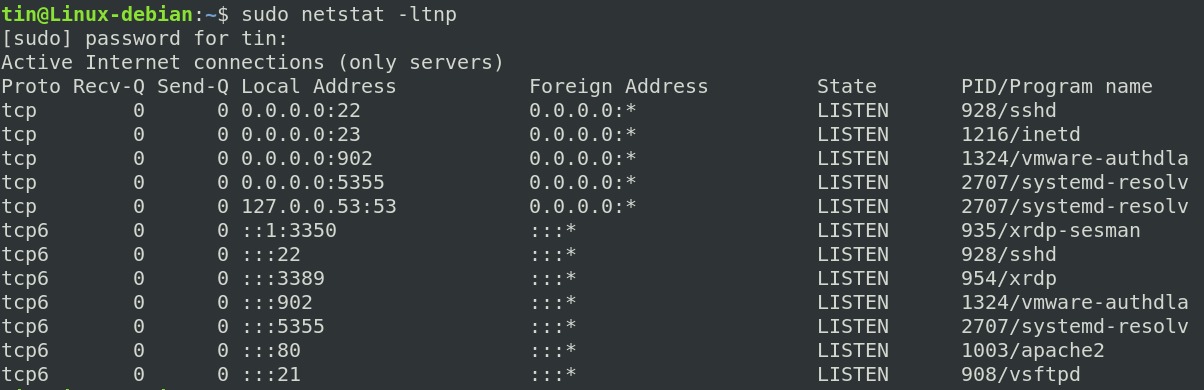
When an application reports that TCP port 8080 is already occupied, filter by the local port:
sudo ss -ltnp 'sport = :8080'The sport expression matches the local port of a listening socket. The quotes keep the filter expression as one argument. Running grep 8080 on the full output would also match 18080 or unrelated text.
If the process field shows a PID, identify that process first. A port conflict alone is no reason to stop an unfamiliar service.
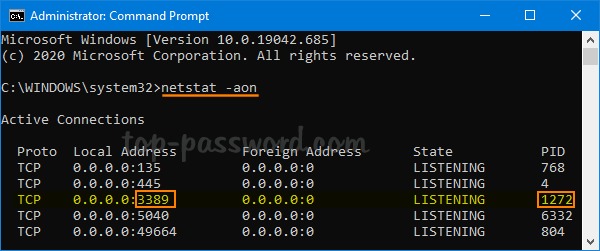
lsof answers the same question from the process side:
sudo lsof -nP -iTCP:8080 -sTCP:LISTENHere, -iTCP:8080 selects the TCP port and -sTCP:LISTEN limits the output to listeners. -nP keeps host and port values numeric. Install lsof first if it's missing.
Older systems can have netstat, though its manual recommends ss for inspecting sockets. fuser is another process lookup tool. Don't use its termination options when you only want to look.
If a program fails with EADDRINUSE, the address and port are already in use.
Read the bind address and TCP or UDP state
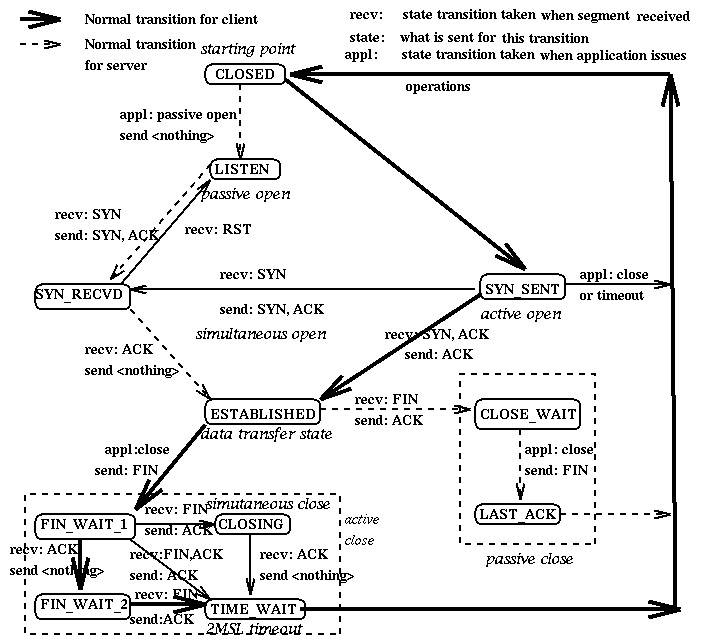
The protocol, state and local address describe the endpoint the application bound. Read them together before deciding which clients the service was meant to serve.
TCP LISTEN marks a listening socket. TCP ESTAB marks an established connection. A bound UDP endpoint shows UNCONN, because UDP doesn't use the TCP listening handshake. To check that a DNS service answers, a client has to run a DNS exchange.
127.0.0.1:3306is a MySQL TCP listener on IPv4 loopback. Its clients connect through that local address.0.0.0.0:443is an HTTPS port bound to the IPv4 wildcard address. It covers the local IPv4 interfaces.[::]:443is an IPv6 wildcard binding. The socket'sIPV6_V6ONLYbehavior decides whether it also accepts IPv4-mapped connections, so the address alone doesn't show dual-stack access.::1is IPv6 loopback. It is separate from IPv4 loopback.- UDP
UNCONNon:53is a bound DNS datagram endpoint.
A listener bound to one specific interface address has a narrower local address scope than an IPv4 wildcard listener. The right choice follows from who connects to it. A database used only by applications on the same machine can sit on loopback on purpose. A public web server needs an interface its clients can reach.
Check whether another machine can reach the port
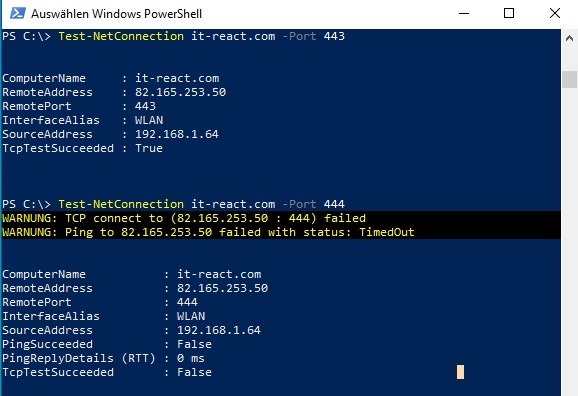
To see whether a TCP port accepts connections from a particular client, test from that client's network location. A probe from the server itself can take a different route from one that starts on the LAN or the internet.
nc -zv SERVER_IP PORTRun this on a machine you administer or are authorized to test, and replace SERVER_IP and PORT with the destination's address and port. A successful TCP handshake shows the tested path works. For the application itself, check for a valid HTTPS response or a database exchange. ss shows that the host bound it, and only a test from the client shows that a connection gets through.
If UFW manages the host's firewall rules, check its policy separately:
sudo ufw status verboseA new Ubuntu server operator on r/linuxquestions wrote in June 2026: “I'm pretty new to anything server releated. I set up webmin, pterodactyl, and syncthing on my ubuntu server.”

What each result means
| You see | It means | Check next |
|---|---|---|
| Socket visible, process field empty | The socket exists in the namespace you inspected | Your privileges and the socket-unit ownership |
UFW rule allows 8080 | The firewall permits the port | Run ss for the listener, then test from the client |
nc reports Connection refused | The TCP connection was refused or actively rejected | The destination address, the local listener and any explicit reject rule |
nc connection times out | No handshake completed from that client | Routing and filtering on the client's path |
| Docker publishes a host port | A host-to-container mapping is configured | The Docker network mode and the container's namespace |
Nmap output uses the word filtered. It's a scanner state meaning that filtering prevents Nmap from telling whether the port is open.
When the port or process does not appear
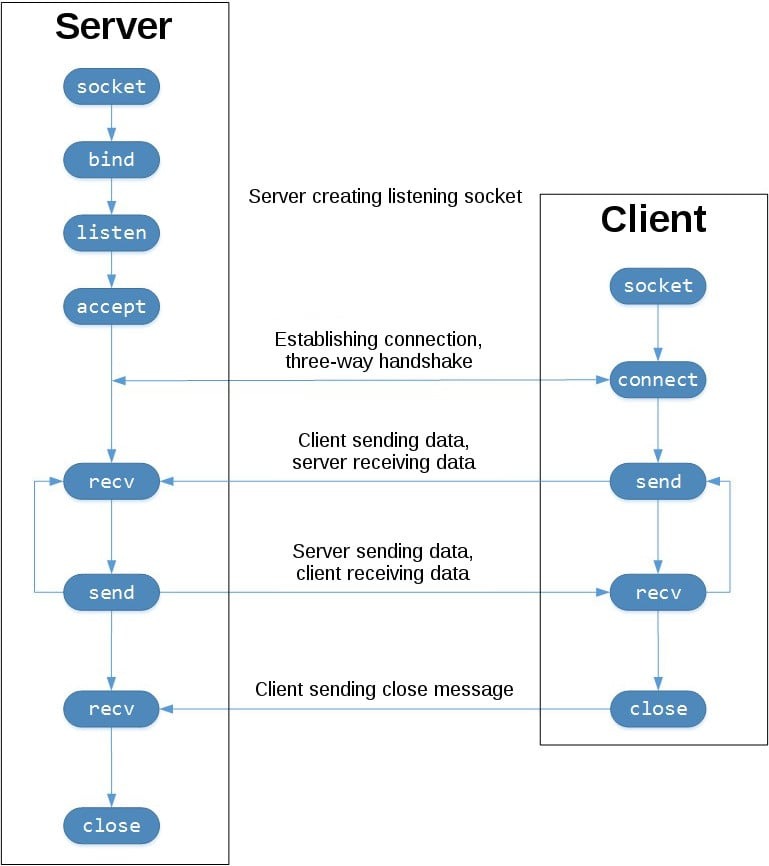
- No row at all. Confirm the protocol, the address family, the host or namespace, and whether the service bound its port.
- A row with no process details. Check your privileges and who owns the socket. On systemd installations,
systemctl list-socketsshows socket units that can activate services. - A row with a PID. Run
ps -o pid,user,cmd -p PIDto identify the process. On a systemd host,systemctl status PIDcan show the unit it belongs to.
Ubuntu 24.04 documents OpenSSH socket activation, so port 22 can be owned through systemd.
How Docker changes what ss shows
A process that listens inside a container is visible in the container's network namespace, and the host's ss shows a different set of sockets. On Docker bridge networks, a published port maps a host endpoint to a container endpoint.
-p 8080:80
-p 127.0.0.1:8080:80
The first form publishes host port 8080 to container port 80, using Docker's normal choice of host address. The second uses IPv4 loopback on the host.
For a Compose service, check its host mapping:
docker compose port SERVICE PRIVATE_PORTThe result gives the published host address and port for that service. The command uses TCP unless you specify another supported protocol.
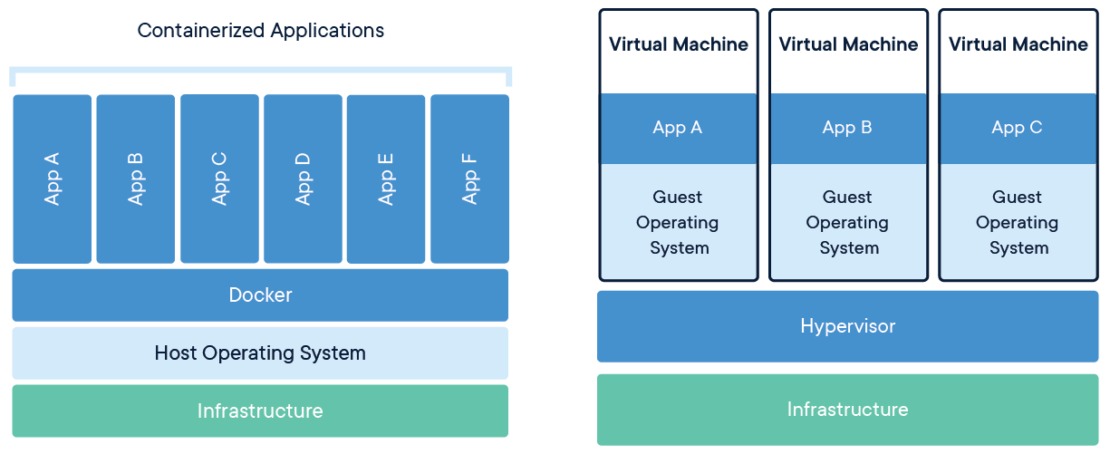
To inspect the container's own socket table, query a running container that has ss installed:
docker exec CONTAINER ss -tulpnReplace CONTAINER with the container name or ID. Docker can publish that port through NAT rules without the container's process showing up as an ordinary host listener.
Docker adds NAT and packet-filtering rules for published bridge ports, and that traffic can bypass UFW's INPUT and OUTPUT filtering.
A VPS operator on r/selfhosted wrote in May 2026: “I finish setting up a new app on my VPS, everything looks good, then I run a security check and boom. Same mistake again.”
Docker releases older than 28.0.0 had a documented exception: hosts on the same Layer 2 network could reach ports published to localhost. The Docker port-publishing documentation records the version boundary.
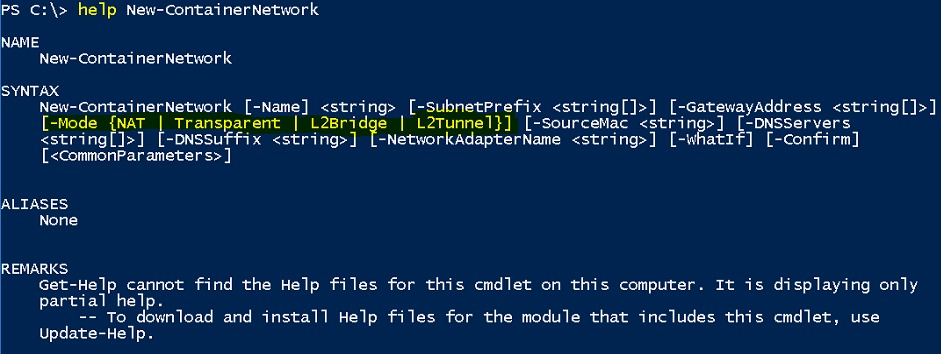
A container using Docker's host network mode shares the host network stack, and Docker ignores -p port-publishing options in that mode.
