Run :set number to show line numbers in Vim, or :set number norelativenumber to get absolute numbers when relative numbers are already on. Relative or hybrid numbers help if you move with counts like 5j. Save your choice in your vimrc.
Show or hide line numbers in Vim
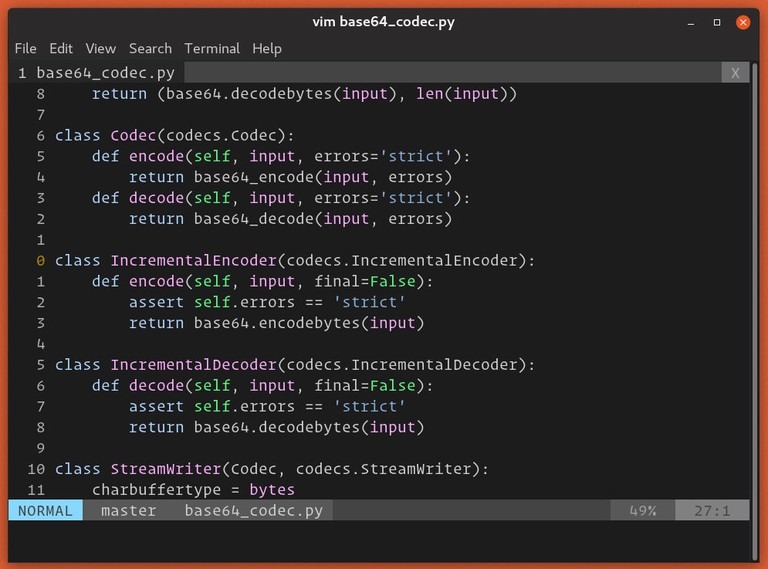
Open a file in Vim, press Esc, type :set number, and press Enter. Absolute numbers identify file lines. Relative numbers show offsets from your current line, so a jump target and a motion count are not interchangeable.
| Command | Effect |
|---|---|
:set number | Show absolute numbers. Hybrid if relative is on. |
:set number norelativenumber | Show absolute numbers only. |
:set nonumber | Turn off absolute numbers only. |
:set nonumber norelativenumber | Hide all line numbers. |
:set number! | Toggle absolute numbers. |
:set relativenumber | Show relative numbers. Hybrid if number is on. |
:set nonumber relativenumber | Show relative numbers only. |
:set number relativenumber | Show hybrid numbering. |
:set relativenumber! toggles relative numbers the same way. Turning off number alone leaves relative numbers visible if they are on. To hide everything, run :set nonumber norelativenumber.
Absolute, relative, and hybrid line numbers
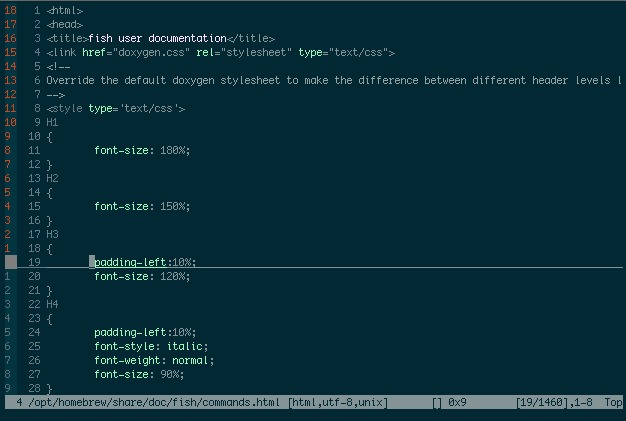
Vim has two independent options: number and relativenumber. Their four combinations set what appears beside each line. The Vim options reference shows the difference with four lines: apple, pear, nobody, there. The cursor sits on nobody, file line 3.
| Mode | number | relativenumber | Display for lines 1 to 4 |
|---|---|---|---|
| No numbers | Off | Off | No number column |
| Absolute only | On | Off | 1, 2, 3, 4 |
| Relative only | Off | On | 2, 1, 0, 1 |
| Hybrid | On | On | 2, 1, 3, 1 |
A 0 on the cursor line in relative-only mode is normal, because that line is zero lines from itself. Hybrid mode shows that line's absolute file number, 3, while the surrounding lines show their distance from the cursor.
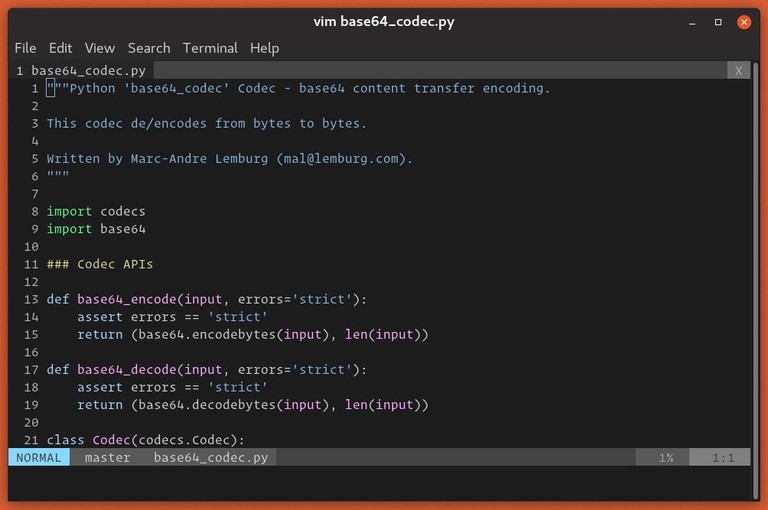
Use absolute numbers when you need to point someone to a file line, like the line 23 an error message reports. Relative numbers show how far another line is. Hybrid gives you both.
“I ended up giving up on relative line numbers,” wrote one r/neovim user who did not use counted j/k movements.
Both numbering options are local to a Vim window.
Make line numbers permanent in Vim
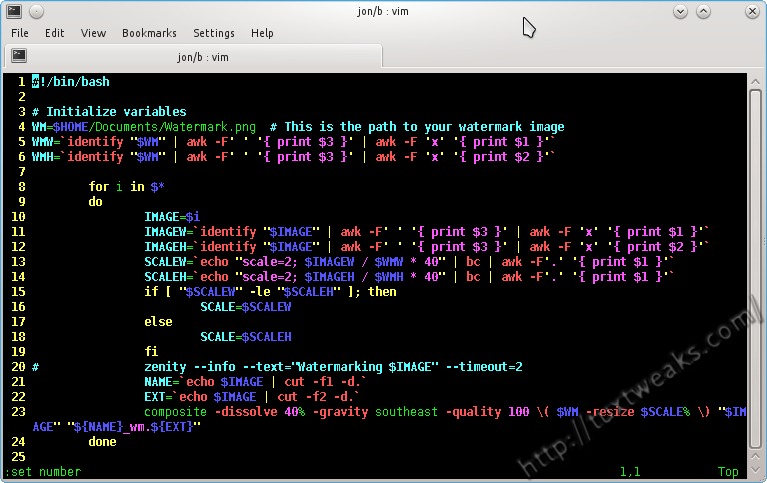
An interactive :set change lasts for the current session. To keep your display after you restart Vim, add the matching line to your user startup file. On many Unix systems, that file is ~/.vimrc.
For absolute-only numbers, add:
set number norelativenumberFor hybrid or relative-only numbering, copy the matching line from the first table. Drop the leading colon, which belongs to interactive commands only.
Open a new Vim session afterward and check that the numbering appears.
Vim can also read $HOME/.vim/vimrc or $XDG_CONFIG_HOME/vim/vimrc, and it does not always load them together. The Vim startup documentation covers the selection rules. Run :echo $MYVIMRC to see which file Vim chose.
Neovim uses different conventions: an nvim directory with init.vim or init.lua.
Why line numbers are missing or look wrong
Check the current state
Run :set number? and :set relativenumber? first.
A saved setting does not apply
Check the startup file Vim selected. Then run :verbose set number? to see where the option was last set. A plugin or autocommand can override it.
The column looks uneven
A user in an r/neovim discussion wrote, “the gutter ends up looking uneven.” Vim's numberwidth sets a minimum width for the number column, and that column can grow, so digits do not always line up.
