Pick Debian Stable for a conservative, community-maintained server, or Ubuntu Server LTS if you want a regular release schedule, cloud tooling and optional Canonical support. Before provisioning, confirm that your hosting software supports the exact OS release and check its security-maintenance period. If both options qualify, go with the system your team knows how to maintain and recover.
Debian or Ubuntu server: which should you choose?
A Linux VPS can run one WordPress site, a Docker app, or several business services. Start with the application, then decide whether you're building a new machine or changing one that's already running. Compare a specific Ubuntu release with a specific Debian release rather than assuming the two projects' newest versions have equivalent package or support policies.
Debian 13 (Trixie) is a deliberately conservative Stable release maintained by the Debian project. Ubuntu 26.04 LTS (Resolute Raccoon) follows a scheduled long-term-support model, and Canonical sells commercial support for it.
For a new WordPress VPS with no required control panel, both work. A required panel or runtime can limit you to one release.
What Debian and Ubuntu server have in common
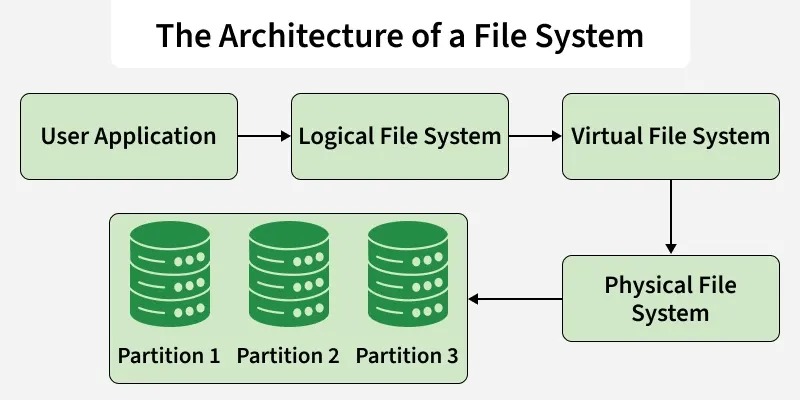
Ubuntu grew out of Debian's packages, and both use APT, dpkg, .deb packages and systemd. What you know about SSH, service management and package installation carries over. Each distribution still keeps its own repositories, release policies and defaults, and installer and cloud images differ too, even when the commands look alike.
Check software compatibility before choosing a server OS
Start with the vendor's supported-platform list. Match the OS family and release, CPU architecture, application version and any features the server must use.
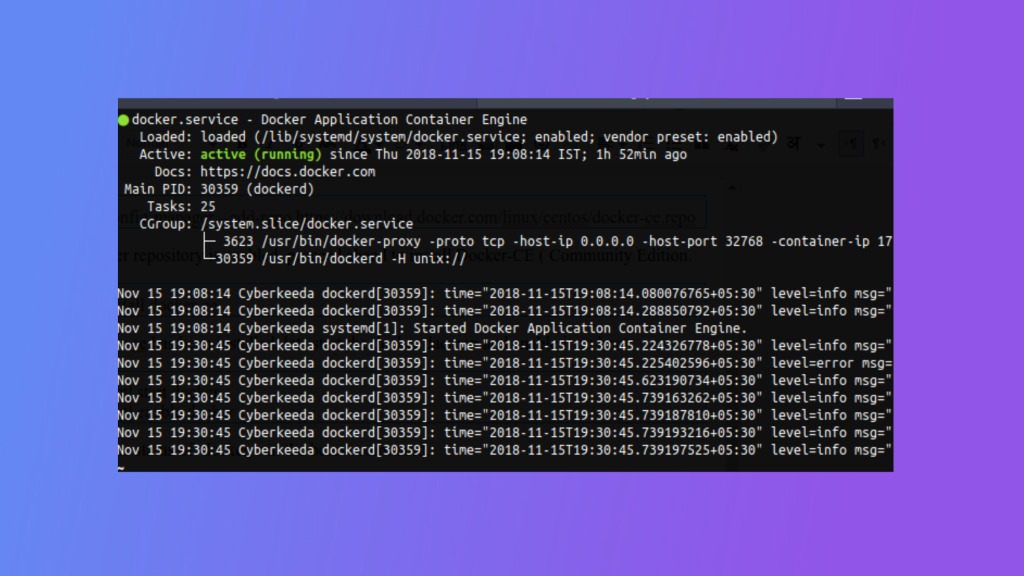
Docker Engine is listed in Docker's installation instructions for both releases. What matters there is a supported architecture and the package-installation requirements.
| Software | Debian 13 | Ubuntu 26.04 LTS | What decides it |
|---|---|---|---|
| Plesk Obsidian | Listed with limitations | Supported from Plesk 18.0.81, with limitations | Your Plesk version and the handlers or integrations you need |
| cPanel & WHM on Ubuntu | Not covered by cPanel's Ubuntu requirements page | Not listed there. The page names 24.04 LTS | The Ubuntu release named on that page |
Plesk's Ubuntu 26.04 support notice starts at Obsidian 18.0.81. On that OS, Plesk ships no PHP handlers for 7.4 and earlier and doesn't support MySQL 5.7. Installing older PHP by hand doesn't make those handlers vendor-shipped. A legacy site can need application changes before Ubuntu 26.04 can host it.
The cPanel Ubuntu system requirements specify Ubuntu 24.04 LTS and don't list 26.04, and they say nothing about cPanel's policy for other operating-system families.
WordPress recommends PHP 8.3 or newer, MariaDB 10.11 or newer or MySQL 8.0 or newer, and HTTPS, with Apache or Nginx as the web server. It doesn't require Debian or Ubuntu, and both can host that stack.
Release schedules and security support: Debian 13 vs Ubuntu 26.04 LTS
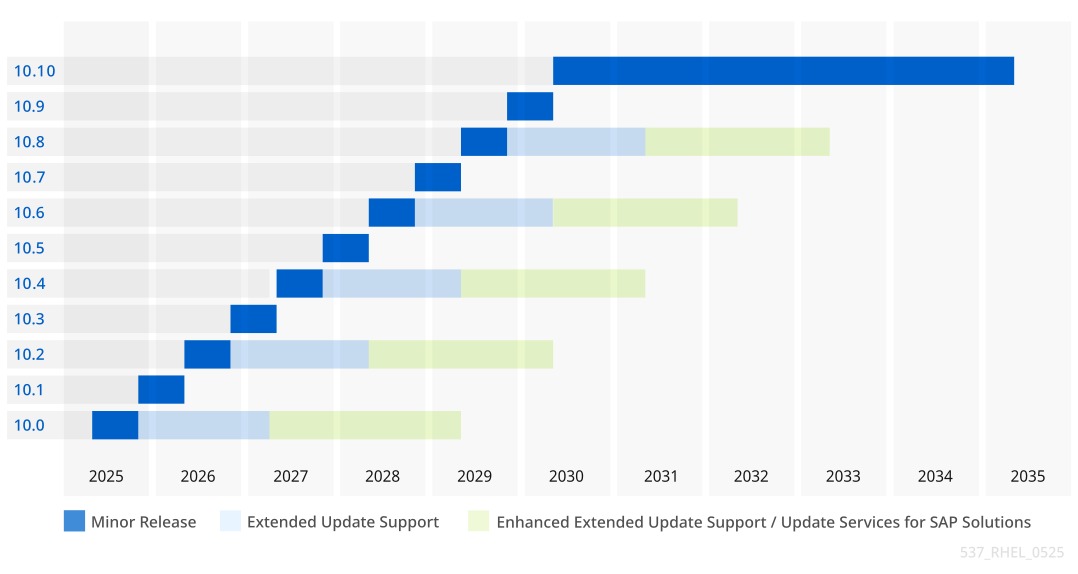
Debian Stable ships when it's ready, historically close to every two years. Ubuntu releases an interim version roughly every six months and an LTS every two years. If the server will stay in service for years, the maintenance period for the packages you need matters alongside the release number.
| Milestone | Debian 13 Stable (Trixie) | Ubuntu 26.04 LTS (Resolute Raccoon) |
|---|---|---|
| Initial release | August 9, 2025 | April 23, 2026 |
| Documented point release | 13.7, September 12, 2026 | 26.04.1, August 27, 2026 |
| Primary maintenance | Full support through August 9, 2028 | Standard security maintenance through May 2031 |
| Extended maintenance | Debian LTS through June 30, 2030 | Ubuntu Pro through May 2036 |
| Further option | Any third-party extension comes with its own terms | Optional Legacy add-on through May 2041 |
Debian LTS covers fewer packages and architectures than full support. The debian-security-support package and its check-support-status utility list the packages on an installed release that are known to be outside support. Confirm LTS coverage for your release and architecture before relying on it.

Standard Ubuntu LTS security coverage focuses on packages in the Main repository component. Ubuntu Pro adds Expanded Security Maintenance for eligible Universe packages through esm-apps and extended Main maintenance through esm-infra.
If you're planning through 2030, Debian's LTS phase can work when its coverage fits your setup. A business that wants a longer Canonical-backed arrangement can look at Ubuntu Pro.
Ubuntu 26.10, released October 15, 2026, is an interim release supported through July 2027, so it doesn't belong in this comparison.
Set an upgrade or rebuild date ahead of end of support for your packages.
Older package versions can still be patched
Debian Stable favors predictable package changes, and Ubuntu LTS keeps released software patched through security updates. Both can backport a security fix into an older upstream release, so a package older than the developer's newest version can already carry the fix. The package revision and the published security advisory identify a patched package more reliably than the upstream version number does. A feature your application needs can still require a newer upstream release.
Runtime availability is a separate test. WordPress needs a particular PHP and database combination, and another web application can depend on a specific Node.js, Python or PostgreSQL release. A distribution repository, maintained backport, vendor repository or supported container setup can supply it, each with its own update policy.
Standard Ubuntu Server installations configure unattended-upgrades for security updates. A third-party repository or PPA isn't automatically covered. The installed image and repository configuration decide which packages get unattended updates.
Compare your application's version requirements with the packages on the OS release you're considering. For a security-sensitive package, check the distribution advisory and the full changelog to confirm the fix is present.
Administration differences you'll notice on a fresh server
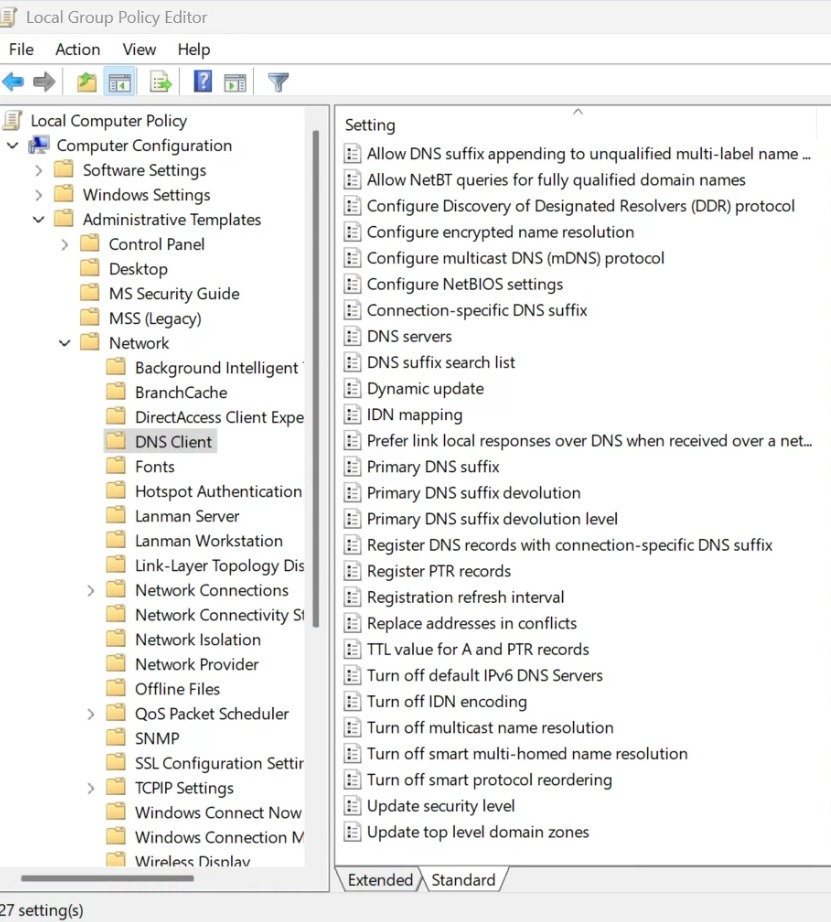
Default accounts, networking tools, enabled services and update behavior differ by installer and provider image. A manual-installation guide can describe a different starting state than the cloud image your VPS provider supplies.
Ubuntu 26.04 uses sudo-rs as its default sudo provider and includes rust-coreutils, both introduced in Ubuntu 25.10. GNU alternatives remain available, and in the documented setup common tools including cp, mv and rm keep their GNU implementations. These details matter most if your scripts assume a specific implementation or output format.
Ubuntu 26.04 also uses dracut as its default initramfs infrastructure.
The image also decides network configuration. Netplan, cloud-init and traditional interfaces configuration show up in different installation paths, so no blanket Debian-versus-Ubuntu file-path rule holds.
Run your critical setup scripts on a disposable instance of the actual provider image first. Confirm administrative access, network configuration, enabled repositories and update behavior there before applying the scripts to production.
Is Debian faster or lighter than Ubuntu on a VPS?
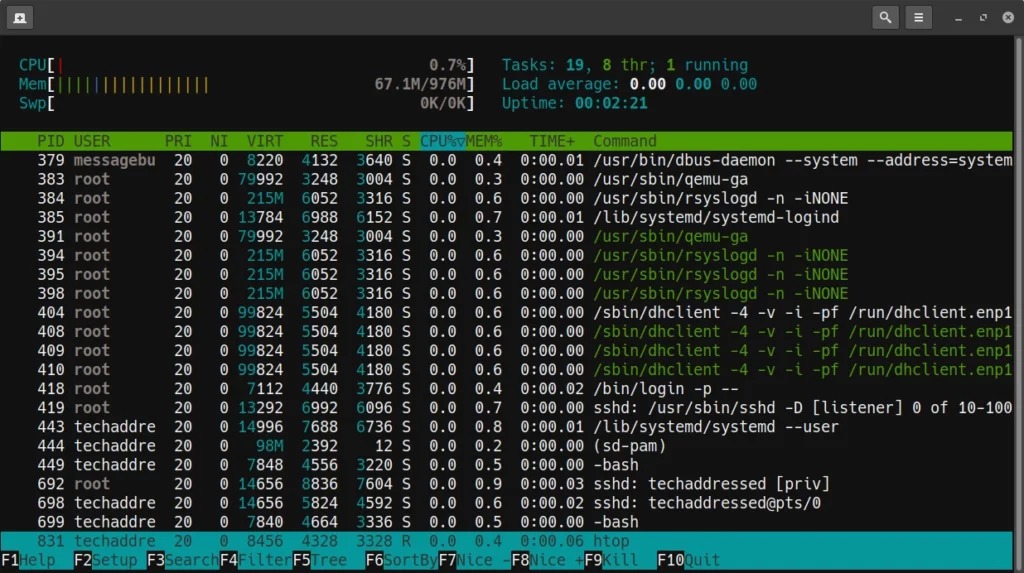
The installed image and its background services determine idle memory use. A minimal Debian install starts fewer services than one Ubuntu image. That alone says nothing about WordPress response times or web-server throughput.
On a 1 GB or 2 GB VPS, service footprint can matter when memory is tight. PHP-FPM worker counts, database buffers, caching and application traffic change the result substantially.

If resource limits affect your choice, compare disposable instances with equivalent:
- Compute resources: vCPUs, RAM, storage class, virtualization environment and region.
- Application stack: website or service, data set, supported runtime versions and database configuration.
- Running state: enabled services, cache policy, concurrency and traffic mix.
- Measured outcomes: median and p95 response time or time to first byte, completed requests per second, loaded memory, swap activity and out-of-memory events.
- Repeatability: repeated runs under recorded conditions, so normal VPS variation is visible.
Which server fits your workload? Practical hosting scenarios
Once compatibility and maintenance limits are settled, your workload decides the remaining choice.
| Your situation | Starting point | What decides it |
|---|---|---|
| Conservative self-managed server | Debian Stable is a candidate | Debian skills and recovery procedures in place |
| Formal Canonical support requirement | Ubuntu Server LTS | Appropriate support plan and package coverage |
| Severely memory-constrained VPS | Measure both | Matched workload measurements |
An administrator on r/linuxadmin asked, “what distro is considered the standard for production server usage but without any particular requirements (like certified software)?” When no application requirement forces a release, the software itself doesn't pick for you.
Already running a server? Separate OS choice from migration
Picking an image for a new VPS is simpler than changing the OS under a working site. An existing server can depend on its database, uploads, TLS certificates, PHP extensions, scheduled tasks, mail setup and DNS records.
On r/debian, someone running three small-business WordPress sites on an Ionos Debian 11 VPS wrote, “I'd like to upgrade to 12 (or 13 if possible) to maintain security from hacking.” The documented Debian route to 13 from that starting point goes through Debian 12 first.
A same-distribution upgrade follows that distribution's release notes. Moving between Debian and Ubuntu means preparing a destination and migrating the application and data. Swapping one distribution's APT sources for the other's isn't a supported general-purpose procedure for converting a production server.
For a live server, list its services and dependencies, choose the documented upgrade or rebuild method, make a backup and test restoring it. If you're moving to a new instance, verify the copied site before switching production traffic. Set the cutover window and a way back in case verification fails.
Switch OS only when it solves a real compatibility, maintenance or support requirement. Otherwise the supported upgrade route on your current server is enough.
Final pre-deployment checklist
A deployment record names the exact software and release you chose, who will run it and how you'll recover it. The example below is an illustrative plan for a new Docker VPS, not a tested deployment.
| Pre-deployment field | Example entry |
|---|---|
| Workload | New self-managed Docker application VPS |
| Required vendor product | Docker Engine, with an installation release listed for Debian 13 |
| OS and architecture | Debian 13 Stable. Amd64 VPS |
| Vendor support evidence | Official Docker Engine installation instructions for Debian |
| Maintenance coverage | Debian 13 full-support phase |