Install Ubuntu 26.04 LTS on a new server if your software and management tools support it. Keep a healthy Ubuntu 24.04 LTS production server on 24.04 until a specific operational need justifies a move, and if a dependency is unsupported or your recovery path is unproven, resolve the blocker first. List your critical services and run the compatibility preflight before scheduling an upgrade.
An established server carries years of configuration changes, data and dependencies.
Ubuntu 26.04 extends the support window and updates major components.
Ubuntu 24.04 or 26.04: which server release should you choose?
On a new deployment, the newer LTS gives you a longer maintenance window. On a working production host, the benefit has to outweigh the compatibility work and service interruption the upgrade brings. Record the exact Ubuntu point release and the versions of the applications you depend on.
| Your situation | What to do | Condition |
|---|---|---|
| New VPS or dedicated server | Install Ubuntu 26.04 LTS | Applications, hosting tools, and hardware support the release |
| Healthy Ubuntu 24.04 production host | Keep Ubuntu 24.04 LTS | Existing software meets your needs and the support window is long enough |
| 24.04 host needs a newer runtime or feature | Test an in-place upgrade | Critical dependencies pass testing and restoration is proven |
| Stateful or extensively customized host | Consider a replacement server | You can run parallel infrastructure, migrate the data and control the cutover |
Support dates and upgrade availability
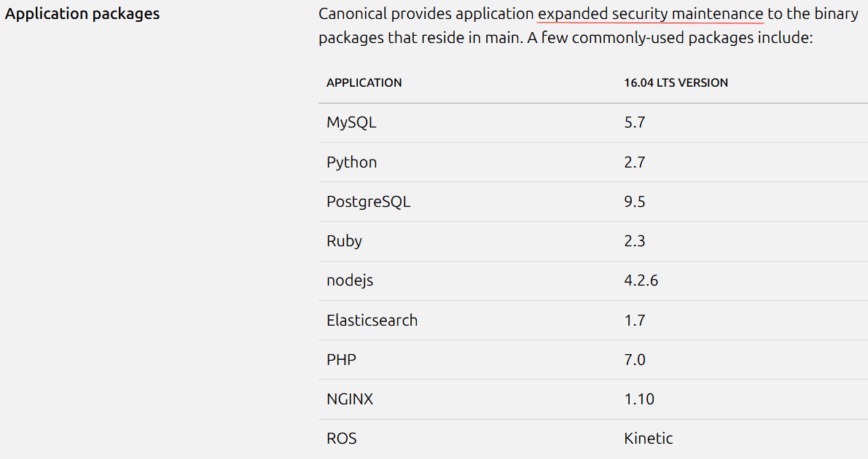
Ubuntu 26.04 extends standard security maintenance by two years.
| Release | Maintenance tier | Published end |
|---|---|---|
| Ubuntu 24.04 LTS | Standard security maintenance | May 2029 |
| Ubuntu 24.04 LTS | Ubuntu Pro ESM | May 2034 |
| Ubuntu 26.04 LTS | Standard security maintenance | May 2031 |
| Ubuntu 26.04 LTS | Ubuntu Pro ESM | May 2036 |
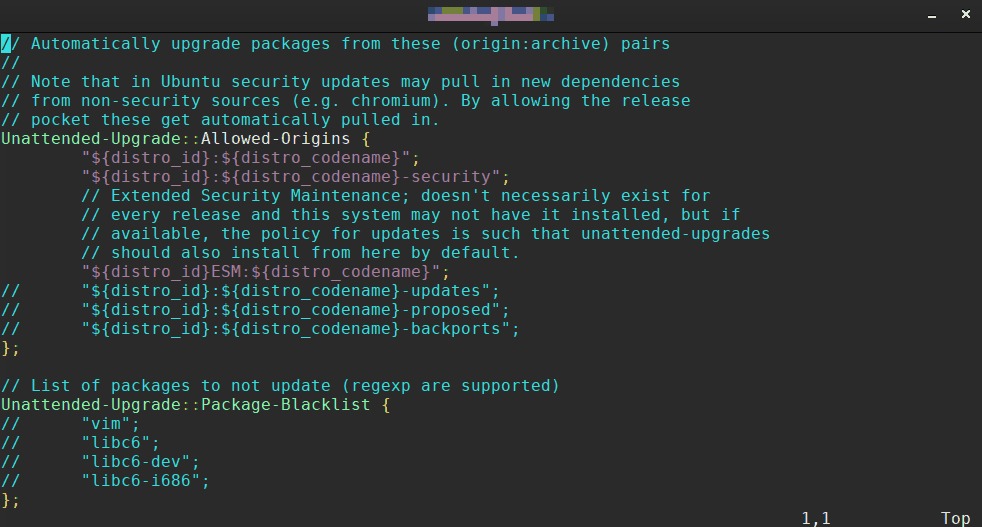
Ubuntu Pro Expanded Security Maintenance is a separate support tier with its own coverage. Canonical publishes the windows in its Ubuntu release cycle. If the server will stay deployed for several years, plan around the standard-maintenance end date. A host you will replace within 24.04's supported lifetime faces less lifecycle pressure than one that will outlive it.
On September 29, 2026, the Ubuntu Release Team announced that supported upgrades from Ubuntu 24.04 LTS to Ubuntu 26.04.1 LTS were enabled, including for Ubuntu Server. The documented upgrader is do-release-upgrade.
The announcement raises two separate questions: does the distribution offer a supported upgrade path, and are your application's dependencies ready for it?
What changes between Ubuntu 24.04 and 26.04 for servers?
| Component | Ubuntu 24.04 baseline | Ubuntu 26.04 baseline | Server consequence |
|---|---|---|---|
| GA kernel | Linux 6.8 | Linux 7.0 | Hardware, drivers, and kernel modules |
| systemd | 255 | 259 | Service configuration and cgroup behavior |
| Python | 3.12 | 3.14 | Application and virtual-environment support |
| PHP | 8.3 | 8.5 | Frameworks, extensions, and site code |
| MySQL | 8.0 | 8.4 LTS | Authentication and database upgrade planning |
| PostgreSQL | 16 | 18 | Major-version data migration |
| OpenSSH | 9.6p1 | 10.2p1 | Older authentication and configuration |
| APT | 2.x | 3.x | Repository management and scripts |
These are release baselines, and installed versions can differ after security updates, vendor repositories or a kernel change. Ubuntu 24.04's hardware-enablement (HWE) path can also provide Linux 7.0.
/tmp is memory-backed
Ubuntu 26.04 uses a memory-backed tmpfs filesystem for /tmp by default. A program that treats it as plentiful disk-backed scratch space runs into a memory limit instead, especially when it creates large temporary files on a server short on memory.
An operator testing a company upgrade with temporary product-catalog files wrote on r/Ubuntu: “When testing the upgrade to 26.04, I kept having weird OOM killed processes, scripts were dying in strange spots.”

Administrative and startup defaults differ
sudo-rsand Rust-based core utilities replace many commands. GNU alternatives are available, andcp,mvandrmstay GNU-based. Test scripts that depend on exact command behavior.- APT moves to version 3. Check scripts that call
apt-key. - OpenSSH 10.2p1 removes DSA support, so configurations that still rely on that obsolete key type are affected.
- Dracut becomes the default initramfs infrastructure, and
initramfs-toolsstays available as an alternative. Custom boot hooks and specialized recovery setups are affected.
New Ubuntu 26.04 installations use Chrony for time synchronization by default. A host upgraded from an earlier release can keep systemd-timesyncd, so two 26.04 machines can differ here.
Compatibility blockers: when to defer an upgrade

An upgrade becomes a problem when a required application depends on functionality that 26.04 removes or alters. Classify each dependency you know about before calling an ordinary software change a production blocker.
| Condition | Classification | Reason |
|---|---|---|
| Required cgroup v1 hierarchy | BLOCK | systemd 259 on Ubuntu 26.04 no longer supports cgroup v1 |
Accounts using mysql_native_password | TEST / possible blocker | MySQL 8.4 disables this authentication method by default |
| Legacy DSA SSH dependency | TEST | OpenSSH 10.2p1 removes DSA support |
| Custom boot integration | TEST | The default initramfs infrastructure changes |
| Old repository or privilege scripts | TEST | APT, sudo, and utility defaults differ |
| Component absent from the deployment | NOT APPLICABLE | No dependency on that component has been identified |
If a required workload relies on cgroup v1, choose STAY until it moves to a supported configuration. A container host already on cgroup v2 doesn't hit this restriction.
The Apache2 systemd unit in Ubuntu 26.04 enables MemoryDenyWriteExecute=yes. With libapache2-mod-php, that can block PCRE JIT memory allocation. Canonical recommends PHP-FPM, which this hardening doesn't affect.
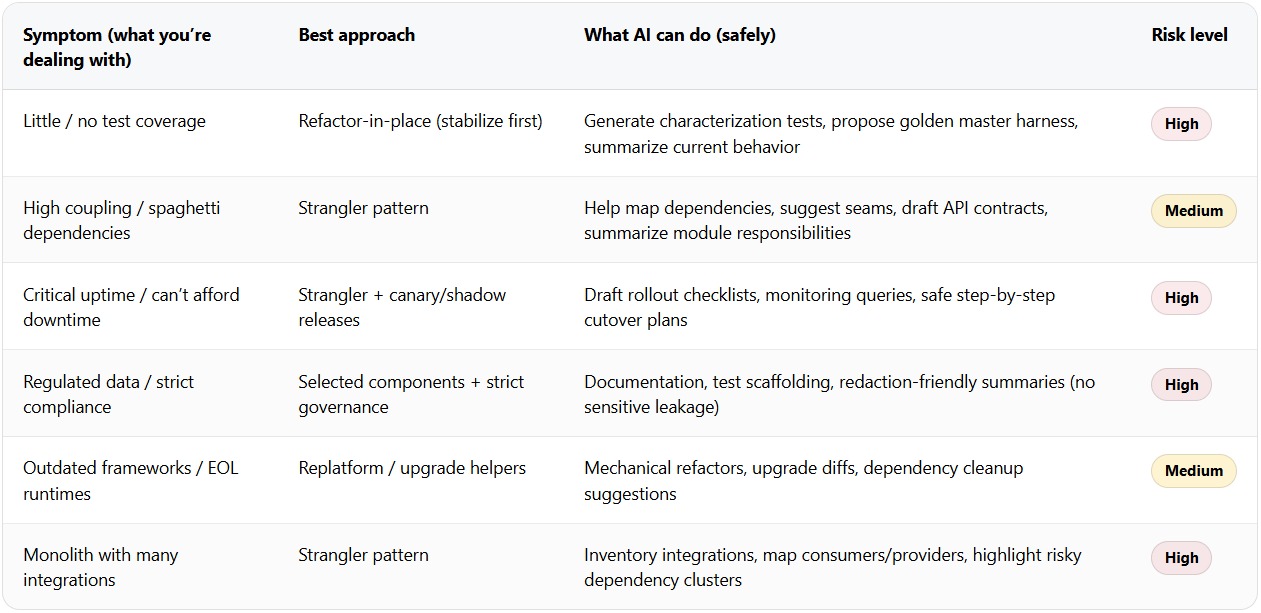
Which release fits your actual server workload?
- New uncomplicated VPS: Ubuntu 26.04 fits when the provider's image, hosting panel, software and hardware are compatible. On a small-memory instance, the
/tmpdefault matters if your workload leans on temporary files. - Docker or container host: Check the runtime's supported Ubuntu release and your workload's cgroup requirements. The Docker Engine installation documentation lists platform requirements, and your images and custom integrations bring their own dependencies.
- WordPress or PHP server: The distro PHP baseline is 8.3 on 24.04 and 8.5 on 26.04. WordPress core compatibility guidance can't confirm that every installed plugin, theme, PHP extension or hosting panel supports that environment. A site pinned to an unready extension can need application work before an OS move.
- MySQL or PostgreSQL host: Database major versions change, which affects authentication, clients and data migration. The 26.04 release notes also warn that a Linux 7.0 change can significantly affect PostgreSQL throughput and latency on systems without huge pages. Systems using huge pages are unaffected. On PostgreSQL with Linux 7.0, check that huge pages are available and PostgreSQL's
huge_pagessetting ison, then test representative queries before upgrading. - Customized server or fleet: Legacy SSH configuration, management scripts, specialized boot hooks and third-party packages add upgrade work. Reproducible configuration and a maintenance policy can favor keeping 24.04 while you test changes.
The OS can install without errors while an application dependency stays unresolved.
In-place upgrade or replacement server: which fits your setup?
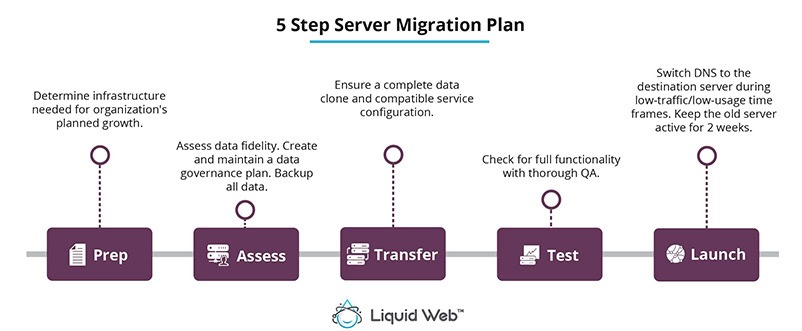
An in-place upgrade suits a manageable 24.04 host when its dependencies are validated, downtime is acceptable and restoration is proven.
A replacement host fits when you can provision parallel infrastructure and test applications before cutover. Syncing data, secrets and network routing adds work. Stateful services with strict outage limits gain more from a controlled parallel cutover, if you have that infrastructure and can reverse the cutover.
A go/no-go preflight for Ubuntu 24.04 to 26.04
Before changing the release on a production host, gather the evidence that shows which dependencies are blocked and whether you can recover. These checks are read-only, and the last one only asks whether an upgrade is offered.
cat /etc/os-release
uname -r
stat -fc %T /sys/fs/cgroup
findmnt --target /tmp
apt-mark showhold
grep '^Prompt=' /etc/update-manager/release-upgrades
sudo do-release-upgrade -c
cat /etc/os-releaseshows the installed Ubuntu release.uname -rshows the running kernel, including any HWE difference from the release's GA baseline.stat -fc %T /sys/fs/cgroupprints the filesystem type.cgroup2fsmeans the unified cgroup v2 filesystem. A legacy hierarchy means you should check which services depend on it before upgrading.findmnt --target /tmpshows which filesystem holds that path, whether/tmpis a separate mount or sits on another filesystem. Atmpfsresult means memory-backed temporary storage. A disk-backed result needs enough free space. Test large scratch-file workloads before GO.apt-mark showholdlists held packages. Investigate holds along with PPAs and vendor packages, and treat unresolved upgrade conflicts as REMEDIATE.grep '^Prompt=' /etc/update-manager/release-upgradesshows the selected upgrade channel.sudo do-release-upgrade -cchecks whether a release upgrade is available. If none is offered, defer the upgrade and inspect the configured channel. Runningdo-release-upgradewithout-cstarts the upgrade, so use it only as part of an approved change.
Prove that the service can be restored
A recent backup helps only if it contains your application data and system configuration and you can actually restore from it. Restore the necessary components in an isolated environment before relying on the backup as your production recovery route.
An Ubuntu 24.04 user asked in an r/Ubuntu upgrade discussion: “I’m currently on Ubuntu 24.04 LTS, and i’ve received update for Ubuntu 26.04. can i upgrade safely without losing any data?”
- Storage and packages: Check free disk space and sort out third-party packages that need special handling.
- Critical applications: Make sure database clients, PHP extensions, containers, authentication and custom service units have a working target configuration.
- Access: Keep a verified SSH route and emergency access to the host.
- Change window: Choose a window where the upgrade, and a recovery if needed, has an acceptable effect on users.
Once you are ready, follow the Ubuntu Server upgrade documentation for the supported procedure.
GO / REMEDIATE / STAY: GO means the essential dependencies, the restoration test and the change window meet your service requirements. REMEDIATE means you have identified a fix but haven't tested it. STAY means a required dependency is still incompatible or you have no recovery route.
After upgrading: verify that the server still works
A completed upgrade doesn't mean the server works. Run these two commands first:
cat /etc/os-release
systemctl --failed
The first confirms the installed release. The second lists failed systemd units. Neither catches an application failure: an HTTP response can coexist with a broken WordPress login or database query. Check the services themselves.
- Web application: Check expected HTTP behavior and run one real authenticated operation or transaction where it applies.
- Database: Verify connectivity, then run a typical operation with the right read or write permissions.
- Network services: Confirm the intended process owns each critical listener. On a resolver, that includes DNS port 53, where the wrong daemon can end up listening even though the host boots.
- Containers: Check the required workloads and their application endpoints.
- Scheduled work: Verify a few cron jobs, queues or application schedulers.
- Operations: Check remote access, logging, monitoring, and alerts.
- Application data: Compare essential state and backup functionality with the pre-change baseline.
In an early-release r/Ubuntu thread covering several differently configured machines, one user wrote: “I'm up to 8/10 machines completed and it's been very minor issues.”
Accept or recover: Accept the change when the critical service tests pass. If a required test fails and the repair would take longer than the agreed recovery window, use the restoration or rollback route you tested earlier.
