In a Bash script, use if to act on a command's exit status, else for a fallback, and elif to pick one of several exclusive outcomes. When more than one action needs to run, use separate if statements. If the script must also work under POSIX sh, choose test or [ ... ] over the Bash-only [[ ... ]] or (( ... )), then check the syntax and exercise both outcomes with test inputs.
How Bash if decides which branch runs
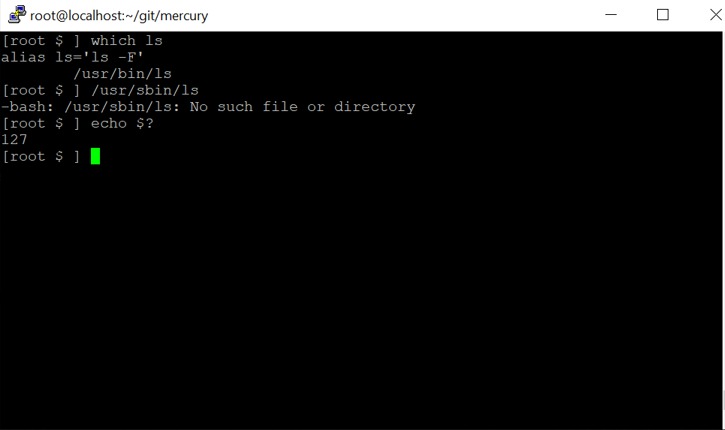
Bash runs the command after if and checks its exit status. Status 0 means success, so Bash enters then. A nonzero status moves Bash on to an alternative branch.
if true; then
    printf '%s\n' 'The command succeeded'
else
    printf '%s\n' 'The command failed'
fi
This prints The command succeeded. Change true to false and the else branch prints The command failed.
true and false are commands, and if checks a command's status directly, so square brackets are optional (see the GNU Bash Reference Manual).
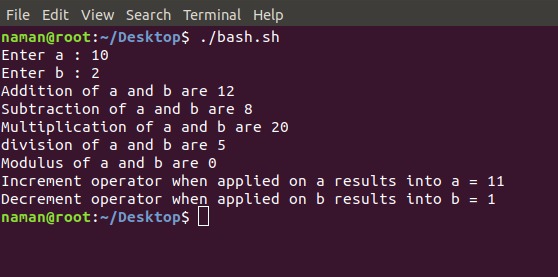
(( ... )) returns success when the expression's value is nonzero and failure when it is zero.
if (( 0 )); then
    printf '%s\n' 'first branch'
else
    printf '%s\n' 'second branch'
fi
This prints second branch. Replace 0 with 3 and it prints first branch.
Write if, else, and elif statements in Bash
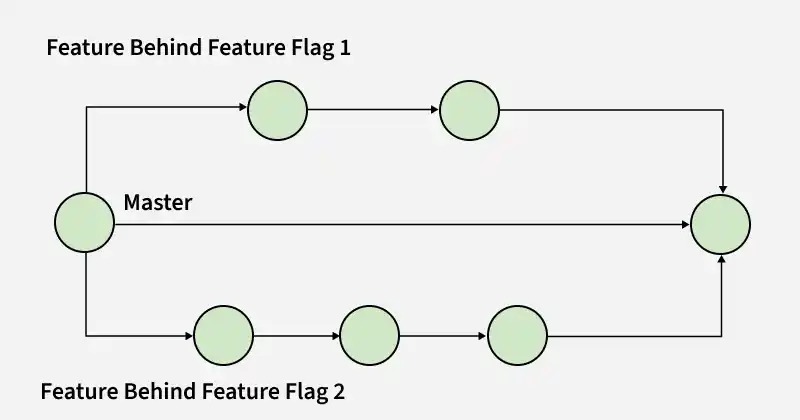
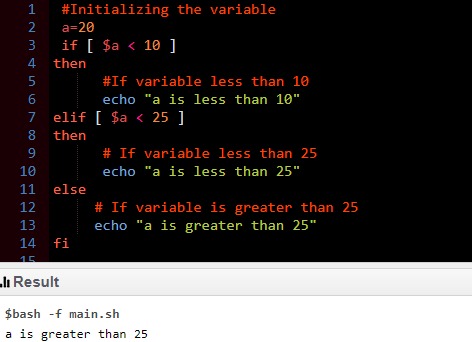
Use if for an action that needs a condition, else when you need a fallback, and elif to try several alternatives in order.
| Goal | Structure | What runs |
|---|---|---|
| One conditional action | if ...; then ...; fi | The body only if its test succeeds |
| Two outcomes | if ...; then ...; else ...; fi | One of the two bodies |
| Several exclusive outcomes | if ...; elif ...; else ...; fi | The first successful branch |
| Independent actions | Separate if statements | More than one body can run |
An else clause is optional. If no condition succeeds and there's no else, the shell continues after fi.
mode='preview'

if [[ $mode == 'prod' ]]; then
    printf '%s\n' 'Production'
elif [[ $mode == 'preview' ]]; then
    printf '%s\n' 'Preview'
else
    printf '%s\n' 'Unknown mode'
fi
This prints Preview. After the successful elif, Bash skips the remaining branches, so in one chain at most one branch body runs.
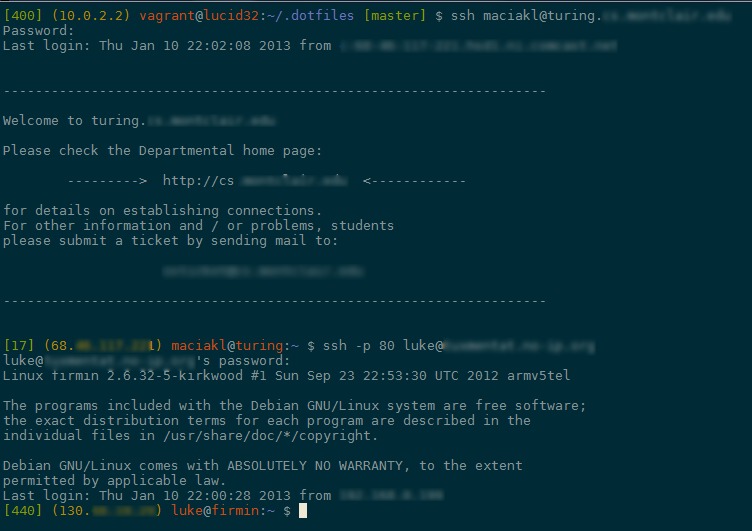
Separate if statements are evaluated independently:
if true; then
    printf '%s\n' 'First action'
fi

if true; then
    printf '%s\n' 'Second action'
fi
Both lines print. Use this form when the same input can legitimately trigger more than one action. A case statement is simpler than a long elif chain when you're matching against many literal or pattern-based choices.
Check strings, numbers, and files inside a condition
A regular file, a directory, a string, and an integer each need a different test.
Use -f for a regular file and -d for a directory. In a single-bracket test, quote a filename variable so a name with spaces stays one argument:
file='draft notes.txt'

if [ -f "$file" ]; then
    printf '%s\n' 'Regular file found'
else
    printf '%s\n' 'Regular file missing'
fi
This prints Regular file found if draft notes.txt exists as a regular file and Regular file missing if it doesn't.
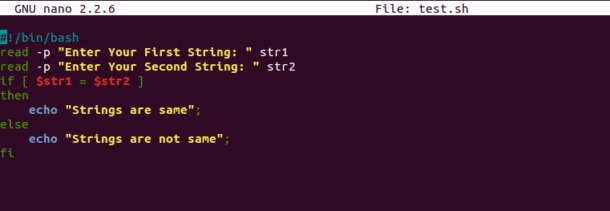
String equality compares against a specific value:
name='admin'

if [[ $name == 'admin' ]]; then
    printf '%s\n' 'Matching name'
fi
To test whether a string has content, use -n (nonempty) or -z (empty).
For a known integer, Bash arithmetic syntax reads cleanly:
count=3

if (( count > 0 )); then
    printf '%s\n' 'Positive count'
fi
With test or [ ... ], write integer greater-than as -gt:
count=3

if [ "$count" -gt 0 ]; then
    printf '%s\n' 'Positive count'
fi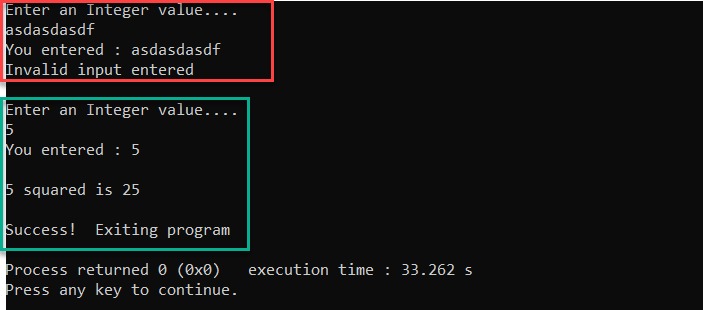
Those examples hard-code the integer. If a value comes from a prompt or another untrusted source, confirm it's a valid number before passing it to an arithmetic comparison. A word like index can be a legitimate command, so run a string test on it before any numeric-range test.
Use a command, [ ], [[ ]], or (( ))?
| Form | Useful for | Compatibility | Point to remember |
|---|---|---|---|
if command; then | Command success | Shell control-flow syntax | The command may perform actions |
if [ ... ]; then | File, string, integer tests | POSIX-style | Spaces and expansion quoting matter |
if [[ ... ]]; then | Bash strings, files, patterns | Bash-specific | Different expansion and pattern rules |
if (( ... )); then | Integer arithmetic | Bash-specific | Zero arithmetic value means unsuccessful status |
[ is a command related to test, and its closing ] must be a separate argument. Double brackets are a Bash conditional construct, so ordinary word splitting inside them behaves differently. Three easy mistakes to check first are treating a command's printed text as its status, mixing single- and double-bracket syntax, and using a numeric comparison for strings.
For more on quoting habits, see the r/bash quoting discussion.
In [[ ... ]], quote the right-hand operand when you want literal equality. Leave a pattern unquoted when you want a pattern match:
filename='notes.log'

[[ $filename == *.log ]]
[[ $filename == '*.log' ]]
The first test succeeds because *.log matches notes.log. The second compares against the literal characters *.log and fails.
Bash-only forms like [[ ... ]] and (( ... )) need a compatible interpreter. Run a [[ ]] test under dash and you get [[: not found.
Why a Bash if condition is always true or false
A wrong branch means the test received different operands than you intended.
An r/bash user wrote, “This always seems to execute regardless of how I format or change it. What am I doing wrong?” In the r/bash conditional discussion, the problem was missing spaces around the comparison.
answer='no'

if [[ "$answer"=="yes" ]]; then
    printf '%s\n' 'Matched'
fi
Without spaces around ==, Bash reads the whole expression as one nonempty string, so the test passes and Matched prints. With [[ "$answer" == "yes" ]], Bash recognizes the equality comparison and evaluates it false for no.
| Symptom | Cause | Repair |
|---|---|---|
| Equality test always succeeds | [[ "$answer"=="yes" ]] | [[ "$answer" == "yes" ]] |
| Directory check falls through | Wrong or unset path variable | Use the variable containing the intended path |
| Nonempty test succeeds on an empty value | [ -n $value ] | [ -n "$value" ] |
For value='', the unquoted form becomes [ -n ]. That command treats -n as a nonempty string and succeeds. Quoting the expansion preserves the empty argument and gives the intended false result.
value=''
printf 'value=<%s>\n' "$value"

if [ -n "$value" ]; then
    printf '%s\n' 'Nonempty'
else
    printf '%s\n' 'Empty'
fi
This prints value=<> followed by Empty. A directory test with an unset variable needs a different repair: check the value you use as the path.
When short-circuit commands behave differently from if/else
The command list A && B || C runs C whenever B fails, even when A succeeded.
true && false || printf '%s\n' 'fallback'This prints fallback. true succeeded, so Bash ran false. That failed, so the || side ran.
if true; then
    false
else
    printf '%s\n' 'fallback'
fi
Here the else body never runs. The test after if succeeded, so Bash had already chosen then, and the failing false inside it changes nothing.
If C does something you don't want after B fails, write an explicit if/else. Take extra care when C modifies or deletes files. ShellCheck's SC2015 warning describes the same control-flow trap.
A beginner in r/bash asked, “I am wondering why commands after the if statement won't execute ?” The r/bash process-control discussion concerned an exec adduser command inside a conditional.
exec replaces the running shell process, so commands after it in the original shell never run.
Fix unexpected else, then, and fi errors
if true; then
    if false; then
        printf '%s\n' 'Inner branch'
    fi
fi
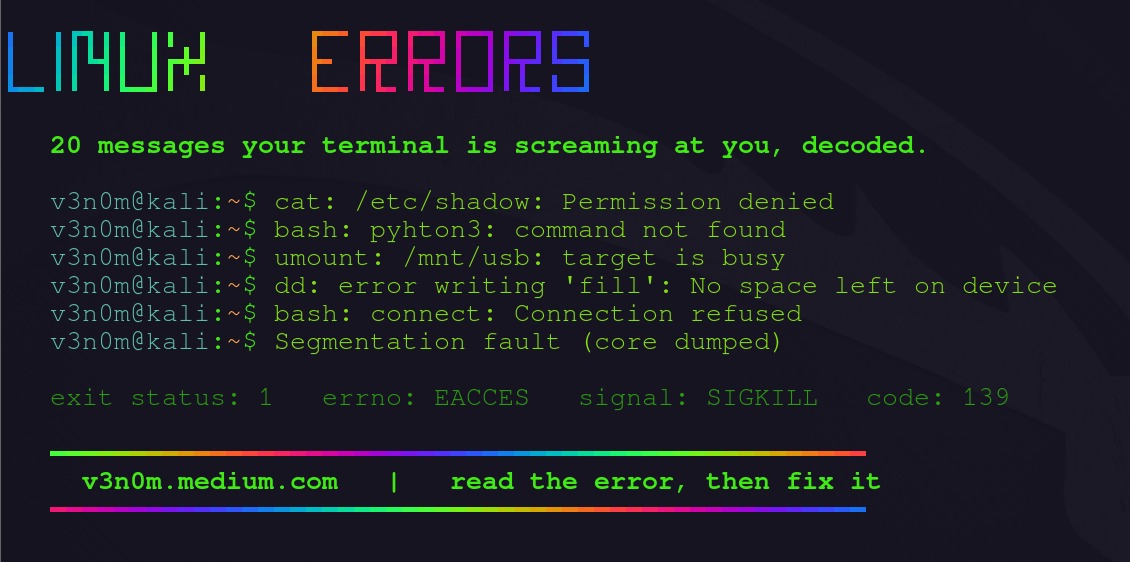
Every if needs its own fi. Here the indented fi closes the inner test and the last fi closes the outer one.
- A loop closes with
done, so a parser error pointing atdonecan mean an earlierfiis missing. - In compact form, put a newline or semicolon before
then, as inif true; then printf '%s\n' 'ok'; fi. - Use
eliffor another branch in the same chain. Anelsefollowed by anotherifopens a new conditional and needs its ownfi.
Check a Bash if statement before using it
Check the syntax of a copy of the script first, then run test inputs that select each branch.
mode=${1-}

if [[ $mode == ready ]]; then
    printf '%s\n' 'Ready'
else
    printf '%s\n' 'Other'
fi
Save this script as check-mode.sh and check its syntax:
bash -n check-mode.shThe -n option reads the script's syntax without running its commands. It catches errors like unclosed constructs, but it can't tell you whether a valid condition selects the intended branch.
Run these cases:
bash check-mode.sh ready
bash check-mode.sh pending
bash check-mode.sh ''| Input | Selected branch | Printed result |
|---|---|---|
ready | then | Ready |
pending | else | Other |
| Empty string | else | Other |
Strict inequalities need boundary values. With count=100, if (( count > 100 )) is false, so the else body runs, and that branch covers 100 as well as smaller numbers. Changing the operator to >= makes the same value select then.
If ShellCheck is installed, shellcheck check-mode.sh flags common shell pitfalls such as unquoted expansions. For a stubborn case, bash -x check-mode.sh ready prints each command as it runs. Run tracing only with safe inputs in a controlled setting, because it can reveal sensitive values and run real side effects.
