Use a Bash for loop for distinct items, for ((...)) for a count set by a variable, and a pathname glob for matching files. Switch to while read or find when you need whole input lines or recursive filenames. Print each item before the loop touches real files.
How a Bash for loop works
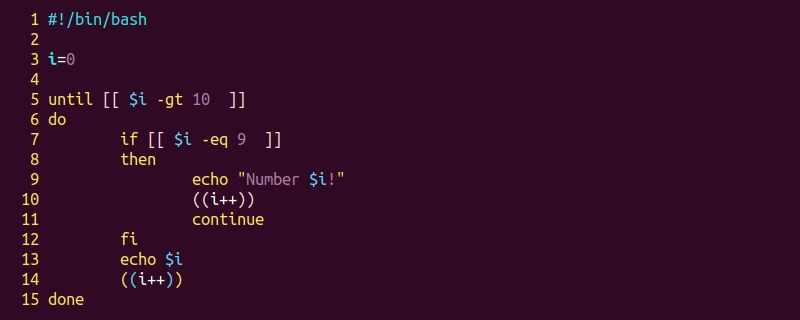
A Bash for loop runs a group of commands once for each item in a list. On every pass, Bash puts the next item in a variable and runs the commands between do and done.
This loop handles three known values:
for fruit in apple pear plum; do
  printf 'item=<%s>\n' "$fruit"
done
Output:
item=<apple>
item=<pear>
item=<plum>
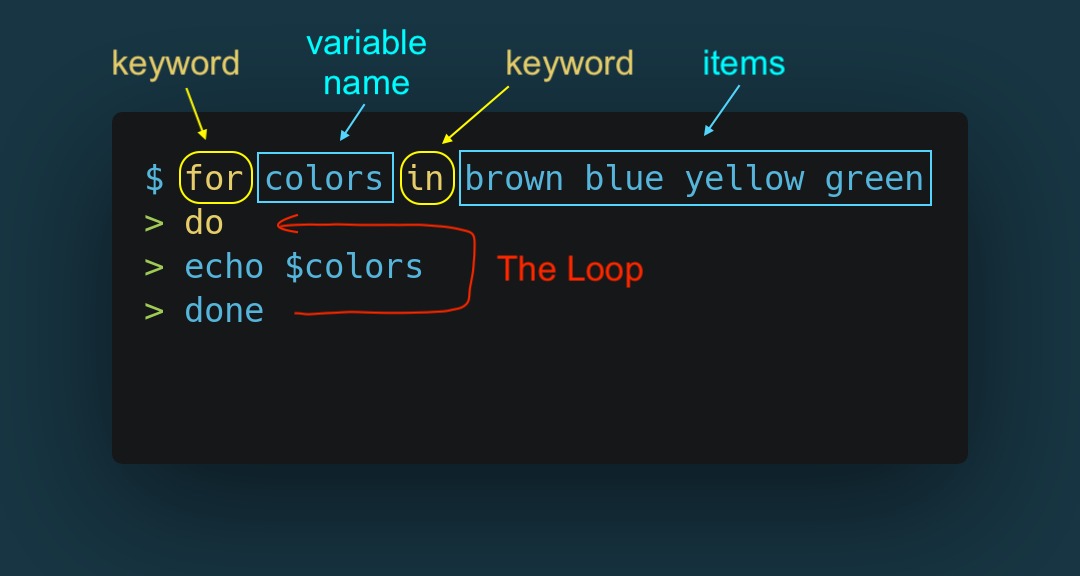
for fruitnames the variable that holds the current item.in apple pear plumis the list.dostarts the commands that repeat.doneends the loop.
The name fruit is arbitrary.
Spread over several lines, a newline separates the list from do:
for fruit in apple pear plum
do
  printf 'item=<%s>\n' "$fruit"
done
With do on the same line as the list, as in the first version, a semicolon does that job.
These examples use Bash. The arrays, arithmetic loop form, and shell options below are Bash features and do not work in every POSIX shell.
Choose the loop that matches your input
| Input | Construct | One iteration gets |
|---|---|---|
| Known values | for item in a b c | One listed item |
| Literal numeric range | for i in {1..5} | One generated number |
| Runtime-controlled count | for ((i=1; i<=n; i++)) | Current counter value |
| Bash array | for item in "${items[@]}" | One whole element |
| Script arguments | for arg in "$@" | One original argument |
| Files in one directory | for file in ./*.txt | One matching pathname |
| Lines from a file | while IFS= read -r line | One line |
| Arbitrary recursive pathnames | find -exec or NUL-aware reading | A whole pathname |
Loop through a number range
Brace expansion generates the items before the loop runs. The command for i in {1..5..2}; do printf '%s\n' "$i"; done prints 1, 3, and 5 on separate lines. Its endpoints and step are literals. The range {1..5} includes both endpoints. {01..03} produces the zero-padded values 01, 02, and 03.
Number generation and formatting
The loop picks the numbers, and printf formats them:
for ((i=0; i<=3; i++)); do
  printf '%02d\n' "$i"
done
Output:
00
01
02
03
%02d prints each integer with at least two digits and adds a leading zero to shorter ones.
Use a variable as the loop limit
When the limit comes from a variable, use Bash's arithmetic for form, which evaluates the limit as the loop runs. A variable inside a brace range does not expand:
n=3
for i in {1..$n}; do
  printf '<%s>\n' "$i"
done
Output:
<{1..3}>A poster in an r/bash discussion about numeric ranges asked, “is there no way to use a shell variable within the {}'s of a for loop?”
Bash expands braces before variables. By the time $n becomes 3, the range step is over, so the loop gets a single item: the text {1..3}.
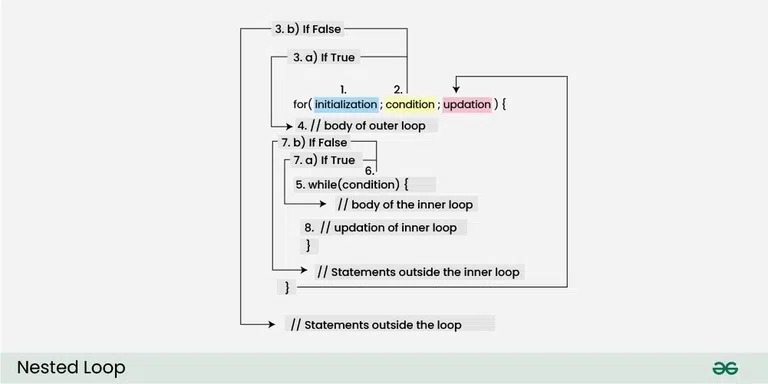
The arithmetic loop tests its condition on every pass, so it follows a changing limit:
n=3
for ((i=1; i<=n; i++)); do
  printf '%s\n' "$i"
done
Output:
1
2
3i=1initializes the counter.i<=ntests whether the loop should run again.i++increments the counter after each iteration.
Validate untrusted values before using them in arithmetic. seq also generates numbers, but the arithmetic for loop is built into Bash and documented in the GNU Bash looping reference.
Preserve array elements and script arguments
Use "${values[@]}" to give a Bash loop one item per array element, even when an element contains spaces. Keep an argument such as a filename with a space intact throughout the loop.
values=('alpha beta' 'gamma delta')
for v in "${values[@]}"; do
  printf '<%s>\n' "$v"
done
Output:
<alpha beta>
<gamma delta>
One r/bash poster comparing two array loops wrote, “but I am confused why the second loop can work perfectly”.
Without the quotes, the same data produces four words:
values=('alpha beta' 'gamma delta')
for v in ${values[@]}; do
  printf '<%s>\n' "$v"
done
Output:
<alpha>
<beta>
<gamma>
<delta>
Without quotes, word splitting cuts each element at its spaces, so the loop runs four times instead of two.
Script arguments work the same way:
for arg in "$@"; do
  printf 'Argument: <%s>\n' "$arg"
done
If a caller passes sales data.txt as one argument, "$@" keeps it whole. In Bash, for arg with no in list also loops over the positional parameters.
Loop safely over matching files
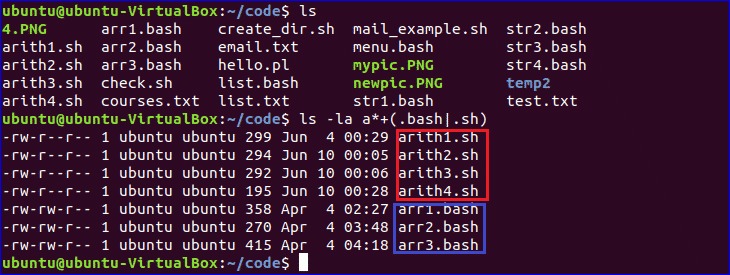
To loop over files matching a pattern in one directory, put the glob straight in the for list:
for file in ./*.txt; do
  printf 'Found: <%s>\n' "$file"
done
Bash expands ./*.txt into matching pathnames before the body runs. Leave the pattern unquoted so the expansion happens, and quote "$file" inside the body.
A file named sales data.txt stays one pathname. for file in $(ls *.txt) sends unquoted command output through word splitting, which breaks that name into sales and data.txt.
Reproduce the filename test
This setup creates two files in a temporary directory, so your own files stay out of the test:
tmp=$(mktemp -d)
(
  cd "$tmp" || exit
  touch -- first.txt 'sales data.txt'
  for file in ./*.txt; do
    printf '<%s>\n' "$file"
  done
)
Output:
<./first.txt>
<./sales data.txt>
Nothing existing gets renamed or deleted.
Handle an unmatched pattern
By default, Bash leaves an unmatched glob as literal text. The test directory has no .gz files, so this loop runs once:
for file in "$tmp"/*.gz; do
  printf '<%s>\n' "${file##*/}"
done
Output:
<*.gz>The nullglob option changes that. An unmatched glob then expands to nothing, so the body never runs:
(
  shopt -s nullglob
  for file in "$tmp"/*.gz; do
    printf '<%s>\n' "$file"
  done
)
The output is empty. The parentheses keep the option change inside a subshell.

./*.txt covers that directory only, not its subdirectories. By default, * skips dotfiles. Hidden names need explicit patterns or an option such as dotglob.
When a for loop is the wrong input reader
When an input file holds whole lines, read them as lines. Unquoted command substitution splits each line into words before a for loop sees it.
An r/bash poster working with grep output asked, “How do I make the following iterate through the lines found by grep, instead of iterating through the words of each line?”
For a file containing:
north region
south region
Unquoted word splitting produces four items: north, region, south, and region.
while IFS= read -r line; do
  printf '<%s>\n' "$line"
done < regions.txt
For that input, the output is:
<north region>
<south region>
read takes one line per iteration. IFS= keeps leading and trailing whitespace, and -r stops backslashes from acting as escapes.
Recursive filenames are a separate problem: a filename can contain a newline. Use find -exec, or a find -print0 stream read by a NUL-aware reader. ShellCheck SC2044 explains why looping over plain find output loses filename boundaries.
Stop, skip, and nest iterations
continue skips the rest of the current iteration, and break exits the active loop:
for i in {1..5}; do
  [[ $i -eq 2 ]] && continue
  [[ $i -eq 4 ]] && break
  printf '%s\n' "$i"
done
Output:
1
3
At 2, execution jumps to the next iteration before printf. At 4, the loop ends, so 5 is never processed. The conditions use Bash's [[ ... ]] form.
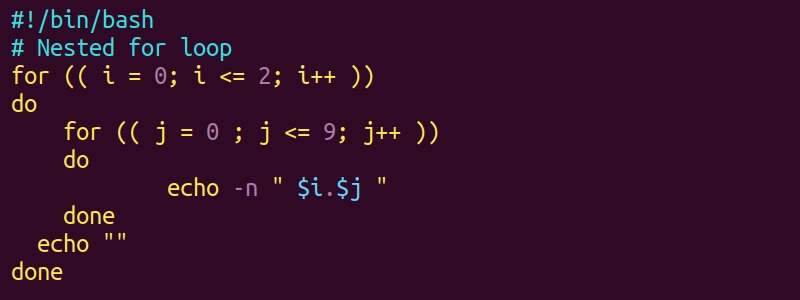
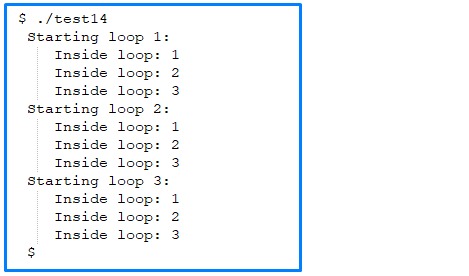
A nested loop runs the whole inner sequence for each outer item:
for server in web db; do
  for step in check report; do
    printf '%s:%s\n' "$server" "$step"
  done
done
Output:
web:check
web:report
db:check
db:report
Each of the two servers gets both steps, so you see four lines. By default, break and continue act on the innermost loop. A level such as break 2 exits two nested loops.
Troubleshoot your loop before it touches real files
| Symptom | Cause | Fix |
|---|---|---|
{1..3} appears once | Variable inside a brace range | for ((i=1; i<=n; i++)) |
alpha beta splits in two | Unquoted array expansion | Quote "${values[@]}" |
*.gz appears literally | No file matches the glob | nullglob |
| Command output splits into words | Word splitting after substitution | while IFS= read -r line |
| One extra iteration | <= includes the endpoint | Use < |

Inspect the actual loop input
Inside a loop whose current item is item, print the value before swapping in commands that change files or run remotely:
printf '<%s>\n' "$item"Angle brackets make stray spaces around a value easy to see. To check a saved script's syntax without running it:
bash -n script.shbash -n checks syntax only. ShellCheck catches more shell pitfalls.
