In a Bash script, use [[ ... ]] for most string and file conditions, (( ... )) for integer arithmetic, and a command directly in if when its exit status is the condition. If the script must run as POSIX sh, use test or [ ... ] instead.
For example, [[ -f "$path" ]] checks for a regular file, while [[ -d "$path" ]] checks for a directory.
Choose the right Bash test: [ ], [[ ]], (( )), or a command
| Question | Form | Example |
|---|---|---|
| Did a command succeed? | if command | if grep -q "enabled" config.txt; then |
| Is a file or string property true in portable shell code? | [ ... ] or test | [ -f "$path" ] |
| Does a file or string meet a Bash condition? | [[ ... ]] | [[ -f "$path" ]] |
| Is an integer expression true? | (( ... )) | (( count > 3 )) |
if grep -q "enabled" config.txt; then
    echo "Match found"
fi
The traditional test and [ ... ] forms receive their arguments after shell expansion. Inside [[ ... ]], an empty variable still counts as an operand, and the right side of == is a pattern. (( ... )) evaluates arithmetic.
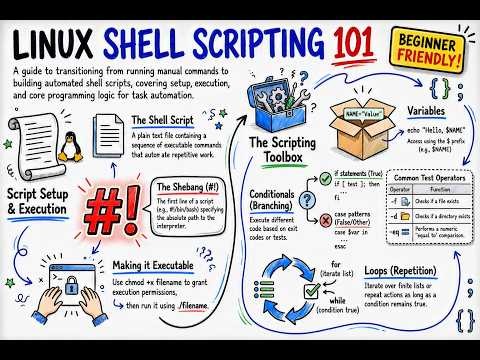
The GNU Bash conditional-expression reference documents Bash's test operators.
Understand what “true” means to Bash
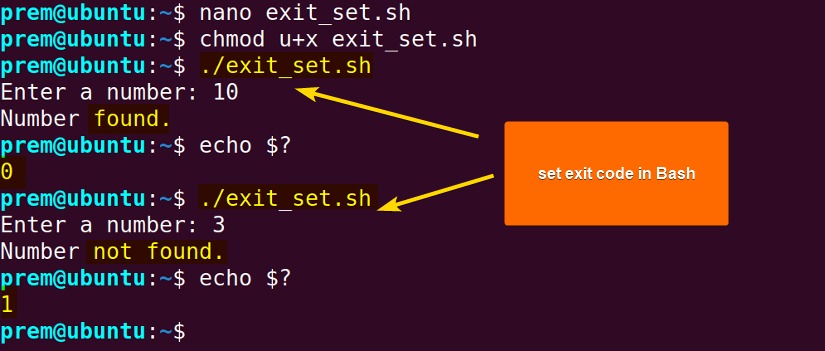
A shell command succeeds with exit status 0 and fails with any nonzero status, not always 1. [ 3 -eq 3 ] succeeds and [ 3 -eq 4 ] fails. if picks its branch from that status. Arithmetic follows its own rule: (( 1 )) succeeds because the expression evaluates to a nonzero integer, and (( 0 )) fails because its value is zero.
Check a file, directory, or symbolic link
Someone testing a symbolic link to a configuration file asked on r/bash, “What is the point of -e if -f works exactly the same?”
A regular file satisfies both -e and -f. A directory separates them: -e succeeds and -f fails. For a dangling symlink, both fail, while -L succeeds.
| Path | -e | -f | -d | -L |
|---|---|---|---|---|
| Regular file | True | True | False | False |
| Directory | True | False | True | False |
| Symlink to a regular file | True | True | False | True |
| Dangling symlink | False | False | False | True |
File tests such as -f follow a symbolic link to the target. -L (also written -h) tests the link itself.
if [[ -f "$config" ]]; then
    echo "Regular configuration file found"
fi
Test size, access, and other file properties
| Test | Property | Useful scenario |
|---|---|---|
-s | Exists with size greater than zero | Skip a generated report that is empty |
-r | File is readable | Confirm you can read a configuration file |
-w | File is writable | Confirm you can write to a planned output file |
-x | Execute access (search access for a directory) | Confirm you can run a file or enter a directory |
A report with zero bytes fails -s. A directory also passes -x, so use -f alongside it when you need a runnable script:
if [[ -f "$script" && -x "$script" ]]; then
    echo "Regular file with execute access"
fi
Passing a file check doesn't guarantee the later read, write, or execution will succeed. The file or its permissions can change in between.
Bash also provides -nt and -ot to compare file modification times and -ef to test whether two paths refer to the same file.
Compare strings and handle empty or unset values
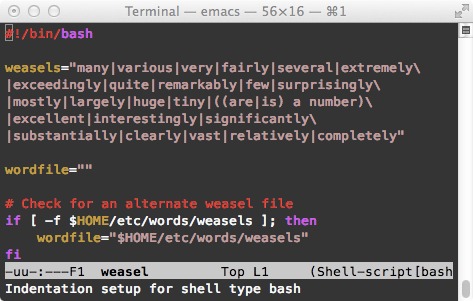
In Bash, string tests cover equality, inequality, and emptiness:
[[ "$mode" == "production" ]]
[[ "$mode" != "production" ]]
[[ -z "$mode" ]]
[[ -n "$mode" ]]
With traditional brackets:
[ "$mode" = "production" ]
[ -z "$mode" ]
A beginner on r/bash testing whether a directory existed wrote, “It always defaults to the else statement.”
unset ABC
[ -d $ABC ]       # status 0
[[ -d $ABC ]]     # status 1
In [ -d $ABC ], the unquoted unset variable contributes no argument. Bash is left with [ -d ], a one-argument test of the nonempty string -d, so it succeeds. In [[ -d $ABC ]], Bash keeps the unary file-test expression intact and tests an empty pathname. The test fails, and a failed test sends the script to else.
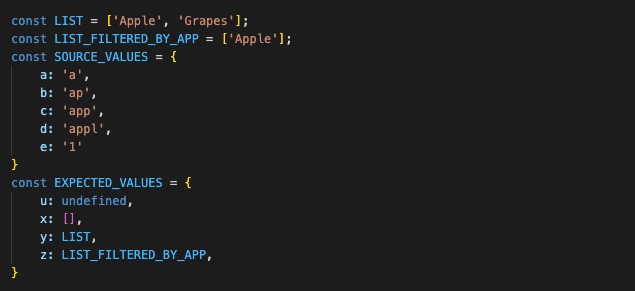
For the traditional form, keeping the operand quoted preserves the intended directory test:
[ -d "$ABC" ]An empty variable and an unset variable are different states, though -z succeeds for both.
Know when quotes and wildcards change the test
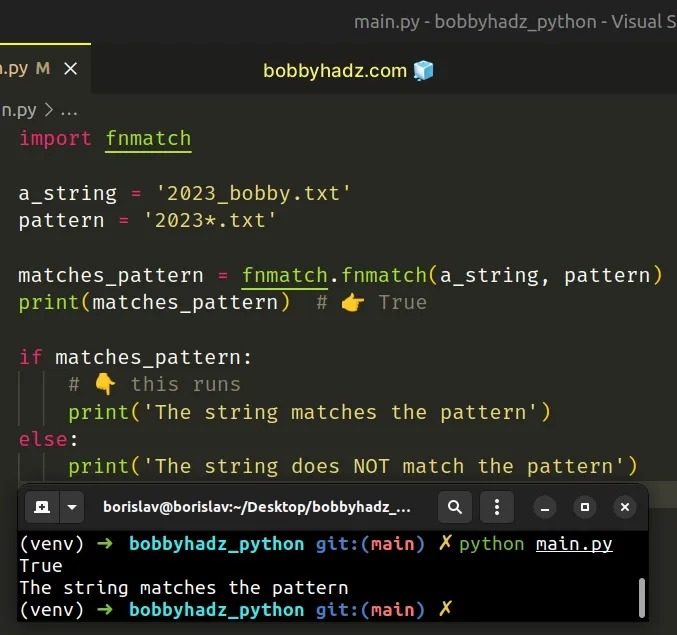
Inside Bash [[ ... ]], ordinary pathname expansion does not run on operands.
One participant in r/bash put it this way: “Apparently [[ doesn't expand wildcards.”
[[ "file.txt" == *.txt ]]      # succeeds: pattern
[[ "file.txt" == "*.txt" ]]    # fails: literal text
In the first comparison, the unquoted right-hand side matches a string ending in .txt. In the second, the quotes make the asterisk literal.
[[ -e foo* ]]That expression tests the literal pathname operand instead of enumerating every file beginning with foo. An ordinary test -e foo* receives several arguments when the shell finds several matches. The extra arguments can change the test's meaning or make it invalid.
Compare integers
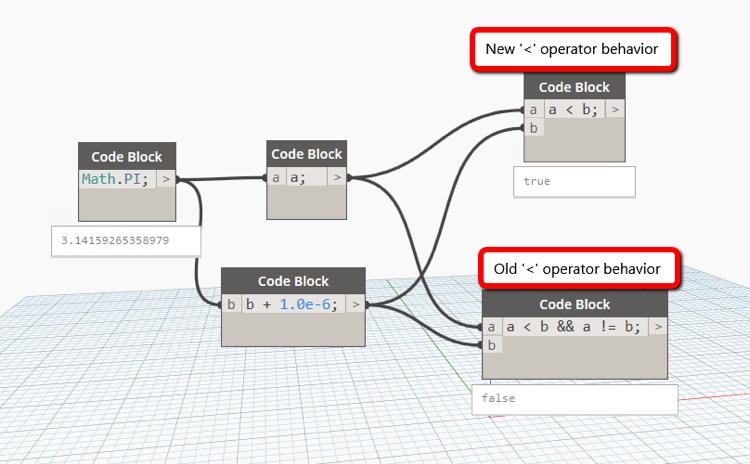
Bash reads the same characters as strings or integers, so use integer operators or arithmetic evaluation for numeric thresholds.
Traditional numeric tests use -eq, -ne, -gt, -ge, -lt, and -le. In (( ... )), the corresponding arithmetic operators include ==, !=, >, >=, <, and <=.
| Expression | What it compares | Result |
|---|---|---|
[[ 10 < 2 ]] | Lexical string order | True (C locale) |
(( 10 < 2 )) | Integer magnitude | False |
[ 10 -lt 2 ] | Integer magnitude | False |
[[ 10 < 2 ]] compares characters, and 1 sorts before 2. Locale affects string order but not numeric comparison.
if (( count > 3 )); then
    echo "Threshold exceeded"
fi
The traditional form is [ "$count" -gt 3 ]. Both forms handle integers only.
Combine and negate tests
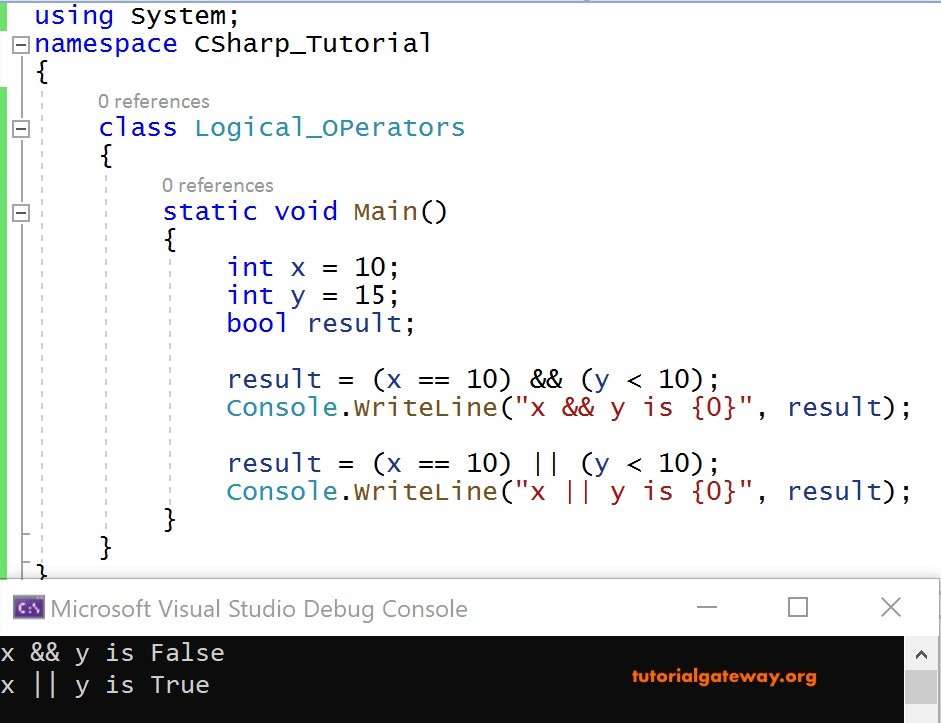
Use && when two conditions must succeed, || when either one is enough, and ! to invert a result.
if [[ -f "$path" && -r "$path" ]]; then
    echo "Regular, readable file"
fi

if [ -f "$path" ] && [ -r "$path" ]; then
    echo "Regular, readable file"
fi
The first combines tests inside Bash's [[ ... ]] grammar. The second uses the shell's && operator to connect two separate [ ... ] commands.
For a regular file, [[ -f "$path" && -d "$path" ]] fails and [[ -f "$path" || -d "$path" ]] succeeds. Both operators stop evaluating as soon as the result is known.
if [[ ! -e "$path" ]]; then
    echo "Path does not resolve"
fi
For portable code, prefer [ condition ] && [ condition ] or the || form. ShellCheck warns against the older -a and -o operators inside a single traditional test, where argument parsing can be ambiguous.
Keep a test portable when the script runs under sh

The interpreter decides which conditional syntax a script can use. A .sh extension does not select Bash. The launch command and, when honored, the shebang determine what runs the script. For portable scripts, keep POSIX test syntax separate from Bash-only double brackets and arithmetic evaluation.
#!/bin/sh

if [ -f "$path" ]; then
    echo "Regular file found"
fi
POSIX shell syntax does not require [[ ... ]], so in sh scripts use [ ... ] instead.
Standalone (( ... )) is also Bash-specific. In sh, use integer operators such as -gt inside [ ... ]. The portable $(( ... )) syntax performs arithmetic expansion and produces a value.
In dash, [[ 1 = 1 ]] returns status 127.
ShellCheck reports [[ in sh scripts as SC3010.
Verify and debug a test before trusting it
Save this as a Bash script and run it without sourcing it into your interactive shell. GNU mktemp -d gives each run its own disposable directory.
#!/usr/bin/env bash
workdir=$(mktemp -d) || exit 1
cd "$workdir" || exit 1

: > "real file.txt"
mkdir real-dir
ln -s "real file.txt" live-link
ln -s "missing-file.txt" broken-link
unset ABC
export LC_ALL=C

[[ -f "real file.txt" ]]; printf 'regular file: %s\n' "$?"
[[ -d "real file.txt" ]]; printf 'directory test: %s\n' "$?"
[[ -e broken-link ]];    printf 'broken target: %s\n' "$?"
[[ -L broken-link ]];    printf 'symlink itself: %s\n' "$?"
[ -d $ABC ];            printf 'legacy empty operand: %s\n' "$?"
[[ -d $ABC ]];          printf 'Bash empty operand: %s\n' "$?"
[[ "file.txt" == *.txt ]]; printf 'pattern match: %s\n' "$?"
[[ "file.txt" == "*.txt" ]]; printf 'literal comparison: %s\n' "$?"
[[ 10 < 2 ]];         printf 'lexical comparison: %s\n' "$?"
(( 10 < 2 ));         printf 'integer comparison: %s\n' "$?"
The temporary directory holds a regular file with a space in its name, a directory, a live link to that file, and a link whose target is missing. Each printed value is the status of the test before it.
The expected statuses, in print order, are 0, 1, 1, 0, 0, 1, 0, 1, 0, 1.
These results come from GNU Bash 5.2.37 with LC_ALL=C.
When a result surprises you, check the pathname, the variable's expansion, and which shell runs the command. Then compare one passing case with one failing case.
