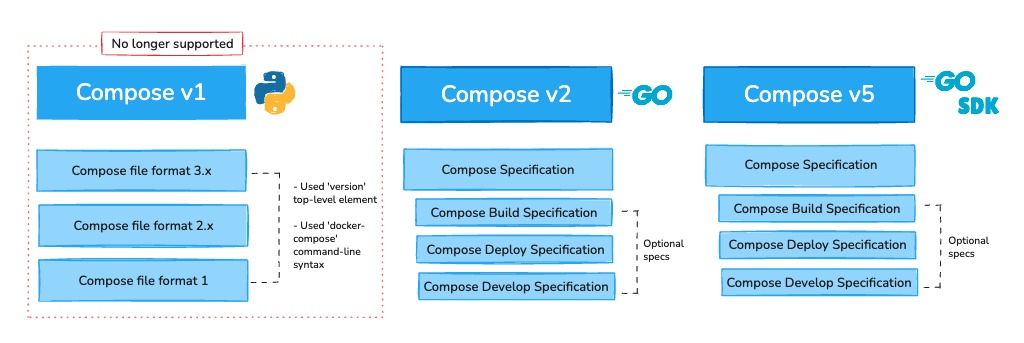
Use Docker Compose when your web app needs a repeatable, single-host definition of multiple services: connect them by service name, keep state in named volumes, and verify the web response after startup. If you need failover or orchestration across several hosts, Compose alone won't cover it. Validate your compose.yaml and run the example on a nonpublic endpoint before exposing a real site.
You'll build a small Flask app that counts visits in Redis, with one Compose file running both. The web endpoint stays on the Docker host's loopback interface, 127.0.0.1.
When Docker Compose is the right tool for a web app
Docker Compose fits a web app with several cooperating containers on one host. For a disposable single-container task, docker run is simpler. Compose describes multiple services, their networking, and their storage together. A Dockerfile only defines how an image is built.
Check the Linux host and sketch the two-service project
You need Docker Engine running on a Linux host, a terminal, permission to use Docker, and the Compose CLI plugin. The example runs on your own machine or on a VPS, as long as you run the local HTTP check on the Docker host.
Confirm that the modern CLI plugin is available:
docker compose versionThe command confirms the Compose plugin is installed. Docker Engine must also be running to create containers. Older guides use the standalone docker-compose command.
Create a directory named compose-demo. The project will contain these files:
compose-demo/
├── app.py
├── requirements.txt
├── Dockerfile
├── compose.yaml
├── .env
├── .dockerignore
└── .gitignore
The project has two services: web, a Flask app that answers HTTP requests, and redis, which stores the visit counter. If Docker is missing, complete the Docker installation procedure first.
Define the web and Redis services in compose.yaml
You need two files: a Dockerfile that builds the web image and a compose.yaml that runs web and Redis together. Docker's Docker Compose Quickstart uses the same Flask and Redis pairing. The project below adds a host port bound to loopback and passes the Redis address through environment variables.
Create app.py:
import os

from flask import Flask
from redis import Redis

app = Flask(__name__)
cache = Redis(
    host=os.getenv("REDIS_HOST", "redis"),
    port=int(os.getenv("REDIS_PORT", "6379")),
)

@app.get("/")
def index():
    visits = cache.incr("hits")
    return f"Visits: {visits}\n"

if __name__ == "__main__":
    app.run(host="0.0.0.0", port=5000)
Each request to / increments the Redis key hits. Flask listens on port 5000 inside its container.
Create requirements.txt:
flask
redis
The packages have no pinned versions. Now create Dockerfile, which holds the image-building instructions:
FROM python:3.12-alpine
WORKDIR /app
COPY requirements.txt .
RUN pip install --no-cache-dir -r requirements.txt
COPY app.py .
EXPOSE 5000
CMD ["python", "app.py"]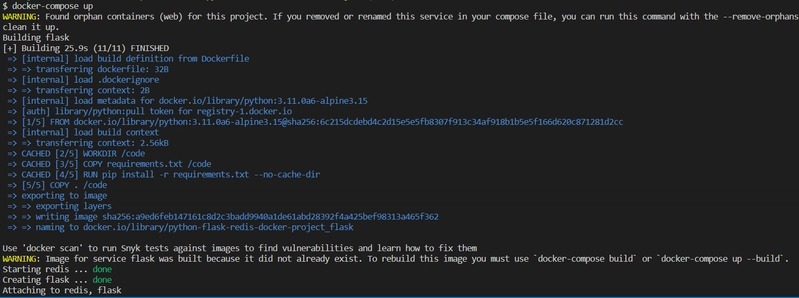
Then create compose.yaml:
services:
  web:
    build: .
    ports:
      - "127.0.0.1:${APP_PORT:-8000}:5000"
    environment:
      REDIS_HOST: redis
      REDIS_PORT: "6379"
    depends_on:
      redis:
        condition: service_healthy

  redis:
    image: redis:alpine
    volumes:
      - redis-data:/data
    healthcheck:
      test: ["CMD", "redis-cli", "ping"]
      interval: 5s
      timeout: 3s
      retries: 5
      start_period: 10s

volumes:
  redis-data:
The web service uses build: . to build its image from the Dockerfile in the current directory. Redis pulls the redis:alpine image through image:. Those are tags, not immutable image digests.
Create .dockerignore to keep unrelated files out of the web image's build context:
.env
.git
__pycache__/
*.pyc
You don't need a top-level version: key.
Connect containers by service name
A browser on the Docker host reaches Flask through the published host port. Flask reaches Redis over the Compose network, using the service name and the internal port.
Browser on Docker host
|
v
127.0.0.1:8000
|
v
web container, port 5000
|
| Compose network
v
redis service, port 6379
Inside web, the hostname redis resolves to the Redis service on the Compose network. localhost:6379 inside the web container points back at the web container itself. The Docker Compose networking documentation explains service discovery and the difference between internal and published ports.
The Redis service has no ports: declaration, so its port isn't published on the Docker host. Port 6379 stays reachable to web through the project network.
The HTTP mapping names the host address explicitly:
ports:
  - "127.0.0.1:${APP_PORT:-8000}:5000"
With ordinary bridge networking, that bind gives the Docker host a loopback endpoint at 127.0.0.1:8000. It serves requests made on the same host, so a browser on another computer can't reach it through the VPS's public IP address. One exception: Docker Engine versions older than 28.0.0 exposed localhost-published ports to other hosts on the same Layer 2 network.
A port published without a host IP can be reachable through other interfaces. Docker manages its own firewall rules, so a UFW rule doesn't reliably block a port that Docker publishes.
Keep application data when containers are replaced
Redis keeps its data in a named volume that Compose reuses when the container is recreated. The service mount is:
volumes:
  - redis-data:/data
The top-level declaration defines the resource:
volumes:
  redis-data:
A container's writable layer disappears when the container is removed. A named volume outlives the container, so the new Redis container picks up the stored data.
On a throwaway copy of the project, request http://127.0.0.1:8000/ and note the counter. From the project directory, run docker compose down, then docker compose up -d, and request the page again once the services are ready. The counter should continue increasing if Redis persisted the earlier writes to the named volume.
A volume on the same host is not a backup. In a November 2024 r/selfhosted discussion, an operator managing several applications wrote, “Due to an error that snap docker had decided to delete it without first making a backup of the portainer volume, I lost all the docker compose.”
Keep independent copies of both your deployment definitions and your data. The full Docker backup and restore procedure is a task of its own.
Put configuration in the right place and keep secrets out of Git
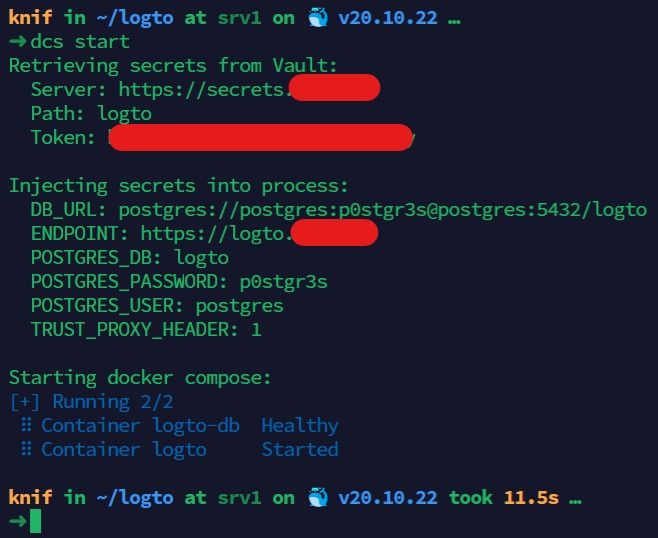
Compose gives you several ways to supply variables, configure containers, and deliver credentials. For this example, create a .env file with a nonsecret host-port value:
APP_PORT=8000Compose interpolates that value into the ports: expression. Flask needs no APP_PORT variable because it listens on its container port.
| Mechanism | What it controls | Important condition |
|---|---|---|
.env | Values used for Compose interpolation | Plaintext, with interpolation rules. It does not encrypt values |
environment | Variables delivered to a container | Values can be visible through configuration or environment inspection |
env_file | Container variables loaded from a specified file | Container-variable precedence and file handling apply |
secrets | Files granted to specified services | The application must support reading the supplied file |
People do put real credentials in these files. One poster in a September 2025 r/selfhosted discussion about per-application files in Git wrote, “My .env files have secrets in them. DB Passwords, API keys, etc.”
Add a .gitignore file to keep an untracked local .env out of Git:
.env.dockerignore controls which files enter a Docker build context. .gitignore controls which untracked files Git ignores. Adding a tracked file to .gitignore does not remove it from the Git index or erase copies already committed. Review what Git has tracked before sharing a repository that contains credentials.

Docker's Compose secrets guide describes secrets granted explicitly to a service and mounted inside Linux containers at:
/run/secrets/<secret_name>Images that document a file-based option, such as a *_FILE variable, can read those files directly. An application that expects only an environment variable needs a compatible change before it can use a secret file.
This Flask/Redis counter needs no password, so the example has no placeholder credential. On a real project, the rendered output of docker compose config can contain interpolated values. The quiet validation command in the launch section avoids printing that output on success.
Make dependent services wait for real startup readiness
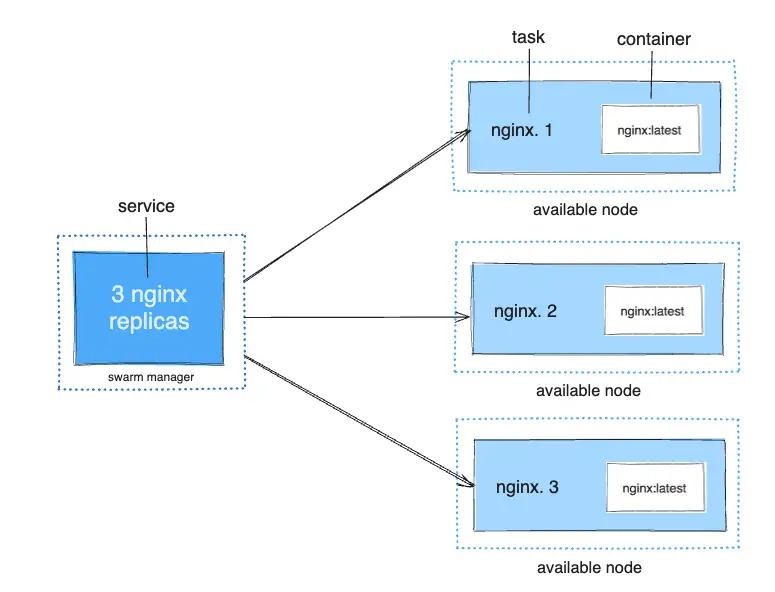
Compose can start Redis before Flask and wait until Redis passes its health check.
The Redis service uses this health check:
healthcheck:
  test: ["CMD", "redis-cli", "ping"]
  interval: 5s
  timeout: 3s
  retries: 5
  start_period: 10s
Next, the web service declares the dependency:
depends_on:
  redis:
    condition: service_healthy
The condition makes Compose wait for the dependency's health test. Short-form depends_on only controls startup order, with no readiness gate.
In this example, redis-cli ping checks for a PONG response.
The health check only gates the first startup. If Redis fails later, the web app needs its own retry logic.
Validate the file, launch the stack, and test the web response
The check that counts is an HTTP response from Flask through the published port. First validate and start the project from its directory:
docker compose config -q
docker compose up -d
docker compose ps
config -q validates the file, up -d starts the services, and ps shows their state.
From the Docker host, request the local web endpoint:
curl http://127.0.0.1:8000/On a fresh start you'll see Visits: 1. Run it again and you'll see Visits: 2.
Diagnose the first failure
| Symptom | First safe check | Likely cause |
|---|---|---|
| Compose rejects the file | Read the reported field or interpolation error | YAML or configuration |
| Host port cannot bind | Inspect port assignment and listening address | Host port collision |
| Flask cannot reach Redis | Compare REDIS_HOST with service name redis and port 6379 | Service DNS or network |
| Redis stays unhealthy | Inspect health-test result and Redis service logs | Dependency readiness |
For instance, if a throwaway copy of the app uses REDIS_HOST=missing-service, the hostname no longer matches the Compose service. Setting it back to redis fixes that error.
Inspect only the service involved:
docker compose logs web
docker compose logs redis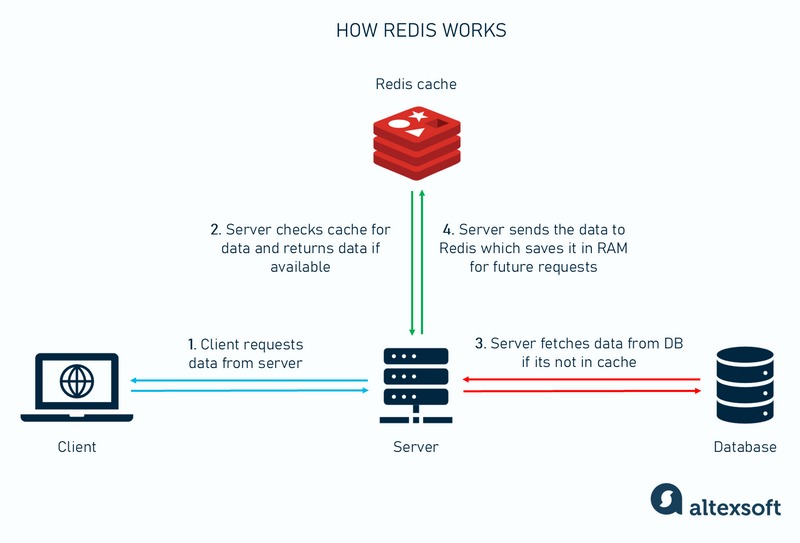
To test the connection from inside the web container:
docker compose exec web python -c "import redis; r = redis.Redis(host='redis'); print(r.ping())"A successful connection and PING print True. If you need an interactive shell, docker compose exec web sh opens one in the running web container when the image includes a shell.
Fix whatever the logs point to.
Stop, change, and separate Compose projects
| Command | Container effect | Named-volume effect |
|---|---|---|
docker compose stop | Stops existing service containers | Retains volumes |
docker compose down | Removes service containers and ordinary project networks | Retains declared named volumes by default |
docker compose down -v | Removes project containers and networks | Removes declared named volumes and attached anonymous volumes |
Don't run docker compose down -v on a project whose data you want to keep.
The Dockerfile copies app.py into the image, so after you change it, rebuild and recreate the web service from the project directory:
docker compose up -d --build webCompose then runs the updated web image and keeps the project's declared volumes.
Name each project on a shared VPS
On a VPS running two unrelated Compose applications, project names keep each app's resources apart. Compose picks the project name in this order: the -p command option, COMPOSE_PROJECT_NAME, top-level name:, the Compose project directory name, and finally the current directory name when no configuration file is specified.
Explicitly named or external networks and volumes can collide across projects. Before removing anything, identify the effective project and its volume declarations so the cleanup targets the right application.
Know what Compose does not provide for a public site
A loopback-bound two-container demo teaches application wiring. Public hosting also needs choices about serving software, TLS termination, credentials, access controls, updates, monitoring, and recoverable backups.
The example runs Flask's development server, and Docker's Flask tutorial does the same. Neither is meant for public production use. Before you go internet-facing, switch to a production server.
Compose stays useful in production once those needs are covered. Cluster-level failover across several hosts takes orchestration or deployment infrastructure. For WordPress, the WordPress with Docker Compose guide is the better recipe.
