For a permanently moved WordPress URL, use one targeted 301 redirect to the closest relevant live page, set it in the hosting or WordPress layer you control, and verify the first HTTP response and final destination. If no relevant replacement exists, leave the resource missing rather than sending visitors to an unrelated homepage. Update the links you control and retain the redirect mapping.
When a WordPress URL should redirect and when it shouldn't
A 301 redirect tells browsers and search engines that a URL has moved permanently. Before changing any configuration, decide what happened to the page and where a visitor with the old link should arrive.
| What happened? | Response | Example |
|---|---|---|
| Content permanently moved | 301 or 308 | /old-guide/ moved to /updated-guide/ |
| Content moved temporarily | 302 or 307 | A temporary campaign page will return to its old address |
| Content removed without a relevant replacement | 404 or 410 | A discontinued page has no equivalent content |
| Several pages consolidated | Permanent redirects to the relevant final page | Separate retired tutorials are covered by a newer guide |
| An alternate URL already redirects correctly | Check existing behavior before adding a rule | WordPress already handles a canonical variation |
A 404 is the right answer when a resource no longer exists. Sending every missing URL to the homepage can make Google treat those responses as soft 404s.
For a permanent move, a 301 or 308 signals the canonical target. Google Search Central's site-move guidance covers destination mapping and warns against irrelevant redirects.

Keep a simple record of each original URL, its new URL if one exists, and whether the change is permanent or temporary.
Choose where the redirect should run
Several components can generate a redirect for a WordPress site. Pick the layer whose rules you can inspect, edit and undo.
| Method | When it fits | Main constraint |
|---|---|---|
| WordPress redirect plugin | Dashboard access and a manageable set of URLs | In WordPress processing mode, the request must reach WordPress. Server-output modes have separate prerequisites. |
| Managed-host dashboard | The provider already offers redirect controls | Rule features and matching limits vary by host |
Apache configuration or .htaccess | Apache with configuration access | Your host must allow .htaccess overrides. Exact and prefix rules match different paths. |
| Nginx configuration | Self-managed Nginx or administrator-controlled hosting | Needs a valid configuration and deployment access |
| Cloudflare Redirect Rules | A Cloudflare-proxied domain with access to Single or Bulk Redirects | Rule order matters: Single Redirects run before Bulk Redirects |
A request redirected at Cloudflare or the web server does not reach WordPress. The Redirection plugin's default group is WordPress processing. It also offers conditional Apache and Nginx groups for server-oriented rules.
MyKinsta's redirect interface has a query-string restriction.
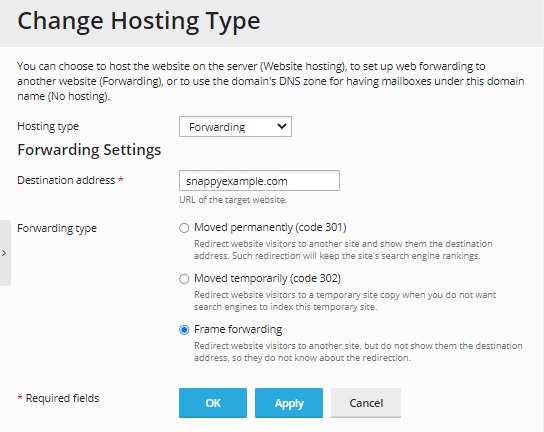
Without server privileges, you can manage a single URL through an existing WordPress redirect feature. If you already control an upstream rule, maintain it there. Before picking a method, find out which layer handles redirects on your site now.
Add a 301 redirect with a WordPress plugin
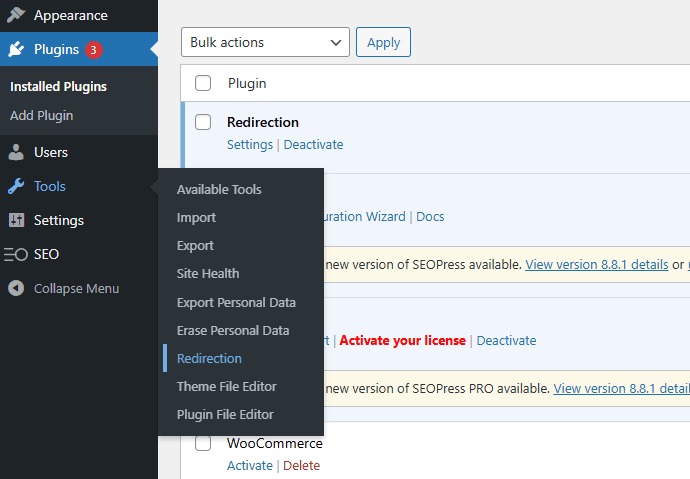
A redirect manager lets you edit individual URL mappings from the dashboard. Redirection is one example, and some SEO plugins include similar controls.
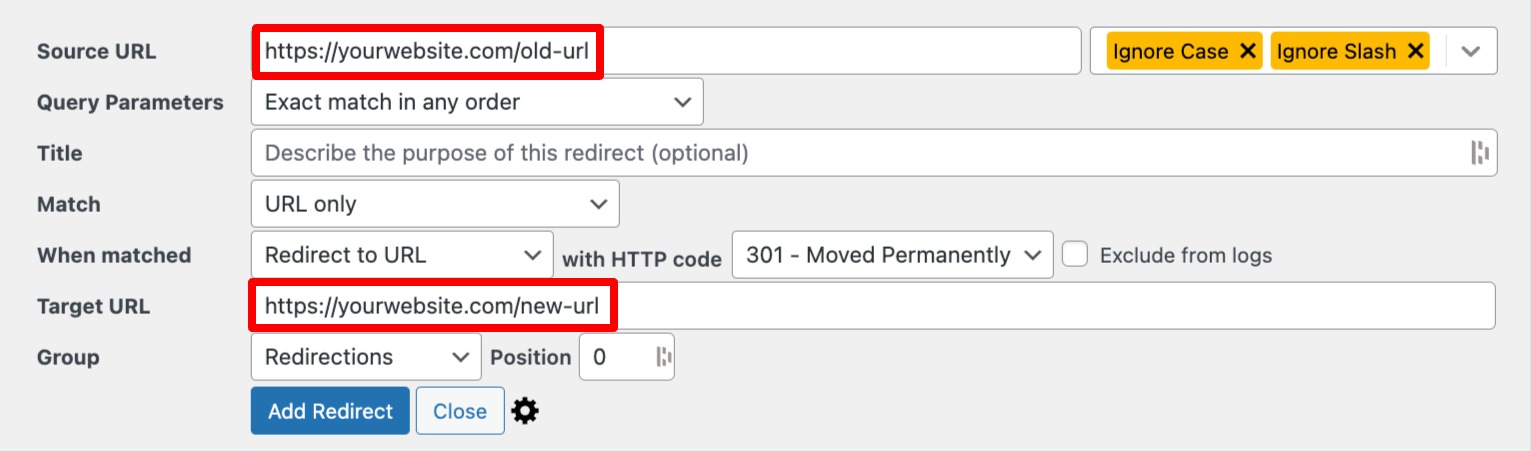
In the Redirection plugin, open the Redirects screen and the form for adding a redirection. For a page moved from /old-page/ to /new-page/, fill it in like this:
- Source URL: Enter
/old-page/. Redirection accepts the path relative to the site's domain. - Target URL: Enter
https://example.com/new-page/, the live replacement. - HTTP status: Select 301. This move is permanent.
- Matching: Use an exact source-path condition if the interface offers one.
- Save: Add the redirection. You can edit, disable or delete the saved entry from the list.
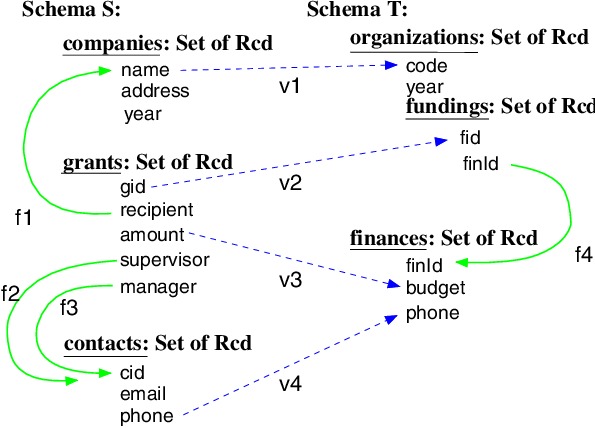
This example uses Redirection's WordPress processing mode. Other redirect managers ask for the same source, target, status and matching choices.
Set a WordPress redirect without a plugin
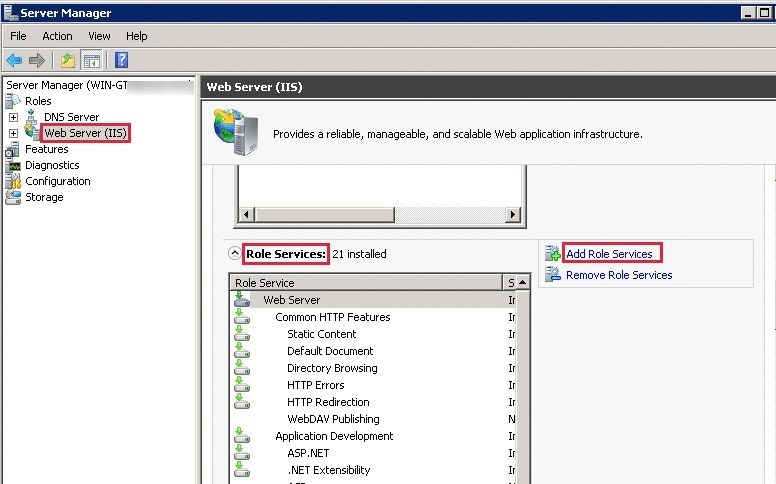
A hosting dashboard or web server can send a 301 before WordPress loads. Your host and permissions decide which method you can use.
If your host provides a redirect manager, use its source, destination, status and match fields.
Apache
For one exact URL, use Apache's RedirectMatch with an anchored source path:
RedirectMatch 301 "^/old-page/$" "https://example.com/new-page/"The anchors limit the regular expression to the intended path. Apache's simpler Redirect permanent "/old-page/" "https://example.com/new-page/" uses prefix matching and also redirects descendant paths. Both directives are in the Apache mod_alias reference.
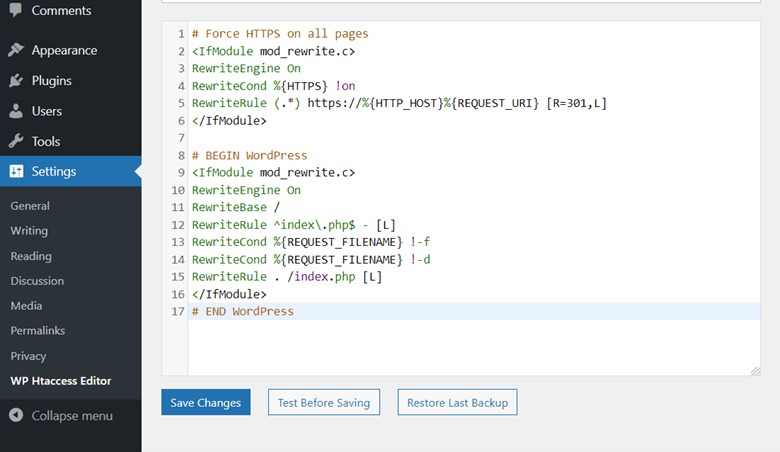
On an Apache host that permits .htaccess overrides, put these rules in that file. Keep custom rules outside the block WordPress regenerates, and save a copy of the previous version first.
Nginx
In an Nginx configuration you administer, an exact location issues the redirect:
location = /old-page/ {
    return 301 https://example.com/new-page/;
}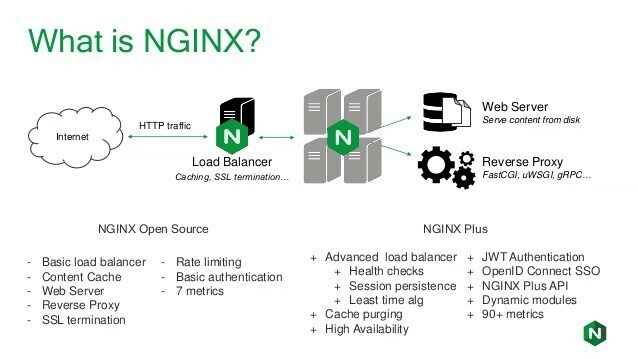
Here = marks an exact location match. Put the rule in your Nginx server configuration, validate it, and deploy it through your usual process.
On a Cloudflare-proxied domain, Single or Bulk Redirect rules act at the edge.
Don't assume WordPress will catch every changed permalink
WordPress redirects some former post slugs automatically, but not all of them.
The WordPress wp_old_slug_redirect() reference describes a lookup that runs on a 404 request. The function skips hierarchical post types, including ordinary hierarchical pages.
WordPress also has redirect_canonical(), which corrects some URL variations. It won't cover a reorganized site.
On r/Wordpress, a publisher with years of dated permalinks wrote, “So I wanted to change it to just /post-title/, except I had so many years of older permalinks that I was afraid it would cause more issues than it's worth.”
Old links and bookmarks keep using an address such as /2023/08/story/ after the content moves to /story/. A single changed post slug, a hierarchical page move and a site-wide permalink restructuring each need different mapping work.
Replacing URLs stored in your content or database is a separate job. A database search-and-replace updates stored references.
Match the intended URL, not a larger set of paths
A redirect rule has three parts: the incoming URL, the destination and a matching condition. The target can be right while a broad condition matches paths you meant to leave alone.
| Incoming request | How it matches | What should happen |
|---|---|---|
/old-page/ | Exact path | Redirect to /new-page/ |
/old-page | Trailing-slash variant | Matches only if your slash settings allow it |
/Old-Page/ | Case variation | Redirects only with case-insensitive matching |
/old-page/?utm_source=newsletter | Query parameter | Redirect, and pass the parameter to the new URL or drop it |
/old/child/ | Descendant of a prefix match for /old/ | Redirect only if the destination fits |
/another-page/ | Unrelated path | Stays unaffected |
Redirection has controls for ignoring trailing slashes, case sensitivity, regular expressions and query parameters.
Use a prefix or regex rule when a group of old paths shares a destination structure. For a single moved page, match the source exactly to avoid accidental hits.
Test the 301, the Location header, and the final page
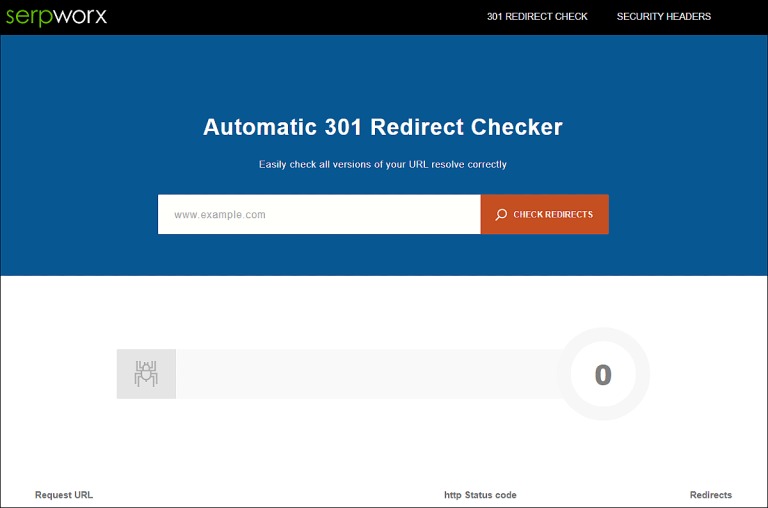
Test the old URL with curl. The address bar won't show you the status code. Inspect the first HTTP status and Location header, then follow the chain to the final URL. Record a wrong intermediate hop rather than declaring success after the first redirect.
Start with a GET request that prints the headers and does not follow the redirect:
curl -sS -D - -o /dev/null \
  'https://example.com/old-page/'
For the example rule, the first response should look like this:
HTTP/1.1 301 Moved Permanently
Location: https://example.com/new-page/
The Location header names the next destination.
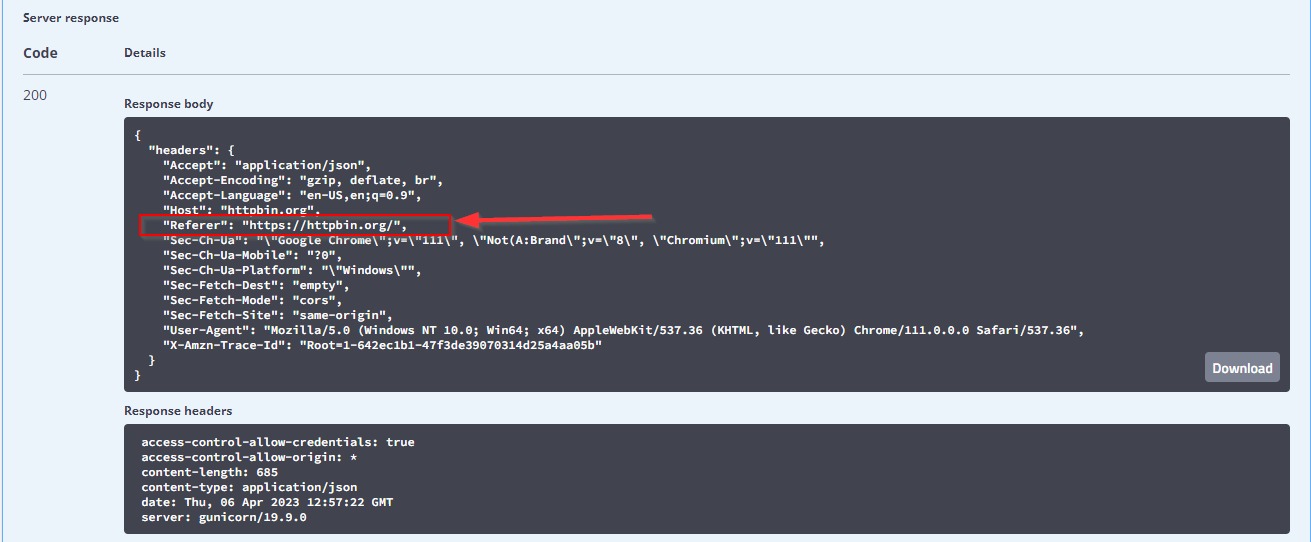
Now follow the redirects and print the headers of each response:
curl -sS -L -D - -o /dev/null --max-redirs 5 \
  -w '\nFinal URL: %{url_effective}\nFinal status: %{http_code}\n' \
  'https://example.com/old-page/'
-L follows redirects and --max-redirs 5 caps how many it follows. -D - prints headers and -o /dev/null discards the body. The -w option prints the final URL (url_effective) and the last response code (http_code). All flags are in the curl command-line manual.
For an ordinary public page, the final URL here should be https://example.com/new-page/, returning 200.
Check the chain for loops and extra hops. A direct old-to-new redirect has none. Google's migration guidance recommends avoiding redirect chains and keeping unavoidable ones short, ideally no more than three redirects and fewer than five. Then request /another-page/ to confirm the rule leaves it alone.
A compact curl -I check sends HEAD. Some applications answer HEAD and GET differently. When they disagree, use the GET result.
Find the rule behind a redirect loop or unexpected homepage redirect
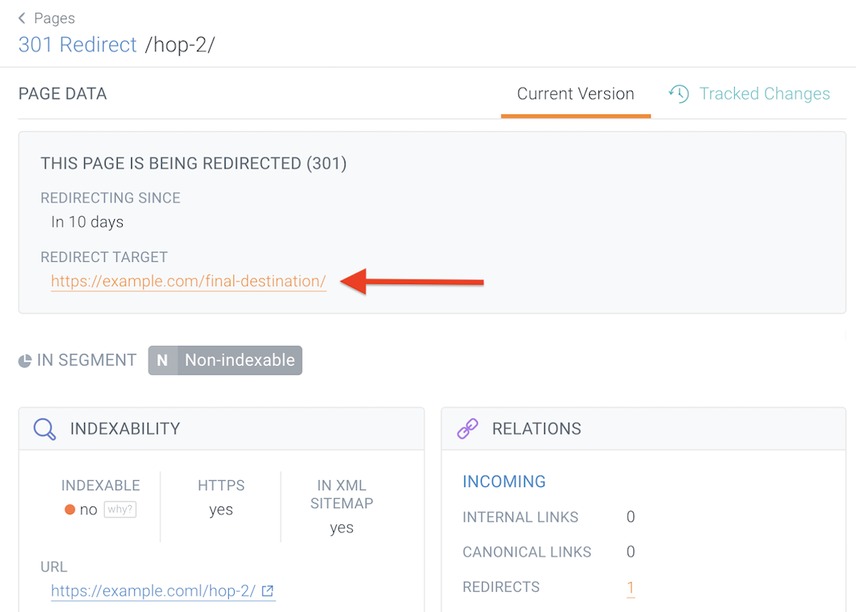
When a URL redirects somewhere unexpected, find the component that issued the redirect. Adding a rule without removing the old one leaves both active.
On r/Wordpress, an owner wrote, “Hi everyone, I’ve got about 30 or so odd URLs that redirect to my homepage.”
To find the cause, read the response chain. Your access determines which rule you can change. Check these layers:
- Cloudflare: An edge rule issues the redirect.
- Hosting: A provider's redirect manager issues the redirect.
- Apache or Nginx: Server configuration holds a matching rule.
- WordPress core: Canonical or old-slug logic generates automatic redirects.
- Plugins: A stored rule, including a broad path pattern, controls the response in its processing mode.
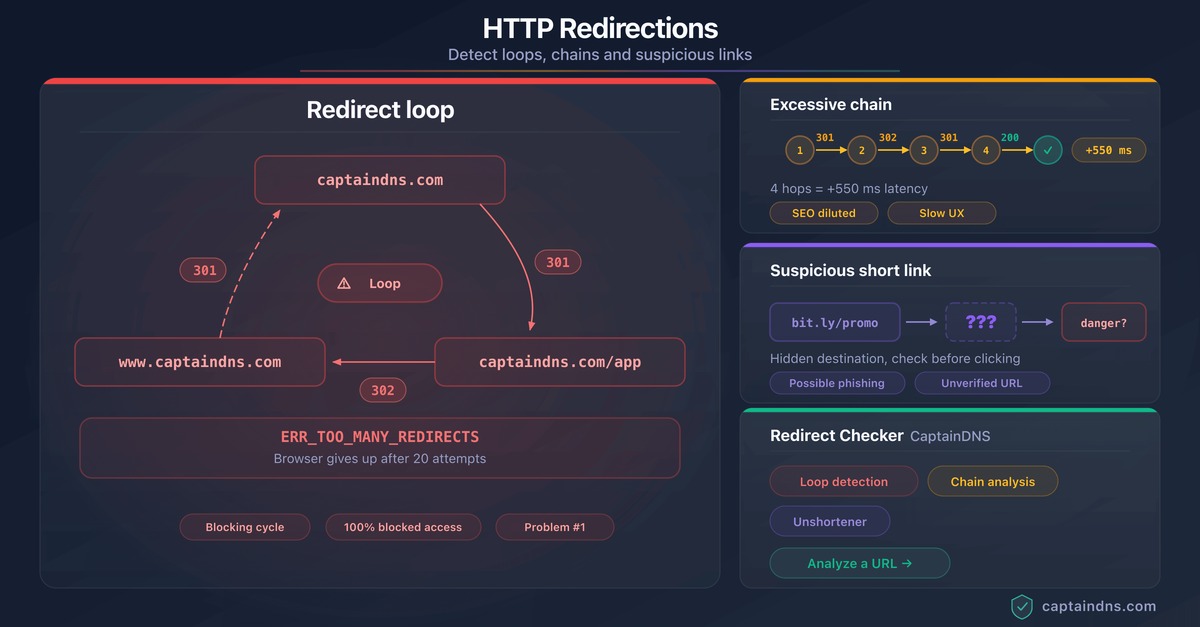
A loop revisits a URL already in the chain. A longer chain can involve hostname normalization, HTTPS and an application redirect without ever returning to its start.
If an old URL ends at the homepage, inspect the matching rule and its source pattern at the layer that issued the redirect.
Check permalink rewriting before adding a redirect
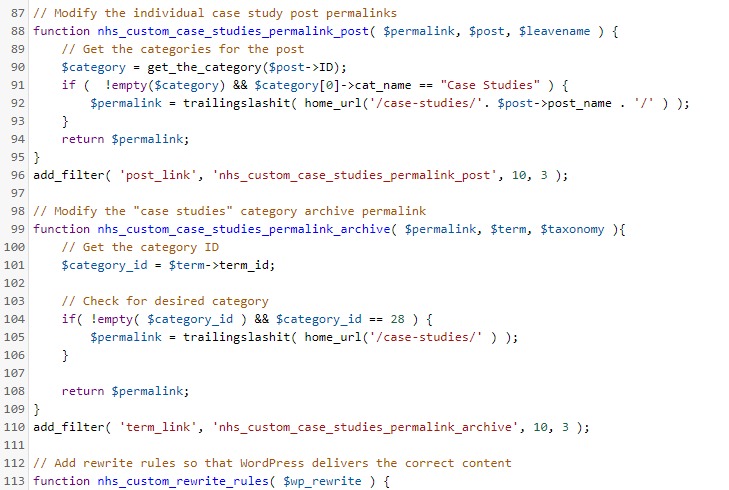
When the content exists but its readable permalink returns 404, server rewriting can be the cause. During a June 14, 2026 nonprofit migration from Amazon Linux 2 to Amazon Linux 2023, a poster on r/Wordpress wrote, “I can render the pages successfully using the Plain method, but when I revert back to the Post Name it immediately returns the Apache 404 (page not found) error.” The poster later fixed it by comparing httpd.conf and correcting the Apache rewrite configuration. If a plain URL such as ?p=123 reaches the content but the Post Name permalink fails, check the server's rewrite configuration before adding a 301.
Leave yourself a way to undo a bad redirect
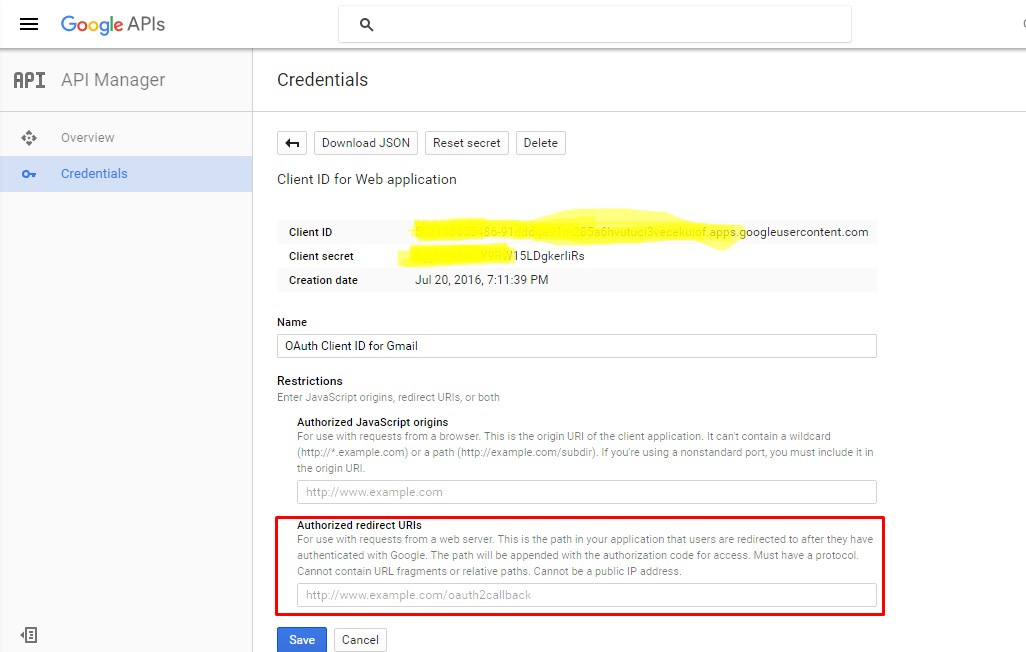
A redirect can cut off your access to the interface you use to manage it. Which layer owns the rule and whether the original hosting destination is still reachable decide how you recover.
After a WordPress-to-Squarespace change, one r/Wordpress poster wrote, “Now, I cannot access the WordPress Dashboard to remove the plugin now that the domain went through since the website redirect now goes to Squarespace.”
Set up a recovery route that doesn't go through the redirected URL:
- WordPress plugin: Correct the saved rule in the plugin's manager if the dashboard still loads. If it doesn't, use your host's file manager or a server connection to reach the installation.
- Managed host: Use the hosting control panel or support to reverse its redirect.
- Apache or Nginx: Restore the saved configuration through independent file or server access, then deploy it through your usual process.
- Cloudflare: Change the edge rule in Cloudflare's controls.
DNS routing and WordPress redirects are separate mechanisms. Removing a plugin won't change a domain's DNS records if the hostname already points to a different hosting destination.
Record the prior configuration and where the rule is managed.
Maintain redirects after the move

A redirect keeps the old entry point working, but after you move /old-page/ to /new-page/, change your own navigation and content links to point straight to the destination URL.
Google recommends keeping migration redirects as long as possible, at least one year and longer while users still follow old links.
Google also says permanent redirects do not inherently cause PageRank loss. Larger moves can still bring search processing and temporary visibility changes. Review wrong destinations, unexpected missing-page or server responses, and new chains.
