Use the redirect manager your host or SEO plugin already gives you, if it handles your URL changes. If it doesn't, use a dedicated plugin such as Redirection or a server-level option that fits your setup. Give the rules one owner and set up one real rule first.
Define the redirect job first

Changing one article permalink is a different task from reorganizing hundreds of product URLs. Retiring content with no replacement is a third. What changed, where it points and how many rules you need decide which features matter.
Before comparing software, count your rules (a handful of one-to-one redirects, a bulk change or conditional matching) and note whether you can reach WordPress, your hosting settings or the web server.
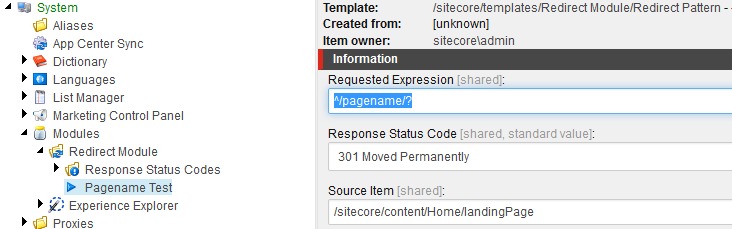
If you can edit WordPress but not Apache, Nginx or CDN settings, that limits which options you can use.
Do you need another redirect plugin?
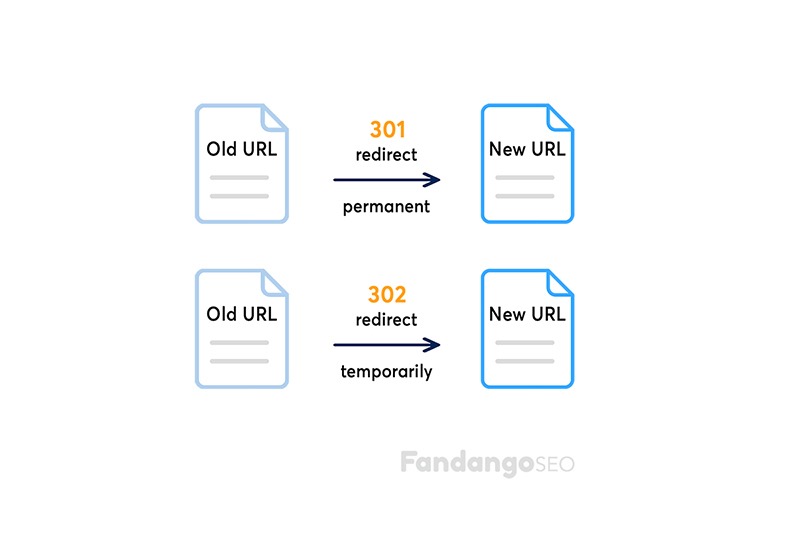
Your WordPress installation or hosting account can already include a redirect manager. Inspect your SEO plugin's enabled modules and plan first, then your hosting account's redirect interface.

Some managed hosts offer redirect controls outside WordPress. Kinsta does this in MyKinsta. Whatever you find, check that it covers your needs: matching behavior, HTTP codes, bulk changes and who can access it.
WordPress redirect managers compared
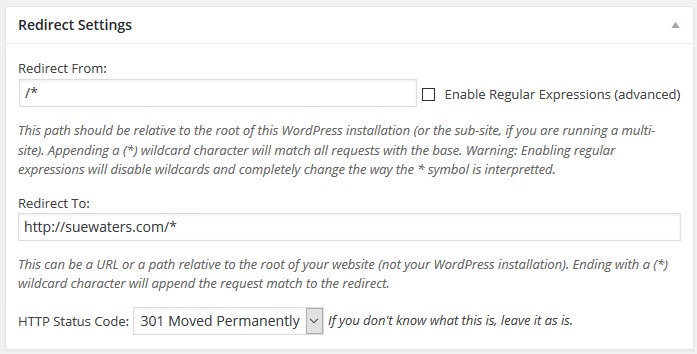
Your options include dedicated plugins, SEO suites and host-managed rules. Test the matching rules and response status on the hosting stack where the redirects will run.
| Option | Best for | Features | Plan or limit |
|---|---|---|---|
| Redirection | Redirects managed in a standalone WordPress plugin | Regex, conditions, query handling, redirect and 404 logs, CSV/JSON import and export | Free dedicated plugin. Server-level exports need separate deployment |
| Rank Math | Sites already using its SEO suite | Redirections, 404 Monitor and bulk actions. CSV import/export in PRO | Module setup uses Advanced Mode. CSV tools need PRO |
| Yoast SEO Premium | Sites already licensed for Premium | Redirect manager, regex, PHP and Apache methods | Premium feature. Free Yoast SEO doesn't include it |
| All in One SEO | Sites on an eligible AIOSEO plan | Redirection Manager and plan-dependent logging controls | Manager on Basic or above, Log Settings on Pro or above (documentation updated August 14, 2026) |
| Safe Redirect Manager | Focused rule sets that a developer can manage | Wildcard/regex matching, response-code controls, custom-post-type storage and transient caching | Default of 1,000 rules, adjustable with the srm_max_redirects filter |
| Host or server manager | Administration outside WordPress | Hosting or web-server redirect facilities | Needs the right access. Matching and query support differ by provider |
Redirection on WordPress.org offers a particularly broad feature set for a dedicated plugin. It fits when you want a separate rules interface in WordPress and optional logs.
Matching rules for the URLs you have
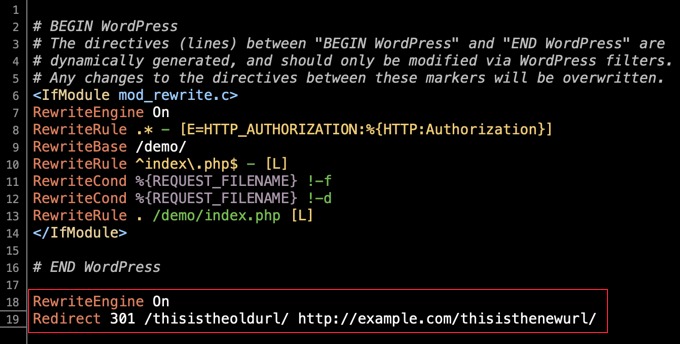
An exact redirect such as /old-article/ to /new-article/ needs one source and one destination. With a pattern-based redirect, you need a rule that recognizes a group of old paths and builds the matching destination for each. Query strings give you another decision.
Your URLs under /old-category/ can need individual product destinations or a carefully defined wildcard rule. Regex capture groups and replacement syntax differ by implementation.
Take /offer/?campaign=spring. Your manager can match /offer/ regardless of its query string, preserve the parameters in the destination, or choose a destination based on the parameter value.
MyKinsta's Redirects interface does not create rules based on query-string arguments. Ordinary query parameters can still pass through path-based redirects, so passthrough and parameter-based matching are separate questions.
Redirection supports conditional rules based on login status, browser, referrer, cookies and request headers.
For a broad matching rule, define one URL that should match and one valid URL that must stay untouched.
What should old and missing URLs return?
What happened to your content decides the right HTTP response.
| What happened | Response | Decision criterion |
|---|---|---|
| A matching permanent replacement exists | 301 or 308 | The move is permanent |
| A matching temporary destination exists | 302 or 307 | The move is temporary |
| No meaningful replacement exists | 404 or 410 | The requested resource is missing or gone |
Under RFC 9110, 307 and 308 preserve the request method through the redirect. Clients can change POST to GET after legacy 301 or 302 responses. Most article-link examples concern GET navigation, but method preservation matters for forms and other non-GET requests.
A permanent redirect signals a permanent move. It doesn't guarantee that your previous Google rankings or traffic carry over.

An owner who removed roughly 500 pages from an older site wrote on r/Wordpress, “I installed a 404 error redirect plugin to direct visits to the main page of the site.”
A homepage can be unrelated to the deleted page's subject. Google's guidance warns that sending removed URLs to irrelevant destinations can produce soft-404 behavior. Without a genuinely matching replacement, use a proper 404 or 410 response.
Bulk redirects and the old-to-new map
Bulk import can create many rules from prepared records. The hard part is assembling the historical old-to-new URL map after your slugs or category paths have changed.
A WooCommerce operator on r/Wordpress described the scale: “The products are a lot and manually adding redirection for each of them would take months.”
An old product path can need a specific new product URL. An import tool can't recover old paths nobody recorded.
Keep the mapping separate from the import format
- Old URL: The address visitors or links previously used, plus any repeating path structure.
- Destination or status: A matching new resource or a deliberate missing-page status.
- Reason: The content relationship that justifies the pairing.
- Rule owner: The system that manages the redirect.
- Review status: Whether the source and destination pair has been accepted.
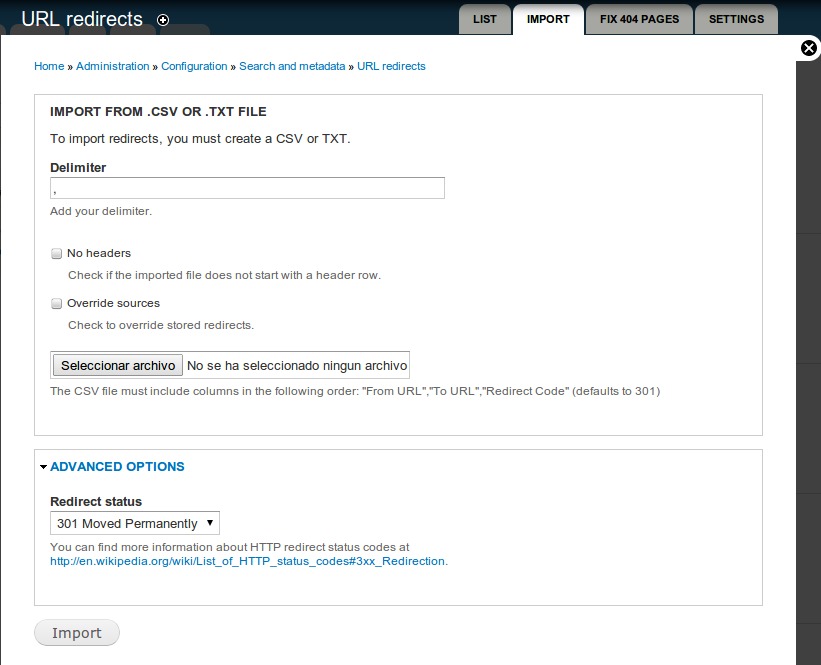
Example: /old-slug/ to /new-slug/. Column names and syntax differ by tool.
Redirection also gives you an import preview and duplicate handling that can ignore or update duplicate rules.
Export your current rules first if the plugin allows it. Inspect the incoming mappings and duplicate policies, and review a few typical pairs before committing a large batch. Old logs can help fill gaps left by URL changes nobody tracked.
Redirection can export Nginx-formatted rules. Someone with the right permissions has to deploy them into the server configuration before they take effect.
Which layer owns the redirect?
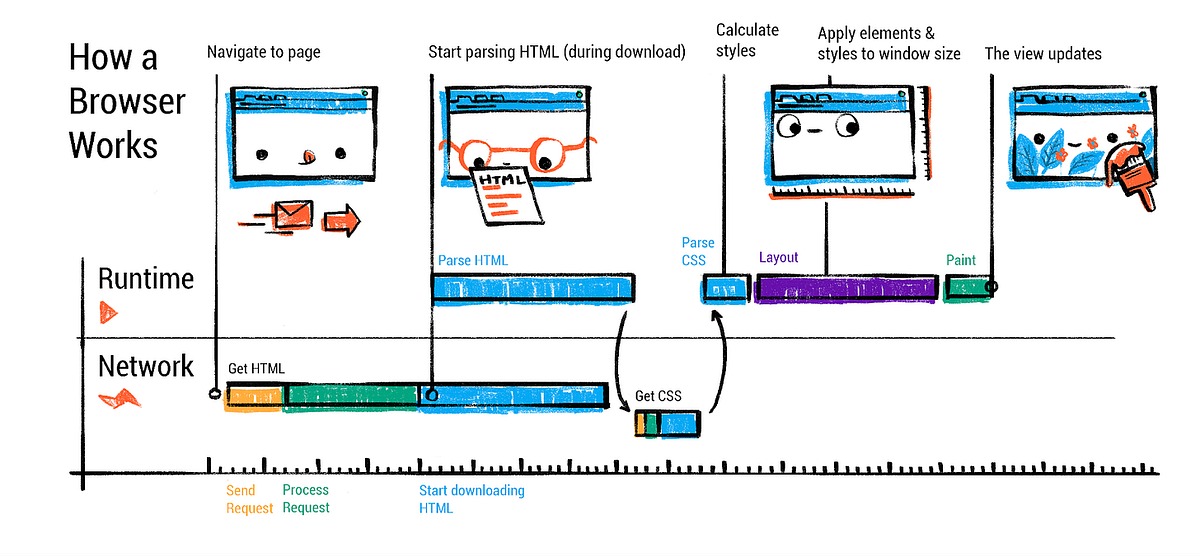
A redirect can run at the CDN, hosting edge, web server or WordPress layer. Several layers can take part in one visitor's navigation.
Visitor
   |
CDN or hosting edge
   |
Apache or Nginx
   |
WordPress
   |
Redirect-capable plugins
The order differs by setup. Redirection manages rules in WordPress by default.

A commenter on r/Wordpress, working on a client site with Rank Math and Redirection, asked, “Does it catch chains that jump between the two plugins?”
Say /old-a/ redirects to /middle-b/, which then redirects to /final-c/. The two hops can belong to different managers. Overlapping rules can also point back to an earlier URL and create a loop.
Two managers can coexist when their rules are coordinated. Map redirect ownership across your host, server and installed plugins, and note which system handles each overlapping source.
Logging and maintenance
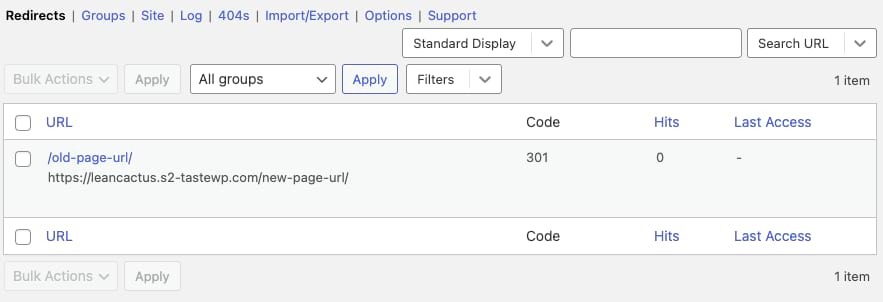
Redirect and 404 logs can show you requests that deserve attention. Redirection offers configurable logging and IP collection. Logging can retain visitor data, including IP addresses, depending on your settings.
If you manage a client site, the person who takes over after you needs the right permissions, rules they can reach and a named owner for maintenance.
For the option you pick, review its installed version, WordPress/PHP compatibility, release notes, administrator access, enabled log fields and retention settings. Write those settings down for that person.
Verify the HTTP response before rollout
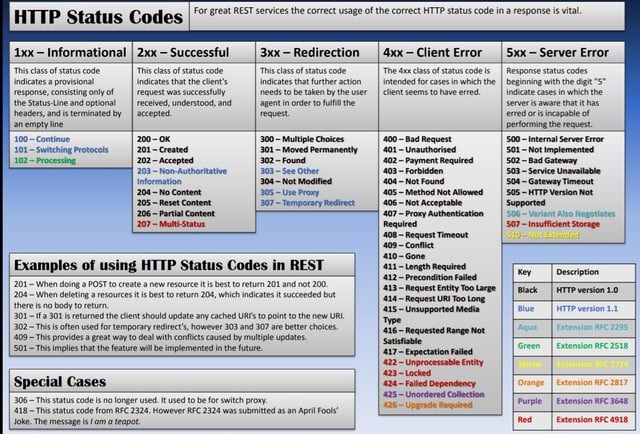
A saved rule is useful when the public URL returns the planned response. Check the initial status, its Location header when present, the followed chain and the final destination.
These read-only commands use an example address. Replace it with old URLs from your approved mapping.
Check the initial GET response without following redirects:
curl -sS -D - -o /dev/null \
  'https://example.com/old-article/'
A redirect should return the planned 3xx status and a Location that points to the chosen destination. A deliberately missing page can return 404 or 410 with no redirect.
Then follow a bounded chain and show each response header:
curl -sS -L -D - -o /dev/null --max-redirs 5 \
  'https://example.com/old-article/'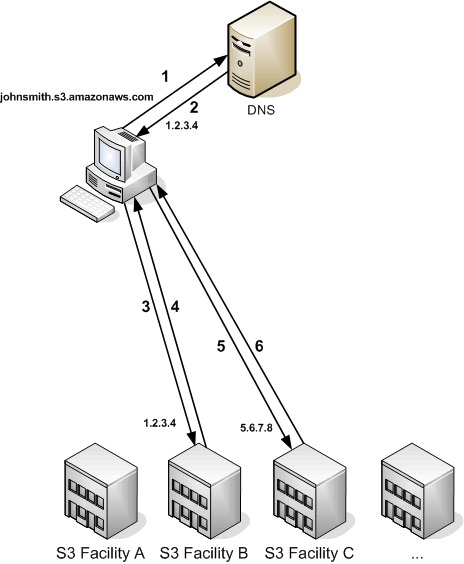
The 5 is only a test limit. For a compact summary of final status, effective URL and redirect count, use:
curl -sS -L -o /dev/null --max-redirs 5 \
  -w '%{http_code} %{url_effective} %{num_redirects}\n' \
  'https://example.com/old-article/'
These commands use GET. curl -I issues HEAD, which some applications treat differently, so GET is the right check for ordinary page navigation.
Interpret the HTTP result
A pass means the status matches your plan and, for a redirect, Location points to the planned destination. A fail is a wrong target, an extra hop, a loop or an error, so find the hop or rule before rollout.
Replacement content pages end with HTTP 200. Compare the full served result with the planned response for that URL.
Caching, edge controls or hosting rules can also change the responses your visitors get. One passing test covers only that URL. Test each pattern and query variant separately.